Introducing DeckStack: A Private, Local Presentation Manager
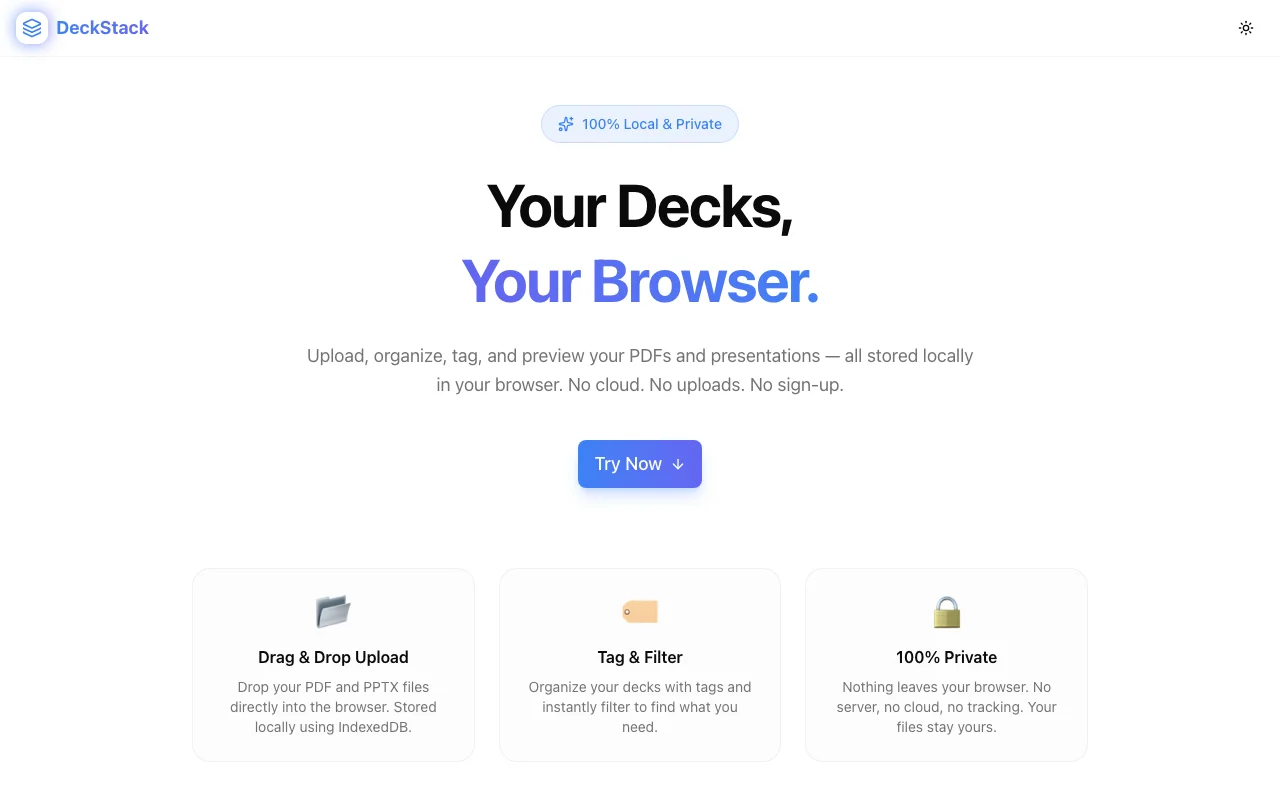
Upload, organize, tag, and preview your PDFs and presentations — all stored locally in your browser. No cloud, no sign-up, no tracking.
Introducing DeckStack: A Private, Local Presentation Manager
Every knowledge worker has the same problem: too many presentation files scattered across too many places. Google Drive, Dropbox, email attachments, desktop folders, Slack messages. Finding the right deck when you need it shouldn't require a treasure hunt.
DeckStack solves this with a dead-simple approach: one browser tab where you can upload, tag, filter, and preview all your decks. And here's the key part — nothing ever leaves your browser.
The Privacy-First Approach
Most file management tools require cloud storage. That means uploading potentially sensitive pitch decks, financial presentations, and client proposals to someone else's servers.
DeckStack takes a fundamentally different approach:
- No server — There is no backend. The app is entirely client-side.
- No uploads — Files are stored in your browser's IndexedDB, not on any cloud.
- No account — No sign-up, no login, no email collection.
- No tracking — Zero analytics, zero telemetry, zero cookies.
Your files stay on your machine. Full stop.
How It Works
1. Drop Your Files
Drag and drop PDF or PPTX files into the browser window. They're immediately stored in IndexedDB and available for preview.
2. Tag and Organize
Add custom tags to each deck — by client name, project, topic, date, or whatever system makes sense for you. Tags make it easy to filter through dozens (or hundreds) of decks instantly.
3. Preview In-Browser
Click any deck to preview it right in the browser. No need to download or open a separate application. Quick, lightweight, and immediate.
4. Filter and Find
Use the tag filter to narrow down your library. Looking for all "Q1 2026" decks? Or everything tagged "client-acme"? One click.
Why We Built This
At Jagodana, we build a lot of SaaS products. That means a lot of pitch decks, investor updates, product demos, and internal presentations. We wanted a simple way to keep them organized without adding another cloud service to the stack.
DeckStack started as an internal tool and grew into a product. It's intentionally minimal — no feature bloat, no premium tiers, no upsells. Just a clean interface for managing your decks locally.
Technical Details
For the technically curious:
- Pure client-side — no server, no API calls
- IndexedDB for persistent storage across browser sessions
- PDF.js for rendering PDFs in the browser
- Responsive layout — works on desktop and tablet screens
- Fast — no network latency since everything is local
Try DeckStack
DeckStack is live at deck-stack.jagodana.com. It's free, requires no sign-up, and works immediately. Drop in a PDF and see for yourself.
If you're managing presentations and want to keep them private and organized, give it a try. Your decks deserve a home that isn't someone else's cloud.