Back to Projects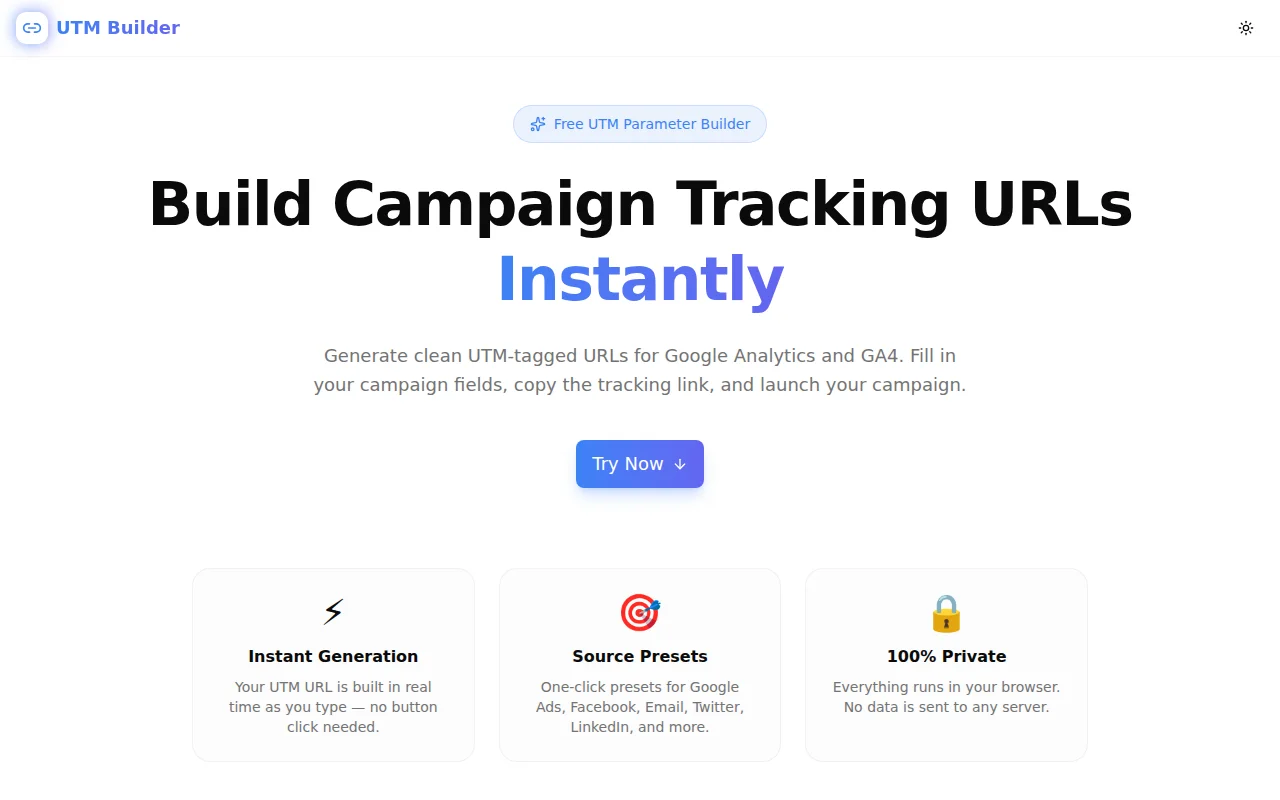
Marketing ToolsFeatured
UTM Builder
A free, instant UTM URL parameter builder — fill in your campaign fields and get a Google Analytics tracking link ready to copy. No login, 100% browser-based.
UTMMarketingAnalyticsCampaign TrackingGoogle AnalyticsNext.jsTypeScript
Start Similar ProjectAbout the Project
UTM Builder — Free UTM Parameter Generator for Campaign Tracking
UTM Builder is a free, browser-based tool for creating UTM-tagged tracking URLs in seconds. Fill in your destination URL and campaign fields, pick a source preset, and copy the complete link — no signup, no install, no server calls.
The Problem
Every marketing campaign needs tracking. Without UTM parameters, Google Analytics and GA4 attribute traffic to "Direct" by default — meaning you can't tell whether a spike in signups came from your email newsletter, a paid LinkedIn post, or a referral from a partner blog.
Building UTM URLs manually is tedious:
https://yoursite.com/landing?utm_source=newsletter&utm_medium=email&utm_campaign=spring-launch-2026&utm_content=cta-button
Typing this by hand every time — especially with five parameters, URL-encoding edge cases, and campaign naming conventions to remember — is error-prone and slow.
How UTM Builder Works
1. Fill in Your Campaign Fields
Enter the destination URL and the three required parameters:
- utm_source — who is sending the traffic (e.g.
google,facebook,newsletter) - utm_medium — the channel type (e.g.
cpc,email,social,organic) - utm_campaign — the campaign name or ID (e.g.
spring-launch-2026)
Optionally add:
- utm_term — paid search keywords
- utm_content — differentiates links within the same campaign (e.g.
banner-topvscta-button)
2. Use Source Presets
Eight one-click presets cover the most common sources: Google Ads, Facebook, Email, Twitter/X, LinkedIn, Instagram, YouTube, and Organic. Clicking a preset fills both utm_source and utm_medium with the correct conventional values — no guessing whether Facebook's medium should be social, paid-social, or social-media.
3. Copy Instantly
The tracking URL is built in real time as you type. When ready, click "Copy URL" to copy it to the clipboard. The tool also shows the character count — useful when pasting URLs into ad platforms with character limits.
Key Features
- Live URL preview — see the full tracking URL update as you type
- Source presets — one-click for Google Ads, Facebook, Email, Twitter/X, LinkedIn, Instagram, YouTube, Organic
- Auto URL-encoding — special characters in parameter values are encoded correctly
- One-click copy — clipboard copy with confirmation toast
- Reset button — clear everything and start over
- Fully client-side — no data leaves the browser
- No signup required — open and use immediately
Technical Implementation
Core Technologies
- Next.js with App Router
- TypeScript in strict mode
- TailwindCSS v4 for styling
- shadcn/ui components
- Client-side rendering — zero external API dependencies
Architecture
The URL builder uses the browser's native URL API to parse the destination URL and append UTM parameters via URLSearchParams.set(). This ensures:
- Existing query parameters are preserved
- Parameter values are properly URL-encoded
- Malformed URLs are caught gracefully
- The output URL is always valid
The preset system is a static array of {label, source, medium} objects — clicking one sets both fields atomically, preventing mismatched source/medium combinations.
Use Cases
Email Campaign Tracking
Attach UTM parameters to every link in your newsletter. When recipients click, GA4 records the exact campaign and content variant — so you know which subject line drove conversions, not just which email.
Paid Ad Attribution
Every Google Ads, Facebook, and LinkedIn ad should have its own UTM URL. Use utm_content to distinguish between ad creatives in the same campaign — banner-top vs sidebar-text vs carousel-card-1.
Social Media Posts
Organic social traffic lands in GA4 as "(none)" without UTM tags. Tag every link you post — including bio links, pinned posts, and story links — so social-driven conversions are attributed correctly.
Affiliate and Partner Links
Give each partner or affiliate their own utm_source. When traffic arrives, you know exactly which partner sent it — without building a custom referral system.
A/B Testing Landing Pages
Test two versions of an email CTA — one pointing to a headline-focused landing page, one to a feature-focused page. Use utm_content=headline-cta and utm_content=feature-cta to split attribution cleanly in your analytics.
Internal Campaign Handoffs
When handing off campaign assets to a client or teammate, share a UTM Builder URL rather than a raw link. Anyone can reconstruct the intended parameters from the URL structure, and they can re-copy the tracking link without manually parsing query strings.
Why UTM Builder?
vs. Spreadsheet Templates
UTM spreadsheet templates are common but fragile — you have to remember to encode spaces as %20 or +, and a typo in one cell breaks attribution silently. UTM Builder handles encoding automatically and gives you instant visual feedback.
vs. Google's Campaign URL Builder
Google's own Campaign URL Builder works, but it requires navigating to a separate Google page, it doesn't have source presets, and it doesn't show the URL as you type. UTM Builder is faster and always available at a predictable URL.
vs. Writing by Hand
Manual UTM URLs require remembering parameter names exactly (lowercase, underscores — not dashes), encoding special characters, and keeping naming conventions consistent across a team. The tool enforces the correct format automatically.
Results
UTM Builder removes the friction from campaign tracking setup:
- Zero encoding errors — the URL API handles special characters
- Consistent naming — presets enforce conventional source/medium values
- Faster campaign launch — tagged link in seconds, not minutes
- Better analytics — every campaign attributed correctly from day one
Try it now: utm-builder.tools.jagodana.com
The Challenge
The client needed a robust marketing tools solution that could scale with their growing user base while maintaining a seamless user experience across all devices.
The Solution
We built a modern application using UTM and Marketing, focusing on performance, accessibility, and a delightful user experience.
Project Details
Category
Marketing Tools
Technologies
UTM,Marketing,Analytics,Campaign Tracking,Google Analytics,Next.js,TypeScript
Date
May 2026