Aspect Ratio Calculator: Resize Dimensions Without Distortion for Video, Design & Web
Free online aspect ratio calculator — calculate ratios from any width and height, resize dimensions proportionally, and preview shapes visually. No signup, runs in your browser.
Aspect Ratio Calculator: Resize Dimensions Without Distortion for Video, Design & Web
Every designer, developer, and video editor has done the arithmetic at least once: you need to resize an image to fit a container, keep the proportions correct, and you've reached for your phone calculator. 1920 divided by 1080 is 1.77. Multiply the new width by 0.5625. Hope you didn't make a rounding error.
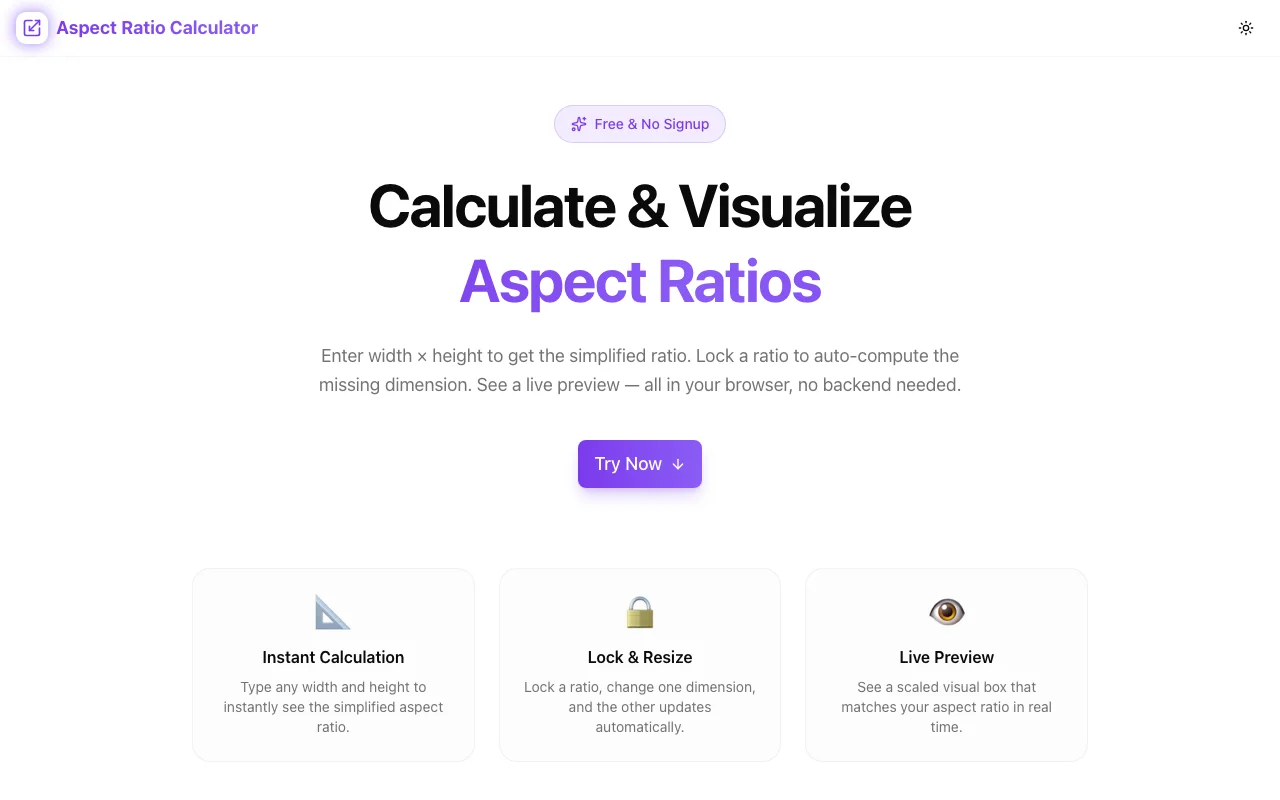
The Aspect Ratio Calculator at aspect-ratio-calculator.tools.jagodana.com replaces that manual process with instant ratio calculation, proportional resizing, and a visual shape preview — all in your browser, nothing to install.
What Is an Aspect Ratio?
An aspect ratio is the proportional relationship between a rectangle's width and height, expressed as two numbers separated by a colon: width:height.
A 1920×1080 pixel image has an aspect ratio of 16:9 because 1920/GCD(1920,1080) = 16 and 1080/GCD(1920,1080) = 9. The greatest common divisor (GCD) reduces both dimensions to their simplest whole numbers.
Aspect ratios are dimensionless — they describe proportion, not size. A 400×225 thumbnail and a 3840×2160 4K video both have a 16:9 aspect ratio.
Why Aspect Ratios Matter
Distortion-Free Scaling
When you resize an image without maintaining the aspect ratio, the result is stretched or squished — faces look wide, circles become ovals, logos lose their shape. Maintaining the ratio ensures that scaling up or down only changes size, never shape.
Platform Requirements
Every platform has specific aspect ratio requirements:
| Platform | Content Type | Required Ratio | |----------|-------------|----------------| | YouTube | Video | 16:9 | | TikTok | Video | 9:16 | | Instagram | Feed (square) | 1:1 | | Instagram | Feed (portrait) | 4:5 | | Instagram | Stories / Reels | 9:16 | | LinkedIn | Video post | 16:9 or 1:1 | | Twitter/X | Video | 16:9 | | Pinterest | Standard pin | 2:3 | | Facebook | Cover photo | ~851:315 |
Uploading the wrong ratio means the platform will crop, letterbox, or pillarbox your content. You lose control of what the viewer sees.
Responsive Web Design
CSS developers use aspect ratios to create containers that maintain proportion at any viewport width. The classic "padding-top hack" (padding-top: 56.25% for 16:9) relies on knowing the exact decimal ratio. The Aspect Ratio Calculator gives you both the integer ratio and decimal equivalent instantly.
Modern CSS has aspect-ratio property: aspect-ratio: 16 / 9. You need to know the ratio to write it correctly.
Print and Photography
Print dimensions (8×10 inches, A4, letter) have specific ratios. Camera sensors shoot at 3:2 (most DSLRs), 4:3 (most mirrorless), or 1:1 (medium format). Social platforms want 1:1 or 4:5. Knowing the ratio and resizing correctly before cropping preserves the most image content.
Common Aspect Ratios Explained
16:9 — The Widescreen Standard
16:9 became the dominant video standard because it closely matches the human field of view and fills large screens efficiently. It replaced 4:3 as the TV standard in the early 2000s and became the default for:
- HD and 4K video (720p, 1080p, 1440p, 2160p)
- YouTube and most streaming platforms
- Desktop monitors and laptop screens
- Presentations (PowerPoint, Google Slides default)
- Video calls (Zoom, Google Meet)
Key dimensions at 16:9:
- 640×360 (nHD)
- 1280×720 (HD)
- 1920×1080 (Full HD)
- 2560×1440 (QHD)
- 3840×2160 (4K)
4:3 — Legacy Television
4:3 was the standard TV and monitor ratio for decades. Still used for:
- Some educational content
- Legacy presentations
- Certain camera modes
- Older monitor compatibility
1:1 — The Square
The square is symmetric and draws equal attention to all four edges. Widely used for:
- Instagram feed posts (original format)
- Profile photos and avatars
- Album covers
- Product photography in e-commerce grids
9:16 — Vertical Video
The inverse of 16:9, vertical video emerged from smartphones and became the dominant format for:
- Instagram Stories and Reels
- TikTok
- YouTube Shorts
- Snapchat
Key dimensions at 9:16:
- 720×1280
- 1080×1920
- 1440×2560
If you're producing horizontal (16:9) and vertical (9:16) cuts of the same content, you're working with a 2:1 area ratio — vertical is twice as tall relative to horizontal.
4:5 — Portrait Feed
Instagram feed posts can go up to 4:5 (portrait). This takes up more screen space than 1:1 or 16:9 feed posts, giving your content more visual real estate in the feed.
Key dimension: 1080×1350 (Instagram max resolution for 4:5).
21:9 — Ultrawide and Cinematic
21:9 is used for:
- Ultrawide monitors (2560×1080, 3440×1440)
- Anamorphic cinema (2.39:1)
- Certain film productions aiming for a cinematic look
This ratio creates the wide letterboxed bars you see on movies when watched on a standard 16:9 screen.
3:2 — Photography Standard
Most digital SLR and mirrorless cameras shoot at 3:2 by default. This matches 35mm film (36mm × 24mm = 3:2).
Common 3:2 print sizes:
- 4×6 inches
- 6×9 inches
- 8×12 inches
2:3 — Portrait Photography
The inverse of 3:2, portrait orientation. Used for:
- Portrait photography
- Book and magazine covers
- Pinterest pins
How to Use the Aspect Ratio Calculator
The tool at aspect-ratio-calculator.tools.jagodana.com has three modes:
Mode 1: Calculate the Ratio
Goal: You have specific dimensions and want to know the ratio.
- Enter the width (e.g.,
1920) - Enter the height (e.g.,
1080) - The tool instantly shows:
- Simplified integer ratio: 16:9
- Decimal ratio: 1.778
- Visual shape preview
Use this when someone sends you a file and you need to know its ratio before working with it.
Mode 2: Resize Proportionally
Goal: You know the ratio and one dimension, and need the other.
- Select a ratio preset (16:9, 4:3, 1:1, etc.) or enter a custom ratio
- Enter either width or height
- Get the missing dimension instantly
Example: You need a thumbnail at 800px wide in 16:9. Enter 800 for width with 16:9 ratio selected → height = 450px.
Use this when sizing assets for embeds, exports, or responsive containers.
Mode 3: Visual Preview
Every ratio you calculate is rendered as a rectangle scaled to fit the viewport. This is useful when:
- Comparing ratios side by side before choosing one
- Explaining proportions to a client or stakeholder
- Verifying that a ratio looks right before committing to it
The CSS Aspect Ratio Padding Hack
Before the aspect-ratio CSS property was widely supported (pre-2021), developers used a padding-top trick to create aspect-ratio-responsive containers:
.video-container {
  position: relative;
  width: 100%;
  padding-top: 56.25%; /* 16:9 = 9/16 = 0.5625 = 56.25% */
}

.video-container iframe {
  position: absolute;
  top: 0;
  left: 0;
  width: 100%;
  height: 100%;
}
The 56.25% comes from 9 ÷ 16 × 100. For other ratios:
- 4:3 →
75%(3 ÷ 4 × 100) - 1:1 →
100% - 9:16 →
177.78%(16 ÷ 9 × 100) - 4:5 →
125%(5 ÷ 4 × 100) - 21:9 →
42.86%(9 ÷ 21 × 100)
Modern CSS aspect-ratio
Now you can write:
.video-container {
  width: 100%;
  aspect-ratio: 16 / 9;
}
Browser support for aspect-ratio is excellent (Chrome 88+, Firefox 89+, Safari 15+). The padding-top hack is a legacy pattern, but still useful for IE/older browser support.
The Aspect Ratio Calculator shows you the decimal ratio alongside the integer ratio, making it easy to generate either format.
Aspect Ratio in Video Production
Delivery Specifications
When delivering video files for broadcast, streaming, or social platforms, aspect ratio is part of the technical spec. A common mistake is exporting at the right pixel count but the wrong ratio — leading to automatic cropping or letterboxing by the platform.
YouTube: Upload at 16:9. The platform supports other ratios but will letterbox or pillarbox them, adding black bars. Horizontal content always performs better on YouTube's interface.
TikTok: 9:16 fills the full screen. Uploading 16:9 content gets letterboxed with a blurred background. For maximum visual impact, shoot and edit vertically.
Instagram Reels: 9:16 at 1080×1920. If you upload 16:9, Instagram crops to a 4:5 preview in the feed, potentially cutting out important content.
Safe Zones for Multi-Platform Content
When producing one video for multiple platforms, plan around the "safe zone" — the area visible across all aspect ratios your content will be cropped to.
A common strategy: shoot 16:9 but keep all important content in the central 4:5 region. This ensures the 9:16 TikTok crop and the 16:9 YouTube export both show the key visual.
Using the Aspect Ratio Calculator, you can work out the overlap zones and plan your composition before shooting.
Aspect Ratio in Photography
Cropping Workflow
You shoot in 3:2 (your camera's native ratio). You need:
- A 1:1 crop for Instagram
- A 4:5 crop for Instagram portrait
- The original 3:2 for your portfolio
Before cropping in Lightroom or Capture One, use the calculator to understand how much of each edge you'll lose. A 3:2 image cropped to 1:1 loses about 33% of the width. A 3:2 cropped to 9:16 is a dramatic composition change — the frame goes from landscape to portrait.
Print Sizes
Common print sizes don't always match camera aspect ratios:
| Print Size | Ratio | Matches Camera? | |-----------|-------|-----------------| | 4×6" | 3:2 | ✅ Most DSLRs | | 5×7" | 5:7 ≈ 1.4:1 | ❌ Slight crop | | 8×10" | 4:5 | ❌ Significant crop | | 8×12" | 3:2 | ✅ Most DSLRs | | 11×14" | 11:14 ≈ 1.27:1 | ❌ Crop needed |
Use the calculator to determine the target ratio for any print size and plan your crop accordingly.
Frequently Asked Questions
What's the aspect ratio of a standard iPhone screen? Recent iPhones have approximately 19.5:9 ratio (e.g., 390×844). For practical design purposes, most designers use 9:16 as an approximation, which works well for UI layouts.
What aspect ratio is 1080×1080? 1:1 — a perfect square.
What's the difference between 16:9 and 16:10? 16:10 (1.6:1) is slightly taller than 16:9 (1.77:1). 16:10 was common in older wide-format laptops and monitors. It gives slightly more vertical space for documents and code. Most modern monitors use 16:9.
How do I calculate aspect ratio without a calculator?
Find the GCD (greatest common divisor) of the width and height, then divide both by it. For 1280×720: GCD(1280, 720) = 80. 1280÷80 = 16, 720÷80 = 9. Ratio = 16:9. Or skip the math and use the tool.
What does maintaining aspect ratio mean? When you scale an image or video "while maintaining aspect ratio," both width and height change by the same multiplier. If you double the width, you double the height. This preserves proportion and prevents distortion.
Is 4K always 16:9? Not always. "4K" typically refers to ~4000 horizontal pixels. The most common 4K format (3840×2160) is 16:9. But cinema 4K (4096×2160) is slightly wider at approximately 17:9. DCI 4K (4096×1716) is 2.39:1.
Try the Aspect Ratio Calculator
Stop doing aspect ratio math by hand. Whether you're resizing for YouTube, cropping for Instagram, sizing a responsive image container, or calculating print dimensions — the Aspect Ratio Calculator gives you the answer instantly with a visual preview.
Open Aspect Ratio Calculator →
Free, runs in your browser, no account required. Bookmark it alongside your other daily design and development tools.
Built by Jagodana Studio — free tools for designers, developers, and content creators.