Introducing Character Counter: Real-Time Text Length Checker with Limit Presets
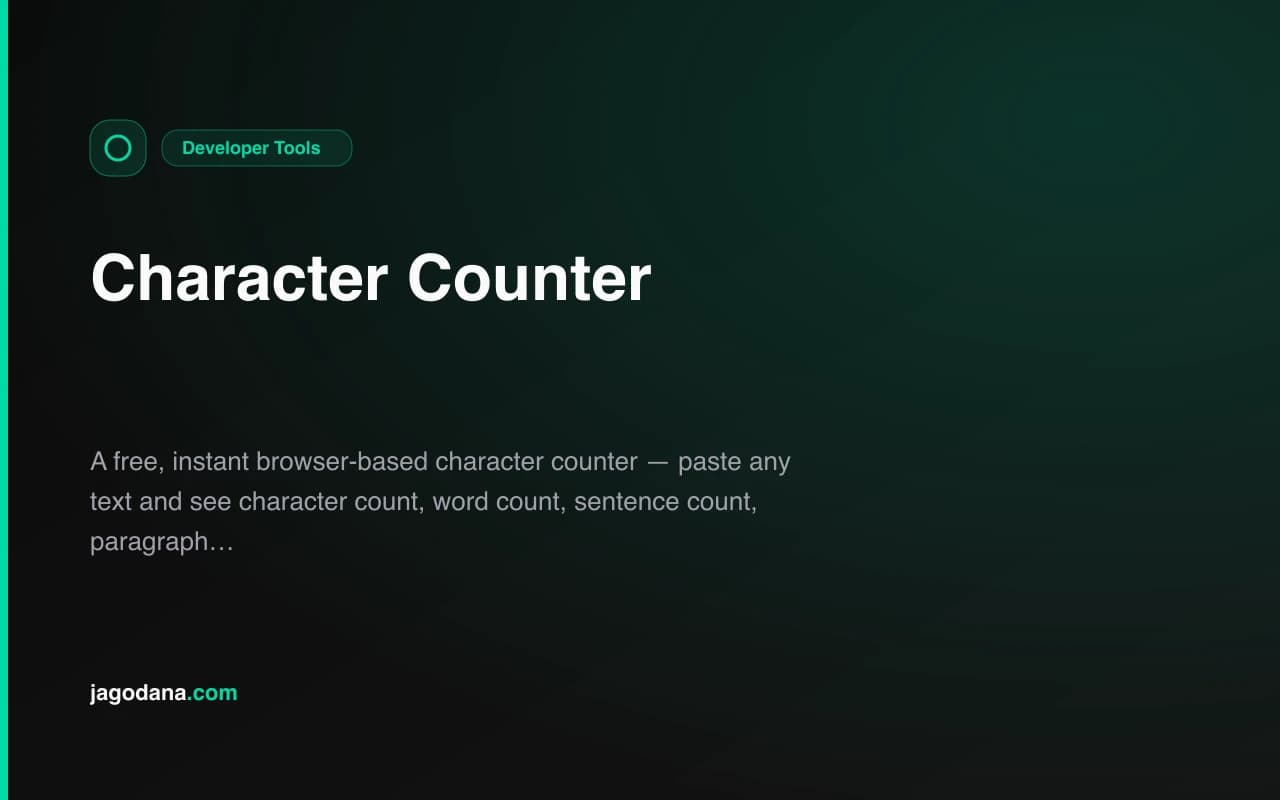
A free browser-based character counter — paste any text and instantly see character count, word count, sentence count, and reading time. One-click presets for Twitter/X, SMS, meta descriptions, and more.
Introducing Character Counter: Real-Time Text Length Checker with Limit Presets
We built a free character counter. Paste any text — instantly see characters, words, sentences, paragraphs, and reading time. Click a preset for Twitter/X, SMS, meta description, or LinkedIn to see exactly how close to the limit you are. No login, no ads, 100% in your browser.
→ character-counter.tools.jagodana.com
What Is a Character Counter?
A character counter is a tool that tells you how many characters are in a piece of text. That's the simple version.
The useful version also tells you how many words you have, how many sentences, whether your text fits within a specific platform's character limit, and how long it would take to read.
Character limits aren't arbitrary. They reflect how platforms render text: Twitter/X wraps at 280 characters, SMS carriers send a second segment after 160 characters, Google truncates meta descriptions after 155 characters. Going over any of these limits has real consequences — a tweet that can't be posted, an SMS that costs twice as much per recipient, a search result that shows a truncated description.
The answer to "how many characters is this?" needs to be instant, accurate, and available before you paste into any platform.
Why Does This Tool Exist?
There are two problems with checking character counts today.
Problem 1: Platform editors don't let you check in advance. Twitter's character counter only works when you're inside the Twitter compose window. LinkedIn's counter only works in LinkedIn. If you're drafting in Notion, Google Docs, or a text editor, you have to paste into the platform to find out whether you're over or under.
Problem 2: Most online character counters are slow and cluttered. They update only after you click "Count" (not in real time), they're surrounded by ads, and they usually offer just one number — total characters — without any limit preset or visual indicator.
Character Counter fixes both.
How Does the Character Counter Work?
What gets counted?
- Characters: every symbol in your text, including spaces, punctuation, and newlines
- Characters without spaces: total characters minus all whitespace
- Words: groups of non-whitespace characters separated by spaces or newlines
- Sentences: groups of text ending in
.,!, or? - Paragraphs: text blocks separated by a blank line
- Reading time: word count divided by 200 words per minute, rounded up to the nearest second
What are the limit presets?
Click any preset to overlay that limit on your text. A progress bar appears showing the percentage used, remaining characters, and a color change when you approach or exceed the limit.
| Preset | Limit | |---|---| | Twitter / X | 280 characters | | SMS (GSM) | 160 characters | | Meta Description | 155 characters | | Meta Title | 60 characters | | LinkedIn Post | 3,000 characters | | Instagram Caption | 2,200 characters | | YouTube Title | 100 characters | | Email Subject | 50 characters |
Does it count spaces?
Yes — the main "Characters" stat includes spaces, matching how Twitter/X, LinkedIn, and most platforms count characters. The "No Spaces" stat is shown separately for cases where it matters (some CMS word count fields exclude whitespace).
Does it update in real time?
Yes. Every stat updates on every keystroke. There is no submit button or "Count" action.
What Are the Character Limits I Should Know?
What is Twitter's character limit?
Twitter/X allows 280 characters per tweet for standard accounts. This includes spaces and punctuation. URLs are always counted as 23 characters by Twitter regardless of their actual length — but the Character Counter shows the raw text you type, not Twitter's URL-adjusted count. For tweet validation, trim URLs to their Twitter-adjusted length before checking.
What is the SMS character limit?
A standard SMS message supports 160 characters using GSM-7 encoding — the Latin alphabet, numbers, and a specific set of symbols. Messages over 160 characters are split into segments: a 161-character message becomes two segments of 153 characters each (7 characters are used for concatenation headers). At scale, extra segments multiply cost.
Non-Latin characters — emoji, accented letters in some languages, Chinese, Arabic — use UCS-2 encoding, which drops the single-segment limit to 70 characters.
What is the ideal meta description length?
Google typically displays the first 155–160 characters of a meta description in standard search results. Some SERPs show slightly more or less depending on the device and query. The safest approach is to keep your meta description under 155 characters for reliable full display. The Character Counter's Meta Description preset is set to 155.
What is the ideal meta title (page title) length?
Google displays roughly 50–60 characters of a page title before truncating. The exact threshold varies by device and browser pixel width (it's pixel-based, not character-based), but 60 characters is the widely accepted safe upper bound for Latin scripts. The Meta Title preset is set to 60.
What is the LinkedIn post character limit?
LinkedIn posts support up to 3,000 characters. LinkedIn articles can be up to 125,000 characters. Connection request messages are limited to 300 characters. InMail subject lines are limited to 200 characters.
Who Is This Tool For?
Content Writers and Editors
Meta descriptions, social captions, and email subject lines all have character limits that directly affect performance. Character Counter replaces the "paste into Twitter to check" workflow with a single tool that checks everything.
SEO Specialists
The meta description and meta title presets give instant feedback while writing page-level SEO copy. You can check before ever opening Search Console or an SEO plugin — the limit is visible as you write.
Social Media Managers
Drafting campaigns in Notion or a spreadsheet before scheduling? Paste each variation into Character Counter to verify it fits the platform limit before moving it into the scheduling tool.
Developers Building Text Inputs
Building a form with a character limit? Paste sample user input into Character Counter to test how it looks near the boundary. The sentence and paragraph counts help test multiline edge cases.
Email Marketers
Subject line length is one of the most studied variables in email open rate research. Keeping subjects under 50 characters ensures full display on most mobile clients. The Email Subject preset flags any subject that risks truncation.
How Is Reading Time Calculated?
Reading time is estimated at 200 words per minute — a conservative adult reading speed for web content. Research on web reading rates typically cites 200–250 wpm; this tool uses 200 to avoid underestimating read time.
A 1,000-word article → 5 minutes. A 500-word post → 2.5 minutes (shown as 2m 30s).
Reading time is only shown when there are words to count. Empty text shows "—".
Is My Text Stored or Sent to a Server?
No. Character Counter runs entirely in your browser using JavaScript. Your text never leaves your device — nothing is sent to any server, stored in a database, or logged anywhere. This makes it safe for drafting sensitive content such as client copy, confidential communications, or unreleased product announcements.
Build Notes
Built in approximately 35 minutes as part of the 365 Tools Challenge. The logic — analyzeText(), limit presets, and progress bar computation — all run as pure client-side functions in TypeScript. No npm packages were added beyond the base template.
Tech stack: Next.js 16, TypeScript strict mode, Tailwind CSS v4, shadcn/ui, Framer Motion. Zero backend dependencies.
Try it now: character-counter.tools.jagodana.com