Introducing JWT Debugger: Decode Any JSON Web Token Without Leaving Your Browser
A free, privacy-first JWT debugger. Paste any token — see header, payload, algorithm, and expiration in under a second. Nothing is uploaded, nothing is logged.

Introducing JWT Debugger: Decode Any JSON Web Token Without Leaving Your Browser
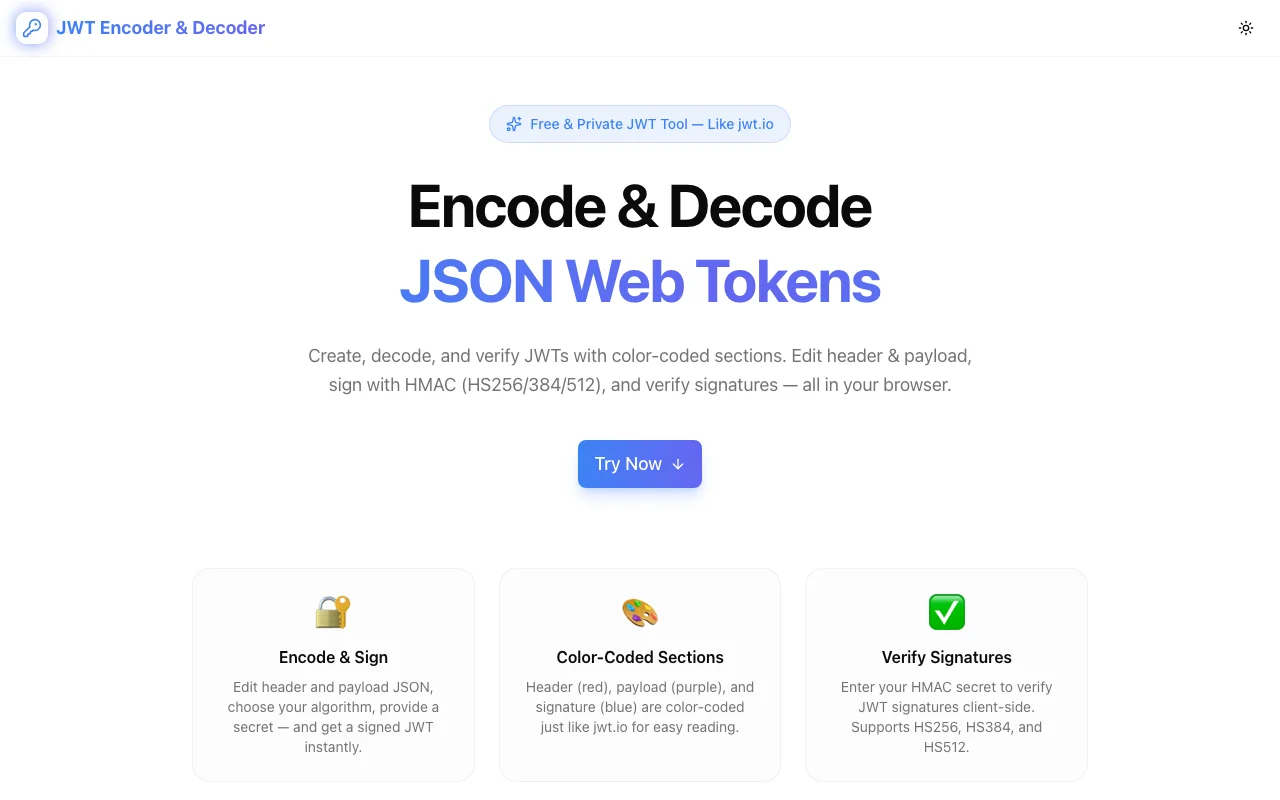
We built a free JWT debugger. Paste any JSON Web Token — a raw string, an Authorization: Bearer … header, or a URL that contains one — and see the header, payload, algorithm, and expiration in your browser instantly. No login. No server call. No logging.
→ jwt-debugger.tools.jagodana.com
What Is a JWT and Why Do You Need to Debug It?
A JSON Web Token (JWT) is a compact, URL-safe string that carries claims about a user, session, or service. It has three Base64URL-encoded parts separated by dots: the header (algorithm and type), the payload (claims), and the signature. Modern auth systems — OAuth 2.0, OpenID Connect, most session-cookie replacements — all speak JWT.
Debugging a JWT means opening it up to see what is inside. When a request returns 401, when a service starts rejecting your calls at exactly noon UTC, when a new integration silently drops half your users — the token is usually the first place to look. And to look, you need a decoder.
Why Does This Tool Exist?
Every developer has hit at least one of these three walls:
Wall 1: The token is expired but nothing says so clearly. A JWT's exp claim is Unix seconds. Reading 1720000000 and answering "is that past or future?" is not a job for a human at 3am.
Wall 2: Standard decoders run on someone else's server. For a decoder, the tool operator does not need your secret key to see your claims. Pasting a production access token into a random web form is exactly the risk it looks like.
Wall 3: The claim names are opaque. iss, sub, aud, jti, azp, amr — you know two of them are important, you have to look up the rest.
JWT Debugger fixes all three: expiration is decoded to your local time with a colored badge, everything runs in your browser (you can literally disconnect the internet after the page loads), and standard claims are labeled with a plain-English description right next to their value.
How Does the JWT Debugger Work?
Does it need me to paste a specific format?
No. Paste the raw token, paste an Authorization: Bearer <token> header, or paste a URL that contains a token as a query parameter. A regex looks for the three Base64URL-encoded segments and pulls the token out.
What algorithms does it support?
All of them, for decoding. HS256, HS384, HS512, RS256, ES256, EdDSA, and even alg: none — because decoding does not require the signing key, none of the algorithms are off-limits. The header's alg value is displayed prominently so you can spot suspicious values (like none on a token that should be signed).
Does it verify the signature?
No, and this is intentional. Signature verification requires the issuer's secret (for HMAC) or public key (for RSA / ECDSA / EdDSA). Accepting keys through a web form is a bad security pattern — the temptation to paste the wrong key into the wrong tool is real, and the consequences are permanent. Verify signatures in your backend with a battle-tested JWT library. This tool exists to answer "what is inside this token?" — not "is this token authentic?".
How does it handle expired tokens?
It reads the exp, iat, and nbf claims (if present), converts each Unix-second value to your local time, and prints both an absolute timestamp and a relative label ("expires in 12 minutes", "issued 3 hours ago"). A single badge at the top says Valid, Expired, or Not valid until … at a glance.
Is my token really not sent anywhere?
Really. The decoding is JavaScript that runs after the page loads. You can open DevTools → Network, decode a token, and watch zero requests fire. You can also disconnect Wi-Fi after the page loads — the decoder still works. The source is public on GitHub so you can audit it yourself.
When Should You Use JWT Debugger?
- A backend suddenly rejects your token and you need to know why
- A new user's session cookie contains claims you did not expect
- You are inspecting an OAuth flow and want to see what the identity provider actually returned
- You are triaging a production incident and need "is this token expired?" answered in under five seconds
- You are learning about JWTs and want to see real tokens decoded without piping them through a curl one-liner
When Should You Not Use It?
- To verify a signature — use a JWT library and the right key material
- To sign a new token — this is a debugger, not a signer
- On a token that grants real production access to a service you do not control — even a fully client-side tool still puts the token in your clipboard history and browser session; treat production credentials with the caution they deserve
What Is Different About This One?
There are a lot of JWT decoders on the internet. This one is:
- Fully client-side. No server touches your token.
- Timing-aware. Every timing claim is shown in local time and as a relative label, and the whole panel refreshes every second so relative labels stay honest.
- Claim-annotated. Standard claims get one-line descriptions inline, so you do not need a second tab open to the JWT RFC.
- Extractive. Paste an
Authorizationheader, a curl command, or a URL — the tool finds the token for you. - Open source. The entire implementation is on GitHub under an open license — you can host your own copy behind your firewall.
What Comes Next?
The next version will add:
- Optional signature verification with a paste-in HMAC secret or PEM public key, kept in local storage only
- Diff mode to compare two tokens side-by-side (useful when a refreshed token starts behaving differently)
- Compact copy of every claim as a single JSON, curl
-Hflag, or fetch snippet
For now: paste a token, get an answer, keep shipping. Free forever.