JWT Decoder: Decode & Inspect JSON Web Tokens Instantly — Free, Private, No Signup
Free JWT Decoder — paste any JSON Web Token, instantly see decoded header, payload, claims, and expiration. Client-side, tokens never leave your browser.
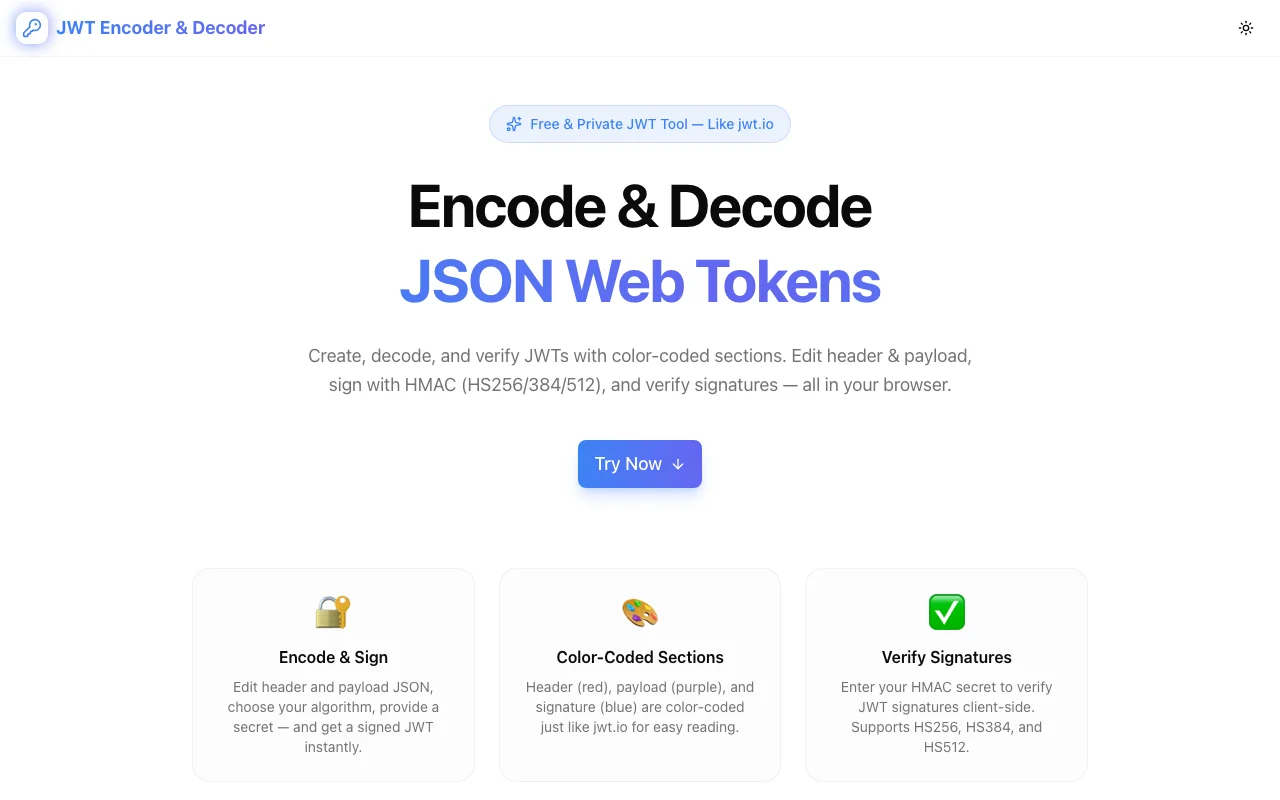
JWT Decoder: Decode & Inspect JSON Web Tokens Instantly
You're debugging an API call. The auth middleware rejects your request with a 401. You grab the JWT from the Authorization header, and now you're staring at a 300-character Base64 string that tells you absolutely nothing.
Sound familiar?
JWT Decoder solves this in one paste. Drop your token in, instantly see the decoded header, payload, every claim, and whether it's expired — all without your token ever leaving your browser.
What Is a JSON Web Token (JWT)?
A JWT is a compact, URL-safe token format used to transmit claims between two parties. It's the backbone of modern authentication in web applications, APIs, and microservices.
Every JWT has three parts, separated by dots:
xxxxx.yyyyy.zzzzz
  ↑       ↑       ↑
Header  Payload  Signature
- Header — declares the signing algorithm (
HS256,RS256, etc.) and token type - Payload — carries the claims (user data, permissions, expiration)
- Signature — cryptographic proof that the token hasn't been tampered with
Each part is Base64URL-encoded. Readable? Not at all. That's why you need a decoder.
Why You Need a JWT Decoder
The Manual Way Is Slow and Error-Prone
Developers typically decode JWTs by:
- Splitting the token on
. - Base64-decoding each segment
- Parsing the resulting JSON
- Manually converting Unix timestamps to human-readable dates
That's four steps just to answer "is this token expired?" And if your Base64 padding is off, you get garbage output and waste more time debugging your debugger.
Online Decoders Have a Privacy Problem
The most popular JWT decoder (jwt.io) sends your token to a server for processing. For most development tokens, that's fine. But JWTs often carry sensitive data:
- User email addresses and IDs
- Tenant identifiers in multi-tenant systems
- Role and permission claims
- Session metadata
Pasting production tokens into a third-party server is a security risk you don't need to take.
JWT Decoder Does It Right
JWT Decoder processes everything client-side. Your token stays in your browser. Zero network requests with your data. It's the decoder you'd build yourself if you had a free afternoon — except it already exists and it's free.
Understanding JWT Claims
The payload section of a JWT contains claims — key-value pairs that carry information. JWT Decoder labels and explains all registered claims automatically.
Registered Claims (RFC 7519)
| Claim | Name | What It Does |
|-------|------|-------------|
| iss | Issuer | Who created and signed the token |
| sub | Subject | Who the token represents (usually a user ID) |
| aud | Audience | Who the token is intended for (your API) |
| exp | Expiration | When the token becomes invalid (Unix timestamp) |
| nbf | Not Before | When the token starts being valid |
| iat | Issued At | When the token was created |
| jti | JWT ID | Unique identifier for this specific token |
Common Custom Claims
Beyond the registered set, applications add their own claims:
rolesorpermissions— authorization scopesemail— user's email addressname— display nametenant_id— multi-tenant isolationscope— OAuth 2.0 scopesorg_id— organization identifier
JWT Decoder displays all claims — registered and custom — in a structured, readable format.
Common JWT Debugging Scenarios
"Why Is My API Returning 401?"
This is the #1 reason developers reach for a JWT decoder. The token looks valid, but the API rejects it. Common culprits:
-
Token expired — the
expclaim is in the past. JWT Decoder shows this immediately with a clear "Expired" indicator and the exact expiration time. -
Wrong audience — your token's
audclaim doesn't match what the API expects. You're sending a token meant forapi.staging.example.comtoapi.example.com. -
Algorithm mismatch — the header says
RS256but your API expectsHS256. Decode the header to check. -
Missing claims — the API requires a
rolesorscopeclaim that your identity provider isn't including.
Paste the token. Read the claims. The answer is almost always in there.
"Is This Token Expired?"
The exp claim is a Unix timestamp. Is 1710158400 expired? Quick, do the math.
...or paste it into JWT Decoder, which converts it to a human-readable date and tells you whether it's active or expired. It also shows the token's total lifetime, so you can see if your tokens live for 15 minutes or 30 days.
"What Permissions Does This Token Grant?"
In role-based access control (RBAC) and scope-based systems, the JWT carries the user's permissions. Decode the token to see exactly what access it grants. This is critical when debugging why a user can or can't perform certain actions.
"Why Are My Tokens So Large?"
JWTs go in HTTP headers. Large tokens cause issues — header size limits, increased latency, cookie overflow. Decode the token to see what's in the payload. Often, the fix is removing unnecessary claims or moving large data (like full user profiles) out of the token and into a database lookup.
JWT Security: What You Should Know
JWTs Are Signed, Not Encrypted
A common misconception: JWTs are not secret. Anyone with the token can decode the payload — Base64 isn't encryption. The signature only proves the token hasn't been tampered with.
Never put secrets in JWT payloads. No passwords, no API keys, no sensitive PII that shouldn't be readable by the token holder.
The alg: "none" Attack
Some JWT libraries accept tokens with alg set to "none" — meaning no signature verification. This is a well-known attack vector. When decoding a JWT, always check the header's alg field. If you see "none" in a production token, something is very wrong.
Key Confusion Attacks
If your API accepts both HS256 (symmetric) and RS256 (asymmetric) tokens, an attacker might:
- Get your RS256 public key (which is, well, public)
- Sign a token using HS256 with the public key as the secret
- Your API verifies it with the same public key — and it passes
Decoding the header to check alg is the first step in spotting this.
Token Lifetime Best Practices
| Token Type | Recommended Lifetime | Why | |-----------|---------------------|-----| | Access token | 5–15 minutes | Short-lived = limited damage window | | Refresh token | 7–30 days | Longer-lived, stored securely, used to get new access tokens | | ID token | 1 hour | Used for session initiation, not ongoing auth |
JWT Decoder shows the iat and exp claims together, so you can verify your token lifetimes match your security policy.
How to Use JWT Decoder
Step 1: Get Your Token
Find your JWT. Common locations:
- Browser DevTools → Application → Cookies or Local Storage
- Network tab → look for
Authorization: Bearer <token>in request headers - API response → some endpoints return tokens in the response body
- Server logs — if you're debugging a backend issue
Step 2: Paste & Read
Go to jwt-decoder.tools.jagodana.com. Paste the token. Done.
The tool instantly displays:
- Decoded header — algorithm, type, key ID
- Decoded payload — all claims with labels
- Expiration status — active or expired, with timestamps
- Token structure — visual separation of the three JWT parts
Step 3: Act on What You Find
Now you know:
- Is the token expired? → Refresh it or check your token rotation logic
- Is the audience wrong? → Update your identity provider configuration
- Are claims missing? → Check your token generation code
- Is the algorithm unexpected? → Investigate a potential security issue
JWT Decoder vs. Alternatives
vs. jwt.io
| Feature | JWT Decoder | jwt.io | |---------|------------|--------| | Client-side only | ✅ Yes | ❌ Server-side processing | | Instant decode | ✅ On paste | Requires page load | | Privacy | ✅ Token never transmitted | Token sent to server | | Signature verification | Header display | Full verification UI | | Clean UI | ✅ Minimal, focused | More complex |
Use JWT Decoder when privacy matters and you need a fast decode. Use jwt.io when you need full signature verification with a public key.
vs. Command Line
echo "eyJhbGci..." | base64 -d | jq .This works — until it doesn't. Base64URL uses - and _ instead of + and /, and doesn't pad with =. Standard base64 -d chokes on this. JWT Decoder handles encoding edge cases automatically.
vs. Browser Console
JSON.parse(atob(token.split('.')[1]))Same Base64URL problem. Plus you get raw JSON with Unix timestamps and no claim labels. JWT Decoder gives you structured, readable output.
Try JWT Decoder Now
Stop manually Base64-decoding tokens. Stop pasting production JWTs into third-party servers.
Free. Private. Instant. Works on any device, no signup required.
Built by Jagodana Studio — we build developer tools that remove friction from everyday workflows.