JSON to HTML Table: Convert JSON Data to Tables Instantly
Free online JSON to HTML table converter — paste any JSON array or object and get a clean, styled HTML table in seconds. Customizable styles, one-click copy, and download. No login required.
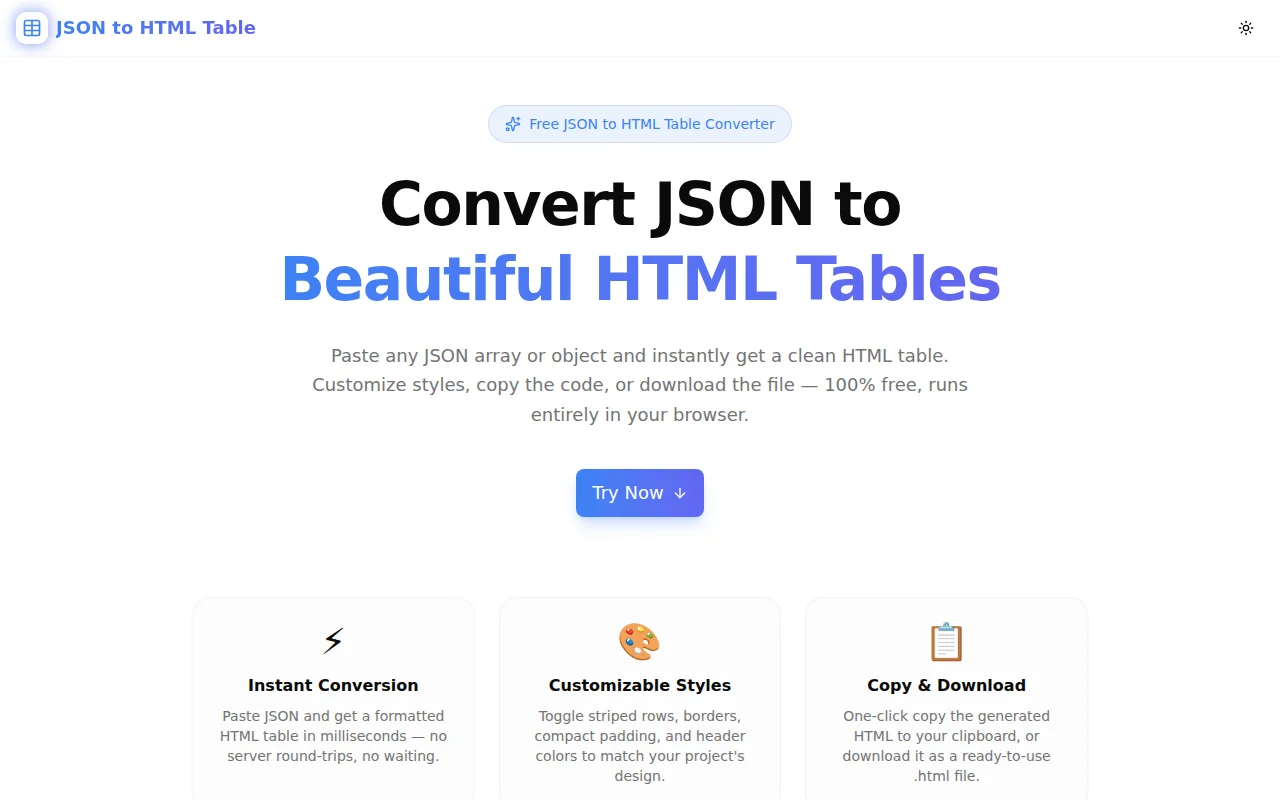
JSON to HTML Table: Convert JSON Data to Tables Instantly
You have JSON data. You need an HTML table. What's the fastest path between the two?
The answer is JSON to HTML Table — a free browser-based tool that takes any JSON array or object and turns it into a clean, styled HTML table in milliseconds. No login, no backend, no copying and pasting individual cells.
What Is a JSON to HTML Table Converter?
A JSON to HTML table converter reads structured JSON data and generates the corresponding HTML markup — <table>, <thead>, <tbody>, <tr>, <th>, and <td> elements — with proper structure and optional inline styles.
The most common input is a JSON array of objects, where each object becomes a row and each key becomes a column:
[
  { "name": "Alice", "role": "Engineer", "team": "Frontend" },
  { "name": "Bob", "role": "Designer", "team": "Product" }
]
This produces:
<table style="border-collapse: collapse; width: 100%; ...">
  <thead>
    <tr>
      <th style="background-color: #3b82f6; color: #ffffff; ...">name</th>
      <th style="...">role</th>
      <th style="...">team</th>
    </tr>
  </thead>
  <tbody>
    <tr>
      <td style="...">Alice</td>
      <td style="...">Engineer</td>
      <td style="...">Frontend</td>
    </tr>
    <tr>
      <td style="background-color: #f8fafc; ...">Bob</td>
      <td style="...">Designer</td>
      <td style="...">Product</td>
    </tr>
  </tbody>
</table>
The generated HTML uses inline styles — not CSS classes — so it works anywhere without an external stylesheet.
How Do You Convert JSON to an HTML Table?
There are a few approaches, depending on your context.
Option 1: Use the Online Tool (Fastest)
Go to json-to-html-table.tools.jagodana.com. Paste your JSON into the input panel. The HTML table renders instantly in the preview panel on the right. Adjust style options if needed, then click Copy HTML.
Total time from paste to clipboard: under 10 seconds.
Option 2: Write JavaScript (For Dynamic Use)
If you need to convert JSON to a table programmatically in a web app:
function jsonToTable(data) {
  if (!Array.isArray(data) || data.length === 0) return '';
  const keys = Object.keys(data[0]);
  const header = keys.map(k => `<th>${k}</th>`).join('');
  const rows = data.map(row =>
    `<tr>${keys.map(k => `<td>${row[k] ?? ''}</td>`).join('')}</tr>`
  ).join('');
  return `<table><thead><tr>${header}</tr></thead><tbody>${rows}</tbody></table>`;
}
Option 3: Use the Online Tool and Copy the Code
For one-off conversions in documentation, emails, or CMS editors, the online tool is always faster than writing code. Use code for dynamic, runtime conversions.
What JSON Formats Does the Converter Support?
Array of Objects (Standard Table)
[
  { "id": 1, "product": "Widget A", "price": 9.99, "stock": 150 },
  { "id": 2, "product": "Widget B", "price": 14.99, "stock": 87 }
]
Each object becomes a row. Keys from all objects are collected into columns — so sparse objects (where not all keys are present in every row) are handled correctly.
Single Object (Key-Value Table)
{
  "version": "1.2.3",
  "environment": "production",
  "region": "us-east-1",
  "uptime": "99.97%"
}
Generates a two-column table with Key and Value headers — ideal for configuration summaries or API response metadata.
Array of Primitives
["react", "typescript", "tailwindcss", "next.js", "framer-motion"]Generates a single-column table with a Value header — useful for displaying tag lists, enumerated options, or simple datasets.
Nested Objects
[
  { "name": "Alice", "address": { "city": "London", "country": "UK" } }
]
Nested objects within cells are displayed as formatted JSON strings. This preserves all data without silently discarding nested properties.
Can I Customize the Table Style?
Yes. The tool includes four style controls:
Striped rows — alternating row background (#f8fafc) improves scannability on larger datasets. Essential for tables with more than 10 rows.
Bordered — adds 1px solid #e2e8f0 borders to all cells. Good for structured data where cell boundaries help the reader.
Compact — reduces cell padding from 10px 14px to 4px 8px. Useful for dense data or narrow column layouts.
Header color — choose any background color for the header row using the color picker. The header text stays white for contrast. The default matches the tool's brand color, but you can match any design system.
All styles are applied as inline CSS so the output is portable — it works in email clients, CMS editors, Google Docs (with paste-as-HTML), and static HTML files without any additional setup.
What Are the Best Use Cases for JSON to HTML Table?
API Documentation
You've tested an API endpoint in Postman and have a sample JSON response. Converting it to an HTML table makes the response structure immediately readable in documentation — especially for arrays of records where column headers give instant structure.
HTML Email Reports
Inline CSS is the only reliable way to style HTML emails. If you have report data in JSON (from a database query, an API call, or a CSV export), this tool converts it to an email-ready table in seconds. No fighting with email client quirks — inline styles work in Gmail, Outlook, and Apple Mail.
CMS and Documentation Sites
Static site generators, Confluence, Notion, and most CMS editors accept HTML blocks. If you have structured data to display — pricing tables, comparison charts, feature matrices, changelog entries — start from JSON and convert to HTML rather than writing the markup by hand.
Internal Dashboards and Reports
Paste a JSON payload from a database query or API response, convert to a table, and embed it in an internal HTML report or dashboard template. Faster than building a full data grid component.
Technical Writing and README Files
GitHub READMEs support HTML tables. Convert your JSON configuration reference, API parameter list, or dependency comparison to an HTML table for cleaner formatting than Markdown pipes.
Debugging and Data Inspection
When you receive an unfamiliar JSON payload and need to understand its structure quickly, converting it to a table reveals the key-value structure more clearly than reading raw JSON — especially for large arrays with many fields.
Is My JSON Data Safe?
Yes. The JSON to HTML Table tool is 100% client-side. Your data is parsed and converted entirely within your browser using JavaScript. No data is sent to any server. Nothing is stored, logged, or transmitted.
This makes it safe for JSON that contains internal data, customer records, or sensitive configuration values.
Does the Tool Work with Large Datasets?
The tool handles large JSON arrays with many rows and columns. For very large datasets (10,000+ rows), the table preview may take a moment to render in the browser, but the conversion itself is near-instant.
For extremely large datasets where rendering all rows would be impractical, consider whether you need a full HTML table or a paginated component — for those cases, programmatic generation is a better fit.
What Happens If My JSON Is Invalid?
If the JSON has a syntax error, the tool displays a clear error message from the JavaScript parser — for example, Unexpected token } at position 42. The error appears below the input field in red. Fix the syntax issue and the table regenerates automatically.
Common JSON errors:
- Trailing commas —
{"a": 1,}— not valid in JSON (only valid in JavaScript) - Single quotes —
{'a': 1}— JSON requires double quotes - Unquoted keys —
{a: 1}— JSON keys must be quoted strings - Missing quotes —
{"a": hello}— string values must be quoted
Related JSON Tools
If you're working with JSON, these tools handle other common conversion needs:
- JSON Formatter — format, validate, and pretty-print JSON with syntax highlighting
- JSON to CSV Converter — convert JSON arrays to CSV for spreadsheet import
- JSON to TypeScript — generate TypeScript interfaces from a JSON object
- CSV to JSON Converter — convert CSV files back to JSON arrays
- HTML Table to CSV — extract data from HTML tables into CSV
Try JSON to HTML Table now: json-to-html-table.tools.jagodana.com
Free. No signup. Runs entirely in your browser.