Introducing Favicon Generator: All Sizes + Manifest in Seconds
Generate all favicon sizes your website needs from a single image. 100% client-side, privacy-first, and completely free. No uploads, no tracking—just fast, reliable favicon generation.
Introducing Favicon Generator: All Sizes + Manifest in Seconds
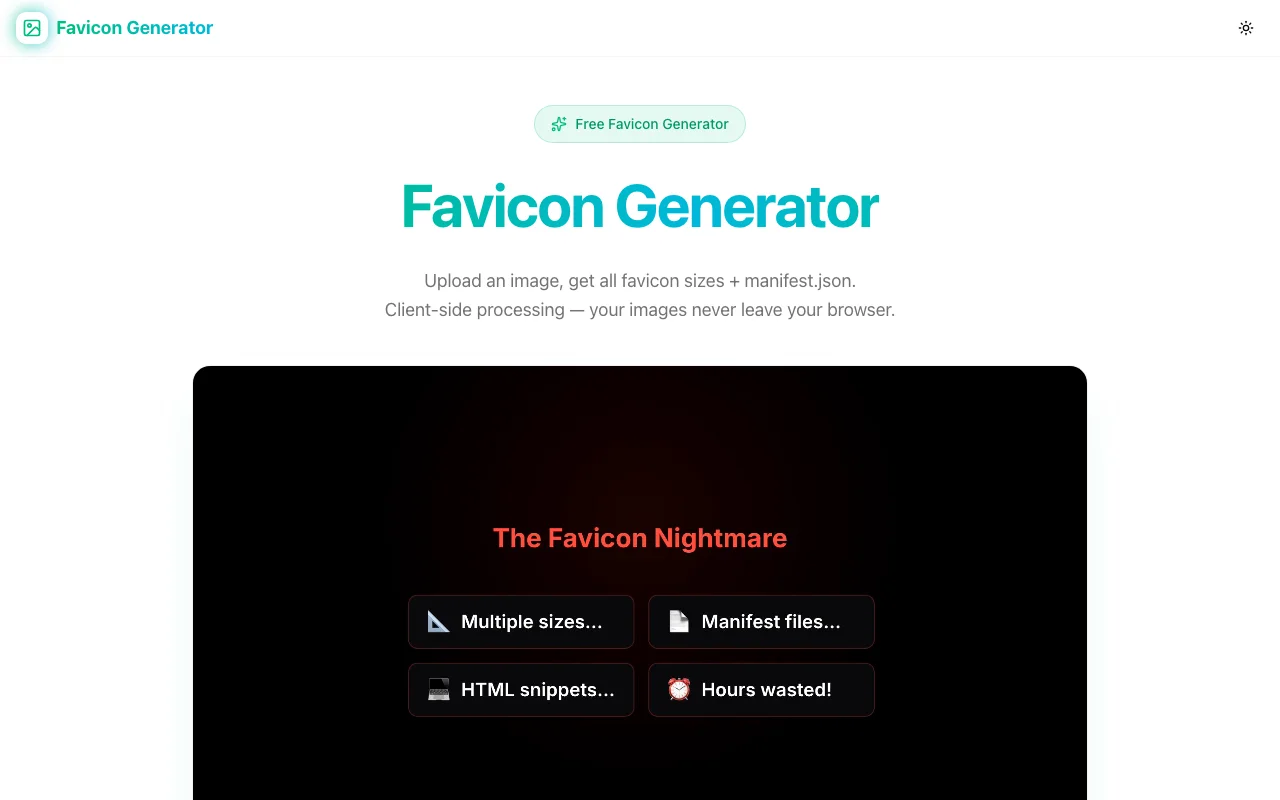
Every website needs favicons. But creating all the different sizes—16×16, 32×32, 180×180 for Apple Touch Icon, 192×192 and 512×512 for PWAs—is tedious. And then you need the manifest files. And the HTML snippets. It adds up.
That's why we built Favicon Generator—a free, privacy-first tool that creates everything you need from a single image upload.
The Favicon Problem
When you're setting up a website, you need more than just a single favicon.ico:
- favicon-16x16.png - Browser tabs
- favicon-32x32.png - Standard favicon
- favicon-48x48.png - Windows site icon
- apple-touch-icon.png (180×180) - iOS home screen
- android-chrome-192x192.png - Android home screen
- android-chrome-512x512.png - PWA splash screen
Plus you need:
manifest.jsonorsite.webmanifestfor PWAs- The correct
<link>tags in your HTML<head>
Most developers either:
- Use an online tool that uploads their image to unknown servers
- Manually resize in an image editor (tedious!)
- Skip some sizes and hope for the best
None of these are great options.
A Better Way
Favicon Generator solves this with three principles:
🔒 Privacy First
Your images never leave your browser. All processing happens client-side using the Canvas API. No uploads, no server storage, no tracking. Your images are yours.
⚡ Fast & Complete
Upload one image, get everything:
- All standard favicon sizes
- Apple Touch Icon
- Android Chrome icons
manifest.jsonsite.webmanifest- Ready-to-paste HTML
Download as a ZIP, extract to your /public folder, done.
🎨 Simple Interface
Drag and drop your image (PNG, JPG, SVG, or WebP), see instant previews of all sizes, and download. No signup, no account, no friction.
How to Use It
-
Prepare your image: Use a square image, ideally 512×512 or larger. Simple icons work best at small sizes.
-
Upload: Drag and drop onto the page, or click to browse.
-
Preview: See how your favicon looks at each size. Make sure it's recognizable even at 16×16.
-
Download: Get a ZIP with all files and code snippets.
-
Install: Extract to your project's
/publicfolder and add the HTML to your<head>:
<link rel="icon" type="image/png" sizes="32x32" href="/favicon-32x32.png">
<link rel="icon" type="image/png" sizes="16x16" href="/favicon-16x16.png">
<link rel="apple-touch-icon" sizes="180x180" href="/apple-touch-icon.png">
<link rel="manifest" href="/site.webmanifest">
That's it. Complete favicon setup in under a minute.
Why Client-Side Processing?
We could have built this as a server-side tool—upload an image, process it on our servers, send back the results. But we chose client-side for important reasons:
-
Privacy: Your images, especially logos, are your intellectual property. They shouldn't be uploaded to random servers.
-
Speed: No network round-trip means instant results. The processing happens as fast as your browser can run it.
-
Reliability: Works even on slow connections. Once the page loads, everything runs locally.
-
Trust: You can inspect the code. Nothing leaves your browser.
Tips for Great Favicons
-
Start with a square image: Non-square images will be cropped or distorted.
-
Use 512×512 or larger: Scaling down preserves quality. Scaling up creates blur.
-
Keep it simple: Complex details disappear at 16×16. Favicons should be recognizable at a glance.
-
Test on different backgrounds: Your favicon will appear on light and dark browser themes.
-
Use solid colors: Gradients can look muddy at small sizes.
Try It Now
Ready to generate your favicons?
Free, fast, and completely private. No signup required.
Part of Our Developer Tools Suite
Favicon Generator joins our growing collection of free developer tools:
- OG Preview - See how your links look on social media
- Favicon Generator - All favicon sizes + manifest in seconds
All built with the same principles: fast, free, and privacy-first.
What's Next?
We're already thinking about enhancements:
- SVG favicon support - Modern browsers support SVG favicons
- Mask icon generation - For Safari pinned tabs
- Favicon.ico creation - Legacy ICO format with multiple sizes embedded
- Theme color picker - Coordinate browser UI colors with your favicon
Have suggestions? We'd love to hear them.
Stop manually resizing icons. Try Favicon Generator →