JSON Schema Validator: Validate JSON Against Any Schema Instantly in Your Browser
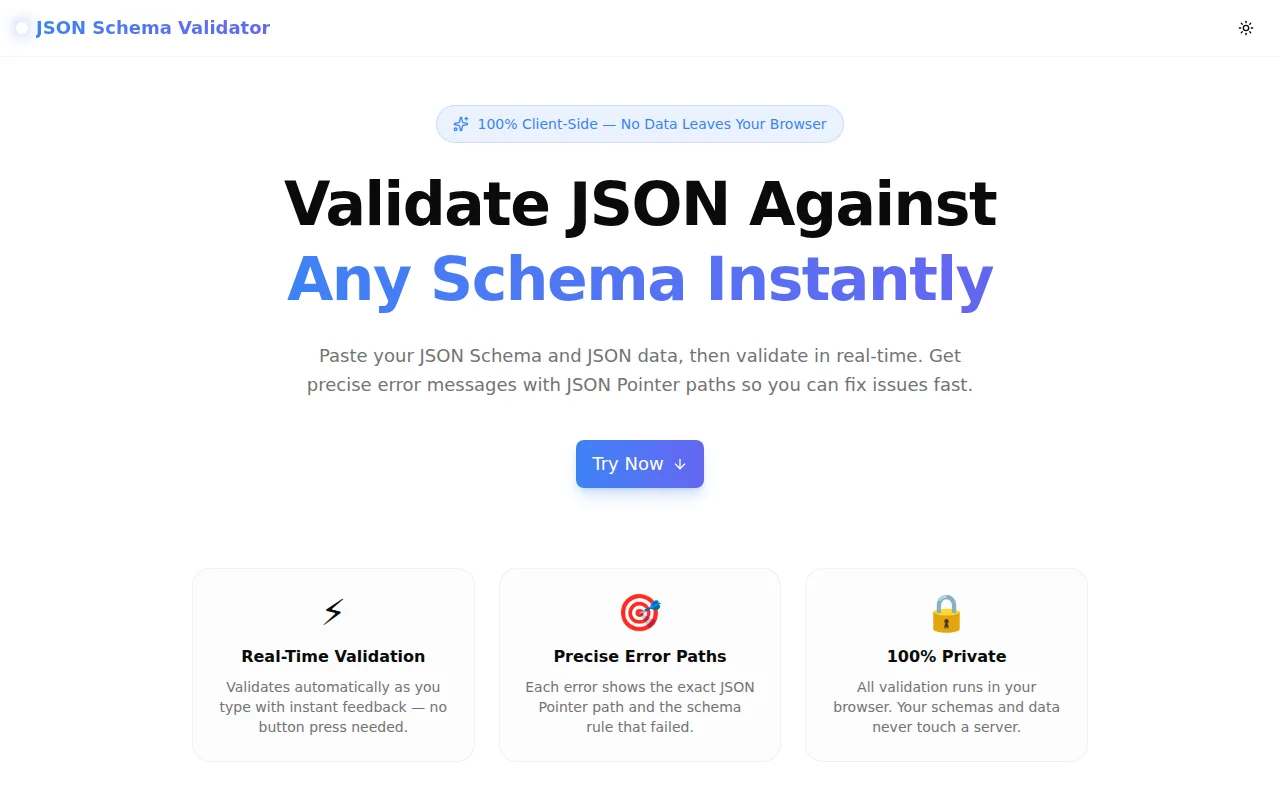
Stop setting up local test scripts just to check a schema. Paste your JSON Schema and JSON data, get instant validation results with precise error paths — 100% browser-based, no sign-up, no server.
JSON Schema Validator: Validate JSON Against Any Schema Instantly in Your Browser
Every developer who has worked with JSON APIs has hit the same wall: a schema is defined, a payload arrives, and somewhere in the nested structure a field is the wrong type, a required property is missing, or a pattern doesn't match. Finding the exact failure without tooling means staring at JSON and mentally running validation rules.
We built JSON Schema Validator to give you that tooling in five seconds flat — paste the schema, paste the data, get a verdict. No npm install. No test harness. No server.
What Is JSON Schema and Why Does It Matter?
JSON Schema is a vocabulary for describing the structure, types, and constraints of JSON documents. It's the standard that powers:
- OpenAPI / Swagger — every request and response body in an API spec is a JSON Schema
- Runtime validation — AJV (Node.js),
jsonschema(Python),json-schema-validator(Java) all speak this language - Kubernetes — Custom Resource Definitions use JSON Schema for resource validation
- MongoDB — collection-level document validation uses JSON Schema
- AWS CloudFormation — resource property types are expressed as JSON Schema
When you define a JSON Schema, you create a contract that spans your entire stack. When that contract has a bug, or when you're not sure what data satisfies it, you need a fast way to test it.
How Do You Validate JSON Against a Schema Online?
The traditional answer was "write a quick Node.js script":
npm init -y
npm install ajv ajv-formats
const Ajv = require("ajv");
const addFormats = require("ajv-formats");
const ajv = new Ajv({ allErrors: true });
addFormats(ajv);
const schema = require("./schema.json");
const data = require("./data.json");
const validate = ajv.compile(schema);
const valid = validate(data);
if (!valid) {
console.log(validate.errors);
}That's fine for a project. It's overkill for a quick check. Our validator runs the same AJV 8 library — the same one you'd install — directly in your browser. No setup.
What Does the JSON Schema Validator Do?
Real-Time Validation with Auto-Validate
Paste your schema and data, and validation runs automatically 400ms after you stop typing. You don't press a button; you just type and see the result. The data panel border turns green when the data is valid and red when it fails — a visual signal that's faster than reading text.
All Errors at Once
Many validators stop at the first error. That's fine if you want to fix problems one at a time, but it's slow when you've introduced multiple schema violations. This tool uses allErrors: true, so you see every failing constraint in a single pass. Fix them all at once and validate again.
Precise JSON Pointer Paths
Each error shows the exact location in your data using JSON Pointer notation (RFC 6901):
/— the root value/name— thenameproperty at the top level/products/0/price— thepriceproperty of the first element inproducts/config/auth/token— a deeply nested property
No more scanning a 200-line JSON blob to find which field failed. The path tells you exactly where to look.
Format Validation Built In
JSON Schema "format" keywords do more than basic type checking. The tool validates all standard draft-7 formats:
| Format | Validates |
|--------|-----------|
| email | Valid email address structure |
| uri | Valid URI according to RFC 3986 |
| date | ISO 8601 date (YYYY-MM-DD) |
| date-time | ISO 8601 datetime (2026-05-26T14:30:00Z) |
| uuid | UUID v1–v5 format |
| ipv4 | Valid IPv4 address |
| ipv6 | Valid IPv6 address |
| hostname | Valid hostname |
A string that passes "type": "string" will still trigger a validation error if its "format": "email" value isn't structured like an email address.
Which JSON Schema Keywords Does It Support?
This tool supports JSON Schema draft-7, the most widely deployed version. That includes:
Type and value keywords:
type,enum,constminimum,maximum,exclusiveMinimum,exclusiveMaximum,multipleOfminLength,maxLength,pattern,formatminItems,maxItems,uniqueItems,containsminProperties,maxProperties,required,additionalProperties,dependencies
Composition keywords:
allOf,anyOf,oneOf,notif,then,else
Reference keywords:
$refwith$defs(ordefinitionsfor draft-07 compatibility)
Internal $ref references work fully. External URL references are not resolved — all validation is offline.
How to Use the JSON Schema Validator
Step 1: Paste Your Schema
Enter your JSON Schema in the left panel. This is the schema that defines the expected structure — the contract.
{
  "$schema": "http://json-schema.org/draft-07/schema#",
  "type": "object",
  "required": ["id", "email", "role"],
  "properties": {
    "id": { "type": "integer", "minimum": 1 },
    "email": { "type": "string", "format": "email" },
    "role": { "type": "string", "enum": ["admin", "editor", "viewer"] },
    "age": { "type": "integer", "minimum": 0, "maximum": 150 }
  },
  "additionalProperties": false
}
Step 2: Paste Your Data
Enter the JSON data you want to validate in the right panel.
Valid data:
{ "id": 1, "email": "alice@example.com", "role": "admin", "age": 30 }Invalid data (three violations):
{ "id": "one", "email": "not-an-email", "role": "superuser", "age": 30 }Step 3: Read the Results
For the invalid data above, you'd see:
| Path | Message | Keyword |
|------|---------|---------|
| /id | must be integer | type |
| /email | must match format "email" | format |
| /role | must be equal to one of the allowed values | enum |
Common JSON Schema Validation Questions
What is JSON Pointer notation?
JSON Pointer (RFC 6901) is a string syntax for identifying a value within a JSON document. Each segment is prefixed with /. For example, /users/0/address/city identifies the city property of the first user's address object.
When this tool reports an error at /users/0/address/city, that's the exact JSON Pointer to the failing value. Find it, fix it, revalidate.
Does it support $ref references?
Yes. You can define reusable schemas in $defs and reference them with $ref:
{
  "$defs": {
    "Address": {
      "type": "object",
      "required": ["street", "city"],
      "properties": {
        "street": { "type": "string" },
        "city": { "type": "string" }
      }
    }
  },
  "type": "object",
  "properties": {
    "billing": { "$ref": "#/$defs/Address" },
    "shipping": { "$ref": "#/$defs/Address" }
  }
}
Both billing and shipping will be validated against the Address schema. External URL references are not resolved since validation runs offline.
Can I validate an array of objects?
Yes. Use the items keyword:
{
  "type": "array",
  "minItems": 1,
  "items": {
    "type": "object",
    "required": ["id", "name"],
    "properties": {
      "id": { "type": "integer" },
      "name": { "type": "string" }
    }
  }
}
If any element in the array fails validation, the error path includes the index — for example, /1/name means the name of the second array element.
Is my data private?
Yes. All validation runs entirely in your browser using AJV compiled into the page bundle. No HTTP requests are made during validation. Your schema and your data never leave your device.
Does it work with OpenAPI schemas?
OpenAPI request/response schemas are JSON Schema with some OpenAPI-specific extensions. The core types, constraints, $ref, and composition keywords all validate correctly. Some OpenAPI-specific keywords that don't exist in draft-7 are silently ignored by AJV, which is the correct behavior.
Real-World Use Cases
Validating Webhook Payloads
Third-party webhooks don't always match their documentation. Stripe, GitHub, Shopify, and Twilio all publish JSON schemas for their webhook events. Paste the documented schema, paste the actual payload your server received, and see exactly what doesn't match.
API Contract Testing
Write the JSON Schema for your endpoint's request body before writing the handler. Validate several representative payloads — a happy path, a minimal payload with only required fields, an invalid payload you expect to reject. Confirm the schema behaves as intended before writing validation code.
Config File Validation
JSON config files for CI/CD pipelines, internal services, or tooling can be validated against a schema before deployment. Catch a missing required field or a wrong value type before the deploy, not after.
Code Review
When a PR adds or modifies a JSON Schema, paste the new schema and a representative payload to confirm the intended behavior. Faster than standing up a test environment for a review.
Why We Built This
The 365 Tools Challenge is about shipping one small, useful tool every day. JSON Schema Validator came from a friction point we hit constantly: we'd have a schema and a payload and want to verify they matched, but the fastest available option was either setting up a local AJV script or using an online tool that sent our data to a server.
AJV is open source, well-maintained, and fast enough to run in a browser tab. Wrapping it in a clean UI with format validation, allErrors: true, and JSON Pointer error paths — that's a 45-minute build. The result removes the friction entirely.
Try It
JSON Schema Validator — open, paste, validate. No sign-up, no install, no data leaves your browser.
The three built-in samples (User Object, Product Catalog, API Config) demonstrate progressively complex schemas including format validation, pattern matching, array items, and oneOf union types. Load a sample, break it intentionally, and watch the errors appear.
Related tools:
- JSON Schema Generator — generate a draft-7 schema from any JSON sample
- JSON Formatter — format and prettify JSON
- JWT Decoder — decode and inspect JSON Web Tokens
- YAML to JSON Converter — convert YAML config files to JSON for validation