Introducing PureDiff: Compare Files Privately in Your Browser
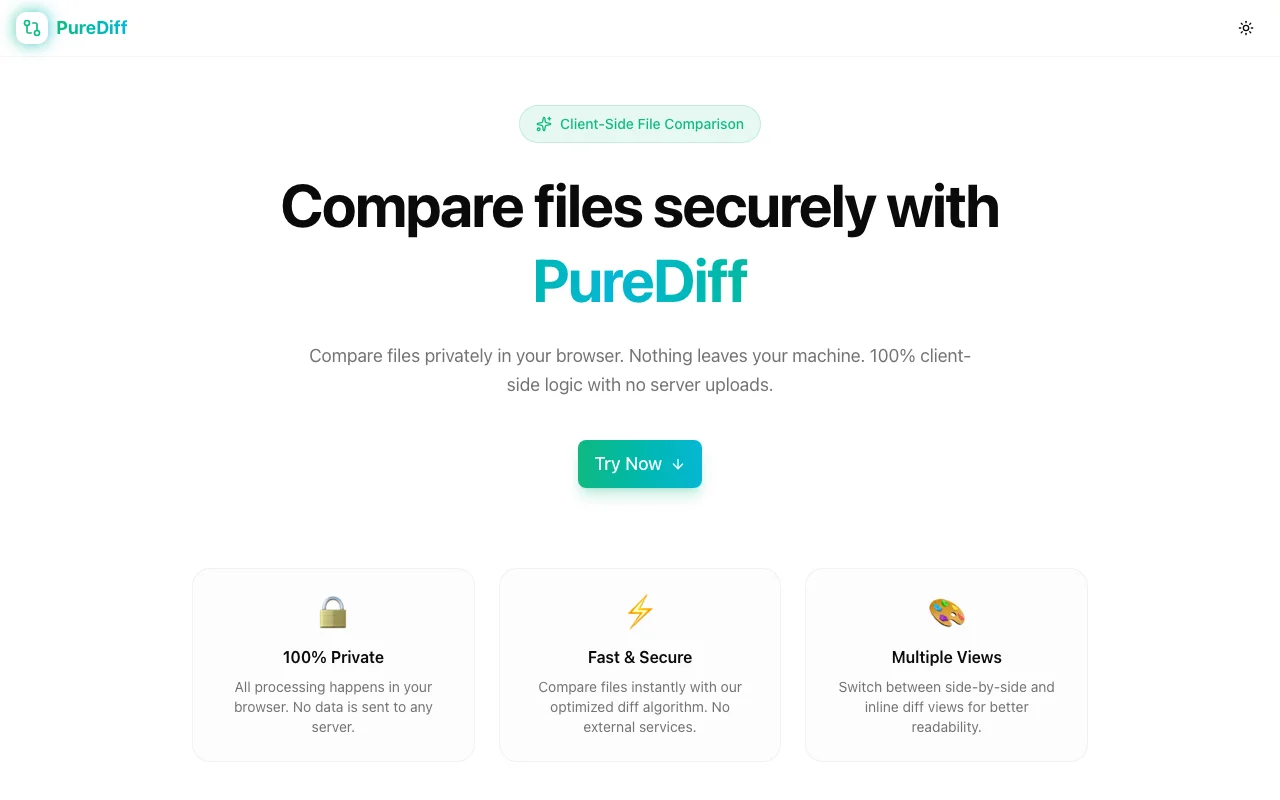
PureDiff is a zero-upload file comparison tool. Paste text or upload files to get instant line-by-line diffs—side-by-side or inline—without sending a single byte to a server.
Introducing PureDiff: Compare Files Privately in Your Browser
There's a habit most developers and writers have that they probably shouldn't: pasting sensitive text into random online tools.
Config files. API keys tucked into environment variables. Legal drafts. Internal logs. We do it because the tools are fast and convenient, and because "it'll be fine" usually turns out to be true.
But usually isn't always. And with diff tools especially — where you're often comparing the thing you're about to ship against the thing you're replacing — the contents tend to be exactly the kind of data you don't want to accidentally hand to a third party.
PureDiff was built to fix this. It's a file comparison tool that runs entirely in your browser. No uploads. No server processing. No data leaving your machine.
What PureDiff Does
Open pure-diff.jagodana.com, paste or upload two files, and you instantly see:
- Every line that was added (in green)
- Every line that was removed (in red)
- Unchanged lines in context
You can switch between side-by-side view (the two files in parallel columns, changes aligned) and inline view (a single column with additions and deletions interleaved). You can also toggle Ignore Whitespace for when indentation differences are noise rather than signal.
That's it. No account. No cookies asking for your consent to something you don't understand. No network traffic.
Why Client-Side Privacy Matters for Diff Tools
When you paste text into a browser-based tool, there are two possible architectures:
- Server-processed: Your text goes to their server, the diff is computed, the result comes back. Your data is now on someone else's machine.
- Client-side: The diff algorithm runs in your browser tab. Your text never leaves your device.
Most popular online diff tools use architecture 1. They're fast and convenient because server-side processing has mature infrastructure behind it, and because most users don't ask.
PureDiff uses architecture 2. The diff runs in JavaScript in your tab. The network tab stays clean. Close the tab and the data is gone.
For a lot of use cases, this doesn't matter — comparing two public README files is fine anywhere. But for the cases where it does matter (credentials, proprietary code, legal documents, internal configs), having a tool you can trust at the architecture level is valuable.
When to Use PureDiff
You're about to deploy a config change. Side-by-side the old and new versions before you ship. See exactly what changed — no surprises.
You received two versions of a contract. Paste both and see every clause that was modified, added, or removed. No upload, no third-party eyes on the document.
You generated output from a script. Compare it against the expected output. Whitespace issues? Toggle Ignore Whitespace and they disappear from the noise.
You're reviewing a migration. Two SQL schemas, two API response shapes, two build outputs — whatever changed, PureDiff shows it clearly.
You're on a restrictive corporate network. No outbound upload means no policy violation.
Built for Speed, Not Just Privacy
Privacy is the core feature, but PureDiff is also genuinely fast. The diff engine computes the longest common subsequence (LCS) — the standard algorithm for minimal-edit diffs — entirely in the browser. For typical source files and config files, results are instant.
There's no registration flow, no onboarding modal, no prompt to "upgrade for more features." You open it, compare, and leave.
Try It
Paste anything. It stays in your browser.