Back to Projects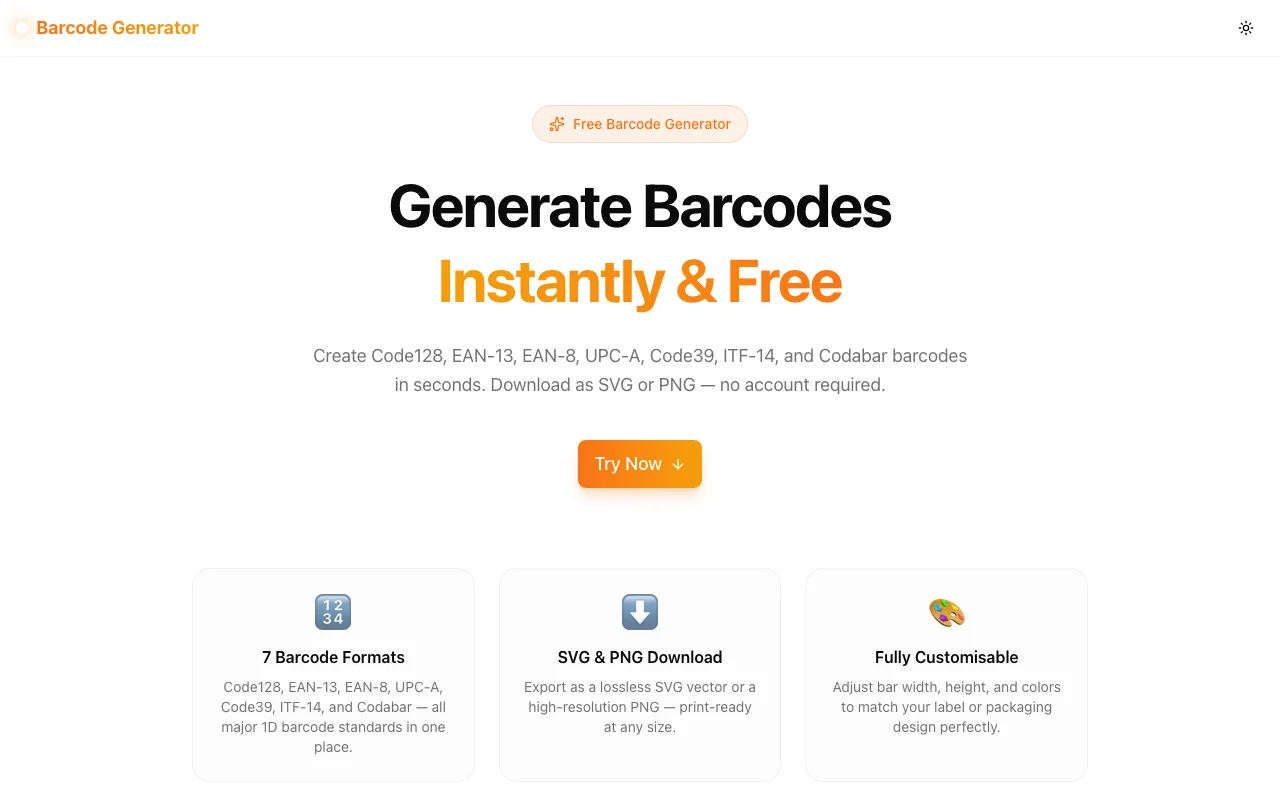
Developer ToolsFeatured
Barcode Generator
A free online barcode generator. Create Code128, EAN-13, EAN-8, UPC-A, Code39, ITF-14, and Codabar barcodes instantly. Customise size and colors, then download as SVG or PNG. No signup required.
BarcodeEAN-13Code128UPC-ABarcode GeneratorDeveloper ToolsNext.jsTypeScript
Start Similar ProjectAbout the Project
Barcode Generator — Free Online 1D Barcode Creator
Barcode Generator is a free, browser-based tool for creating linear (1D) barcodes in the most widely used formats. Enter your text or number, pick a format, adjust the size and colors, and download a print-ready SVG or PNG — all without leaving your browser or creating an account.
The Problem
Developers and small-business owners routinely need barcodes for prototyping, testing, or label printing — yet the go-to tools are either bloated desktop apps, paid SaaS platforms, or clunky sites cluttered with ads. The simple use cases — "generate one Code128 for a test label" or "create an EAN-13 for a mock product page" — shouldn't require an account, a subscription, or a ten-step workflow.
The formats themselves add friction. Each barcode standard has its own character set, length rules, and check-digit logic:
- Code128 accepts any ASCII character but has no fixed length requirement.
- EAN-13 requires exactly 12 digits as input (the 13th is a calculated check digit).
- UPC-A requires 11 digits (the 12th is the check digit).
- EAN-8 is for small labels — 7 digits in, check digit auto-calculated.
- ITF-14 expects 13 digits for shipping cartons.
- Codabar requires specific start/stop characters (A, B, C, or D).
Getting these details right from memory is error-prone. The tool handles validation, check-digit calculation, and format-specific rules automatically.
How It Works
1. Format Selection
A dropdown lists all seven supported formats with a one-line description of the required input. Selecting a format pre-fills the input field with a valid example value so you immediately see a working barcode — no empty-state confusion.
| Format | Input Type | Typical Use | |----------|------------|-------------| | Code128 | Any ASCII | General-purpose text, internal codes | | EAN-13 | 12 digits | Retail products (international) | | EAN-8 | 7 digits | Small retail products | | UPC-A | 11 digits | Retail products (North America) | | Code39 | A–Z, 0–9, symbols | Asset tags, ID cards | | ITF-14 | 13 digits | Shipping cartons | | Codabar | 0–9, A–D start/stop | Library, medical, logistics |
2. Real-Time Preview
The barcode renders inside the browser using JsBarcode — a well-maintained, zero-dependency library. Changing the format, text, width, height, or colors updates the preview without any delay or network round-trip. Invalid input shows an inline error with the exact requirement (e.g., "7 digits for EAN-8").
3. Customisation
Four sliders and two colour pickers let you adjust the barcode without writing CSS:
- Bar width (1–5px): thicker bars for larger labels, thinner for compact ones.
- Height (40–200px): match the label height.
- Bar colour: defaults to black; useful for coloured label stock.
- Background colour: defaults to white; set to transparent-equivalent or match your label background.
- Human-readable text: toggle the text line below the barcode on or off.
4. Format Reference Panel
Below the preview, a panel lists all seven formats with their input requirements. Clicking any entry loads that format and its example value — doubles as a quick reference without opening documentation.
5. Download
- SVG — lossless vector, infinitely scalable. Ideal for print artwork, Figma imports, and laser engravers.
- PNG — 2× resolution raster. Ready for web pages, Word documents, and most label printing software.
Downloads are triggered client-side with the Blob API — no upload, no server.
Key Features
- 7 barcode formats — the complete set for most real-world scenarios
- Real-time preview — instant feedback as you type
- Check-digit auto-calculation — EAN-13, EAN-8, UPC-A, ITF-14 check digits calculated automatically
- Format validation — inline errors with exact input requirements
- SVG + PNG download — 2× PNG for retina/print quality
- Customisable width, height, colours — matches any label design
- Human-readable text toggle — show or hide the text line
- Format reference panel — quick reference without leaving the page
- 100% client-side — no uploads, no account, no data sent anywhere
Technical Implementation
Core Technologies
- Next.js 16 with App Router
- TypeScript in strict mode
- Tailwind CSS v4 with OKLCH color tokens
- shadcn/ui for accessible UI components
- Framer Motion for entrance animations
- JsBarcode for barcode rendering (dynamically imported)
Architecture
The tool component (barcode-generator-tool.tsx) is a pure client-side React component. JsBarcode is imported dynamically via import("jsbarcode") inside a useCallback hook — this avoids including the library in the server bundle and keeps initial page load fast.
Barcode rendering targets an <svg> element via a React ref. JsBarcode writes directly to the SVG's attributes and children, making serialization with XMLSerializer straightforward for both download formats.
PNG export uses a canvas element: the SVG is serialized, converted to a Blob URL, drawn onto a 2× canvas via drawImage, and then exported with canvas.toDataURL("image/png").
const downloadPNG = useCallback(() => {
  const svg = svgRef.current;
  const svgData = new XMLSerializer().serializeToString(svg);
  const svgWidth = parseInt(svg.getAttribute("width") ?? "300", 10);
  const svgHeight = parseInt(svg.getAttribute("height") ?? "150", 10);

  const canvas = document.createElement("canvas");
  canvas.width = svgWidth * 2;  // 2× for retina
  canvas.height = svgHeight * 2;
  const ctx = canvas.getContext("2d")!;
  ctx.scale(2, 2);

  const blob = new Blob([svgData], { type: "image/svg+xml;charset=utf-8" });
  const url = URL.createObjectURL(blob);
  const img = new Image();
  img.onload = () => {
    ctx.drawImage(img, 0, 0);
    URL.revokeObjectURL(url);
    const a = document.createElement("a");
    a.href = canvas.toDataURL("image/png");
    a.download = `barcode-${format.toLowerCase()}.png`;
    a.click();
  };
  img.src = url;
}, [error, format]);
All seven supported JsBarcode format IDs (CODE128, EAN13, EAN8, UPC, CODE39, ITF14, codabar) are typed as a discriminated union — switching format updates the input placeholder, clears the previous value, and immediately triggers a re-render.
Use Cases
Product Label Prototyping
Designers mocking up retail packaging need placeholder EAN-13 or UPC-A barcodes before final product codes are assigned. Generate one in seconds, drop the SVG into Figma or Illustrator, and the mockup looks real without waiting on a product database.
Developer Testing
Testing a barcode scanner integration (mobile app, POS system, warehouse scanner)? Generate barcodes matching the exact format your scanner expects, download the PNG, and display it on screen to test scanning without printing labels.
Asset Tagging
IT teams labelling servers, laptops, and monitors often use Code39 or Code128 because their asset management systems use those formats. Generate the codes, download the SVGs, and batch-print on a standard label printer.
Shipping and Logistics
E-commerce sellers packaging orders manually sometimes need ITF-14 barcodes for outer cartons. Enter the GTIN-14, download the SVG, and include it in the print layout.
Education and Demos
Educators teaching supply-chain concepts or barcode standards can generate real barcodes on the fly during presentations, without setting up specialized software.
Why a Free Online Barcode Generator?
The common alternatives fall short:
- Paid SaaS platforms — overkill for one-off barcode generation. Monthly fees for occasional use don't make sense.
- Desktop software — requires installation, often Windows-only, not accessible on tablets or shared machines.
- Other free generators — many show ads, watermark the output, limit downloads, or generate only one or two formats.
Barcode Generator generates all seven formats, outputs clean SVG and PNG, and runs entirely in the browser with no limits, no account, and no watermarks.
Try it now: barcode-generator.tools.jagodana.com
The Challenge
The client needed a robust developer tools solution that could scale with their growing user base while maintaining a seamless user experience across all devices.
The Solution
We built a modern application using Barcode and EAN-13, focusing on performance, accessibility, and a delightful user experience.
Project Details
Category
Developer Tools
Technologies
Barcode,EAN-13,Code128,UPC-A,Barcode Generator,Developer Tools,Next.js,TypeScript
Date
June 2026
Related Projects
More work in Developer Tools

