Back to Projects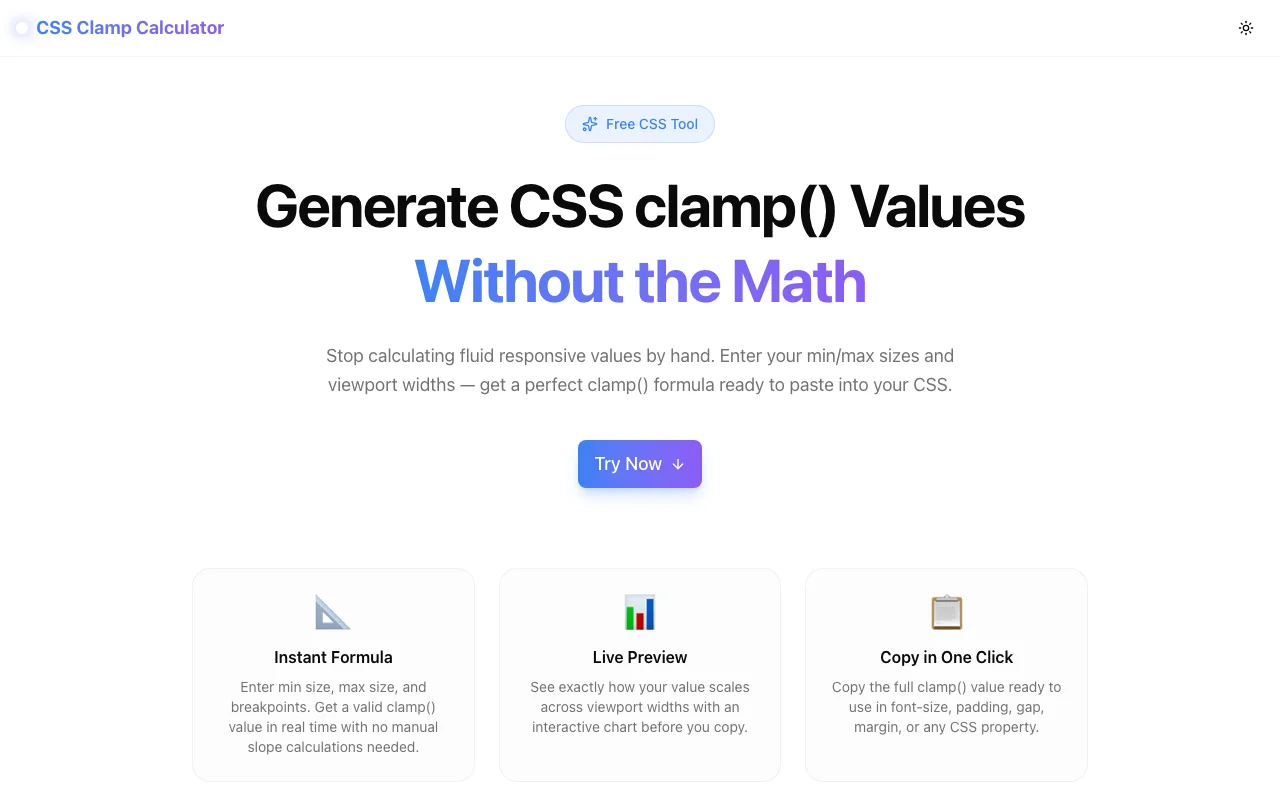
Developer ToolsFeatured
CSS Clamp Calculator
A free browser tool that generates CSS clamp() values for fluid, responsive typography and spacing. Enter min/max values and viewport widths — get a ready-to-copy formula instantly. No signup, no install, 100% client-side.
CSSResponsive DesignDeveloper ToolsFrontendTypographyNext.jsTypeScript
Start Similar ProjectAbout the Project
CSS Clamp Calculator — Generate Fluid clamp() Values Without the Math
CSS Clamp Calculator is a free, browser-based tool that generates correct clamp() values for any CSS property. Enter your minimum value, maximum value, and the viewport widths where scaling should start and stop — the calculator produces the formula instantly. No manual slope arithmetic, no unit conversion, no guesswork.
The Problem
CSS clamp() is the cleanest way to write responsive values without media queries. Instead of:
.heading {
  font-size: 28px;
}
@media (min-width: 768px) {
  .heading { font-size: 40px; }
}
@media (min-width: 1280px) {
  .heading { font-size: 56px; }
}
You write:
.heading {
  font-size: clamp(1.75rem, 4.44vw - 0.56rem, 3.5rem);
}
But calculating that preferred value — 4.44vw - 0.56rem — requires linear interpolation math that most developers look up every time. You need the slope of the line between your min and max values across your viewport range, then the y-intercept, then you convert units. It takes 3–5 minutes per value and it's easy to get wrong.
How It Works
1. Enter Your Value Range
Set the smallest value you want (e.g. 16px for mobile body text) and the largest (e.g. 24px at desktop). Choose your unit — the calculator works in both px and rem, with a configurable rem base for non-standard projects.
2. Set Your Viewport Range
Define where the scaling should start (typically 320px) and stop (typically 1280px). The value clamps at your min below the lower viewport and at your max above the upper viewport.
3. Get the Formula
The calculator applies the formula:
slope = (maxValue - minValue) / (maxViewport - minViewport)
preferred = slope * 100vw + intercept
clamp(minRem, preferred, maxRem)
You see the complete clamp() value, broken down into its three arguments — min, preferred, and max — ready to copy.
4. Preview the Scale
An interactive chart shows exactly what value the property resolves to at every major breakpoint: 320px, 480px, 640px, 768px, 1024px, 1280px. You can verify the behavior before committing to the value.
Key Features
- Instant formula generation — real-time output as you type, no submit button
- px and rem support — enter in either unit, with configurable rem base
- Live viewport chart — see the computed value at every breakpoint
- Quick presets — one-click presets for body text, H1, H2, section padding, and gap
- Copy in one click — copies the full
clamp()value to clipboard - 100% client-side — no data leaves your browser, no account needed
- Works for any CSS property — font-size, padding, margin, gap, width, border-radius
Technical Implementation
Core Technologies
- Next.js with App Router
- TypeScript in strict mode
- Tailwind CSS v4 with custom brand tokens
- framer-motion for animated output transitions
- No external math libraries — pure JavaScript arithmetic
Architecture
- Real-time formula engine using linear interpolation (zero latency)
- Value clamping logic mirrors exactly how browsers compute
clamp() - Responsive chart using proportional bar rendering
- Google Analytics integration for anonymous usage tracking
Use Cases
Fluid Typography
The most common use case. Design teams specify font sizes in px at two breakpoints. Developers need a single font-size declaration that works everywhere. Set the mobile and desktop sizes, set the viewport range, copy the clamp value.
/* Generated output */
h1 { font-size: clamp(1.75rem, 4.44vw - 0.56rem, 3.5rem); }
h2 { font-size: clamp(1.375rem, 3.13vw - 0.25rem, 2.25rem); }
p  { font-size: clamp(1rem, 1.25vw + 0.5rem, 1.5rem); }
Fluid Spacing
Consistent spacing systems are easier to maintain when spacing scales with the viewport rather than snapping at breakpoints. Use the calculator for padding, margin, and gap values.
.section { padding-block: clamp(2rem, 6.25vw - 0.5rem, 5rem); }
.grid    { gap: clamp(0.75rem, 2.5vw - 0.05rem, 1.5rem); }
Design Token Generation
When building a design system, generate a full set of fluid tokens from a spreadsheet of min/max pairs. Paste each pair into the calculator, copy the output, and add it to your CSS variables.
Accessibility Compliance
Responsive font sizes that use rem as the base unit respect user browser font size preferences. The calculator outputs rem-based clamp values by default, keeping layouts accessible.
The Challenge
The client needed a robust developer tools solution that could scale with their growing user base while maintaining a seamless user experience across all devices.
The Solution
We built a modern application using CSS and Responsive Design, focusing on performance, accessibility, and a delightful user experience.
Project Details
Category
Developer Tools
Technologies
CSS,Responsive Design,Developer Tools,Frontend,Typography,Next.js,TypeScript
Date
April 2026
Related Projects
More work in Developer Tools

