Back to Projects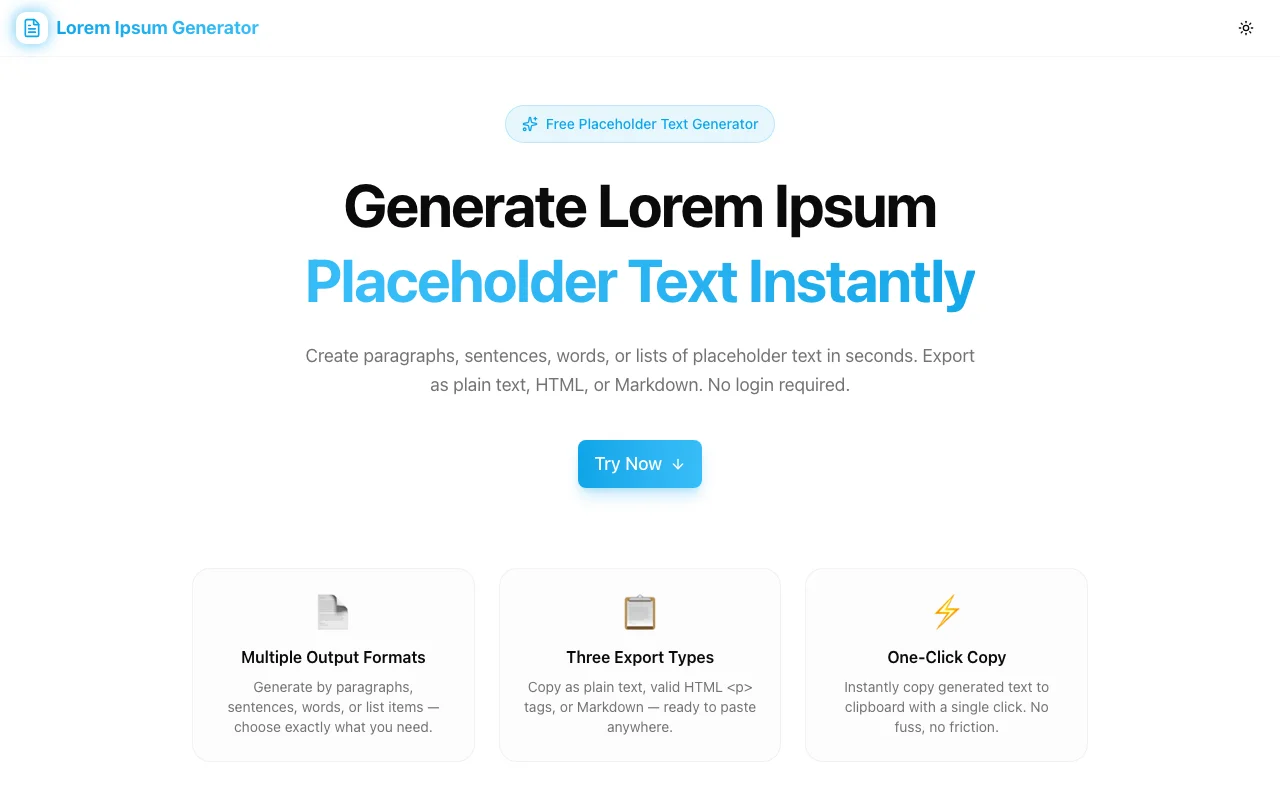
Developer ToolsFeatured
Lorem Ipsum Generator
A free browser-based tool that generates lorem ipsum placeholder text instantly — choose paragraphs, sentences, words, or lists and export as plain text, HTML, or Markdown. No login required.
Lorem IpsumPlaceholder TextDeveloper ToolsDesign ToolsNext.jsTypeScript
Start Similar ProjectAbout the Project
Lorem Ipsum Generator — Placeholder Text for Developers & Designers
Lorem Ipsum Generator is a free, browser-based tool that creates authentic lorem ipsum placeholder text on demand. Choose the output type, set a quantity, pick an export format, and copy — all in under 10 seconds. No account needed, no data sent to any server.
The Problem
Every developer and designer hits the same moment: you're building a UI, drafting a layout, or setting up a CMS — and you need placeholder text right now. The usual options are mediocre: Google "lorem ipsum", land on an ad-heavy site, copy some text, paste it, and realize it only gave you one paragraph format with no export option.
Or you write your own snippet. Or you use faker.js which is massive overkill for "I just need three paragraphs."
Designers need placeholder text that looks realistic. Developers need it in the right format for their code (HTML <p> tags, Markdown, plain text). Content creators need variable-length chunks. Product managers need list items for prototypes.
None of the existing tools make all four output types — paragraphs, sentences, words, and lists — readily configurable in a single interface.
How It Works
Output Types
The generator supports four distinct output modes:
- Paragraphs — Full multi-sentence paragraphs, 3–6 sentences each. Use for body copy, content blocks, CMS seeding.
- Sentences — Individual sentences of 8–17 words. Use for labels, descriptions, card text.
- Words — A flat sequence of words. Use for testing truncation, ellipsis behavior, or filling character-limited fields.
- List — Sentence-length items formatted as a list. Use for bullet-point mockups, nav items, feature lists.
Export Formats
Three copy-ready formats remove the manual reformatting step:
- Plain Text — Paragraphs separated by double newlines, list items prefixed with
•. Paste anywhere. - HTML — Paragraphs wrapped in
<p>tags, lists in<ul>/<li>. Paste directly into HTML templates or component code. - Markdown — Paragraphs with blank lines, list items prefixed with
-. Paste into MDX files, READMEs, or documentation.
Custom Quantity
Set exactly how many paragraphs (1–50), sentences (1–50), words (1–500), or list items (1–50) you need. The generator produces the exact count, every time.
Classic Opening Toggle
Toggle the "Start with Lorem ipsum…" option to begin your text with the canonical Lorem ipsum dolor sit amet, consectetur adipiscing elit opening, or disable it for fully randomized output.
One-Click Copy
A single button copies the entire generated output to clipboard. A visual confirmation confirms the copy succeeded.
Key Features
- Multiple Output Formats — Generate by paragraphs, sentences, words, or list items
- Three Export Types — Copy as plain text, valid HTML
<p>tags, or Markdown - Custom Quantity — Choose exactly how many paragraphs, sentences, or words you need
- Start with "Lorem ipsum…" — Toggle the classic opening phrase on or off
- One-Click Copy — Copy generated text to clipboard instantly
Who It's For
Developers building UI components, seeding CMS data, testing typography, or writing component stories.
Designers creating wireframes in Figma, InVision, or the browser — who need realistic text blocks to evaluate spacing and hierarchy.
Content creators and technical writers who need sample text for templates, email mockups, or design system documentation.
Product managers prototyping user flows, writing PRDs with placeholder examples, or filling in mockup screens for stakeholder reviews.
Technical Implementation
Core Technologies
- Next.js with App Router
- TypeScript in strict mode
- Tailwind CSS for styling
- shadcn/ui for accessible components
Architecture
The generator is entirely client-side. It uses an authentic 150+ word bank derived from classical Latin lorem ipsum passages and applies randomization logic at the sentence and paragraph level:
- Sentences: 8–17 words, randomly selected and capitalized
- Paragraphs: 3–6 sentences, joined into a cohesive block
- Word sequences: flat random output from the word bank
All processing happens in the browser via JavaScript. No text is sent to any server.
Results
Lorem Ipsum Generator removes the friction from a task that happens dozens of times per week across development and design workflows:
- Instant generation — text is ready the moment the page loads, and regenerates on every control change
- Right format first time — HTML, Markdown, or plain text without manual conversion
- Correct structure — proper paragraph breaks, list formatting, and HTML tag structure
- Zero data exposure — everything runs in the browser, no server calls
Try it now: lorem-ipsum-generator.tools.jagodana.com
The Challenge
The client needed a robust developer tools solution that could scale with their growing user base while maintaining a seamless user experience across all devices.
The Solution
We built a modern application using Lorem Ipsum and Placeholder Text, focusing on performance, accessibility, and a delightful user experience.
Project Details
Category
Developer Tools
Technologies
Lorem Ipsum,Placeholder Text,Developer Tools,Design Tools,Next.js,TypeScript
Date
April 2026
Related Projects
More work in Developer Tools

