Back to Projects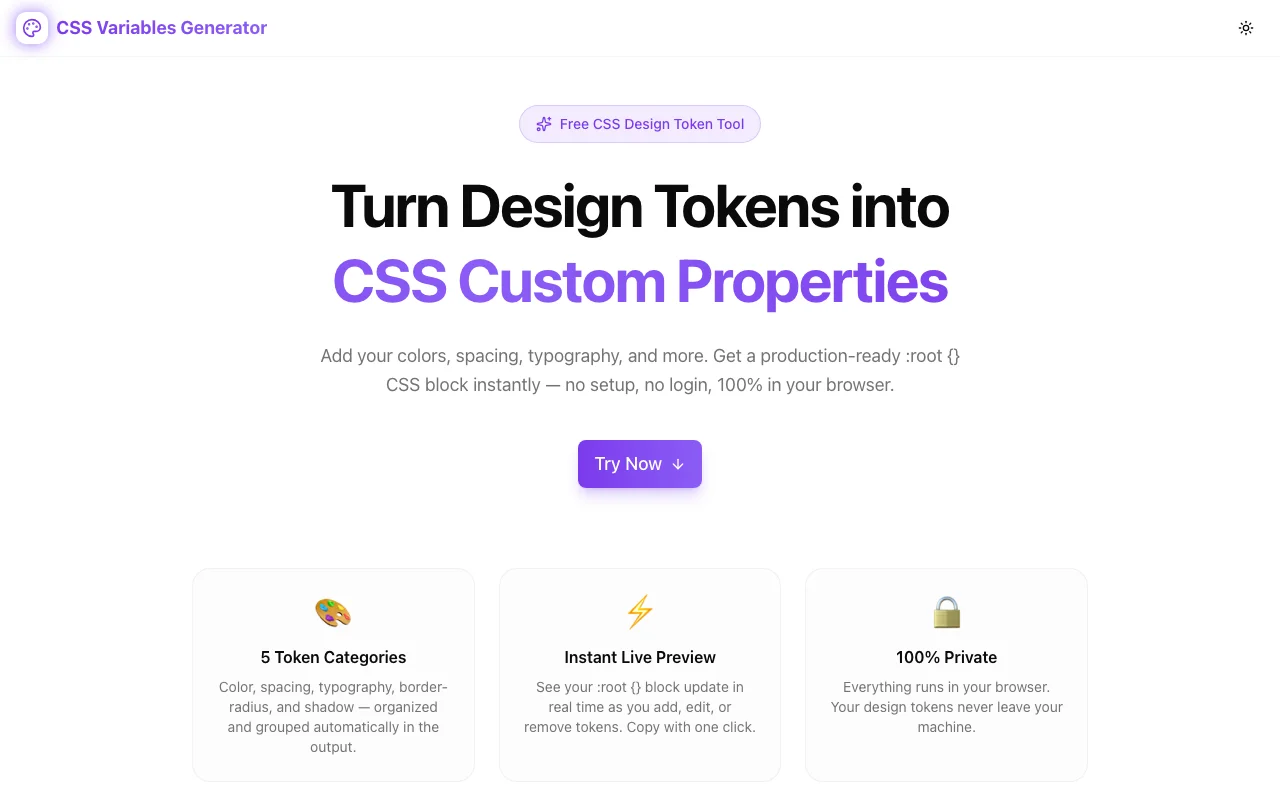
Developer ToolsFeatured
CSS Variables Generator
Generate CSS custom properties from your design tokens instantly. Add colors, spacing, typography, and more — get a ready-to-paste :root {} block. Free, browser-based, no login.
CSSCSS VariablesDesign TokensDeveloper ToolsFrontend DevelopmentCSS GeneratorDesign SystemNext.jsTypeScript
Start Similar ProjectAbout the Project
CSS Variables Generator — Design Tokens to CSS Custom Properties Instantly
CSS Variables Generator is a free browser-based tool that turns design tokens into a production-ready :root {} CSS block. Define your colors, spacing, typography, border radii, and shadows — and get the exact CSS custom properties declaration to paste into your stylesheet.
The Problem
Every project that takes CSS seriously uses custom properties. But building the :root {} block from scratch is tedious — you write each variable by hand, naming it consistently, grouping it by category, and making sure the syntax is right before pasting it into your stylesheet. For a design system with 20–30 tokens, that's 20–30 lines of careful, repetitive work with no guardrails.
Design teams define their tokens in Figma or a spreadsheet. Developers then have to manually translate those into CSS. The gap between "we have these values" and "they're in the stylesheet" is pure friction.
How It Works
Five Token Categories
Tokens are organized into five semantic categories — each with a badge, a naming convention, and an appropriate value format:
| Category | Example name | Example value |
|---|---|---|
| Color | --color-primary | #7c3aed |
| Spacing | --space-4 | 1rem |
| Typography | --font-size-base | 1rem |
| Border Radius | --radius-md | 0.5rem |
| Shadow | --shadow-lg | 0 10px 15px -3px rgb(0 0 0 / 0.1) |
Visual Token Editor
Click Add Token, select a category, type the variable name and value, and press Enter (or click Add). The variable name prefix (--) is added automatically. The output updates instantly.
For color tokens, a live color swatch appears next to any valid hex value — so you get instant visual confirmation without leaving the tool.
Every token is editable inline. Change a name or value and the output updates immediately. Delete any token with the trash icon.
Live :root Preview
The right panel shows the complete :root {} block at all times, grouped by category with comments:
:root {
  /* 🎨 Color */
  --color-primary: #7c3aed;
  --color-background: #ffffff;

  /* 📐 Spacing */
  --space-4: 1rem;
  --space-8: 2rem;

  /* ✍️ Typography */
  --font-size-base: 1rem;
  --font-size-lg: 1.125rem;

  /* ⬜ Border Radius */
  --radius-md: 0.5rem;

  /* 🌑 Shadow */
  --shadow-md: 0 4px 6px -1px rgb(0 0 0 / 0.1);
}
Toggle Minify to get a single-line output for production stylesheets or build pipelines.
One-Click Copy
Click Copy CSS to send the full output to the clipboard. A toast confirms the copy. The button shows a checkmark while the clipboard holds the value.
Defaults + Reset
The tool loads with 13 sensible default tokens across all five categories — enough to see exactly how the output works, and close enough to a real design system to be a useful starting point. Reset restores the defaults. Clear All empties the board.
Key Features
- 5 token categories — color, spacing, typography, border-radius, shadow
- Live :root preview — updates on every keystroke
- Inline color swatches — visual confirmation for hex color tokens
- Minify toggle — pretty-print or single-line output
- Keyboard-friendly — press Enter to add a token
- Reset / Clear — restore defaults or start fresh
- 100% client-side — no server, no account, no data sent anywhere
- Dark mode — follows system or manual toggle
Who It's For
Frontend developers setting up a new project who want their CSS custom properties defined and organized from day one.
Design system maintainers who translate tokens from Figma or a design spreadsheet into stylesheet declarations.
Full-stack founders and indie hackers who want a maintainable CSS foundation without the overhead of a full design token pipeline (Style Dictionary, Theo, etc.).
CSS learners building their first design system who want to see what a well-structured :root {} block looks like in practice.
Try It
The Challenge
The client needed a robust developer tools solution that could scale with their growing user base while maintaining a seamless user experience across all devices.
The Solution
We built a modern application using CSS and CSS Variables, focusing on performance, accessibility, and a delightful user experience.
Project Details
Category
Developer Tools
Technologies
CSS,CSS Variables,Design Tokens,Developer Tools,Frontend Development,CSS Generator,Design System,Next.js,TypeScript
Date
April 2026
Related Projects
More work in Developer Tools

