Back to Projects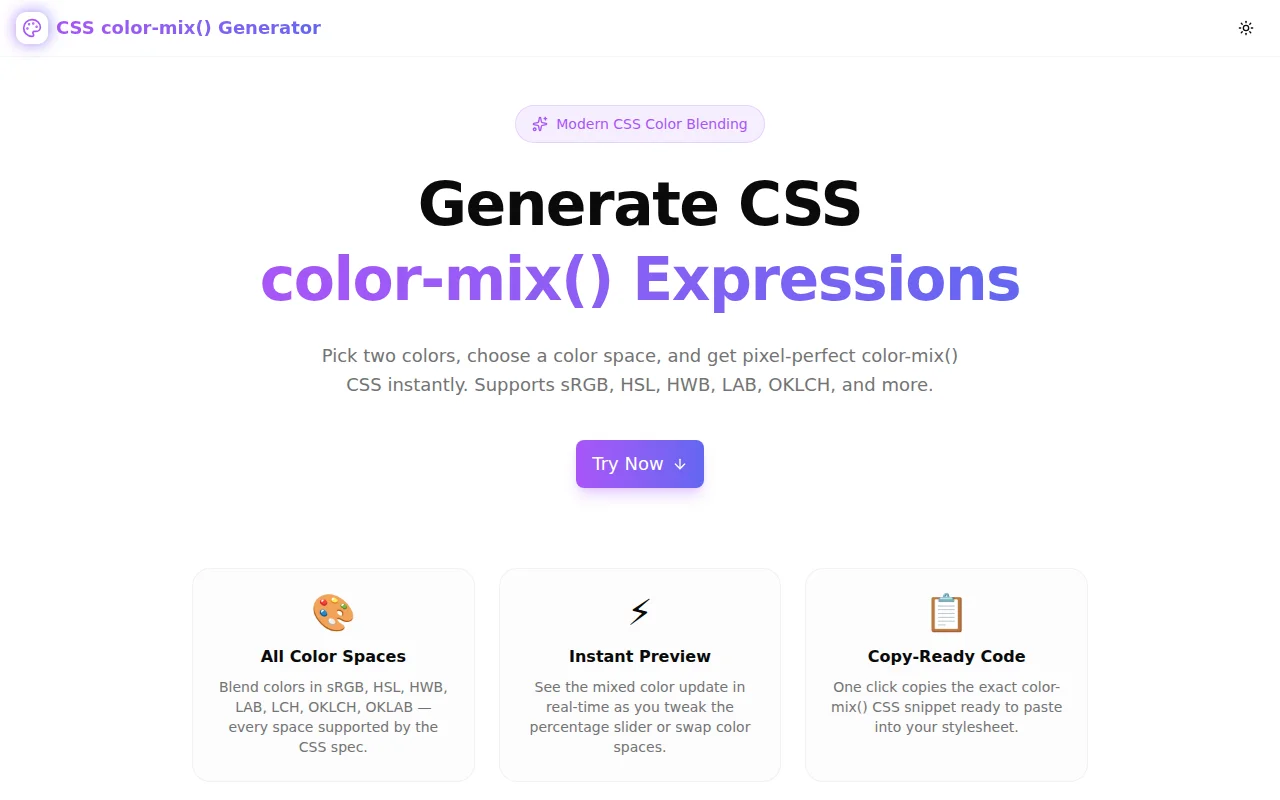
Developer ToolsFeatured
CSS color-mix() Generator
A free browser-based tool to generate CSS color-mix() expressions. Pick two colors, choose a color space (sRGB, HSL, HWB, LAB, OKLCH), adjust the percentage, and get copy-ready CSS instantly. 100% client-side, no signup required.
CSSColorDeveloper ToolsFrontendNext.jsTypeScript
Start Similar ProjectAbout the Project
CSS color-mix() Generator — Build CSS Color Blends Instantly
CSS color-mix() Generator is a free, browser-based tool for generating CSS color-mix() expressions. Pick two colors with the color pickers, choose an interpolation color space, drag the percentage slider, and get the exact CSS syntax — copy-ready with one click.
No signup. No install. Open and start mixing.
The Problem
CSS color-mix() is one of the most useful additions to CSS Color Level 5, but its syntax trips up developers every time:
color-mix(in oklch, #a855f7 30%, #6366f1)What does "in oklch" mean? Why does the color space matter? What happens when the percentages don't add up to 100%? Does this actually work in production browsers?
The function is documented in the spec, but the spec doesn't show you what the result looks like. Without a visual tool, you're writing CSS, saving, reloading, and guessing — a slow loop for something that should take seconds.
How It Works
1. Two Color Pickers
Click either color swatch to open the browser's native color picker, or type a HEX value directly. Both color fields update in sync with the live preview. The mix result updates immediately as you change either color.
2. Color Space Selector
Ten color spaces are available: sRGB, sRGB-linear, HSL, HWB, LAB, LCH, OKLAB, OKLCH, Display P3, and XYZ. Toggle between them and the generated CSS updates instantly.
The default is OKLCH — the recommended choice for most use cases. OKLCH is perceptually uniform, which means its midpoints stay vivid instead of going grey or muddy.
3. Percentage Slider
A slider controls how much of the first color appears in the blend. The track displays the actual color gradient between the two inputs, and a thumb indicator moves along it to show the current blend point.
The label above shows both sides: "40% color1 / 60% color2" — so you always know what each percentage means without reading the spec.
4. Swap Colors
A swap button flips the two colors and inverts the percentage. Useful when you want to compare color-mix(in oklch, A 30%, B) versus color-mix(in oklch, B 30%, A) — which produce different results in some color spaces.
5. Color Ramp
A five-stop color ramp at the bottom shows 0%, 25%, 50%, 75%, and 100% blend points as clickable swatches. Click any stop to jump the slider to that percentage. This gives a quick overview of the full blend range and lets you try the midpoints without dragging.
6. Copy-Ready Output
The output field shows the complete color-mix() expression. One click copies it to the clipboard — ready to paste into a CSS file, a design token, or a custom property value.
Key Features
- Ten color spaces — sRGB, sRGB-linear, HSL, HWB, LAB, LCH, OKLAB, OKLCH, Display P3, XYZ
- Live color preview — see the blended color update as you adjust any control
- Gradient slider track — the slider track shows the actual color progression
- Color ramp — five blend-point swatches for quick percentage jumps
- Swap button — reverse the blend direction with one click
- One-click CSS copy — production-ready color-mix() output
- Fully client-side — no API calls, no data leaves your browser
- No signup required — start immediately
Technical Implementation
Core Technologies
- Next.js 16 with App Router
- TypeScript in strict mode
- Tailwind CSS v4 with OKLCH brand tokens
- shadcn/ui components (new-york style)
- framer-motion for smooth transitions
- 100% client-side — zero external API dependencies
Architecture
The tool generates the color-mix() expression as a pure string from three state values: color1, color2, colorSpace, and percentage. There is no parsing or color conversion — the browser handles all rendering.
The live preview swatch uses the same color-mix() syntax... except we can't use color-mix() for the preview background in all environments, so a simple sRGB linear blend computes an approximate RGB preview color client-side via straight-line interpolation. This gives a consistent preview even in environments where color-mix() isn't supported in inline CSS.
The slider track background is a CSS linear-gradient between the two raw hex inputs, giving an immediate visual read on where the blend sits in sRGB space.
Use Cases
Design Tokens and Color Systems
Generate tints and shades programmatically without a preprocessor:
:root {
  --brand-light: color-mix(in oklch, var(--brand) 30%, white);
  --brand-dark: color-mix(in oklch, var(--brand) 30%, black);
}
Hover States
Create consistent hover variants without hardcoding a second color:
.button:hover {
  background: color-mix(in oklch, var(--brand) 80%, black);
}
Opacity-Based Variants Without Opacity
Mix with the page background instead of using alpha — the result is opaque (no bleed-through issues):
.tag {
  background: color-mix(in srgb, var(--brand) 15%, white);
}
Learning the CSS Color Mix API
The tool makes the relationship between color spaces and blend results tangible. Switch from sRGB to OKLCH and watch the midpoint shift — the perceptual difference between the two approaches becomes immediately obvious.
Why color-mix()?
Browser Support
color-mix() is supported in Chrome 111+, Firefox 113+, Safari 16.2+, and Edge 111+. As of mid-2025 it has over 93% global coverage — safe for production without a fallback in most projects.
vs. Preprocessor Mixins
Sass has color.mix(). Less has mix(). But CSS color-mix() works at runtime, in the browser, with dynamic custom properties. You can mix two CSS variables and have the result update live when either variable changes. Preprocessors compute at build time — they can't do this.
vs. JavaScript Color Libraries
chroma.js, color, tinycolor2 — all require JavaScript, a bundle, and an import. color-mix() is one CSS declaration. No build step, no dependency.
Results
- Zero configuration — pick colors, see the CSS
- All color spaces accessible — including OKLCH without math
- Fast iteration — adjust percentage by dragging, not typing
- Exact output — copy and paste without editing
Try it now: css-color-mix-generator.tools.jagodana.com
The Challenge
The client needed a robust developer tools solution that could scale with their growing user base while maintaining a seamless user experience across all devices.
The Solution
We built a modern application using CSS and Color, focusing on performance, accessibility, and a delightful user experience.
Project Details
Category
Developer Tools
Technologies
CSS,Color,Developer Tools,Frontend,Next.js,TypeScript
Date
May 2026
Related Projects
More work in Developer Tools

