Back to Projects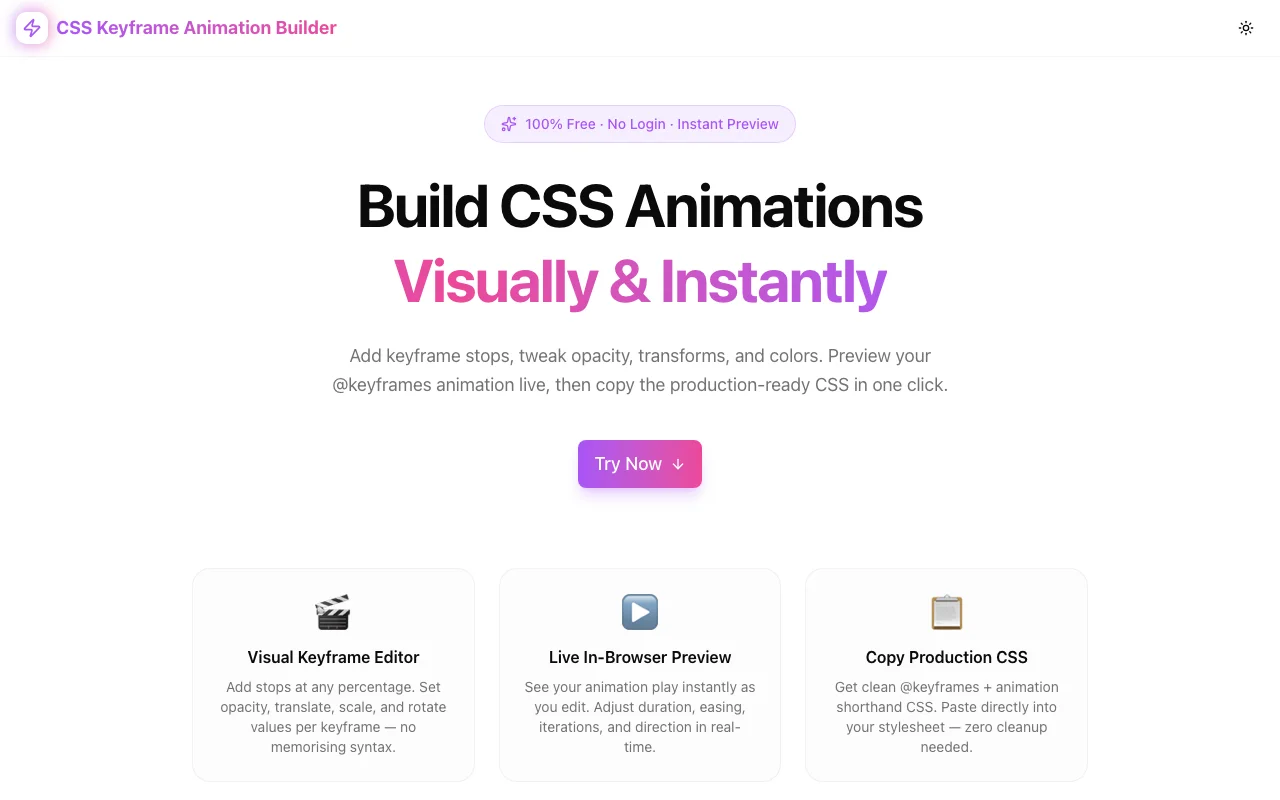
Developer ToolsFeatured
CSS Keyframe Animation Builder
Build CSS @keyframes animations visually. Add keyframe stops, set opacity, transforms and colors, preview live, then copy production-ready CSS. No login, 100% in-browser.
CSSAnimationCSS AnimationKeyframesFrontendDeveloper ToolsDesign ToolsNext.jsTypeScript
Start Similar ProjectAbout the Project
CSS Keyframe Animation Builder — Create @keyframes Animations Visually
CSS Keyframe Animation Builder is a free, fully browser-based tool for building CSS @keyframes animations without touching a line of code. Add stops, tweak opacity and transforms, watch it play live, then copy clean CSS.
The Problem
CSS animations are powerful — but writing them by hand is painful:
- You need to remember six or seven parameters in the right order
- You have to reload the browser every time you change a value
- Multi-stop animations (0%, 40%, 70%, 100%) get unwieldy fast
- Testing easing functions requires constant trial and error
- There's no visual feedback until you save and check the browser
Developers often skip animations entirely because the feedback loop is too slow. Designers hand off animation specs that devs interpret incorrectly. Both end up with less polished UIs than they could have.
How It Works
Quick Presets
Six presets ship out of the box — click one to instantly load its keyframes and settings:
- Fade In — Simple opacity 0→1 with ease timing
- Slide Up — Combines opacity with translateY for a modern entrance
- Bounce — Vertical oscillation with ease-in-out for a playful feel
- Pulse — Scale + opacity rhythm for drawing attention
- Spin — Continuous 360° rotation with linear timing
- Scale Up — Scale 0.5→1 fade-in for modal/card entrances
Each preset is a fully editable starting point — not a locked template.
Animation Settings Panel
Configure every aspect of the animation in one row:
| Setting | Options |
|---|---|
| Name | Custom identifier (becomes the @keyframes name) |
| Duration | 0.1s to 30s |
| Delay | 0s to 10s |
| Easing | ease, ease-in, ease-out, ease-in-out, linear, cubic-bezier, steps |
| Iterations | Any number or infinite |
| Direction | normal, reverse, alternate, alternate-reverse |
| Fill Mode | none, forwards, backwards, both |
Visual Keyframe Editor
Add as many keyframe stops as you need. Each stop exposes:
- Stop % — Position in the animation timeline (0–100)
- Opacity — 0 to 1 with 0.05 step precision
- X / Y — translateX and translateY in px (±500px range)
- Scale — Scale multiplier (0 to 10, step 0.05)
- Rotate — Rotation in degrees (±720°)
- Color — Background color via native color picker
Stops are sorted automatically — put them in any order and the builder keeps the timeline correct.
Live Preview
A preview box in the right panel plays the animation in real time using an injected <style> tag. Every change you make — a new stop, a tweaked value, a different easing — updates the preview immediately. No reload, no save, no waiting.
Click Replay to restart the animation at any time, useful for one-shot animations (fill-mode: both, iteration: 1).
Generated CSS Output
The right panel shows the complete, production-ready CSS:
@keyframes myAnimation {
  0% {
    opacity: 0;
    background-color: #a855f7;
  }
  100% {
    opacity: 1;
    transform: translate(0px, 40px) scale(1.2);
    background-color: #ec4899;
  }
}

.element {
  animation: myAnimation 1s ease 0s infinite normal none;
}
Click Copy CSS to grab the full block — paste it directly into your stylesheet, CSS module, or styled-components template.
Key Features
- 6 presets — Fade In, Slide Up, Bounce, Pulse, Spin, Scale Up
- Unlimited keyframe stops — Add as many as you need
- 5 animatable properties — opacity, translateX, translateY, scale, rotate, background-color
- 9 easing functions — Including custom cubic-bezier and steps
- Live preview — Instant visual feedback as you edit
- One-click copy — Copies @keyframes + animation shorthand
- Dark/light mode — Matches your system preference
- 100% client-side — No server, no data sent anywhere
Technical Implementation
- Next.js 16 with App Router (server components for SEO, client for interactivity)
- TypeScript strict mode throughout
- Tailwind CSS v4 with OKLCH brand tokens
- shadcn/ui components (new-york style)
- Framer Motion page animations
- Dynamic
<style>injection for live CSS preview (no iframe, no canvas) - GA4 tracking via custom ToolEvents
Who It's For
Frontend developers who want to prototype animations quickly without editing CSS files and waiting for hot reload.
UI designers who can now specify animations precisely and hand devs the exact CSS — no more "make it bounce a bit" specs.
Product engineers who need polished microinteractions but don't want to spend 45 minutes on animation syntax.
Students learning CSS animations — seeing properties change in real time is the fastest way to build intuition.
Try it now: css-keyframe-animation-builder.tools.jagodana.com
The Challenge
The client needed a robust developer tools solution that could scale with their growing user base while maintaining a seamless user experience across all devices.
The Solution
We built a modern application using CSS and Animation, focusing on performance, accessibility, and a delightful user experience.
Project Details
Category
Developer Tools
Technologies
CSS,Animation,CSS Animation,Keyframes,Frontend,Developer Tools,Design Tools,Next.js,TypeScript
Date
April 2026
Related Projects
More work in Developer Tools

