Back to Projects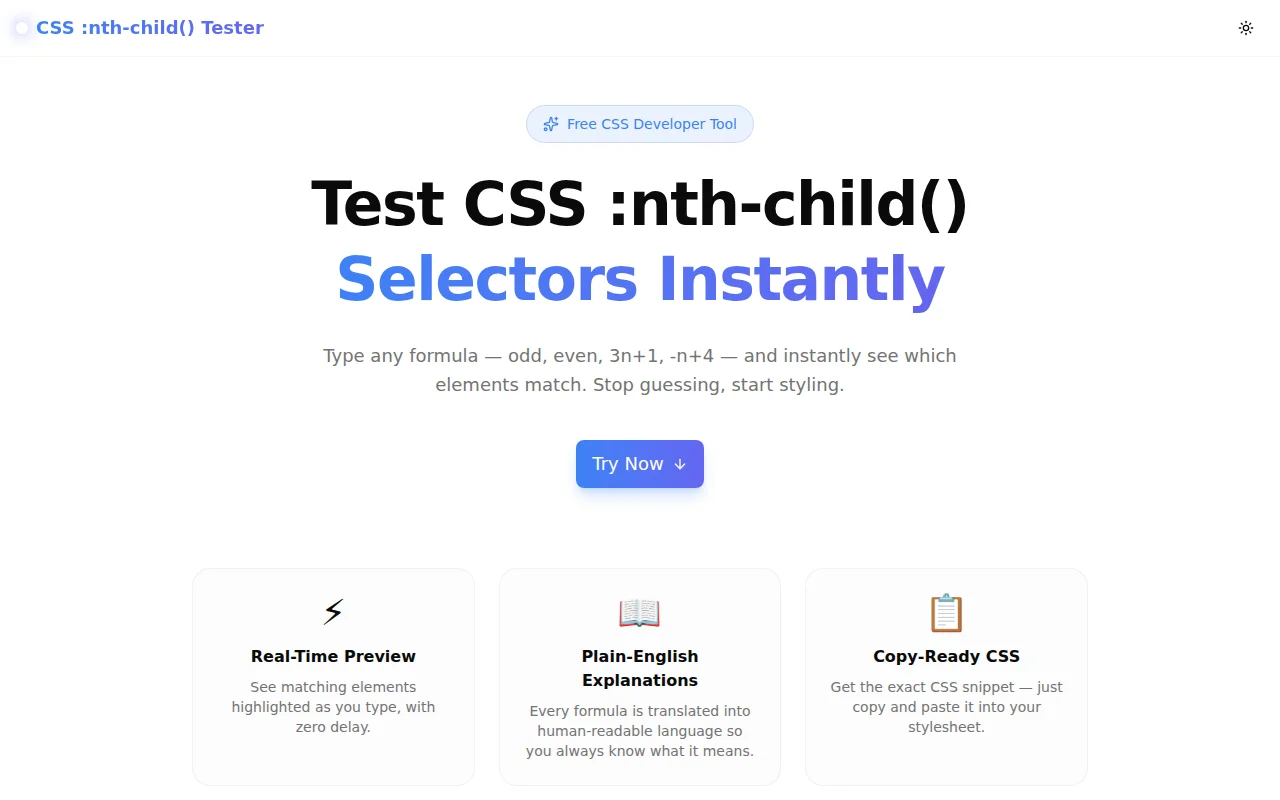
Developer ToolsFeatured
CSS :nth-child() Tester
A free interactive tool that visualizes CSS :nth-child() and :nth-of-type() selector formulas in real time — type any formula and instantly see which elements match, with plain-English explanations and copy-ready CSS.
CSSSelectorsDeveloper ToolsFrontendNext.jsTypeScript
Start Similar ProjectAbout the Project
CSS :nth-child() Tester — Interactive Selector Visualizer
CSS :nth-child() Tester is a free, browser-based tool that lets you type any CSS structural pseudo-class formula — odd, even, 3n+1, -n+4 — and instantly see a visual grid highlighting exactly which elements match. It also explains every formula in plain English and gives you a copy-ready CSS snippet.
The Problem
CSS structural pseudo-classes are powerful but non-obvious. The An+B formula syntax takes practice to read, and making a mistake means refreshing the browser, opening DevTools, inspecting child counts, and guessing again.
Even experienced developers occasionally pause on a formula like :nth-child(-n+3) and need a moment to work it out. Questions like these get Googled thousands of times a day:
- "css nth-child every 3rd element"
- "css nth-child first 4 elements"
- "what does nth-child 2n+1 do"
- ":nth-child vs :nth-of-type difference"
Every one of those searches ends in a MDN page, a Stack Overflow answer, or a mental exercise. This tool short-circuits all of that.
How It Works
1. Formula Input
Type any valid CSS pseudo-class formula into the input field. The tool accepts the full range of supported syntax:
- Keywords:
odd,even - Plain integer:
3,7(matches only that specific child) - An+B notation:
3n,3n+1,2n-1,-n+4,5n+3
The input updates the visual grid with every keystroke — no submit button, no delay.
2. Selector Type Toggle
Switch between :nth-child and :nth-of-type with one click. Both pseudo-classes share the same formula syntax, but their counting behavior differs:
:nth-childcounts all sibling elements regardless of tag name:nth-of-typecounts only siblings of the same element type
The visual preview reflects the active selector type in the generated CSS snippet.
3. Visual Element Grid
A numbered grid (configurable from 4 to 30 elements) shows which positions match the formula. Matching elements are highlighted in the tool's brand color and animated slightly larger. Non-matching elements fade out so the pattern is immediately visible.
A match counter at the top right shows how many elements match out of the total — useful for quickly checking formulas like -n+3 that select a bounded number of elements.
4. Plain-English Explanation
Every formula resolves to a human-readable explanation directly below the input:
odd→ "Every odd-numbered element (1st, 3rd, 5th, …) — same as 2n+1."3n+1→ "Every 3rd element, starting from the 1st."-n+4→ "The first 4 elements (counts down from the 4th)."4→ "Matches only the 4th child element."
5. Copy-Ready CSS Snippet
Once the formula looks right, a formatted CSS snippet is ready to copy with one click:
li:nth-child(3n+1) {
  /* your styles */
}
The snippet uses li as the element selector — change it to match your actual target element before pasting.
Key Features
- Real-time visual grid — matching elements highlighted as you type
- Formula validation — invalid input gets a clear error message
- :nth-child and :nth-of-type — both pseudo-classes supported
- Configurable element count — 4 to 30 elements via slider
- Plain-English explanations — every formula translated to plain language
- Quick-pick examples — common formulas one click away
- Copy-ready CSS snippet — one-click copy with clipboard toast
- Fully client-side — no data leaves your browser
- Dark mode — matches system preference
Technical Implementation
Core Technologies
- Next.js 16 with App Router
- TypeScript in strict mode
- Tailwind CSS v4 for styling with OKLCH color tokens
- Framer Motion for animated grid transitions
- shadcn/ui components (new-york style)
Formula Parsing Algorithm
The parser handles the full An+B spec:
- Check for
oddandevenkeywords — map to2n+1and2nrespectively - Check for plain integer — match that single index
- Match the
An+Bregex pattern to extract A and B components - Iterate 1 to N, check if
(index - B)is divisible by A with a non-negative quotient
Edge cases handled:
A = 0→ matches only position B- Negative A values (e.g.,
-n+3→ first 3 elements) - Missing A coefficient (e.g.,
n+2→ A = 1) - Sign-only A (e.g.,
-n→ A = -1)
Animation
Matching grid cells animate with spring physics (stiffness: 400, damping: 25) for a snappy but not jarring response. The layout prop on each cell lets Framer Motion handle position transitions automatically when the element count changes.
Use Cases
Striped Table Rows
tr:nth-child(odd) {
  background: #f9f9f9;
}
Alternating row colors are the most common use case. The tool shows immediately that odd matches rows 1, 3, 5, and even matches 2, 4, 6.
Selecting the First N Elements
li:nth-child(-n+3) {
  font-weight: bold;
}
The negative coefficient pattern is confusing at first. The visual grid makes it click instantly — the formula counts down from 3 to 1, matching exactly the first 3 elements.
Every Nth Element in a Grid
.card:nth-child(4n) {
  margin-right: 0;
}
CSS grid removes the need for this in modern layouts, but it still appears in flexbox grids and older codebases. 4n matches 4, 8, 12 — the last item in each row of a 4-column grid.
Specific Column in a Grid
.cell:nth-child(3n+1) {
  color: brand;
}
3n+1 matches positions 1, 4, 7 — the first column of a 3-column layout. Adjust the offset to target any column.
First and Last Elements
p:first-child  /* shorthand for :nth-child(1) */
p:last-child   /* no nth-child equivalent */
p:nth-child(1) /* same as first-child */
Understanding how 1 as a formula differs from n+1 becomes visual immediately.
Why This Tool?
vs. Browser DevTools
DevTools lets you inspect matched elements after the fact, but it doesn't let you experiment with formulas before writing code. The tester is a scratch pad — try formulas freely without touching your stylesheet.
vs. MDN Documentation
MDN's reference is accurate but static. Reading that -n+3 matches "the first three elements when n is 0, 1, and 2" is less intuitive than seeing boxes 1, 2, and 3 light up immediately.
vs. CSS in a Codepen
Setting up a Codepen to test one formula is slow. The tester is open and ready — no account, no editor, no boilerplate.
Results
- Instant formula validation — know immediately if the formula is syntactically valid
- Visual learning — see the pattern, not just the formula
- Faster authoring — go from "I think 3n+1 does what I want" to "confirmed" in seconds
- Copy-ready output — CSS snippet ready to paste
Try it now: css-nth-child-tester.tools.jagodana.com
The Challenge
The client needed a robust developer tools solution that could scale with their growing user base while maintaining a seamless user experience across all devices.
The Solution
We built a modern application using CSS and Selectors, focusing on performance, accessibility, and a delightful user experience.
Project Details
Category
Developer Tools
Technologies
CSS,Selectors,Developer Tools,Frontend,Next.js,TypeScript
Date
May 2026
Related Projects
More work in Developer Tools

