Back to Projects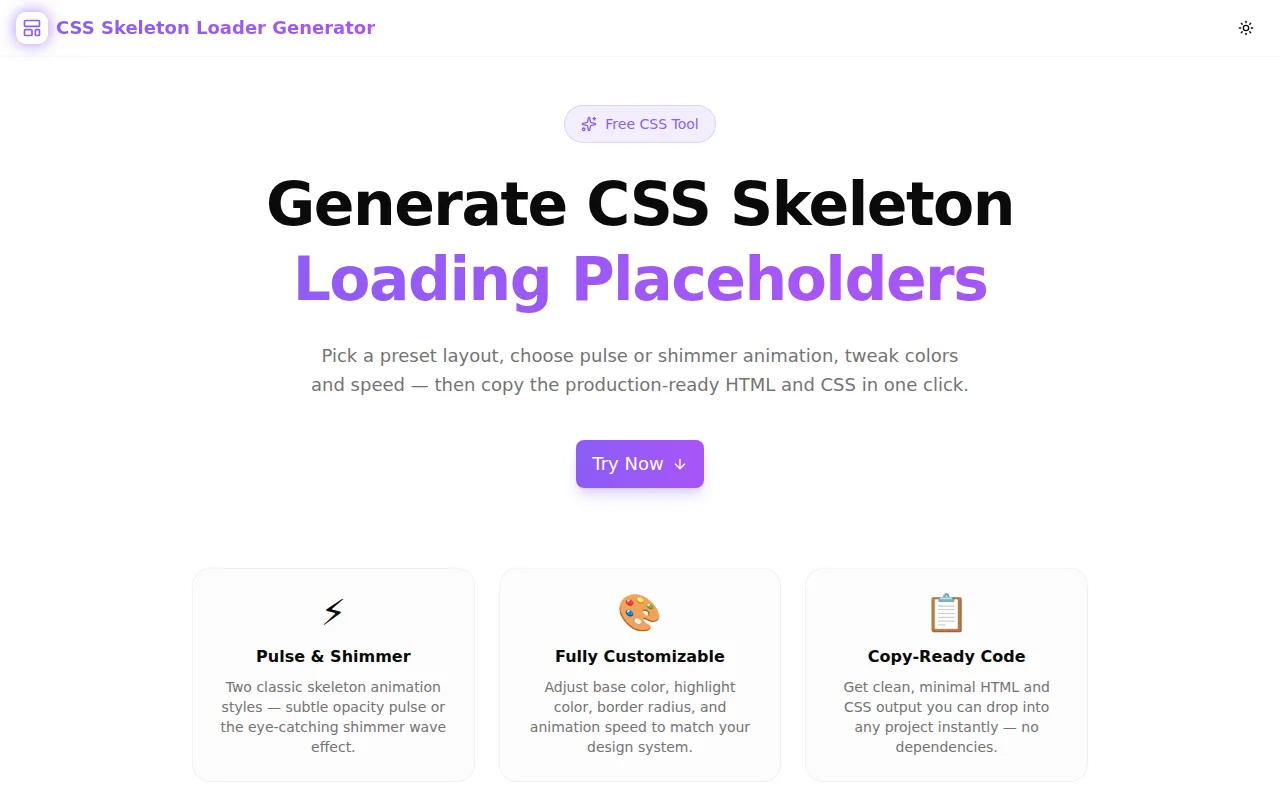
Developer ToolsFeatured
CSS Skeleton Loader Generator
A free browser-based tool to generate animated CSS skeleton loading placeholders instantly. Choose pulse or shimmer animations, pick a preset layout, customize colors and speed, then copy the ready-to-use HTML and CSS — no signup required.
CSSLoading StatesSkeleton LoaderDeveloper ToolsFrontendNext.jsTypeScript
Start Similar ProjectAbout the Project
CSS Skeleton Loader Generator — Animated Loading Placeholders in Seconds
CSS Skeleton Loader Generator is a free, instant browser tool that lets you build animated loading placeholder UI patterns — also known as skeleton screens or content placeholders. Choose a layout preset, pick your animation style, adjust colors and speed, and copy the production-ready HTML and CSS with one click. No library, no account, no server calls.
The Problem
Every web app has loading states. The question is what users see while data is fetching.
A blank screen feels broken. A spinner is passive — it tells users nothing about what's coming. A skeleton screen tells users the page is loading and shows them the rough shape of the content they're waiting for. The perceived wait time drops. Bounce rate drops with it.
The problem is that hand-coding a skeleton loader is tedious. You need the HTML structure, the background-color, the animation keyframes, and the layout CSS — and you need to decide between a pulse animation and a shimmer wave. Multiplied across cards, lists, profile headers, and tables, this is real time-sink work.
CSS Skeleton Loader Generator removes that work entirely.
How It Works
1. Choose a Preset Layout
Five presets cover the most common UI components:
- Card — avatar circle + title + subtitle + content lines (social media posts, product cards, comment threads)
- List Items — three rows with avatar, text lines, and a badge (user lists, notification feeds, file lists)
- Profile — banner image + avatar + name + bio (user profiles, author pages, team directories)
- Article — hero image + title + subtitle + body paragraphs (blog posts, documentation, news feeds)
- Data Table — header row + three data rows with an avatar column (dashboards, admin tables, analytics views)
Each preset is a starting point. The generated HTML uses plain div and ul elements with inline dimensions — easy to adapt to your actual component structure.
2. Choose Pulse or Shimmer Animation
Pulse fades the placeholder between full and reduced opacity in a slow, rhythmic breathing cycle. It is subtle, low-distraction, and works well for tools and data-heavy UIs.
Shimmer moves a bright highlight gradient from left to right across the element — the style used by LinkedIn, Facebook, and most modern SaaS products. It reads as "actively loading" and works especially well on light backgrounds.
Both are pure CSS. No JavaScript is required for the animation.
3. Customize Colors, Border Radius, and Speed
- Base color — the background of the skeleton shape. Default is a light grey (
#e2e8f0). For dark-mode UIs, set this to a dark neutral. - Highlight color (shimmer only) — the bright band that sweeps across. Set this to a lighter value than the base for contrast.
- Border radius — a 0–24px slider controlling how rounded the skeleton shapes are. Use 0px for data tables, 4–8px for card layouts, and 50% (automatic for circles like avatars).
- Speed — slow (2.5s), medium (1.5s), or fast (0.8s). Medium matches most natural loading speeds without being distracting.
4. Copy HTML and CSS
The output panel has three tabs:
- Preview — a live, animated render of the skeleton using your exact color and speed settings
- HTML — the markup structure for the chosen preset
- CSS — the
.skeletonbase class, animation keyframes, and any preset-specific layout rules
Click "Copy HTML" or "Copy CSS" to grab the code. Drop it into your project, apply .skeleton to any element, and the animation runs immediately.
Key Features
- Two animation types — pulse (opacity) and shimmer (gradient wave)
- 5 preset layouts — card, list, profile, article, data table
- Color customization — base and highlight color pickers for exact brand matching
- Border radius control — 0–24px slider
- Speed control — slow, medium, fast
- Live preview — see the exact animation before copying code
- Zero dependencies — generated code is pure HTML and CSS, no libraries required
- Fully client-side — no data leaves your browser
- No signup required — open and start immediately
Technical Implementation
Core Technologies
- Next.js 16 with App Router
- TypeScript in strict mode
- Tailwind CSS v4 with OKLCH color tokens
- shadcn/ui components (new-york style)
- framer-motion for page entry animations
- Pure CSS skeleton animations in generated output
Architecture
The tool runs entirely in the browser. All animation previews use inline styles and CSS @keyframes animations defined in globals.css. The code generator computes HTML and CSS strings from the current configuration state and outputs them to tabbed code panels with copy-to-clipboard functionality.
No server requests are made. The tool does not collect or transmit any user data.
Use Cases
React / Next.js App Loading States
Build the skeleton for a card component while the API call runs. Use the card preset, match the border radius and colors to your design system, copy the output, and drop it into a conditional render.
Reducing Perceived Load Time
Replace spinners with skeleton screens on data-heavy pages — dashboards, user lists, content feeds. Users see a familiar structure instead of nothing, which reduces bounce on slow connections.
Dark Mode Skeleton Loaders
Set the base color to a dark neutral (#1e293b) and the highlight to a slightly lighter value (#334155) for a dark-mode skeleton that matches your UI without visible jarring.
Design Handoff
When a designer provides mockups with loading states, use the generator to quickly produce the skeleton CSS that matches the layout — without manual trial and error.
Prototyping
During early UI prototyping, drop skeleton loaders into placeholder components to simulate a realistic loading experience before real data is wired up.
Why CSS Skeleton Loader Generator?
vs. Writing It by Hand
- Visual before copy — preview the animation before committing to any code
- Preset layouts — common component patterns ready in one click
- No keyframe memorization — the generator handles the shimmer gradient math
vs. Using a Library (react-loading-skeleton, etc.)
- Zero bundle impact — no npm package, no JavaScript dependency
- Full CSS control — the generated code is yours to modify freely
- Framework agnostic — works in plain HTML, React, Vue, Svelte, anything
vs. Other Generators
- Both pulse and shimmer — not just one style
- Live preview — see the animation, not just the code
- Preset layouts — not just a single block, but real component shapes
- Clean output — minimal, readable HTML and CSS
Try it now: css-skeleton-loader-generator.tools.jagodana.com
The Challenge
The client needed a robust developer tools solution that could scale with their growing user base while maintaining a seamless user experience across all devices.
The Solution
We built a modern application using CSS and Loading States, focusing on performance, accessibility, and a delightful user experience.
Project Details
Category
Developer Tools
Technologies
CSS,Loading States,Skeleton Loader,Developer Tools,Frontend,Next.js,TypeScript
Date
June 2026
Related Projects
More work in Developer Tools

