Back to Projects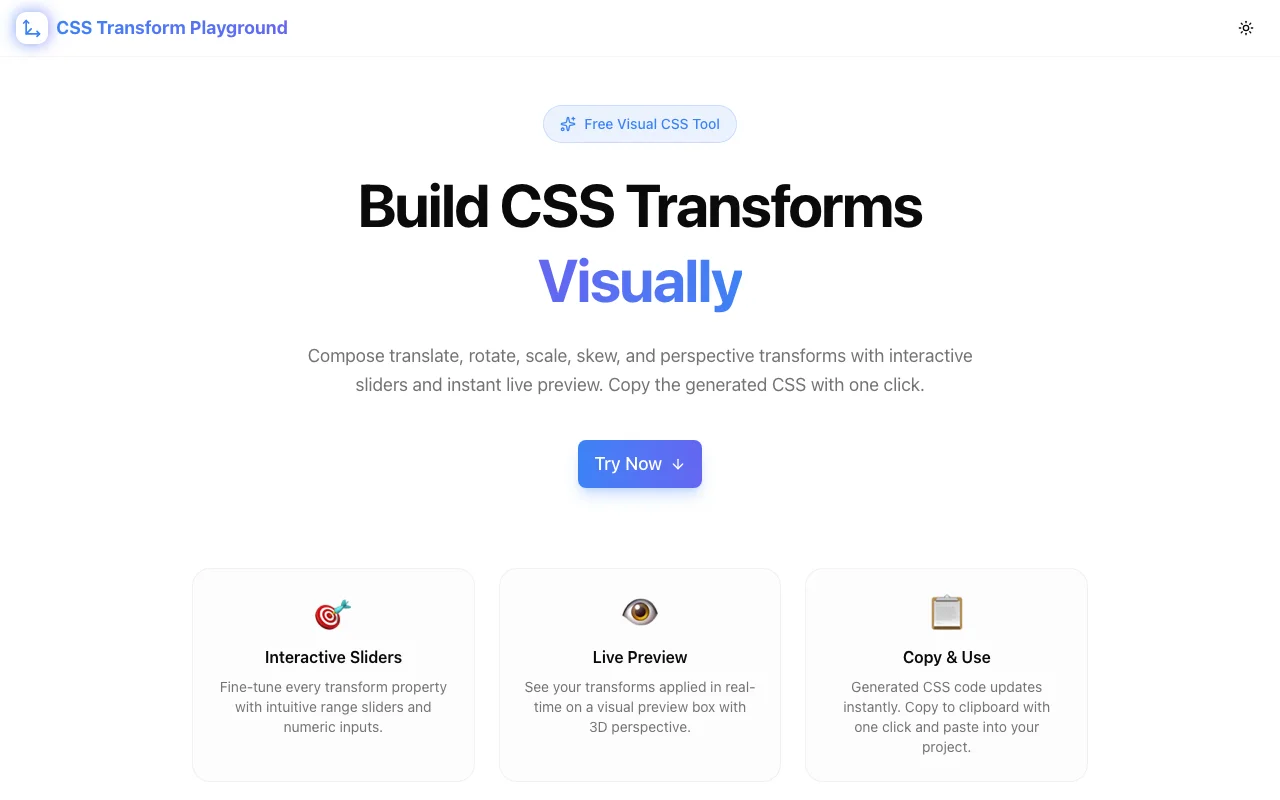
Developer ToolsFeatured
CSS Transform Playground
A free visual tool for composing CSS transforms interactively—build translate, rotate, scale, skew, and perspective transforms with instant preview and copy-ready CSS code, no signup required.
CSS TransformsVisual BuilderDeveloper ToolsFrontendNext.jsTypeScript
Start Similar ProjectAbout the Project
CSS Transform Playground — Visual CSS Transform Builder & Preview
CSS Transform Playground is a free, browser-based visual tool for composing CSS transforms. Add translate, rotate, scale, skew, and perspective transforms interactively, see the result in real time, and copy production-ready CSS with one click.
The Problem
CSS transforms are powerful but hard to reason about. The transform property accepts a space-separated list of functions—each applied in order—and the stacking order changes the result. A rotate(45deg) translateX(100px) is not the same as translateX(100px) rotate(45deg).
Most developers build transforms through trial and error:
- Write a transform in CSS
- Save, switch to the browser, check the result
- Tweak a value, save again, check again
- Realize the order is wrong, rearrange, repeat
- Multiply this by every transform function in the chain
The feedback loop is slow. The mental model for how transforms compose is unintuitive. And the browser DevTools let you inspect transforms but not build them visually.
How It Works
1. Add Transform Functions
Select from the available transform functions—translate, rotate, scale, skew, and perspective. Each function gets its own control with sliders and numeric inputs for precise adjustment.
2. Adjust Values Interactively
Drag sliders or type exact values for each transform property:
- Translate — Move elements along X, Y, and Z axes in pixels or percentages
- Rotate — Rotate elements around X, Y, and Z axes in degrees
- Scale — Resize elements along X, Y, and Z axes with decimal precision
- Skew — Shear elements along X and Y axes in degrees
- Perspective — Control 3D depth perception for child transforms
3. See the Result Instantly
A live preview element updates in real time as you adjust values. You see exactly what your transform will look like before touching your codebase.
4. Copy Production-Ready CSS
The generated transform property is displayed as copy-ready CSS. One click and it's on your clipboard, ready to paste into your stylesheet.
Key Features
- Visual composition — build complex multi-function transforms without guessing
- Real-time preview — see changes instantly as you adjust values
- Drag-to-reorder — change transform function order to understand stacking behavior
- One-click copy — grab the generated CSS transform instantly
- 3D transform support — full X, Y, Z axis control with perspective
- Client-side only — no data leaves your browser
- No signup required — open the URL and start building
- Dark/light theme — comfortable in any environment
- Responsive design — works on desktop, tablet, and mobile
Technical Implementation
Core Technologies
- Next.js with App Router
- TypeScript in strict mode
- TailwindCSS for styling
- shadcn/ui for accessible components
- Framer Motion for animations
Architecture
- All transform calculations run client-side in the browser
- Real-time CSS generation from slider/input state
- Transform function ordering preserved exactly as composed
- Responsive layout that scales from mobile to ultrawide displays
Use Cases
Frontend Development
You're building a hover animation that combines translate and scale. Instead of writing transform: translateY(-4px) scale(1.02), tweaking, reloading, and repeating—open the playground, drag the sliders until it looks right, and copy the final value.
Learning CSS Transforms
Transforms are one of the trickiest CSS concepts for junior developers. The playground makes the relationship between transform functions and visual output tangible. Change a value, see what happens. Reorder functions, see how the result changes.
Design Handoff
A designer specifies "rotate the card 12 degrees with a slight upward lift." Instead of guessing pixel values, build the exact transform visually and hand off precise CSS to the implementation.
Prototyping Animations
Before writing keyframe animations, prototype the start and end states visually. Build the from transform, copy it. Build the to transform, copy it. Drop both into your @keyframes definition.
Debugging Transform Issues
An element isn't transforming as expected. Paste the current transform values into the playground to visualize what's happening. Adjust until it's correct, then copy the fixed version back.
3D Effects
Perspective and 3D rotations are notoriously hard to predict from code alone. The playground's live preview makes it possible to compose 3D transforms by sight rather than mental math.
Why CSS Transform Playground?
vs. Browser DevTools
- Build from scratch — DevTools let you inspect and tweak existing transforms, but building multi-function transforms from zero is clunky
- Visual sliders — precise control without typing raw CSS values
- Reorder functions — drag to reorder and instantly see how stacking changes the result
- Copy-ready output — one click vs. copying from the computed styles panel
vs. Writing CSS Directly
- Instant feedback — no save-reload cycle
- Visual intuition — see the effect of each function before committing
- Exploration — quickly try combinations you wouldn't bother writing by hand
- No syntax errors — the tool generates valid CSS every time
vs. Other Online CSS Tools
- Transform-focused — purpose-built for the
transformproperty, not a generic CSS editor - Multi-function support — compose chains of transforms, not just individual functions
- Order-aware — demonstrates how function order affects the result
- No ads, no signup — just the tool
Results
CSS Transform Playground eliminates the guesswork from CSS transforms:
- Visual composition — build complex transforms by dragging sliders, not writing code blind
- Order matters, visually — see how rearranging transform functions changes the output
- Zero friction — open a URL, build a transform, copy the CSS, done
- Privacy by default — everything runs in your browser
Try it now: css-transform-playground.tools.jagodana.com
The Challenge
The client needed a robust developer tools solution that could scale with their growing user base while maintaining a seamless user experience across all devices.
The Solution
We built a modern application using CSS Transforms and Visual Builder, focusing on performance, accessibility, and a delightful user experience.
Project Details
Category
Developer Tools
Technologies
CSS Transforms,Visual Builder,Developer Tools,Frontend,Next.js,TypeScript
Date
March 2026
Related Projects
More work in Developer Tools

