Back to Projects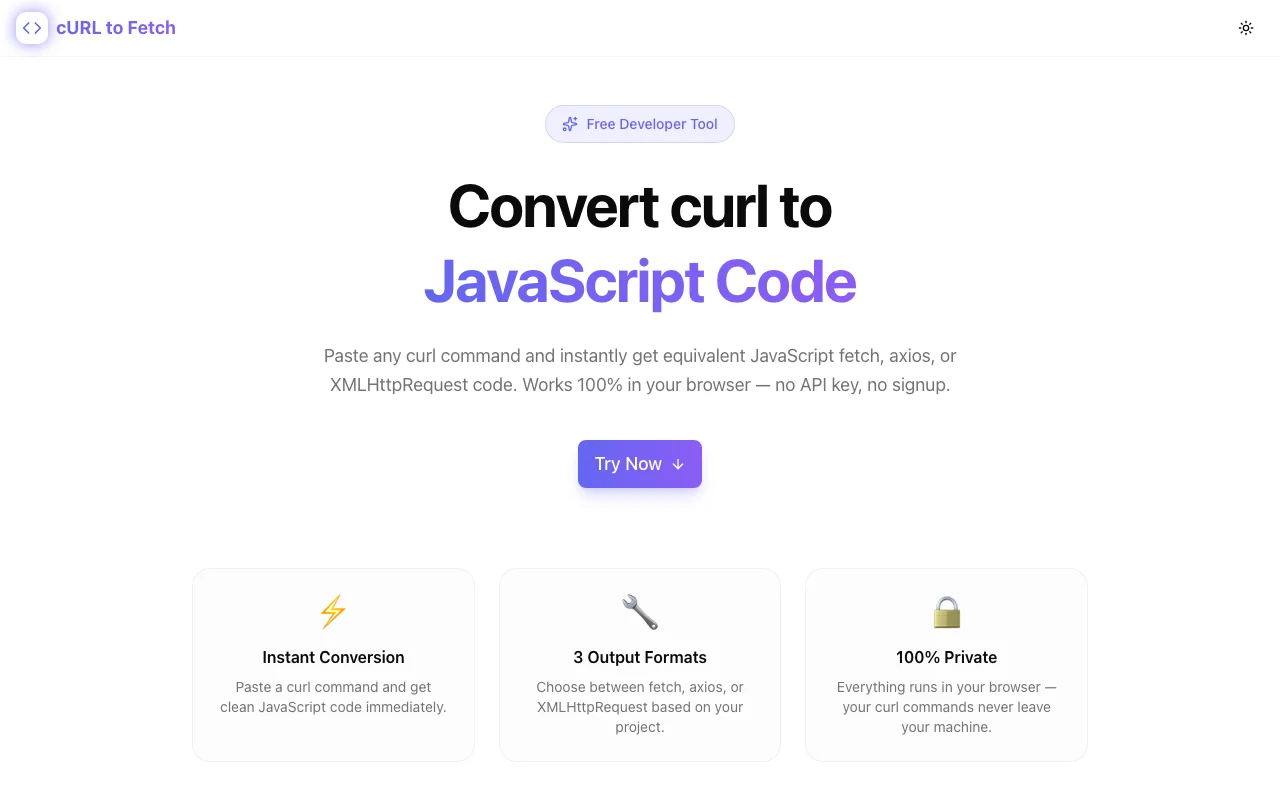
Developer ToolsFeatured
cURL to Fetch Converter
A free developer tool that converts curl commands into JavaScript fetch, axios, or XMLHttpRequest code instantly — no sign-up, no backend, runs entirely in the browser.
curlJavaScriptfetch APIaxiosAPI DevelopmentDeveloper ToolsNext.jsTypeScript
Start Similar ProjectAbout the Project
cURL to Fetch Converter — Convert curl Commands to JavaScript Instantly
cURL to Fetch Converter is a free, browser-based developer tool that transforms curl commands into clean JavaScript code. Paste a curl command, pick your target format — fetch, axios, or XMLHttpRequest — and get ready-to-use code in seconds.
The Problem
Every API doc ships with curl examples. Stripe, Twilio, GitHub, OpenAI — they all default to curl for quick-start snippets. But most frontend and full-stack developers don't write curl in production. They write JavaScript.
The translation from curl to fetch is deceptively tricky:
- Headers need to move from
-Hflags into aHeadersobject or inline config - POST bodies (
-dor--data) need to land in the right property (bodyfor fetch,datafor axios) - Auth tokens (
-uor--header "Authorization: Bearer ...") need correct placement - Method inference — curl uses GET by default but switches to POST when
-dis present; developers often forget this - Content-Type handling differs between fetch and axios — one sets it automatically for JSON, the other doesn't
Manually rewriting curl commands is slow, error-prone, and repetitive. One missed header or wrong property name means a broken request and 10 minutes of debugging.
How It Works
1. Paste Your curl Command
Drop any curl command into the editor — from API documentation, Postman exports, browser DevTools "Copy as cURL", or your terminal history. The tool parses it instantly.
2. Choose Your Output Format
Pick the JavaScript format that matches your codebase:
- fetch — the browser-native API, zero dependencies
- axios — the most popular HTTP client for Node.js and browsers
- XMLHttpRequest — legacy format for older codebases
3. Get Clean, Copy-Ready Code
The converter generates properly formatted JavaScript with:
- Correct HTTP method (GET, POST, PUT, PATCH, DELETE)
- Headers extracted and structured
- Request body placed in the right property
- Authentication tokens preserved
- Content-Type headers handled correctly per target format
4. Copy and Ship
One click copies the generated code to your clipboard. Paste it into your project and you're done — no manual translation, no guessing.
Key Features
- Three output formats — fetch, axios, and XMLHttpRequest from a single curl input
- Smart parsing — handles
-H,-d,--data,-X,-u,--header,--request, and more - Browser-only — no backend, no API calls, your data never leaves your machine
- Instant conversion — paste and get results in real time, no submit button needed
- Copy to clipboard — one-click copy for the generated code
- No sign-up — open the tool, use it, done
Who It's For
- Frontend developers converting API doc examples into working fetch calls
- Full-stack developers moving between terminal testing and application code
- API consumers who get curl snippets from docs and need them in JavaScript
- Teams migrating from XMLHttpRequest to fetch or axios
Tech Stack
- Next.js 14 with App Router
- TypeScript for type-safe parsing logic
- Tailwind CSS for responsive UI
- 100% client-side — no server, no database, no API keys
Try It
Open curl-to-fetch.tools.jagodana.com, paste a curl command, and get JavaScript code instantly. Free, no account required.
The Challenge
The client needed a robust developer tools solution that could scale with their growing user base while maintaining a seamless user experience across all devices.
The Solution
We built a modern application using curl and JavaScript, focusing on performance, accessibility, and a delightful user experience.
Project Details
Category
Developer Tools
Technologies
curl,JavaScript,fetch API,axios,API Development,Developer Tools,Next.js,TypeScript
Date
April 2026
Related Projects
More work in Developer Tools

