Back to Projects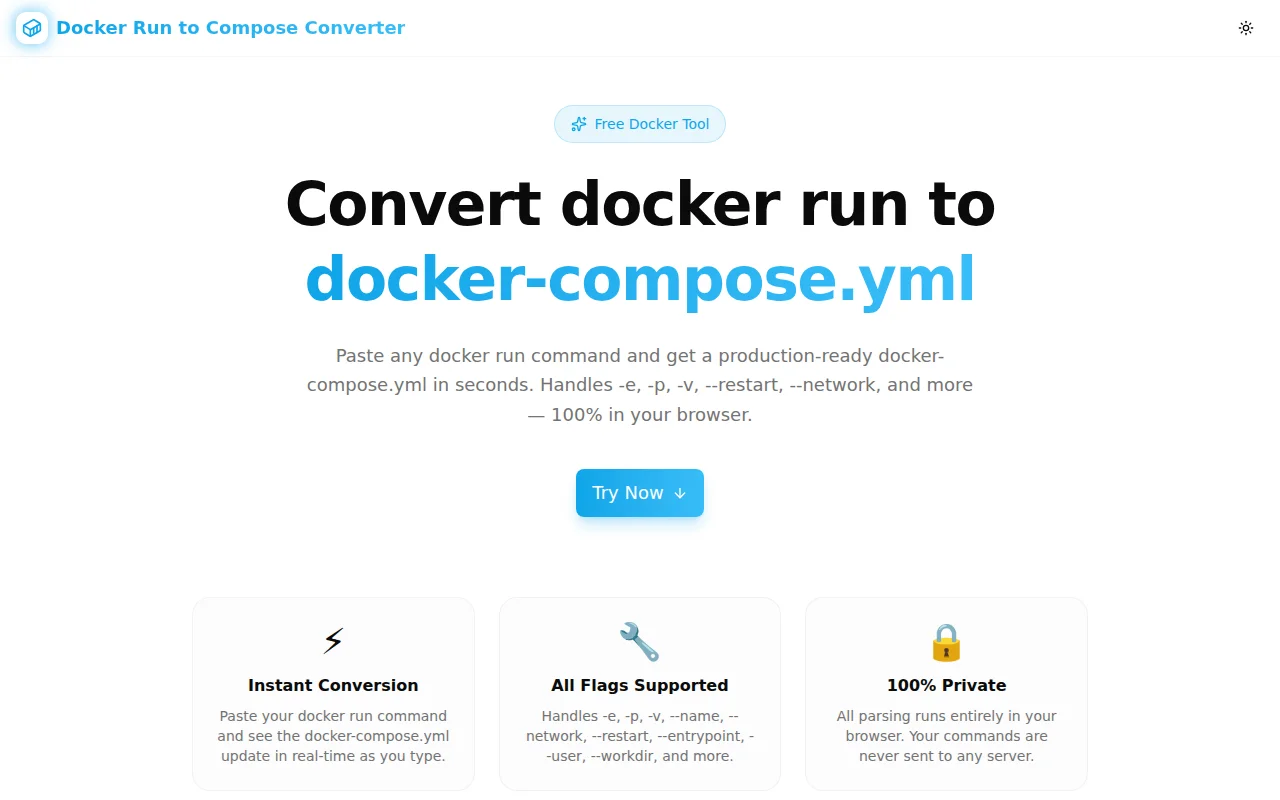
Developer ToolsFeatured
Docker Run to Compose Converter
Paste any docker run command and instantly get a valid docker-compose.yml file. Supports -e, -p, -v, --name, --network, --restart, and all common flags. 100% free, runs entirely in your browser.
DockerDocker ComposeDevOpsDeveloper ToolsYAMLTypeScript
Start Similar ProjectAbout the Project
Docker Run to Compose Converter — Instant docker-compose.yml Generator
Docker Run to Compose Converter is a free, browser-based tool that turns any docker run command into a properly structured docker-compose.yml file in real time. No install, no signup, no data sent to any server.
The Problem
Every Docker user reaches the same moment: you have a docker run command that works — tested, debugged, with the exact ports, volumes, and environment variables your app needs. Then someone asks you to check it in, add it to CI, or hand it off to a teammate. And the command looks like this:
docker run -d \
  --name my-nginx \
  -p 8080:80 \
  -e APP_ENV=production \
  -e DEBUG=false \
  -v /data/nginx:/etc/nginx/conf.d \
  --network my-network \
  --restart unless-stopped \
  nginx:alpine
Translating that into docker-compose.yml by hand means knowing the YAML field names (container_name, environment, volumes, ports, networks, restart), getting the nesting right, and not forgetting anything. Do it wrong and the container behaves differently or won't start at all.
How It Works
1. Paste Your Command
Copy any docker run command — from your terminal history, a README, or a runbook — and paste it into the input box. Multi-line commands with \ line continuations are handled automatically.
2. Get Instant YAML
The parser tokenises the command, resolves short flags (-e, -p, -v) and long flags (--name, --network, --restart), and maps every value to the correct docker-compose.yml key. The output appears immediately as you type.
services:
  my-nginx:
    image: nginx:alpine
    container_name: my-nginx
    restart: unless-stopped
    ports:
      - "8080:80"
    environment:
      - APP_ENV=production
      - DEBUG=false
    volumes:
      - /data/nginx:/etc/nginx/conf.d
    networks:
      - my-network

networks:
  my-network:
    external: true
3. Copy and Use
Click Copy to copy the YAML to your clipboard. Paste it straight into your docker-compose.yml file.
Supported Flags
| Flag | docker-compose.yml key |
|------|------------------------|
| -d / --detach | (detached is the default in Compose) |
| --name | container_name |
| -p / --publish | ports |
| -e / --env | environment |
| -v / --volume | volumes |
| --network | networks |
| --restart | restart |
| --entrypoint | entrypoint |
| -u / --user | user |
| -w / --workdir | working_dir |
| -h / --hostname | hostname |
| --privileged | privileged: true |
Flags not yet converted are noted in a comment at the bottom of the output so nothing silently disappears.
Key Features
- Live preview — output updates on every keystroke
- Full flag support — handles 15+ common flags plus
--flag=valueand short combined forms - Handles line continuations —
\at line end works naturally - Networks block auto-generated — if
--networkis present, a top-levelnetworks:block is added - Unknown flags surfaced — not silently dropped; shown as a comment
- One-click copy — clipboard API with confirmation
- 100% client-side — your command never leaves your browser
- Load example — try it instantly with a sample nginx command
Use Cases
Committing Infrastructure as Code
You've been running a container with a long docker run command. Your team wants the setup checked into the repo. Convert it to docker-compose.yml in ten seconds and open a PR.
Onboarding New Team Members
Runbooks full of docker run commands are hard to follow. Compose files are self-documenting. Convert the whole runbook at once and replace it with something reproducible.
CI/CD Migration
Moving from manual docker run commands in CI scripts to docker-compose up for local parity. Convert each command, adjust, and you're done.
Learning Docker Compose
Not sure how docker run flags map to Compose YAML? Paste your command and see the exact translation. It's the fastest way to learn the field names.
Technical Implementation
The tool is built with Next.js 16, TypeScript, Tailwind CSS v4, and shadcn/ui. The parser is a hand-written tokeniser that respects quoted strings, backslash line continuations, and both --flag value and --flag=value syntax. All logic runs in the browser — no API routes, no server.
Try It
The Challenge
The client needed a robust developer tools solution that could scale with their growing user base while maintaining a seamless user experience across all devices.
The Solution
We built a modern application using Docker and Docker Compose, focusing on performance, accessibility, and a delightful user experience.
Project Details
Category
Developer Tools
Technologies
Docker,Docker Compose,DevOps,Developer Tools,YAML,TypeScript
Date
May 2026
Related Projects
More work in Developer Tools

