Back to Projects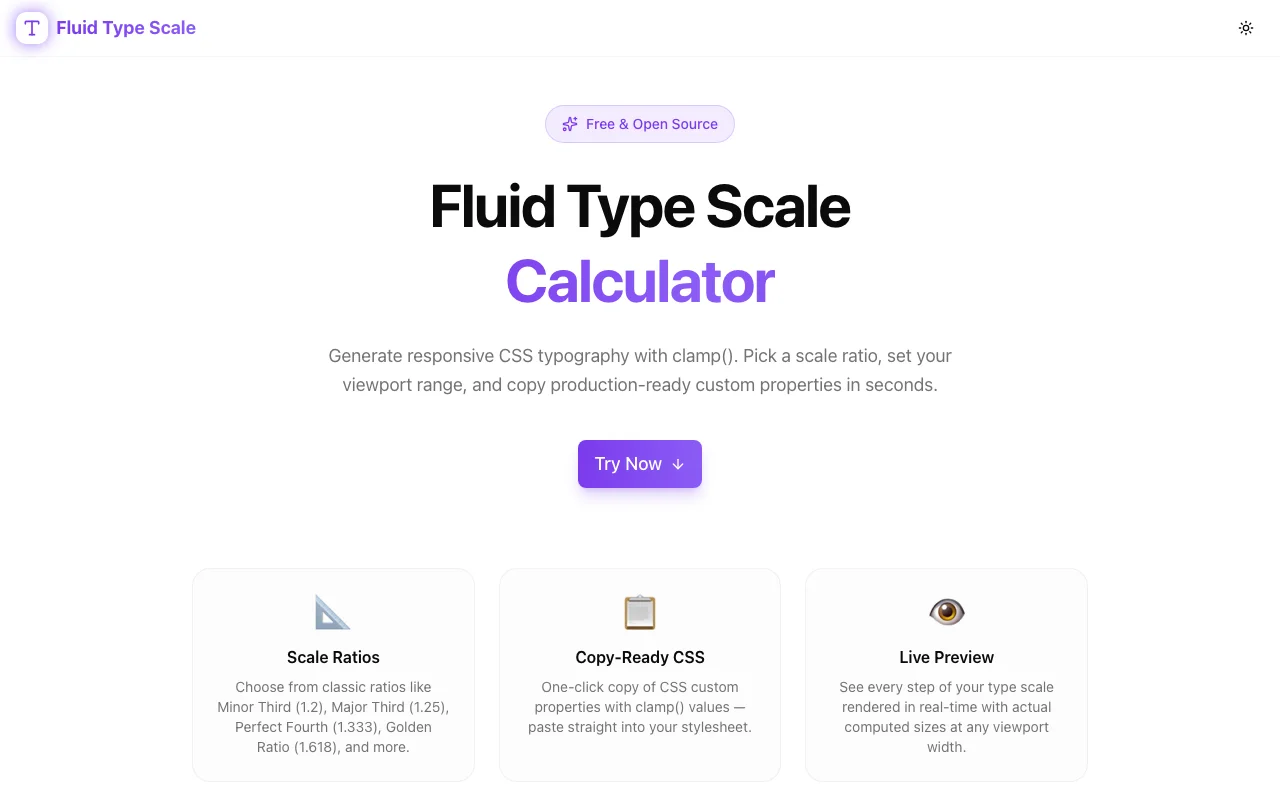
Developer ToolsFeatured
Fluid Type Scale Calculator
A free, browser-based tool for frontend developers to generate responsive CSS typography using clamp(). Build harmonious type scales that adapt smoothly between any viewport range—no media queries needed.
CSS TypographyResponsive DesignDeveloper Toolsclamp()Type ScaleNext.jsTypeScript
Start Similar ProjectAbout the Project
Fluid Type Scale Calculator — Responsive CSS Typography with clamp()
Fluid Type Scale Calculator is a free, browser-based tool for frontend developers. Generate a complete responsive typography scale using CSS clamp() functions—type sizes that grow smoothly with the viewport, no media query breakpoints required.
The Problem
Responsive typography is harder than it looks. The naive approach—set font sizes in px or rem and add media query overrides—creates abrupt jumps between breakpoints. A heading that reads well at 375px can feel too small at 768px and oversized at 1440px. Managing five or six font size overrides for every text style across three breakpoints adds up to dozens of @media rules per project.
There's also the harmony problem. A visually pleasing type scale isn't arbitrary numbers—it follows a ratio (like a Major Third at 1.25 or a Perfect Fourth at 1.333). Maintaining that ratio at multiple viewport sizes while writing media queries by hand is error-prone and tedious.
clamp() solves this elegantly, but the math is non-trivial:
/* clamp(min, preferred, max) */
/* preferred = vw + rem offset */
font-size: clamp(1rem, 0.875rem + 0.5vw, 1.25rem);
That 0.875rem + 0.5vw calculation is derived from the min/max sizes and the min/max viewport widths. You can work it out with algebra, but doing it for every step of a 6-level type scale takes time and introduces calculation errors.
How It Works
1. Set Your Scale Parameters
Configure the fluid type scale with four inputs:
- Minimum viewport width — the size at which typography reaches its smallest value (e.g., 375px)
- Maximum viewport width — the size at which typography reaches its largest value (e.g., 1280px)
- Scale ratio — the multiplier between adjacent steps (choose from Major Second 1.125, Minor Third 1.2, Major Third 1.25, Perfect Fourth 1.333, Augmented Fourth 1.414, Perfect Fifth 1.5, or enter a custom ratio)
- Base font sizes — the root font size at min viewport and max viewport (e.g., 16px → 20px)
2. Review the Generated Scale
The tool calculates a complete multi-step type scale with fluid clamp() values for each step:
| Step | Name | Min Size | Max Size | clamp() Value |
|------|------|----------|----------|---------------|
| -2 | xs | 12.80px | 13.33px | clamp(0.80rem, 0.76rem + 0.18vw, 0.83rem) |
| -1 | sm | 14.40px | 16.00px | clamp(0.90rem, 0.82rem + 0.35vw, 1.00rem) |
| 0 | base | 16.00px | 20.00px | clamp(1.00rem, 0.85rem + 0.63vw, 1.25rem) |
| 1 | lg | 20.00px | 25.00px | clamp(1.25rem, 1.05rem + 0.85vw, 1.56rem) |
| 2 | xl | 25.00px | 31.25px | clamp(1.56rem, 1.30rem + 1.13vw, 1.95rem) |
| 3 | 2xl | 31.25px | 39.06px | clamp(1.95rem, 1.60rem + 1.47vw, 2.44rem) |
Every value is precise. No rounding errors. No manual algebra.
3. Copy the CSS Output
The tool generates ready-to-paste CSS custom properties:
:root {
  --font-size-xs: clamp(0.80rem, 0.76rem + 0.18vw, 0.83rem);
  --font-size-sm: clamp(0.90rem, 0.82rem + 0.35vw, 1.00rem);
  --font-size-base: clamp(1.00rem, 0.85rem + 0.63vw, 1.25rem);
  --font-size-lg: clamp(1.25rem, 1.05rem + 0.85vw, 1.56rem);
  --font-size-xl: clamp(1.56rem, 1.30rem + 1.13vw, 1.95rem);
  --font-size-2xl: clamp(1.95rem, 1.60rem + 1.47vw, 2.44rem);
}
Paste this into your stylesheet and assign the variables to your headings, body text, and labels. Done.
4. Live Preview
Drag the viewport slider to see how each text size behaves between the minimum and maximum viewport widths. Watch the type scale respond fluidly—no discrete jumps, no breakpoint snapping. It's the visual confirmation that the math is working correctly before you ship.
Key Features
- Full type scale generation — compute all steps above and below the base size using your chosen ratio
- Named scale steps — xs, sm, base, lg, xl, 2xl, 3xl with clear naming conventions
- CSS custom property output — copy variables for direct use in any codebase
- Live viewport preview — drag a slider to see type at any width between min and max
- Common ratio presets — Major Second, Minor Third, Major Third, Perfect Fourth, Augmented Fourth, Perfect Fifth
- Custom ratio support — enter any multiplier for unconventional scales
- Tailwind-ready output — optionally format output as a Tailwind config
fontSizeobject - No signup required — open the URL and start generating
- Client-side only — all math runs in the browser
Technical Implementation
Core Technologies
- Next.js with App Router
- TypeScript in strict mode
- TailwindCSS for styling
- shadcn/ui for accessible UI components
The clamp() Math
The preferred value in clamp(min, preferred, max) is a linear function of the viewport width:
preferred = (maxSize - minSize) / (maxViewport - minViewport) × 100vw
            + (minSize - (maxSize - minSize) / (maxViewport - minViewport) × minViewport)
Simplified and expressed in rem + vw:
- vw coefficient =
(maxSize - minSize) / (maxViewport - minViewport) × 100 - rem offset =
minSize - vwCoefficient × minViewport / 100
The tool handles this calculation for every step in the scale, correctly managing unit conversion between px and rem throughout.
Scale Generation
Starting from the base size, each step is multiplied (above base) or divided (below base) by the chosen ratio. The tool applies this at both min and max sizes, then runs the clamp() calculation for each resulting pair. The result is a harmonically consistent scale that is also fluid across viewports.
Use Cases
Design Systems and Component Libraries
When building a design system, typography is foundational. A fluid type scale means you define font sizes once as CSS custom properties and every component that uses them automatically inherits fluid behavior. No per-component media queries, no per-breakpoint overrides.
Next.js and React Applications
Paste the output into a globals.css or tokens.css file. Reference variables like var(--font-size-xl) in component styles or Tailwind config. The scale works with any CSS-in-JS setup, CSS Modules, or vanilla CSS.
Tailwind CSS Projects
The tool can format output as a Tailwind fontSize config object for tailwind.config.js. Drop it in under theme.fontSize and your Tailwind typography utilities become fluid automatically.
WordPress and CMS Sites
Generate the scale, add it to your theme's root CSS, and assign the variables to heading and body text selectors. No JavaScript required at runtime—it's all static CSS.
Rapid Prototyping
Stop writing font-size media queries during prototyping. Generate a scale in 30 seconds, paste the variables, and move on to what matters.
Why Fluid Type Scale Calculator?
vs. Writing clamp() by Hand
- Accurate — no algebra errors, consistent unit handling
- Complete — generates the full scale in one operation, not one value at a time
- Visual — live preview confirms the result before you ship
vs. Utopia.fyi
- Integrated workflow — designed for the Jagodana tools ecosystem
- Tailwind-ready output — direct config format alongside raw CSS
- Open source — see the implementation and adapt it
vs. Static Type Scales
- No breakpoint jumps — fluid interpolation instead of stepped overrides
- Fewer lines of CSS — one
clamp()replaces three or four@mediarules per text style - Mathematically harmonious — ratio is maintained at all viewport sizes, not just at breakpoints
Try it now: fluid-type-scale.tools.jagodana.com
The Challenge
The client needed a robust developer tools solution that could scale with their growing user base while maintaining a seamless user experience across all devices.
The Solution
We built a modern application using CSS Typography and Responsive Design, focusing on performance, accessibility, and a delightful user experience.
Project Details
Category
Developer Tools
Technologies
CSS Typography,Responsive Design,Developer Tools,clamp(),Type Scale,Next.js,TypeScript
Date
March 2026
Related Projects
More work in Developer Tools

