Back to Projects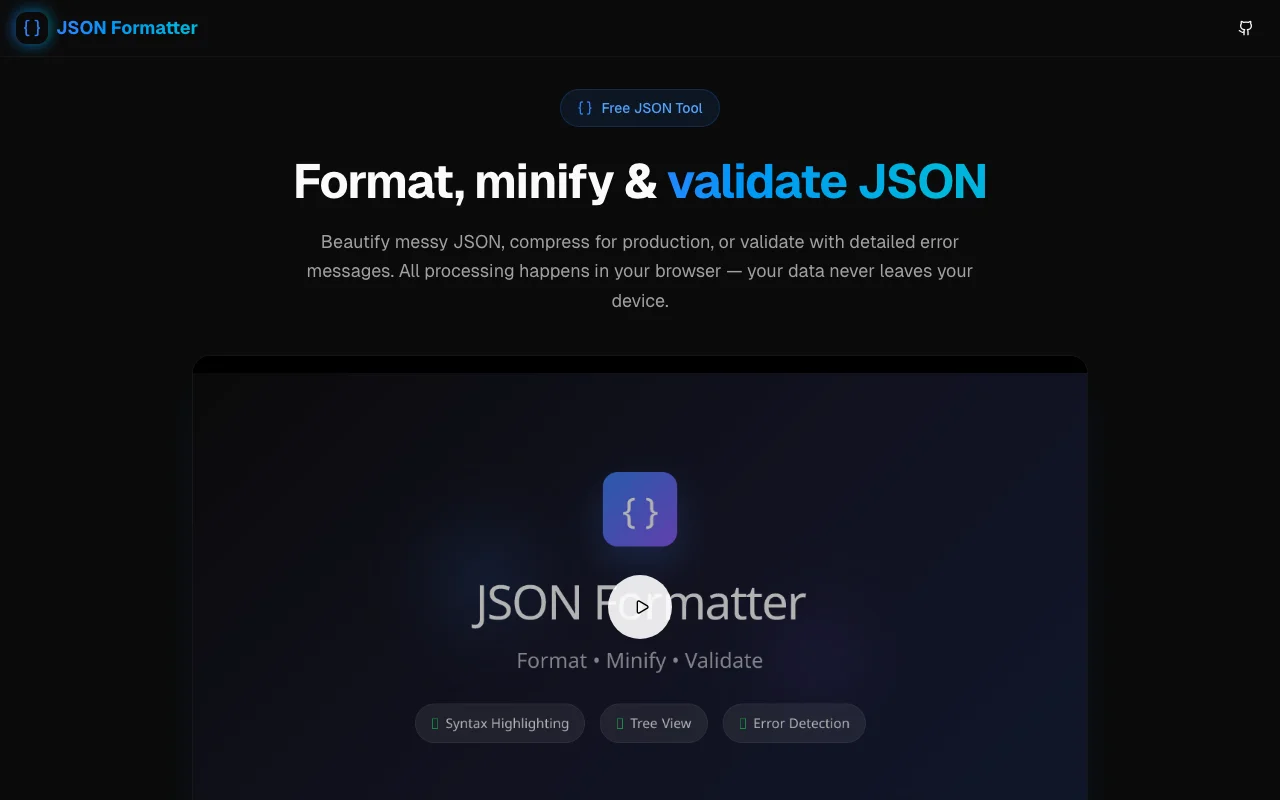
Developer Tools
JSON Formatter
Format, minify, and validate JSON data instantly. A fast, privacy-first tool with syntax highlighting powered by Monaco Editor—all processing happens in your browser.
JSONFormattingValidationDeveloper ToolsCode Editor
Start Similar ProjectAbout the Project
Format, Minify & Validate JSON Instantly
JSON Formatter is a powerful, privacy-first tool that helps developers work with JSON data effortlessly. Beautify messy API responses, minify for production, or validate with detailed error messages—all without your data ever leaving your browser.
One-Click Formatting
Transform minified JSON into perfectly indented, readable code:
- 2, 3, or 4 space indentation options
- Syntax highlighting with proper color coding
- Line numbers for easy reference
- Instant results with no server roundtrips
Privacy First
Unlike many online JSON tools, we never send your data anywhere:
- 100% browser-based processing
- No data logging or analytics on content
- Safe for sensitive data like API keys and PII
- Works offline once loaded
Powerful Editor
Powered by Monaco Editor—the same engine behind VS Code:
- Full syntax highlighting for JSON
- Error highlighting with line markers
- Keyboard shortcuts for power users
- Search and replace functionality
- Auto-bracket matching
Detailed Validation
When your JSON is invalid, get precise error messages:
- Line and column numbers pointing to the error
- Clear error descriptions explaining the issue
- Visual markers in the editor
- Quick fixes with helpful suggestions
File Operations
Work with JSON files seamlessly:
- Upload JSON files directly
- Download formatted or minified output
- Copy to clipboard with one click
- Load sample to test features
Stats at a Glance
See useful metrics about your JSON:
- Character count
- Line count
- Validity status
- Minification savings
Developer-Friendly Stack
Built with modern tools:
- Next.js 15 with App Router
- TypeScript for type safety
- Monaco Editor for code editing
- shadcn/ui + Framer Motion for UI
- Tailwind CSS for styling
- PWA support for offline use
Use Cases
Perfect for:
- Debugging API responses - Format and inspect JSON payloads
- Config file management - Validate before deploying
- Data preparation - Minify for production use
- Code reviews - Format consistently for clean diffs
- Learning - Explore JSON structure with syntax highlighting
The Challenge
The client needed a robust developer tools solution that could scale with their growing user base while maintaining a seamless user experience across all devices.
The Solution
We built a modern application using JSON and Formatting, focusing on performance, accessibility, and a delightful user experience.
Project Details
Category
Developer Tools
Technologies
JSON,Formatting,Validation,Developer Tools,Code Editor
Date
February 2025
Related Projects
More work in Developer Tools

