Back to Projects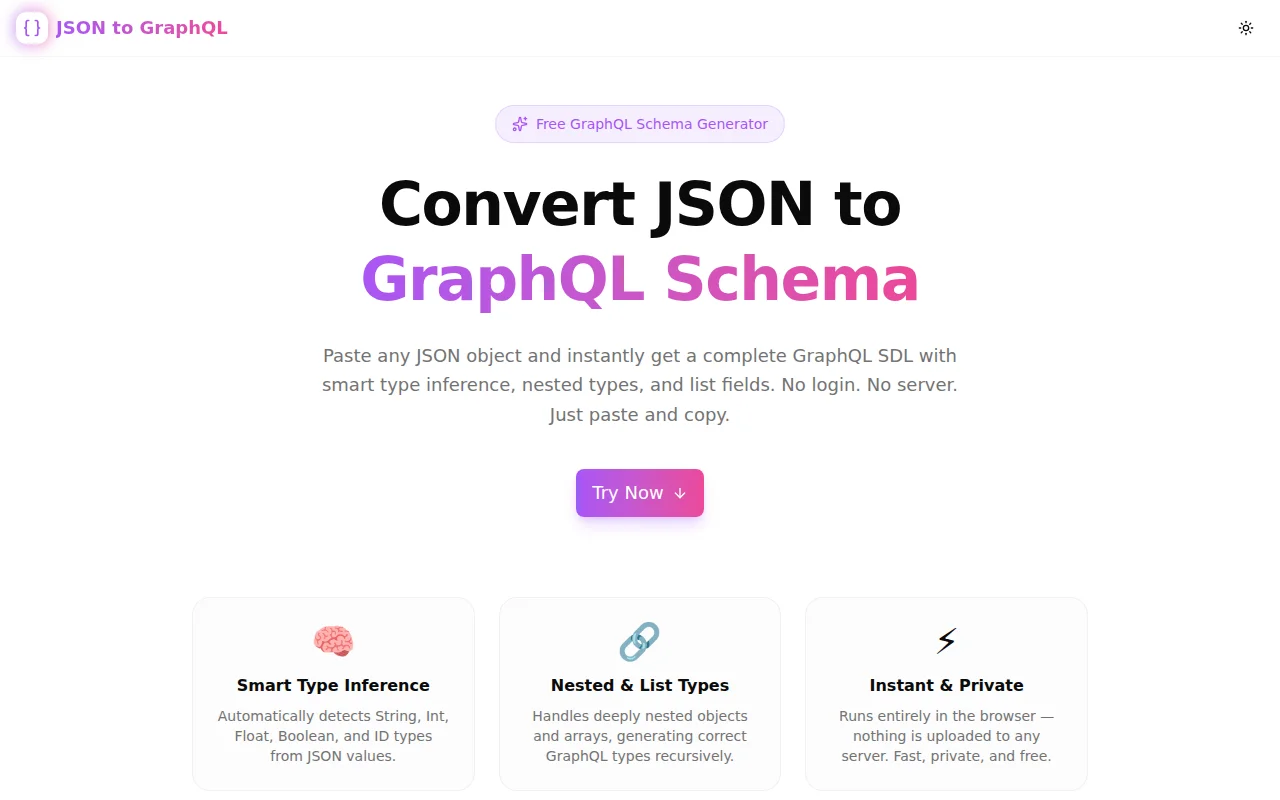
Developer ToolsFeatured
JSON to GraphQL Schema Converter
A free browser-based tool that converts any JSON object or array into a complete GraphQL Schema Definition Language (SDL) — with smart type inference, nested types, and list fields. No login. No server.
GraphQLJSONSchema GeneratorDeveloper ToolsTypeScriptNext.js
Start Similar ProjectAbout the Project
JSON to GraphQL Schema Converter — Instant SDL Generator
JSON to GraphQL is a free, browser-based tool that converts any JSON object or array into a complete GraphQL Schema Definition Language (SDL). Paste your JSON on the left, get the ready-to-use schema on the right. Smart type inference handles scalars, nested objects, and list types automatically. No server, no account, no setup.
The Problem
When you start a new GraphQL API — or add a new resource to an existing one — you need to write the SDL. If you already have JSON data representing the shape of that resource (from an existing REST API, a database record, or a design doc), writing the types by hand is pure repetition:
{
  "id": "u_123",
  "name": "Alice",
  "age": 30,
  "isActive": true,
  "score": 9.5
}
You look at this and write:
type User {
  id: ID
  name: String
  age: Int
  isActive: Boolean
  score: Float
}
That's fine for five fields. For thirty fields across six nested object types, it's tedious and error-prone. A missed field or wrong type costs time in the next review cycle.
How It Works
Smart Type Inference
The converter inspects every JSON value and maps it to the correct GraphQL scalar:
| JSON value | GraphQL type |
|:---|:---|
| true / false | Boolean |
| Integer number (e.g. 42) | Int |
| Decimal number (e.g. 9.5) | Float |
| String | String |
| Field named id, _id, uuid, guid | ID |
Nested Object Types
Nested JSON objects become separate named GraphQL types. The parent type references the nested type by name:
{
  "id": "u_1",
  "address": {
    "street": "123 Main St",
    "city": "Springfield"
  }
}
Produces:
type Root {
  id: ID
  address: Address
}

type Address {
  street: String
  city: String
}
List and Array Support
JSON arrays are converted to GraphQL list types. Arrays of objects generate nested types automatically. Arrays of scalars produce the correct list scalar:
{
  "tags": ["developer", "designer"],
  "posts": [{ "id": "p_1", "title": "Hello World" }]
}
Produces:
type Root {
  tags: [String]
  posts: [Post]
}

type Post {
  id: ID
  title: String
}
Nullable by Default
All generated fields are nullable — which is idiomatic GraphQL. Add ! (non-null) markers as needed for your schema's requirements. Starting nullable gives you flexibility; making things non-null is always additive.
Key Features
- Smart scalar inference — String, Int, Float, Boolean, ID detected automatically
- Nested object types — recursive conversion with named types for every object level
- List type support — arrays of scalars and objects both handled
- ID field detection — fields named
id,_id,uuid,guidbecomeIDtype - One-click copy — copy the complete SDL to clipboard instantly
- Fully client-side — no server, no API calls, no data uploaded
- No login required — open the URL, paste, copy, done
Technical Implementation
Core Technologies
- Next.js 16 with App Router
- TypeScript in strict mode
- Tailwind CSS v4 with OKLCH color tokens
- shadcn/ui component library
- Framer Motion for animations
Architecture
The converter is a pure TypeScript function that recursively walks the parsed JSON tree:
- Parse —
JSON.parse()in the browser - Walk — recursive depth-first traversal of the object tree
- Infer — scalar detection per field value, ID detection per field name
- Collect — named
GraphQLTyperecords accumulated in an ordered Map - Emit — SDL string generated from the type Map, root type first
No external GraphQL library is needed. The conversion is a straightforward structural mapping — no AST, no runtime, no dependencies beyond TypeScript.
Use Cases
Prototyping a New API
You have a REST endpoint or a database table and want to design the GraphQL equivalent. Grab a sample JSON response, paste it in, and you have a working schema draft to iterate on.
Adding a Type to an Existing Schema
Your API already has 20 types. You're adding a new Notification resource. The JSON shape exists from the product spec. Convert it, review the fields, add non-null markers and descriptions, done.
Learning GraphQL
SDL syntax is easy to read but unfamiliar to type. Using this converter against JSON you already understand makes the syntax concrete. You see exactly how JSON types map to GraphQL types — a better learning loop than reading docs cold.
Code Generation
Many GraphQL toolchains (GraphQL Code Generator, Pothos, Nexus) accept SDL as input and produce TypeScript types, resolvers, or clients. Start with JSON, generate SDL, feed it to your code gen pipeline.
Documentation
Teams sometimes document their API shape as JSON. Converting that JSON to GraphQL SDL provides a more structured, schema-typed representation that doubles as API documentation.
Why JSON to GraphQL?
vs. Writing SDL Manually
- Faster — no typing repetitive field declarations
- No typos — type names and field names copy exactly from the source JSON
- Correct scalar types — inferred from values, not guessed
vs. Other Schema Tools
- JSON-first — designed for the "I have data, I need a schema" workflow
- No backend — the entire conversion runs in your browser
- Instant — no build step, no config, no SDK
vs. graphql-inspector / graphql-schema-linter
- Input is JSON, not SDL — different starting point
- Zero setup — no CLI, no
npm install, no config file
Results
JSON to GraphQL removes the manual step between having data and having a schema:
- Minutes saved per new type — eliminates hand-mapping scalar types
- Fewer schema mistakes — inference is deterministic, no manual errors
- Faster API prototyping — from JSON sample to working SDL in seconds
Try it now: json-to-graphql.tools.jagodana.com
The Challenge
The client needed a robust developer tools solution that could scale with their growing user base while maintaining a seamless user experience across all devices.
The Solution
We built a modern application using GraphQL and JSON, focusing on performance, accessibility, and a delightful user experience.
Project Details
Category
Developer Tools
Technologies
GraphQL,JSON,Schema Generator,Developer Tools,TypeScript,Next.js
Date
June 2026
Related Projects
More work in Developer Tools

