Back to Projects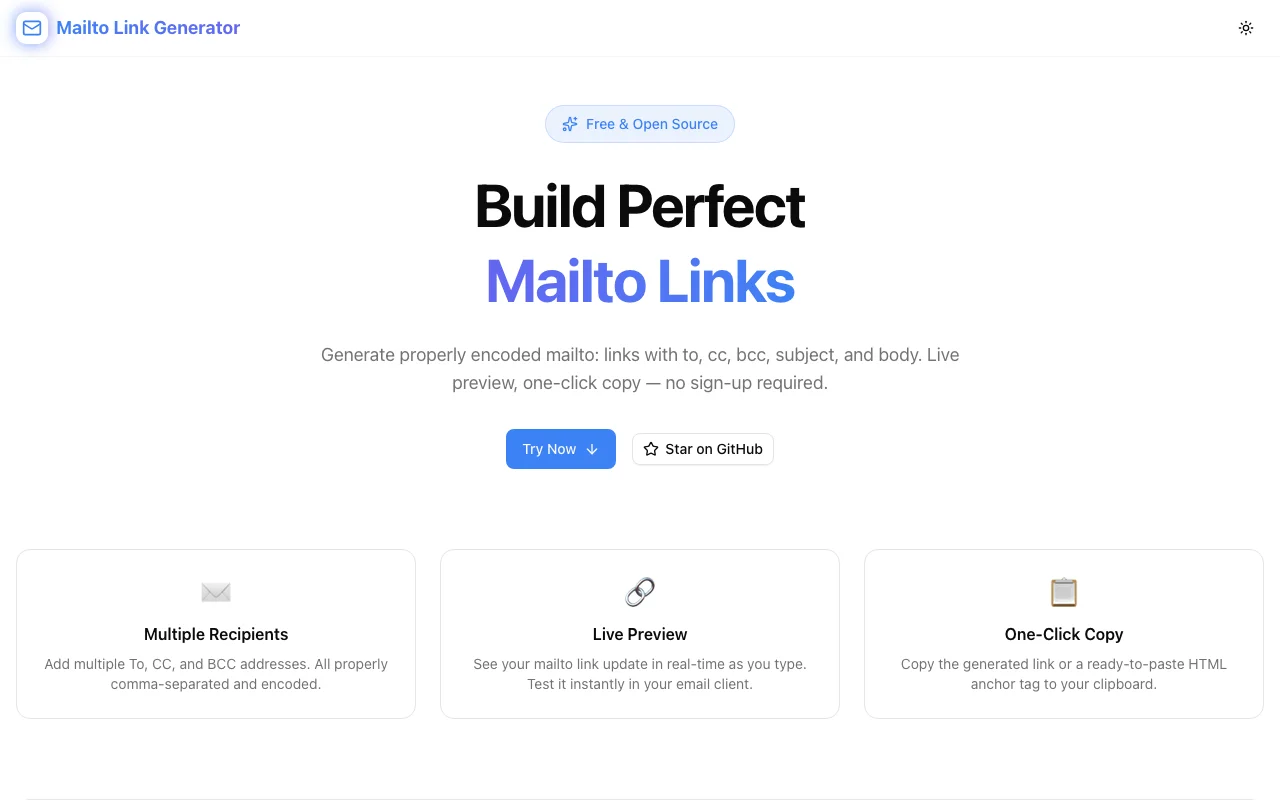
Developer ToolsFeatured
Mailto Link Generator
Generate mailto links instantly — set To, CC, BCC, Subject, and Body fields, preview the encoded URL, and copy HTML or plain links with one click. No signup, no install.
EmailMailtoHTMLDeveloper ToolsLink GeneratorTypeScript
Start Similar ProjectAbout the Project
Mailto Link Generator — Create Email Links Instantly
Mailto Link Generator is a free, browser-based tool that builds properly encoded mailto: links in seconds. Fill in the recipient, subject, and body — get a clean, copy-ready link or HTML snippet with zero hassle.
The Problem
mailto: links sound simple until you actually write one:
mailto:hello@example.com?subject=Hello%20World&body=Hi%20there%2C%0A%0AJust%20wanted...
That's a single link with three fields. Add CC, BCC, and a multi-line body and you're URL-encoding by hand, chasing %20 vs +, and losing newlines. Copy it wrong and the recipient's email client opens with a garbled subject or no body at all.
Every developer who has built a "Contact Us" button, a pre-filled support email link, or an email signature has run into this. The manual approach is error-prone and slow.
How It Works
1. Fill In the Fields
Enter any combination of:
- To — one or more recipient addresses (comma-separated)
- CC — carbon copy recipients
- BCC — blind carbon copy recipients
- Subject — email subject line
- Body — full email body text (multi-line supported)
All fields are optional except To — the tool generates a valid mailto link from whatever you provide.
2. Preview the Encoded URL
The tool encodes your input in real time and shows the full, properly escaped mailto URL as you type. No surprises when the link opens — what you see is what the email client gets.
mailto:hello@example.com?cc=team@example.com&subject=Hello%20World&body=Hi%20there%2C%0A%0ALooking%20forward%20to%20connecting.
All special characters — spaces, newlines, ampersands, commas — are correctly percent-encoded per RFC 6068.
3. Copy in One Click
Two copy buttons:
- Copy Link — the raw
mailto:URL, ready forhrefattributes or plain text - Copy HTML — a ready-to-paste
<a href="...">snippet with configurable link text
4. Test Before You Ship
Click Open in Email Client to trigger the link immediately in your browser. Verify the subject populates, the body looks right, and no encoding artifacts sneak through — before you ship it to production.
Key Features
- Full field support — To, CC, BCC, Subject, Body
- Real-time encoding — URL updates as you type
- Correct RFC 6068 encoding — handles spaces, newlines, commas, and special chars
- One-click copy — copy the raw URL or a full HTML anchor tag
- Live preview — open the link in your email client instantly
- No signup required — works immediately, no account needed
- Client-side only — your email addresses and content never leave your browser
Use Cases
"Contact Us" Buttons
Build a pre-filled "Contact Us" link on your website that opens the visitor's email client with your support address, a default subject, and a helpful opening line already written. Higher conversion than a blank compose window.
<a href="mailto:support@yourapp.com?subject=Support%20Request&body=Hi%2C%0A%0AProduct%3A%20...">
  Contact Support
</a>
Pre-filled Support Emails
Link from a help article or error page directly to a support email with the issue pre-populated in the subject. Faster triage, fewer back-and-forths.
Email Signatures
Generate mailto links for email signature templates — link to your calendar booking page, your team inbox, or a specific contact address.
Newsletters & Static Sites
Static sites can't run server-side contact forms without a third-party service. A well-crafted mailto link is a zero-dependency alternative that works everywhere.
Developer Onboarding Docs
Generate invitation or onboarding email links for internal wikis or developer portals — pre-fill instructions into the body so the sender doesn't have to remember the template.
Why Mailto Link Generator?
vs. Writing It by Hand
- No manual URL encoding — stop looking up
%0Afor newlines - No encoding bugs — the tool handles every edge case for you
- Faster — fill a form instead of constructing a string
vs. Stack Overflow Snippets
- Complete — handles CC, BCC, multi-line bodies, and special characters — not just the simple two-field case
- Tested — click-to-preview catches encoding errors before they ship
- No copy-paste bugs — generate it fresh each time
vs. Other Generators
- No signup — start immediately
- RFC-compliant encoding — not just
encodeURIComponentnaively applied - HTML snippet included — most tools give you the URL, stop there
Try It
The Challenge
The client needed a robust developer tools solution that could scale with their growing user base while maintaining a seamless user experience across all devices.
The Solution
We built a modern application using Email and Mailto, focusing on performance, accessibility, and a delightful user experience.
Project Details
Category
Developer Tools
Technologies
Email,Mailto,HTML,Developer Tools,Link Generator,TypeScript
Date
April 2026
Related Projects
More work in Developer Tools

