Back to Projects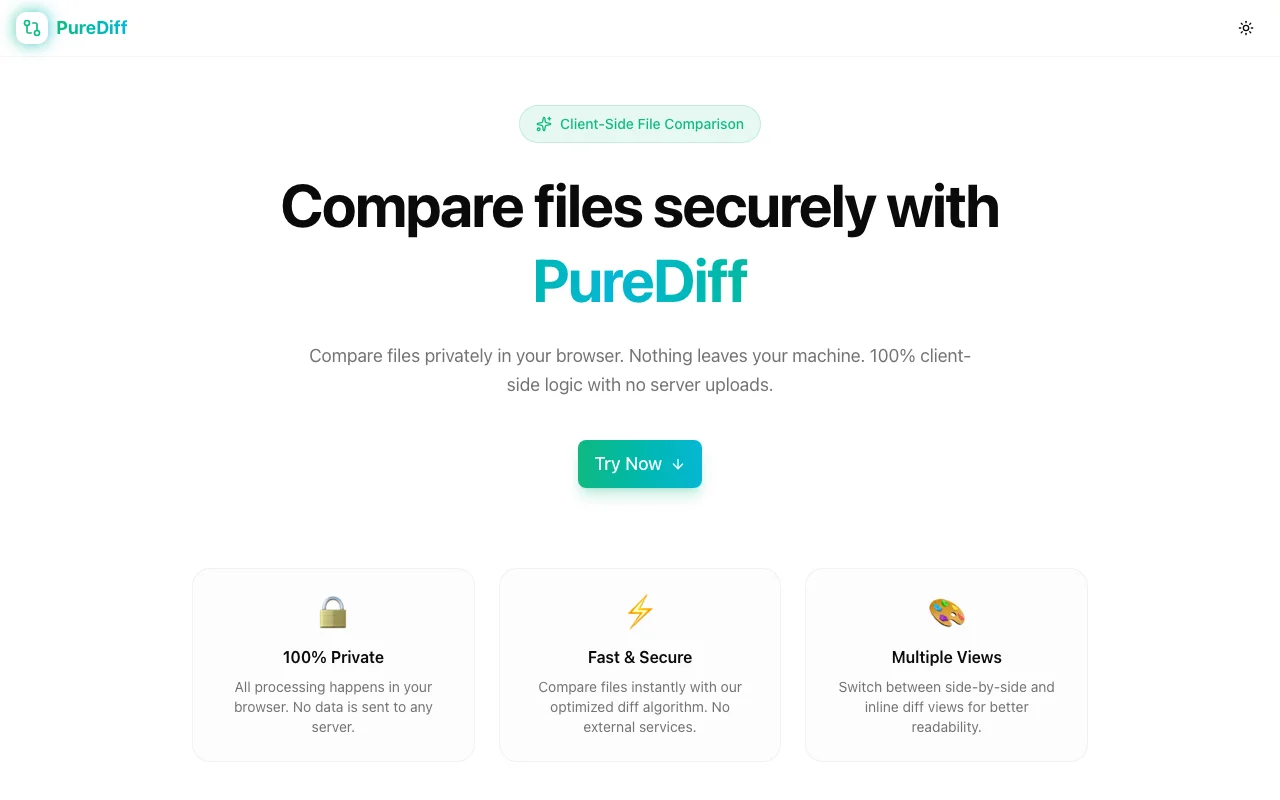
Developer Tools
PureDiff
A private, client-side file comparison tool. Paste text or upload files to compare line-by-line diffs in side-by-side or inline view—nothing ever leaves your browser.
File ComparisonDiff ToolPrivacySecurityDeveloper ToolsClient-SideNext.jsTypeScript
Start Similar ProjectAbout the Project
PureDiff — Compare Files Securely in Your Browser
PureDiff is a zero-upload file comparison tool that runs entirely in the browser. Paste two blocks of text, upload two files, or mix both—see exactly what changed, line by line. Your data never touches a server.
The Privacy Problem with Most Diff Tools
Paste a config file, a contract, or internal code into a typical online diff tool and you've sent that data to someone else's server. Most tools don't advertise this. A few log it. None give you a guarantee they won't.
PureDiff solves this at the architecture level: there is no server-side processing. The diff algorithm runs in your browser tab. Close the tab and the data is gone.
How It Works
Upload or Paste
You have two panels — left and right. Each accepts:
- Pasted text — paste directly from clipboard
- Uploaded files — drag-and-drop or click to browse
- Any plain-text format — code, config, JSON, YAML, Markdown, CSV, logs
No file size limits beyond your browser's memory. No format restrictions.
Read the Diff
PureDiff highlights every change between the two inputs:
- Added lines — shown in green
- Removed lines — shown in red
- Unchanged lines — displayed in context
Choose between two layout modes:
- Side-by-side — the two files rendered in parallel columns, changes aligned
- Inline — a single column with additions and deletions interleaved
Both views support scrolling through long files with the diff anchored to the first change.
Whitespace Control
Whitespace differences can be noise or signal depending on context. PureDiff lets you toggle Ignore Whitespace so trailing spaces, mixed indentation, and blank-line differences don't clutter your results when you don't need them.
Who It's For
PureDiff was built for anyone who needs to compare text quickly and privately:
- Developers reviewing config changes, migration scripts, or generated output before shipping
- Security teams auditing changes in sensitive files where upload is out of the question
- Legal and compliance comparing contract drafts where confidentiality matters
- Writers and editors tracking revisions between document versions
- Data engineers spot-checking CSV or JSON output against expected values
If you've ever pasted anything sensitive into an online diff tool and immediately regretted it, PureDiff was built for that moment.
Technical Details
PureDiff is built on:
- Next.js (App Router) — fast initial load, static export capability
- TypeScript — type-safe diff logic with no runtime surprises
- Client-side diff engine — no WebAssembly, no workers required for typical file sizes
- Zero external API calls — the network tab stays clean
The diff algorithm computes the longest common subsequence (LCS) to find the minimal edit distance between the two inputs. Performance is linear for typical source files and degrades gracefully on very large inputs.
The Challenge
The client needed a robust developer tools solution that could scale with their growing user base while maintaining a seamless user experience across all devices.
The Solution
We built a modern application using File Comparison and Diff Tool, focusing on performance, accessibility, and a delightful user experience.
Project Details
Category
Developer Tools
Technologies
File Comparison,Diff Tool,Privacy,Security,Developer Tools,Client-Side,Next.js,TypeScript
Date
February 2026
Related Projects
More work in Developer Tools

