Back to Projects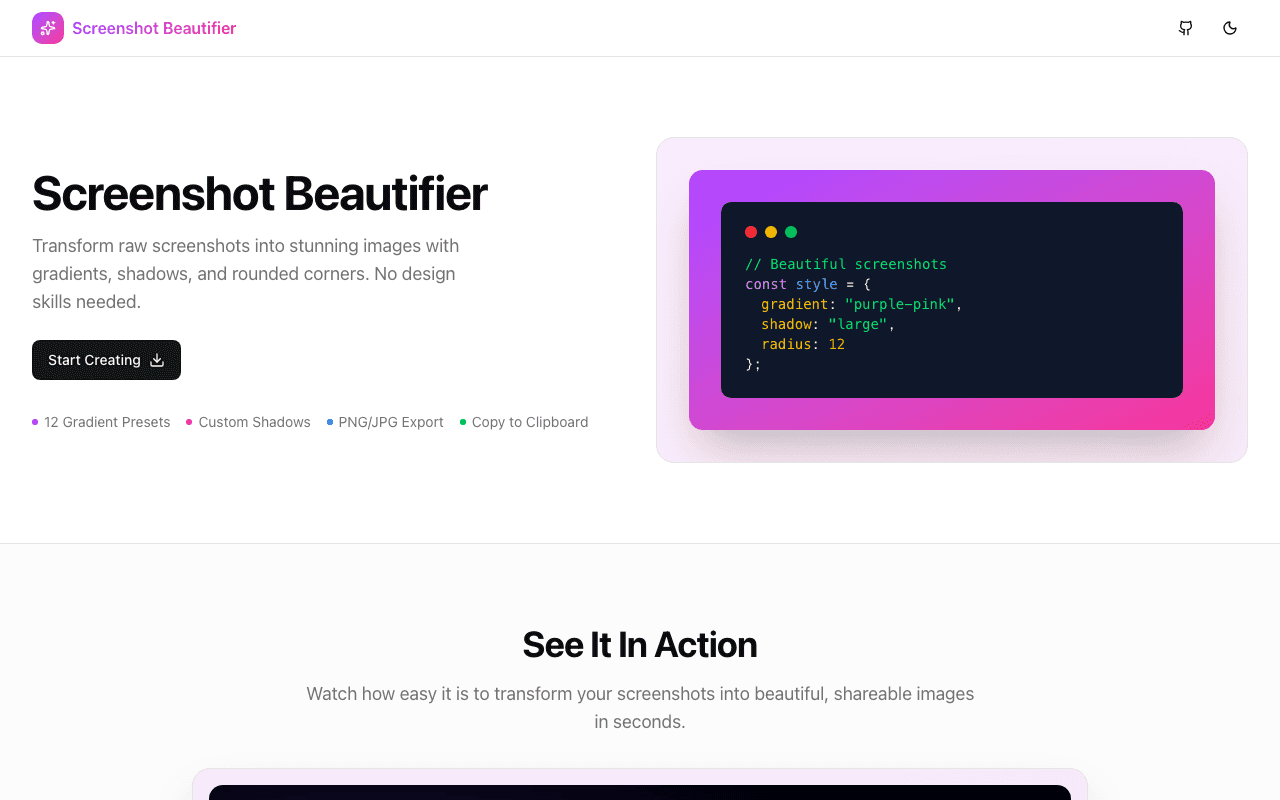
Developer Tools
Screenshot Beautifier
Free tool to transform plain screenshots into stunning visuals with custom backgrounds, device frames, shadows, and more.
Next.jsTypeScriptTailwind CSSCanvas APIDesign Tools
Start Similar ProjectAbout the Project
Screenshot Beautifier
A free, browser-based tool to turn plain screenshots into polished, shareable images.
Overview
Screenshot Beautifier helps developers, designers, and content creators transform boring screenshots into beautiful visuals. Add gradient backgrounds, device frames, shadows, and more—all without leaving your browser.
The Problem
Raw screenshots are functional but not visually appealing:
- Plain screenshots look flat on social media
- Device mockups require design tools like Figma
- Consistent styling across screenshots is tedious
- Professional results usually mean professional tools
The Solution
Upload a screenshot and instantly:
- Add beautiful gradient or solid backgrounds
- Wrap in realistic device frames
- Apply shadows and rounded corners
- Export in multiple formats
Key Features
Background Options
- Curated gradient presets
- Solid color backgrounds
- Custom color picker
- Adjustable padding
Device Frames
- Browser windows (Chrome, Safari, Arc)
- Phone mockups (iPhone, Android)
- Laptop frames (MacBook)
- Desktop monitors
Effects
- Drop shadows (multiple intensities)
- Border radius control
- Reflection effects
- Aspect ratio presets
Export
- PNG with transparency
- JPEG for smaller files
- Multiple resolutions
- One-click download
User Experience
- Real-time preview
- One-click presets
- Drag-and-drop upload
- Dark mode support
- Fully client-side (private)
Technical Implementation
Stack
- Framework: Next.js 15 with App Router
- Language: TypeScript
- Styling: Tailwind CSS v4
- Components: shadcn/ui
- Image Processing: Canvas API
Architecture
- Client-side image manipulation
- No server uploads (complete privacy)
- Real-time canvas rendering
- Optimized export pipeline
Performance
- Instant preview updates
- Handles high-resolution images
- Efficient memory management
Results
- Free forever: No pricing, no limits
- Private: Images never leave your browser
- Fast: Real-time editing experience
- Professional: Results that look designed
Links
The Challenge
The client needed a robust developer tools solution that could scale with their growing user base while maintaining a seamless user experience across all devices.
The Solution
We built a modern application using Next.js and TypeScript, focusing on performance, accessibility, and a delightful user experience.
Project Details
Category
Developer Tools
Technologies
Next.js,TypeScript,Tailwind CSS,Canvas API,Design Tools
Date
February 2025
Related Projects
More work in Developer Tools

