Back to Projects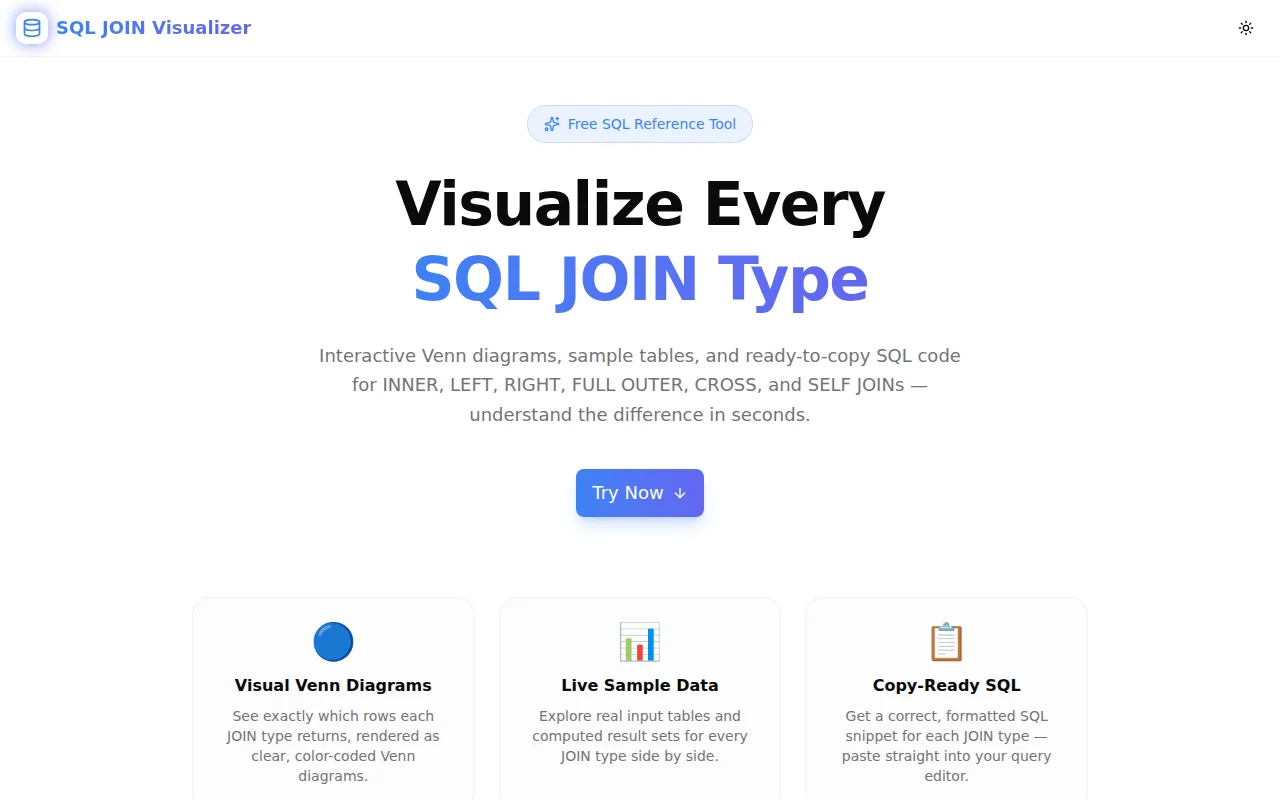
Developer ToolsFeatured
SQL JOIN Visualizer
An interactive, visual reference for every SQL JOIN type — Venn diagrams, live sample data, and copy-ready SQL snippets for INNER, LEFT, RIGHT, FULL OUTER, CROSS, and SELF JOINs. No database required.
SQLDatabaseDeveloper ToolsEducationNext.jsTypeScript
Start Similar ProjectAbout the Project
SQL JOIN Visualizer — Interactive Visual Reference for All SQL JOINs
SQL JOIN Visualizer is a free, browser-based tool that makes every SQL JOIN type immediately understandable. Choose a JOIN type, read the Venn diagram, explore real sample tables and computed results, and copy a ready-to-use SQL snippet — all in one view, no database required.
The Problem
SQL JOINs are something every developer learns, forgets slightly, looks up, and learns again. The concepts are logical, but the differences between a LEFT JOIN, a RIGHT JOIN, and a FULL OUTER JOIN become blurry without a concrete example in front of you.
Most references are either too abstract (just a Venn diagram) or too verbose (five paragraphs before a code example). You want to see the input tables, the result rows, and the SQL — at the same time.
Stack Overflow threads help, but they're fragmented and inconsistent. Documentation is accurate but dry. What's missing is a single, focused tool that shows you exactly what each JOIN produces from real data.
How It Works
1. Choose Your JOIN Type
Six JOIN types are available as a tab bar: INNER, LEFT, RIGHT, FULL OUTER, CROSS, and SELF. One click switches the entire view — Venn diagram, input tables, result rows, and SQL snippet all update together.
2. Read the Venn Diagram
Each JOIN type renders a color-coded Venn diagram showing which portions of the two tables (A and B) appear in the result. The diagram updates instantly when you switch JOIN types, making the relationship between types visually clear:
- INNER: only the overlapping region
- LEFT: all of A plus the overlap
- RIGHT: all of B plus the overlap
- FULL OUTER: all of A and all of B
- CROSS: Cartesian product (no Venn — a grid icon instead)
- SELF: the table joined to itself (same circle, two aliases)
3. Explore Sample Data
Two sample tables are always visible alongside the Venn diagram:
- Table A — employees: 4 rows (ids 1–4, names Alice, Bob, Carol, Dave)
- Table B — departments: 3 rows (ids 2, 3, 5 — intentionally mismatched to make NULL rows appear)
The computed result table shows exactly which rows the selected JOIN produces, including NULL cells where no match exists. CROSS JOIN shows the first 9 rows of the 12-row cartesian product. SELF JOIN uses an employee–manager hierarchy to demonstrate the self-referencing pattern.
4. Copy the SQL Snippet
Each JOIN type has a formatted SQL snippet ready to copy. One click copies it to the clipboard. The snippets use consistent table and column names so you can compare them directly.
Key Features
- Six JOIN types covered — INNER, LEFT, RIGHT, FULL OUTER, CROSS, SELF
- Interactive Venn diagrams — color-coded and animated on selection
- Live sample data — input tables and computed result set for every JOIN type
- NULL cell visualization — NULL values rendered as distinct badges, not empty cells
- Copy-ready SQL — formatted snippets with one-click clipboard copy
- Quick comparison strip — all six types summarized in a scannable grid at the bottom
- Fully client-side — no database, no API calls, no data leaves the browser
- Dark and light theme — respects system preference, toggle available
- No signup required — open the URL and start learning
Technical Implementation
Core Technologies
- Next.js 16 with App Router and server components for SEO metadata
- TypeScript in strict mode — all JOIN logic is typed, zero
any - Tailwind CSS v4 with OKLCH color tokens and
--brand/--brand-accentCSS variables - shadcn/ui components (new-york style) for consistent UI primitives
- Framer Motion for animated panel transitions on JOIN type switch
- Sonner for clipboard copy toast notifications
- Google Analytics via
NEXT_PUBLIC_GA_IDfor usage tracking
Architecture
All JOIN computation is pure TypeScript running in the browser. There is no backend, no API, and no database:
- Static sample datasets defined as typed arrays
computeInner(),computeLeft(),computeRight(),computeFullOuter(),computeCross(),computeSelf()— six pure functions, each returning a typed result arrayVennDiagramcomponent renders SVG paths for each JOIN type, withclipPathfor the overlap regionAnimatePresencefrom Framer Motion wraps the active JOIN panel for a smooth exit/enter transitionNullBadgecomponent renders NULL cells distinctly from real dataToolEvents.toolUsed()fires a GA4 custom event on every JOIN type switchToolEvents.resultCopied()fires on SQL copy
SEO
Full structured data stack: WebApplication JSON-LD, FAQPage JSON-LD, HowTo JSON-LD, Organization JSON-LD, and BreadcrumbList JSON-LD. Dynamic OG and Twitter card images via @vercel/og. Sitemap and robots.txt auto-generated. Canonical URLs per page.
Use Cases
Learning SQL JOINs for the First Time
The visual feedback makes the abstract concrete. Watch how adding a row to Table B with no matching key in Table A affects the LEFT JOIN result but not the INNER JOIN result. The mental model builds from the data, not from a definition.
Refreshing Knowledge Before an Interview
SQL JOINs appear in almost every backend and data engineering interview. Having a tool that shows the exact difference between FULL OUTER and LEFT+RIGHT in 30 seconds is faster than re-reading a textbook chapter.
Explaining JOINs to Non-Technical Stakeholders
The Venn diagram gives product managers and analysts a visual anchor. "LEFT JOIN means we keep everyone from the employees table, even if they don't have a department assigned" — and the NULL rows in the result table prove it.
Debugging Unexpected Query Results
When a query returns more rows than expected (CROSS JOIN by accident) or missing rows (INNER JOIN when LEFT was needed), the visualizer helps identify which JOIN type produces the observed behavior.
Code Reviews
When reviewing a PR that changes a JOIN type, open the visualizer to quickly confirm that the new JOIN produces the right subset of rows before approving.
Why SQL JOIN Visualizer?
vs. Documentation
- Visual first — diagrams and tables, not walls of text
- Sample data included — no need to construct your own test case
- All six types in one place — no tabbing between pages
vs. Stack Overflow
- No noise — no conflicting answers, no outdated SQL dialects
- Consistent notation — all snippets use the same table and column names for easy comparison
- Offline-capable — works without an internet connection once loaded
vs. Running Queries in a DB Client
- Zero setup — no database, no connection string, no schema creation
- Instant results — switch JOIN types in milliseconds
- Educational framing — the Venn diagram and result table are shown together, not separately
Results
SQL JOIN Visualizer reduces the time from "I need to remember how FULL OUTER JOIN works" to "I remember, and I have the SQL snippet" from several minutes of searching to under 30 seconds.
Try it now: sql-join-visualizer.tools.jagodana.com
The Challenge
The client needed a robust developer tools solution that could scale with their growing user base while maintaining a seamless user experience across all devices.
The Solution
We built a modern application using SQL and Database, focusing on performance, accessibility, and a delightful user experience.
Project Details
Category
Developer Tools
Technologies
SQL,Database,Developer Tools,Education,Next.js,TypeScript
Date
June 2026
Related Projects
More work in Developer Tools

