Back to Projects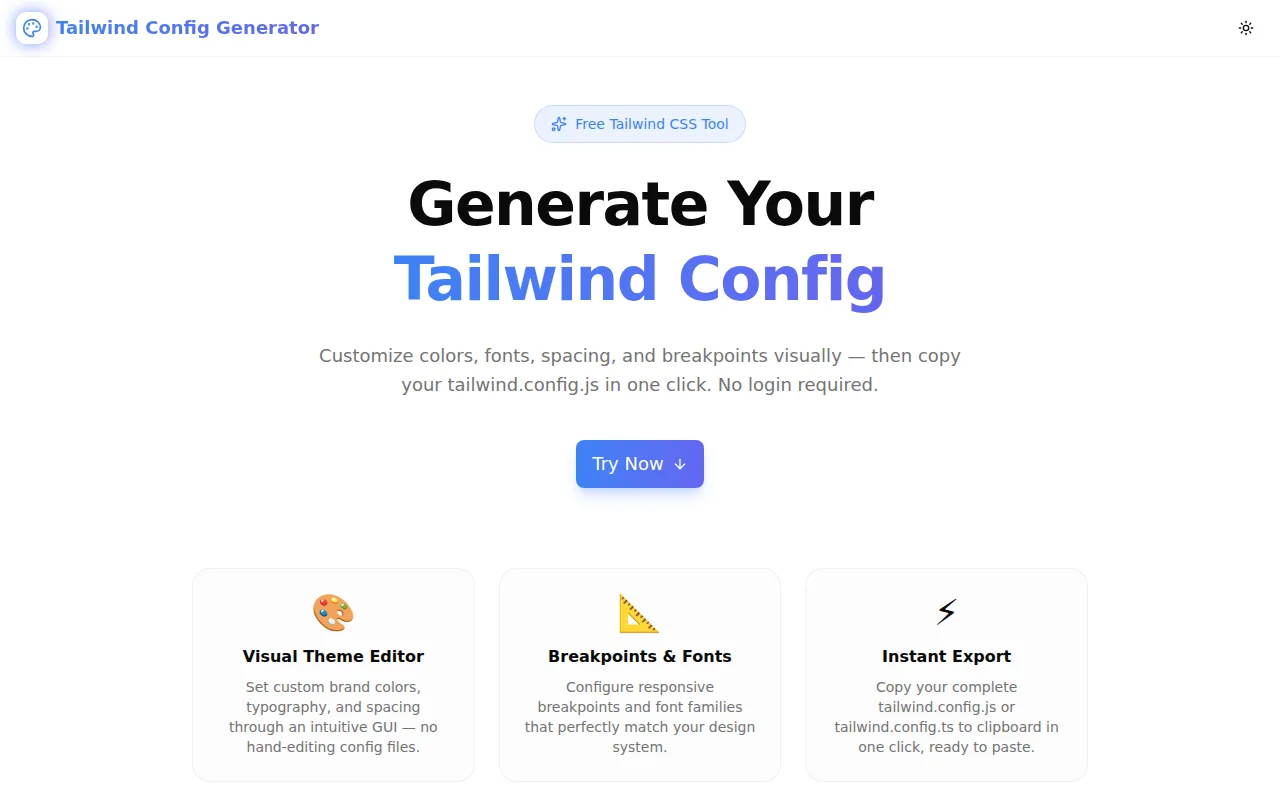
Developer ToolsFeatured
Tailwind Config Generator
A free visual Tailwind CSS config generator. Customize colors, fonts, breakpoints, and plugins in a GUI — then copy your complete tailwind.config.js or tailwind.config.ts in one click. Supports Tailwind CSS v3 and v4.
Tailwind CSSCSSDeveloper ToolsFrontendNext.jsTypeScript
Start Similar ProjectAbout the Project
Tailwind Config Generator — Visual tailwind.config.js Builder
Tailwind Config Generator is a free, browser-based tool that lets you build a complete tailwind.config.js (or .ts) visually. Add custom colors with a color picker, configure font families, set breakpoints, and enable plugins — then copy the ready-to-use config with one click. No login. No install. Just open and configure.
The Problem
Every new Tailwind CSS project starts the same way: copy the default config, start replacing values, wonder if you got the extend structure right, forget which plugin needs require(), mix up the content path globs. For Tailwind v4, the move to CSS-first config adds a new syntax to remember.
The mental overhead is small for an experienced developer on their fifth project. It is not small for someone learning Tailwind, onboarding to a new team's setup, or trying to scaffold a project quickly. Even experienced developers waste minutes each time on boilerplate that a generator handles instantly.
How It Works
1. Version & Format Selection
Start by choosing your Tailwind version: v3 or v4. For v3, pick your output format: .js (CommonJS with module.exports) or .ts (ESM with a typed Config import). The generated output switches instantly.
For v4, the generator produces the CSS-first format using @import "tailwindcss", @plugin directives, and an @theme block with CSS custom properties — exactly what Tailwind v4 expects.
2. Custom Colors
Add any number of custom brand colors using the native color picker. Each color gets a name (e.g. primary, brand, accent) and a hex value. The generator places them in theme.extend.colors for v3, or as --color-* custom properties in the @theme block for v4.
3. Font Families
Set your font stacks for sans, serif, and mono. The input accepts comma-separated font names (e.g. Inter, ui-sans-serif, system-ui). The generator formats them as the array that Tailwind expects.
4. Responsive Breakpoints
Configure your responsive breakpoints with custom names and pixel values. The defaults match Tailwind's standard scale (sm: 640px, md: 768px, lg: 1024px, xl: 1280px, 2xl: 1536px). Add a custom breakpoint for 3xl, tablet, or any device-specific size your project needs.
5. Plugin Selection
Enable official Tailwind plugins with a single click:
- @tailwindcss/forms — better form element default styles
- @tailwindcss/typography —
proseclass for rich text rendering - @tailwindcss/aspect-ratio — aspect ratio utilities
- @tailwindcss/line-clamp — line clamp utilities
Selected plugins appear as require("@tailwindcss/...") entries in the plugins array for v3, or as @plugin directives for v4.
6. One-Click Copy
Click Copy Config to copy the complete configuration to your clipboard, ready to paste into your project. The filename shown updates dynamically (tailwind.config.js, tailwind.config.ts, or tailwind.css) so you know exactly where to paste it.
Key Features
- Tailwind v3 + v4 support — switch between versions, output updates instantly
- JS and TypeScript output —
module.exportsfor v3 JS, typedConfigfor v3 TS - Visual color picker — add any number of custom brand colors
- Font family configuration — set sans, serif, and mono stacks
- Breakpoint editor — add, remove, and rename any breakpoint
- Plugin toggles — enable official plugins with one click
- Real-time preview — config output updates as you configure
- One-click copy — copy complete config to clipboard
- Reset to defaults — clear all customizations instantly
- Fully client-side — no API calls, no data leaves your browser
- No signup required — start generating immediately
Technical Implementation
Core Technologies
- Next.js with App Router
- TypeScript in strict mode
- Tailwind CSS v4 for styling
- shadcn/ui — Card, Tabs, Input, Button components
- framer-motion — tab animations
- sonner — clipboard toast notifications
- Client-side rendering — zero external API dependencies
Architecture
The generator maintains a typed config state object (TailwindConfig) containing colors, font families, breakpoints, plugins, content paths, output format, and version. Two pure functions — generateV3Config and generateV4Config — transform this state into the correct string output. The UI is fully reactive: every input change immediately updates the displayed config.
v3 Config Generation
For v3, the generator produces either:
/** @type {import('tailwindcss').Config} */
module.exports = {
  content: [...],
  theme: {
    extend: {
      colors: { primary: "#3b82f6", ... },
      fontFamily: { sans: ["Inter", ...], ... },
      screens: { sm: "640px", ... },
    },
  },
  plugins: [require("@tailwindcss/forms"), ...],
};
Or the TypeScript variant with import type { Config } from "tailwindcss" and export default config.
v4 Config Generation
For v4, the generator produces a CSS file using the new @theme syntax:
@import "tailwindcss";

@plugin "@tailwindcss/forms";

@theme {
  --color-primary: #3b82f6;
  --font-sans: Inter, ui-sans-serif, system-ui;
  --breakpoint-sm: 640px;
}
Use Cases
New Project Scaffolding
Starting a new Next.js or React project with Tailwind? Generate the config in under 60 seconds instead of hand-writing it. Set your brand colors, font stack, and any plugins you know you'll need — copy and paste.
Team Onboarding
A new developer joins a team using a custom Tailwind theme. Instead of explaining the config structure and every custom value verbally, open the generator, load the team's values, and show the output. The visual format makes the config immediately understandable.
Design Token Migration
Migrating from CSS custom properties or a design system with existing color values? Paste them into the color fields, name them appropriately, and get the Tailwind config section you need.
Learning Tailwind Config Structure
The side-by-side visual editor and config output makes the relationship between inputs and config structure immediately clear. Changing a color name and watching it update in the config is more intuitive than reading documentation.
v3 to v4 Migration
Switch between v3 and v4 output to understand how the same configuration maps to each version's syntax. The generator shows the structural difference between module.exports with theme.extend and @theme with CSS custom properties.
Why Tailwind Config Generator?
vs. Manual Config Editing
- No syntax errors — the generator handles all formatting and nesting
- Instant preview — see the output as you configure, not after a save
- Plugin management — correct
require()statements added automatically - v4 syntax handled — no need to look up the
@themeand@pluginformat
vs. Tailwind Documentation
- Interactive — faster than reading docs for a specific configuration scenario
- Complete output — generates the full file, not just snippets
- Copyable immediately — one click from configuration to clipboard
vs. Starting From the Default Config
- Cleaner output — only the values you set, no commented-out defaults
- Instant customization — start from your brand colors, not Tailwind's defaults
- Format choice — pick JS or TS from the start
Results
Tailwind Config Generator removes the manual work from Tailwind project setup:
- From zero to config in 60 seconds — no hand-editing boilerplate
- Correct syntax every time — v3 and v4 format handled automatically
- Plugin setup made easy — one click vs. finding the right
require()call - Visual clarity — understand the config structure by seeing it build live
Try it now: tailwind-config-generator.tools.jagodana.com
The Challenge
The client needed a robust developer tools solution that could scale with their growing user base while maintaining a seamless user experience across all devices.
The Solution
We built a modern application using Tailwind CSS and CSS, focusing on performance, accessibility, and a delightful user experience.
Project Details
Category
Developer Tools
Technologies
Tailwind CSS,CSS,Developer Tools,Frontend,Next.js,TypeScript
Date
May 2026
Related Projects
More work in Developer Tools

