Back to Projects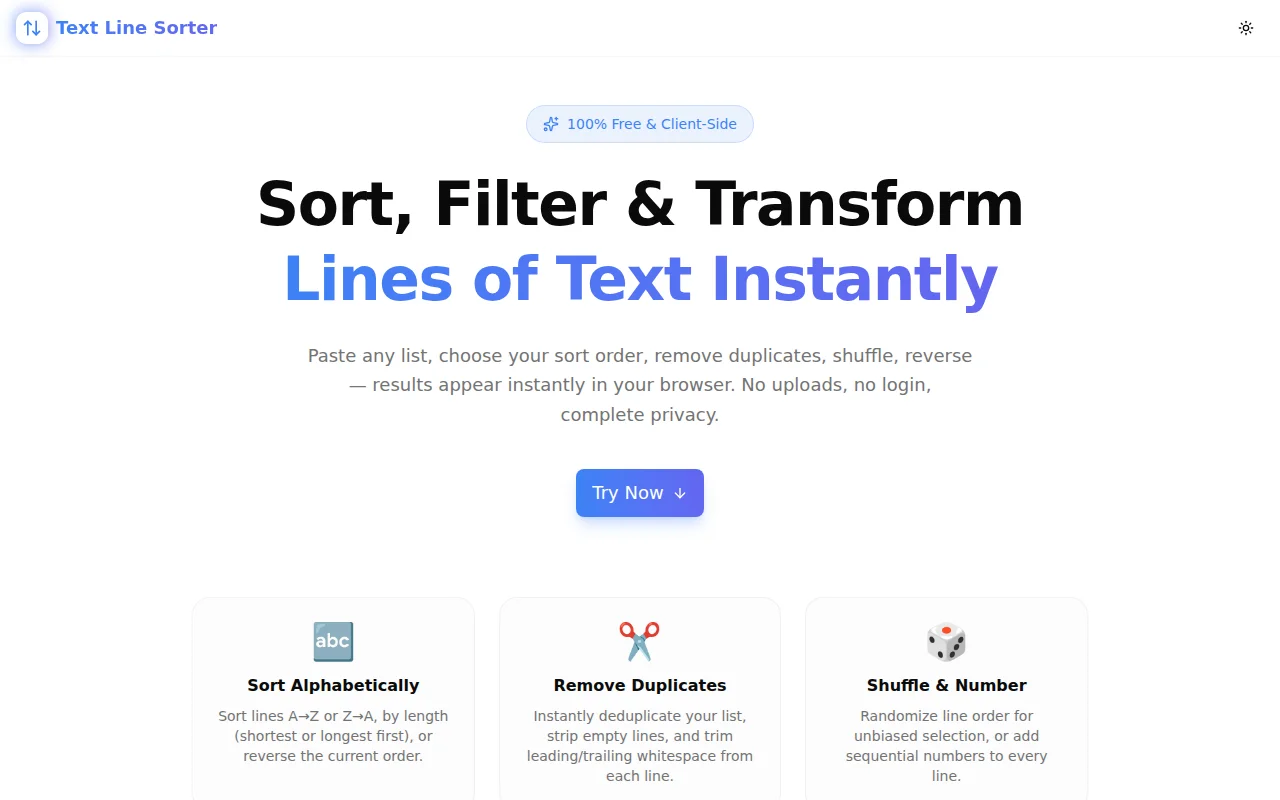
Developer ToolsFeatured
Text Line Sorter
A free browser-based tool that sorts lines alphabetically, removes duplicates, shuffles, reverses, and filters any list of text instantly — 100% client-side, no login needed.
Text ProcessingProductivityDeveloper ToolsUtilitiesNext.jsTypeScript
Start Similar ProjectAbout the Project
Text Line Sorter — Sort, Deduplicate & Transform Lines Online
Text Line Sorter is a free, browser-based tool for sorting, filtering, and transforming any list of text lines in seconds. Paste a list, click a transform — results appear instantly. No signup, no install, no server. Everything runs in your browser.
The Problem
You have a list. It might be a CSV column you copied into a text editor, a list of filenames from ls, keywords from a spreadsheet, or names someone sent you in a chat. You need to sort it, deduplicate it, or shuffle it.
Your options until now:
- Open a spreadsheet, paste the data, sort, copy back — four steps just to sort a list
- Write a one-off terminal command you'll forget by next week
- Google "sort lines online" and land on a cluttered site with ads
Text Line Sorter is the tool you'd want to find when you Google "sort lines online." Open it, paste, click, copy. Done.
How It Works
1. Paste Your Lines
Paste any list into the input box on the left. The tool accepts anything separated by newlines — words, phrases, filenames, URLs, code identifiers, CSV values, anything.
A live stats bar shows you input line count, unique line count, and empty line count as you type. Before you even click a transform, you can see: "I have 200 lines, 47 of them are duplicates, 3 are empty."
2. Choose a Transform
Ten transforms are available as one-click buttons:
Sort A→Z — Standard alphabetical ascending sort using locale-aware comparison. Works correctly for names, words, and phrases across languages.
Sort Z→A — Alphabetical descending.
Sort by Length ↑ — Shortest lines first. Useful for prioritising or skimming shorter items.
Sort by Length ↓ — Longest lines first.
Reverse — Flips the current order. If your list is already sorted, this un-sorts it. If you just shuffled, this reverses the shuffle.
Shuffle — Randomises line order using the Fisher-Yates algorithm for unbiased results. Each shuffle is independent.
Remove Duplicates — Keeps the first occurrence of each unique line, removes all subsequent ones. Case-sensitive.
Remove Empty Lines — Strips lines that are blank or contain only whitespace.
Trim Whitespace — Removes leading and trailing spaces from each line without changing content. Useful when lines were copied from a spreadsheet or document with padding.
Number Lines — Prefixes each line with its position (1. 2. 3. ...). Converts any unordered list into a numbered list instantly.
3. Copy the Result
The output appears instantly in the right panel. Click Copy to put it on your clipboard. Use Re-use to push the output back into the input — handy for chaining transforms (e.g. Remove Duplicates, then Sort A→Z, then Number Lines).
Key Features
- Ten one-click transforms — sort, filter, shuffle, reverse, number
- Chained transforms — Re-use button moves output to input for sequential processing
- Live stats bar — shows total lines, unique lines, and empty lines before you transform
- Output line count — see exactly how many lines remain after deduplication or filtering
- Fully client-side — no API calls, no data leaves your browser
- No signup required — open and start immediately
- Keyboard-friendly — tab between input/output, use buttons naturally
- Dark mode — respects system preference via next-themes
Technical Implementation
Core Technologies
- Next.js 16 with App Router
- TypeScript in strict mode
- Tailwind CSS v4 with OKLCH color tokens
- shadcn/ui components (new-york style)
- Framer Motion for UI animations
- Google Analytics 4 via GA4 env var
Architecture
All transforms run as pure functions in the browser:
sort-az/sort-za—Array.prototype.sortwithlocaleComparefor locale-aware orderingsort-len-asc/sort-len-desc— sort bystr.lengthreverse—Array.prototype.reverseshuffle— Fisher-Yates algorithm for unbiased random permutationdedup—Setto track seen lines, filter pass keeps first occurrenceremove-empty— filter forline.trim() !== ""trim—Array.prototype.mapwithstr.trim()number-lines— map with index prefix
No external dependencies for the core logic. The entire transform pipeline is a switch statement over an enum — simple, predictable, easy to test.
State Model
Input and output are separate state values. Transforms are stateless functions that accept an array and return an array. The Re-use button is the only operation that moves output state back to input state, resetting both output and the last-transform highlight.
Use Cases
Alphabetising a List
Copy a list of team member names, product categories, or error codes from a document. Click Sort A→Z. Copy. Paste back. Seconds.
Deduplicating Tags or Keywords
Pull keyword lists from multiple sources, combine them, paste the merged list. Click Remove Duplicates. You now have a deduplicated keyword set without touching a spreadsheet.
Randomising Survey or Test Order
You have a list of 20 questions and want to randomise their order for each participant. Paste, click Shuffle, copy. Done every time in under five seconds.
Cleaning Exported Data
A CSV export leaves empty rows and lines with leading spaces. Click Remove Empty, then Trim Whitespace. Clean list in two clicks.
Creating Numbered Lists
You have bullet points in a document and need them numbered. Paste, click Number Lines, copy back. No manual renumbering when you add or remove items.
Sorting Filenames or URLs
Run ls or pull a URL list from a log. Paste into the tool. Sort A→Z or by length to find patterns. No awk, no sort command to remember.
Reversing a Changelog
Your changelog lists newest-first but you need oldest-first for a migration script. Click Reverse. Done.
Why Text Line Sorter?
vs. Terminal sort Command
- No terminal required — works in any browser on any device
- No syntax to remember —
sort -ufor dedup?-rfor reverse? Just click the button - Chain transforms — multiple transforms in sequence without pipes
- Copy button — no redirect to a file or clipboard trick needed
vs. Spreadsheet Sort
- No file to open — paste directly, no import/export step
- No format conversion — plain text stays plain text
- Faster — four keyboard shortcuts vs. four UI interactions
- No accidental column misalignment — text lines don't have columns to break
vs. Other Online Sorters
- Ten transforms — not just A→Z and Z→A
- Stats bar — know your data before transforming
- Re-use button — chain transforms without copy-paste between tabs
- No ads — clean, focused interface
- Open source — the code is public
Results
Text Line Sorter removes friction from list management:
- Instant feedback — transforms happen client-side with no network round-trip
- Privacy preserved — your data never leaves your browser
- Chain anything — Remove Duplicates → Sort → Number Lines in under 30 seconds
- One-click copy — output is always one click from your clipboard
Try it now: text-line-sorter.tools.jagodana.com
The Challenge
The client needed a robust developer tools solution that could scale with their growing user base while maintaining a seamless user experience across all devices.
The Solution
We built a modern application using Text Processing and Productivity, focusing on performance, accessibility, and a delightful user experience.
Project Details
Category
Developer Tools
Technologies
Text Processing,Productivity,Developer Tools,Utilities,Next.js,TypeScript
Date
May 2026
Related Projects
More work in Developer Tools

