Back to Projects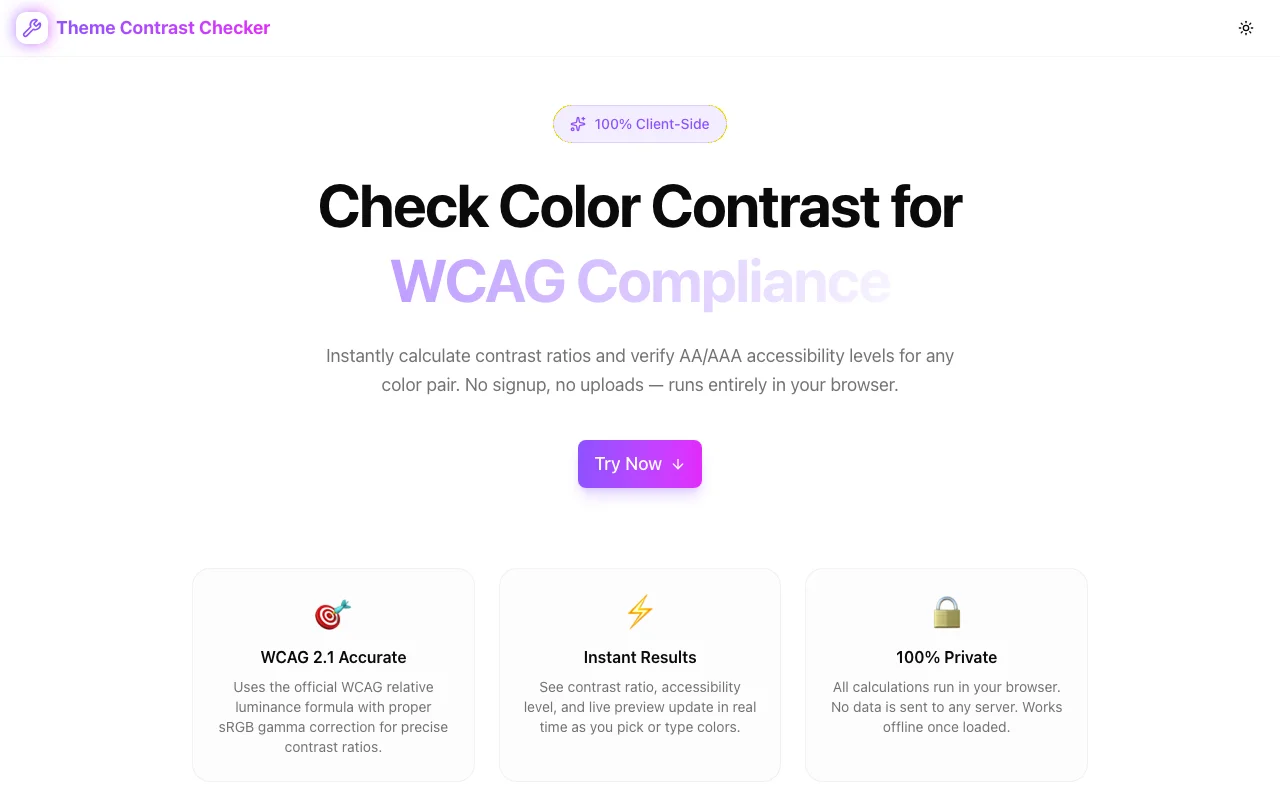
Developer Tools
Theme Contrast Checker
Check WCAG 2.1 color contrast ratios instantly. Pick any foreground and background color, see the contrast ratio, AA/AAA accessibility levels, and a live text preview—all in your browser. Free, private, no signup.
AccessibilityWCAGColor ContrastWeb DevelopmentDeveloper Tools
Start Similar ProjectAbout the Project
Theme Contrast Checker
Theme Contrast Checker is a free, privacy-first tool for verifying WCAG 2.1 color contrast compliance. Pick any two colors and instantly see whether your combination passes AA or AAA accessibility standards—with a live text preview so you can judge readability yourself.
Instant Contrast Analysis
Enter a foreground and background color to get:
- Contrast ratio calculated using the official WCAG 2.1 algorithm
- AA / AAA badge showing your overall accessibility level
- Detailed breakdown for normal text, large text, AA and AAA separately
- Pass / Fail indicators for each WCAG criterion
Results update in real time as you type hex values or use the color picker.
Live Text Preview
Don't just trust a number—see it. The live preview panel renders your chosen colors with:
- A heading sample (large text)
- A paragraph sample (normal body text)
- A small text sample (the hardest to read)
- A button sample (UI element contrast)
Judge readability at every size before shipping.
Built on the WCAG 2.1 Standard
The contrast calculation follows the exact W3C specification:
- Hex → RGB — Parse the input color
- sRGB linearization — Apply gamma correction (
c <= 0.03928 ? c / 12.92 : ((c + 0.055) / 1.055) ^ 2.4) - Relative luminance — Weighted sum:
0.2126 * R + 0.7152 * G + 0.0722 * B - Contrast ratio —
(L1 + 0.05) / (L2 + 0.05)where L1 is the lighter color
No approximations. No shortcuts. The same math used by browser DevTools and professional audit tools.
WCAG Thresholds
| Level | Normal Text | Large Text | |-------|------------|------------| | AA | ≥ 4.5:1 | ≥ 3:1 | | AAA | ≥ 7:1 | ≥ 4.5:1 |
Large text is defined as 18pt (24px) regular or 14pt (18.66px) bold.
Privacy First
All calculations run 100% client-side in your browser. No data is sent to any server. No cookies, no tracking, no analytics on your color choices. Works offline once loaded.
Developer-Friendly Features
- Color picker + hex input — Use whichever is faster for your workflow
- Swap button — Flip foreground and background with one click
- Copy CSS — Get
colorandbackground-colordeclarations on your clipboard - Recent combinations — Your last 5 color pairs are saved locally for quick recall
- Responsive — Works on desktop, tablet, and mobile
Built With
- Next.js 16 with App Router
- Tailwind CSS v4 with OKLCH color tokens
- shadcn/ui components
- Framer Motion animations
- TypeScript with strict mode
Who It's For
- Designers verifying color palettes meet accessibility standards
- Developers checking contrast before committing CSS
- QA engineers auditing existing interfaces for WCAG compliance
- Content creators choosing readable text/background combinations
- Anyone who wants their content to be readable by everyone
The Challenge
The client needed a robust developer tools solution that could scale with their growing user base while maintaining a seamless user experience across all devices.
The Solution
We built a modern application using Accessibility and WCAG, focusing on performance, accessibility, and a delightful user experience.
Project Details
Category
Developer Tools
Technologies
Accessibility,WCAG,Color Contrast,Web Development,Developer Tools
Date
February 2025
Related Projects
More work in Developer Tools

