Back to Projects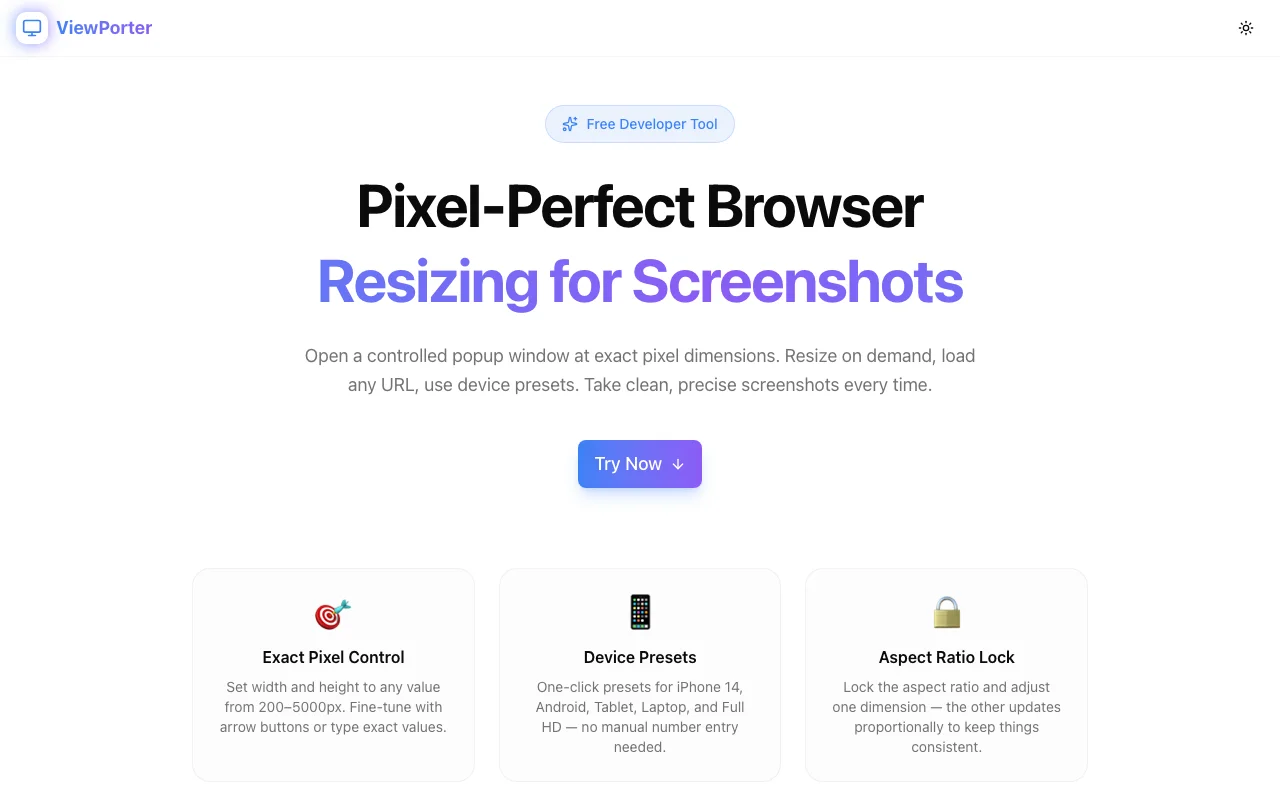
Developer Tools
ViewPorter
A free browser-based developer tool for opening browser windows at exact pixel dimensions. Perfect for taking pixel-perfect screenshots for any device or resolution — no install required.
Developer ToolsScreenshotsProductivityFree Tools
Start Similar ProjectAbout the Project
Pixel-Perfect Browser Resizing for Screenshots
ViewPorter is a free developer tool that opens controlled popup windows at exact pixel dimensions, making pixel-perfect screenshots effortless for any device or resolution.
The Problem
Developers and designers regularly need screenshots at precise viewport dimensions — for portfolio pieces, App Store previews, client deliverables, and design documentation. Manually resizing a browser window is frustratingly imprecise: OS chrome, snap zones, and lack of feedback mean your "1440×900" window is rarely actually 1440×900.
The Solution
ViewPorter uses window.open() with explicit dimension parameters to launch a popup at exactly the width and height you specify — then exposes window.resizeTo() through a Resize button so you can adjust without reopening.
The tool is entirely client-side, zero-install, and works in any modern browser.
Features
Exact Pixel Control
Set width and height to any value from 200–5000px. Fine-tune with arrow buttons or type exact values. A live dimension preview updates as you type.
Device Presets
One-click presets for the most common screenshot targets:
- iPhone 14 — 390×844
- iPhone SE — 375×667
- Android — 360×800
- Tablet — 768×1024
- Laptop — 1440×900
- Full HD — 1920×1080
Aspect Ratio Lock
Lock the aspect ratio and adjust one dimension — the other updates proportionally to keep things consistent.
URL Loading
Enter any URL and it loads inside the popup on launch. Leave blank to open an empty window for manual navigation.
Resize on Demand
Adjust window dimensions without closing and reopening — useful for comparing designs across breakpoints without losing scroll position.
Built-in Screenshot Tips
Practical, opinionated tips for capturing clean screenshots: hide DevTools first, disable scrollbars via a DevTools snippet, use native OS capture for shadow-free window screenshots, use GoFullPage for full-page captures.
Part of the Jagodana Tools Suite
ViewPorter is one of several free tools built for developers and designers:
The Challenge
The client needed a robust developer tools solution that could scale with their growing user base while maintaining a seamless user experience across all devices.
The Solution
We built a modern application using Developer Tools and Screenshots, focusing on performance, accessibility, and a delightful user experience.
Project Details
Category
Developer Tools
Technologies
Developer Tools,Screenshots,Productivity,Free Tools
Date
February 2026
Related Projects
More work in Developer Tools

