Conventional Commit Builder: Write Perfect Git Commits Instantly (Free Tool)
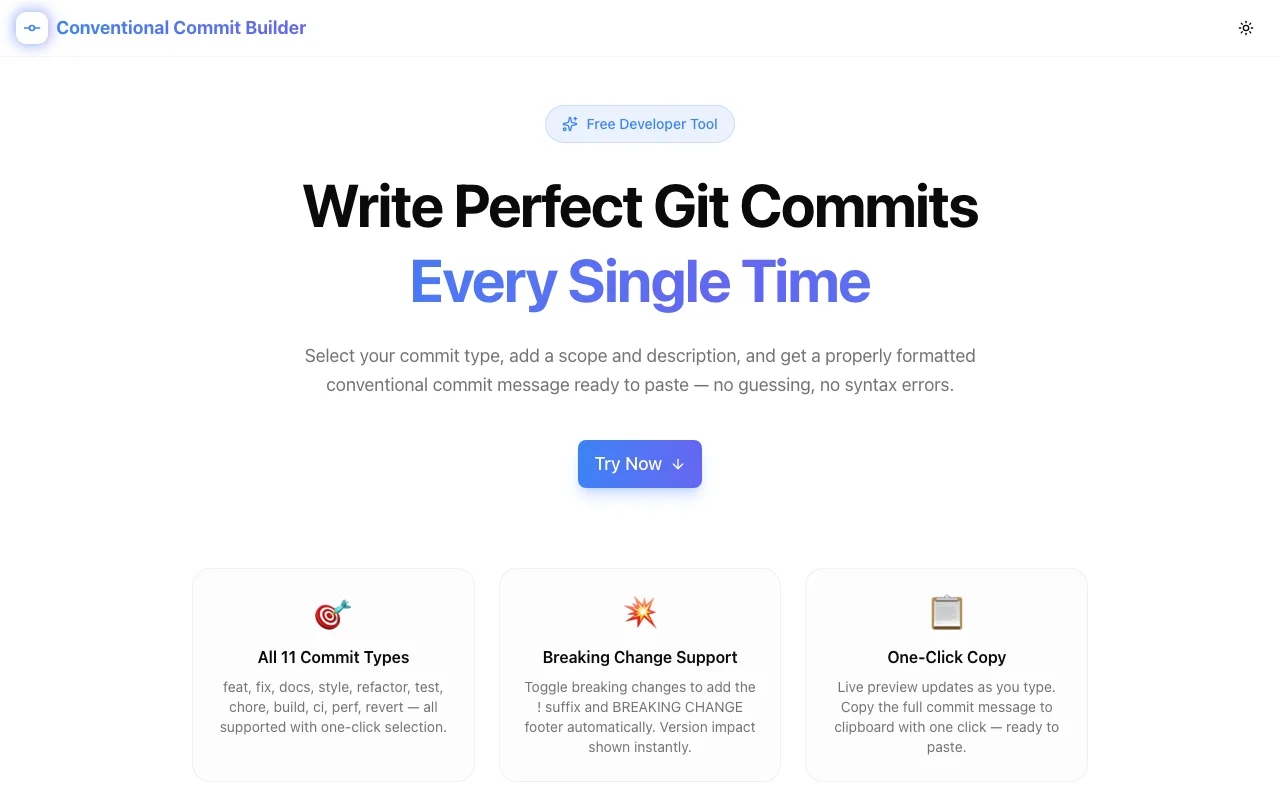
Free online Conventional Commit Builder — select type, scope, and description to get a formatted conventional commit message ready to paste. No login required.
Conventional Commit Builder: Write Perfect Git Commits Instantly (Free Tool)
Every developer has stared at a terminal trying to remember: is the breaking change marker ! before or after the closing parenthesis? Does BREAKING CHANGE: go in the footer or the body? Does the scope go in square brackets or round ones?
The Conventional Commit Builder at conventional-commit-builder.tools.jagodana.com answers all of those questions by removing them. Select a type, add a description, toggle breaking change if needed, and get a spec-compliant commit message ready to paste — in under 30 seconds.
What Are Conventional Commits?
Conventional Commits is a specification for writing structured git commit messages. Every message follows this format:
<type>[optional scope][optional !]: <description>

[optional body]

[optional footer(s)]
The spec maps commit types directly to semantic version bumps:
feat— new feature → minor version bump (1.0.0 → 1.1.0)fix— bug fix → patch version bump (1.0.0 → 1.0.1)- any type +
BREAKING CHANGE→ major version bump (1.0.0 → 2.0.0) docs,style,chore,refactor,test,build,ci→ no version bump
Tools like semantic-release, standard-version, and release-please read these messages to determine version numbers and generate changelogs automatically. A wrong format means wrong versioning — silently.
How to Use the Conventional Commit Builder
Step 1: Select a Commit Type
The tool shows all 11 commit types in a visual grid. Each tile displays the type name, an emoji, and a plain-English description of when to use it.
Click the type that matches your change. The selection is highlighted in the brand color and the live preview updates immediately.
Step 2: Add Scope and Description
The scope is optional — it labels which part of the codebase was changed:
feat(auth): add OAuth login support
fix(api): handle null response from /users endpoint
chore(deps): bump next from 16.0.0 to 16.1.0
The description is a short, imperative summary of the change. Write it as a command: "add", "fix", "remove", "update" — not "added" or "fixes".
Both fields update the live preview character by character.
Step 3: Toggle Breaking Change (If Needed)
Hit the Breaking change toggle when your change is not backward-compatible — removing an endpoint, renaming a required parameter, changing a return type.
When enabled, the builder:
- Appends
!after the scope:feat(auth)!: - Adds a
BREAKING CHANGE: <description>footer automatically - Changes the version impact badge from minor to major
You don't need to remember where each piece goes. The builder places them correctly per the spec.
Step 4: Add Body and Footer (Optional)
Click Show optional body and footer to reveal two more fields:
- Body — a longer explanation of the motivation and context for the change
- Footer — issue references (
Fixes #123), co-authors (Co-authored-by: ...), or other trailers
Both are placed in the correct positions with the required blank line separators between sections.
Step 5: Copy and Paste
The commit message preview updates as you type. When it looks right, click Copy Commit Message — the full message is copied to clipboard with a toast confirmation. Paste it directly into your terminal:
git commit -m "$(pbpaste)"Or use it with git commit -e and paste into your editor.
Semantic Version Impact Reference
One of the most useful parts of the builder is the version impact badge — it shows in real time whether your commit will trigger a major, minor, patch, or no version bump:
| Impact | What Triggers It |
|---|---|
| MAJOR | Any commit type + breaking change toggle |
| MINOR | feat (new feature, no breaking change) |
| PATCH | fix, perf, revert |
| None | docs, style, refactor, test, chore, build, ci |
The quick reference table at the bottom of the tool shows all three impact levels so you can verify your choice at a glance.
Who Is This For?
Teams Using semantic-release or release-please
These tools parse your commit history to determine the next version and generate changelogs. A single malformed commit can break the pipeline or produce the wrong version. The builder produces spec-compliant output every time.
Developers Learning the Spec
The type grid teaches you the spec while you use the tool. After a few sessions, you'll remember what each type does without looking it up.
Projects with commitlint
If your project uses commitlint with @commitlint/config-conventional, malformed commits fail CI. The builder produces lint-passing messages by construction — no more "git commit --amend" cycles.
Open Source Contributors
Contributing to projects that require conventional commits is harder when you don't use the format daily. The builder removes the format from your working memory so you can focus on the change itself.
Common Mistakes the Builder Prevents
Wrong breaking change placement:
# Wrong
feat!: (auth) add breaking change

# Right (what the builder outputs)
feat(auth)!: add breaking change
Missing blank line before footer:
# Wrong — no blank line separator
feat(api): add rate limiting
BREAKING CHANGE: requests now return 429 instead of 500

# Right (what the builder outputs)
feat(api)!: add rate limiting

BREAKING CHANGE: add rate limiting
Wrong footer casing:
# Wrong
breaking change: ...

# Right (what the builder outputs)
BREAKING CHANGE: ...
Technical Details
The Conventional Commit Builder is built with Next.js 16, TypeScript, and Tailwind CSS v4. Everything runs entirely in your browser — no data is sent to any server. Your commit messages are never stored, logged, or transmitted.
The tool is open source: github.com/Jagodana-Studio-Private-Limited/conventional-commit-builder
Try it free: conventional-commit-builder.tools.jagodana.com — no login, no install, works instantly in your browser.