Introducing Color Palette Explorer: Extract & Generate Beautiful Color Schemes
Stop guessing colors. Extract palettes from images, generate harmonious color schemes using color theory, and export to CSS, Tailwind, Figma, SwiftUI, and more.
Introducing Color Palette Explorer: Extract & Generate Beautiful Color Schemes
Finding the perfect color palette is one of the most time-consuming parts of any design project. You either spend hours tweaking colors manually, or you search through endless pre-made palettes hoping to find something that fits.
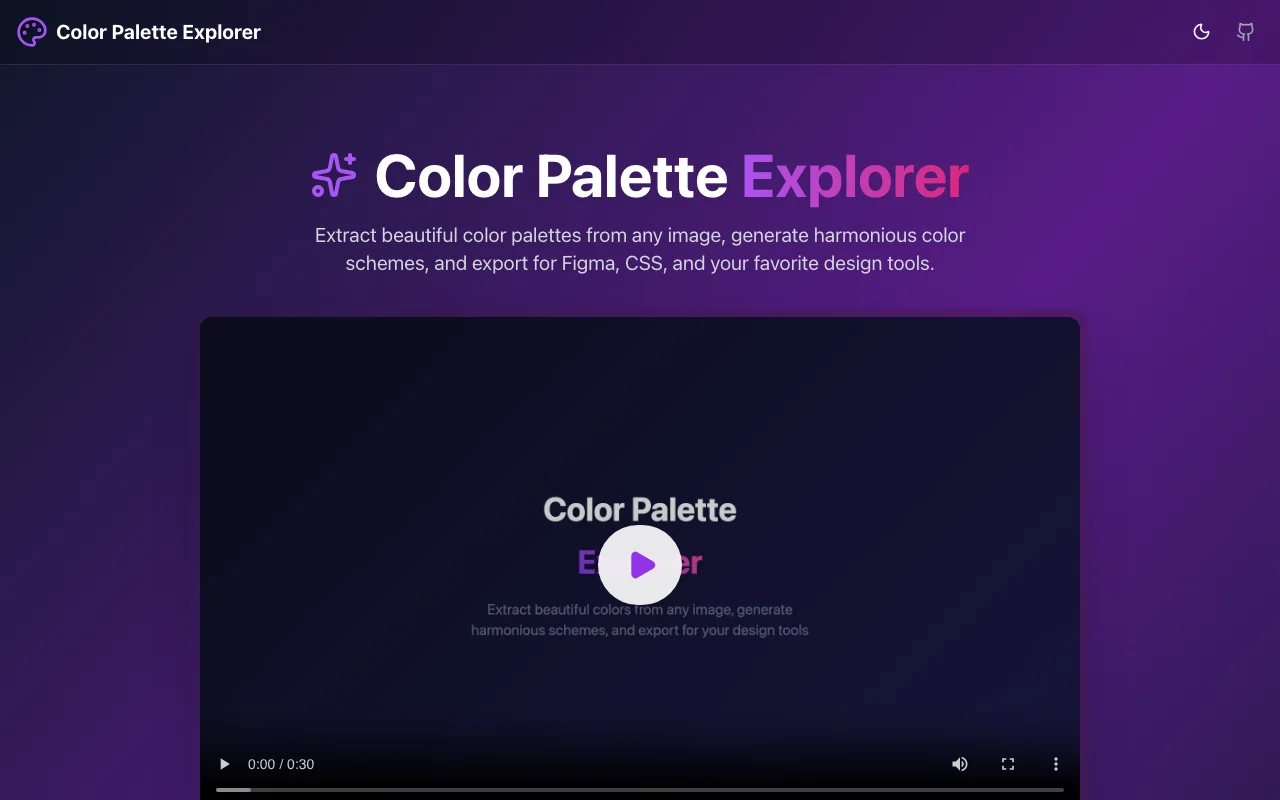
We built Color Palette Explorer to solve this. Upload any image, extract its colors, generate harmonious schemes using color theory, and export to your favorite format — all in seconds.
The Problem with Color Selection
Designers and developers face the same challenges:
- Starting from scratch — Picking colors that work together is hard
- Color theory complexity — Not everyone knows complementary vs. triadic
- Format conversion — You need HEX for CSS, RGB for Figma, different formats for mobile
- Inspiration to implementation — You see a color palette you like, but can't easily use it
Traditional tools either focus on extraction OR generation, and rarely export to developer-friendly formats.
Enter Color Palette Explorer
Color Palette Explorer combines image color extraction, color theory generation, and multi-format export into one seamless experience.
🎨 Extract Colors from Any Image
Drop any image onto the canvas and instantly see its dominant colors:
- Smart Sampling — Our algorithm identifies the most prominent colors, not just random pixels
- Adjustable Palette Size — Extract 3, 5, 8, or more colors
- Preview Cards — See how your colors look together
- One-Click Copy — Copy any color in HEX, RGB, or HSL
🌈 Generate Harmonious Schemes
Start with any color and generate matching palettes using color theory:
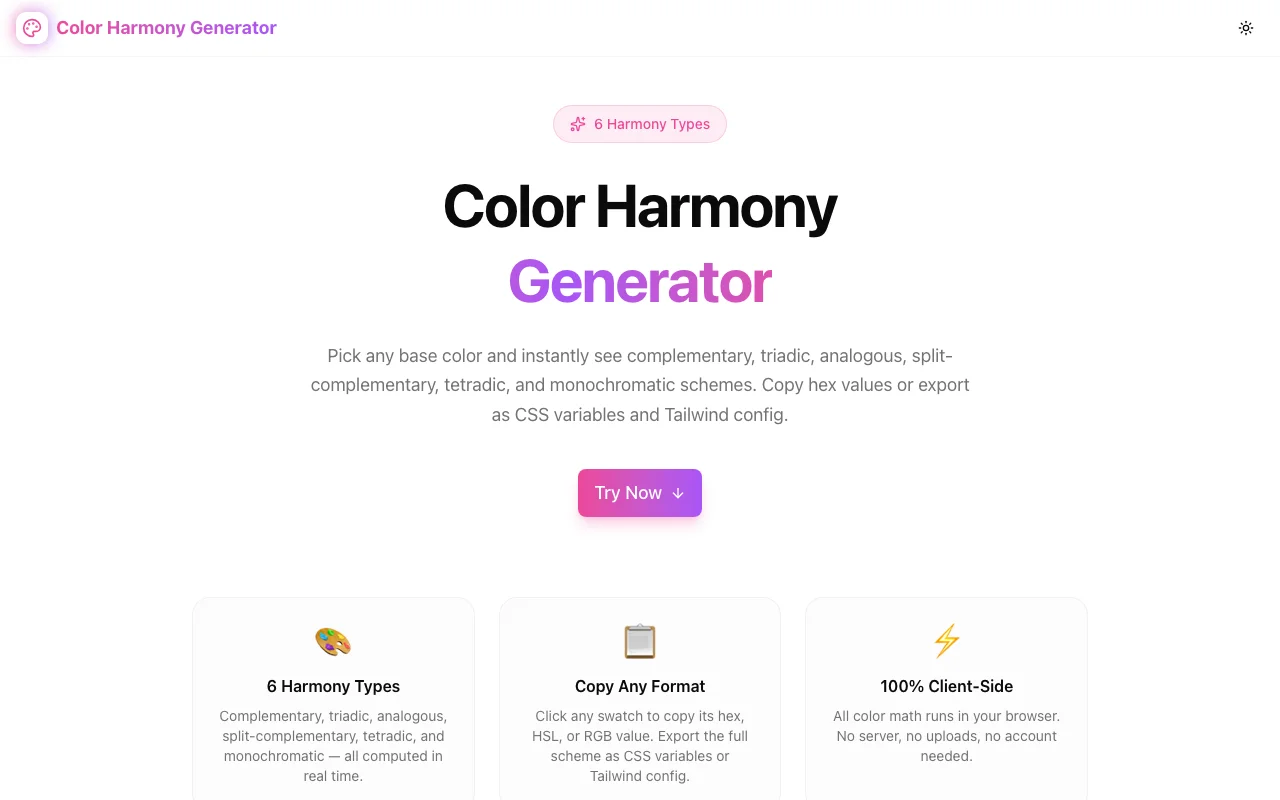
Monochromatic
Variations of a single hue — perfect for creating depth without introducing new colors.
Analogous
Adjacent colors on the color wheel — naturally harmonious and pleasing to the eye.
Complementary
Opposite colors — high contrast for attention-grabbing designs.
Triadic
Three evenly spaced colors — vibrant and balanced.
Tetradic
Four evenly spaced colors — rich and complex palettes.
Split Complementary
A base color plus two colors adjacent to its complement — contrast with less tension.
📤 Export to Any Format
The real magic happens when you export. We support:
For Web Development
CSS Variables:
:root {
  --color-primary: #6366f1;
  --color-secondary: #8b5cf6;
  --color-accent: #ec4899;
}
Tailwind CSS:
module.exports = {
  theme: {
    extend: {
      colors: {
        primary: '#6366f1',
        secondary: '#8b5cf6',
        accent: '#ec4899',
      }
    }
  }
}
SCSS Variables:
$color-primary: #6366f1;
$color-secondary: #8b5cf6;
$color-accent: #ec4899;
For Design Tools
Figma Design Tokens — Copy and import directly into your Figma file.
For Mobile Development
SwiftUI:
extension Color {
    static let primary = Color(hex: "#6366f1")
    static let secondary = Color(hex: "#8b5cf6")
    static let accent = Color(hex: "#ec4899")
}
Android XML:
<color name="primary">#6366f1</color>
<color name="secondary">#8b5cf6</color>
<color name="accent">#ec4899</color>
🔒 100% Local & Private
Everything happens in your browser:
- No uploads — Images are processed locally using the Canvas API
- No accounts — Just open and use
- Works offline — It's a PWA, install it and use anywhere
- No tracking — We don't collect your color choices
Use Cases
For Designers
- Extract colors from inspiration images
- Generate harmonious schemes for branding
- Export design tokens for handoff
For Developers
- Get Tailwind/CSS variables from design mockups
- Match colors from existing apps or websites
- Generate accessible color combinations
For Mobile Developers
- Export SwiftUI or Android color resources
- Maintain consistent colors across platforms
- Quick prototyping with real palettes
The Tech Stack
Color Palette Explorer is built with:
- Next.js 16 (App Router) for the framework
- TypeScript for type safety
- Tailwind CSS for styling
- Framer Motion for smooth animations
- shadcn/ui for beautiful components
- Canvas API for image processing
Try It Now
Ready to find your perfect palette?
No signup, no installation. Just drop an image and start exploring.
Open Source
Color Palette Explorer is open source! Check out the code or contribute:
What's Next?
We're planning new features:
- Palette History — Save and recall your favorite palettes
- Accessibility Checker — WCAG contrast validation
- Gradient Generator — Create gradients from your palette
- Brand Kit Export — Full brand guidelines PDF
Have a feature request? Let us know!
Stop guessing colors. Try Color Palette Explorer today →