Introducing CSS color-mix() Generator: Build Color Blends Without Guessing
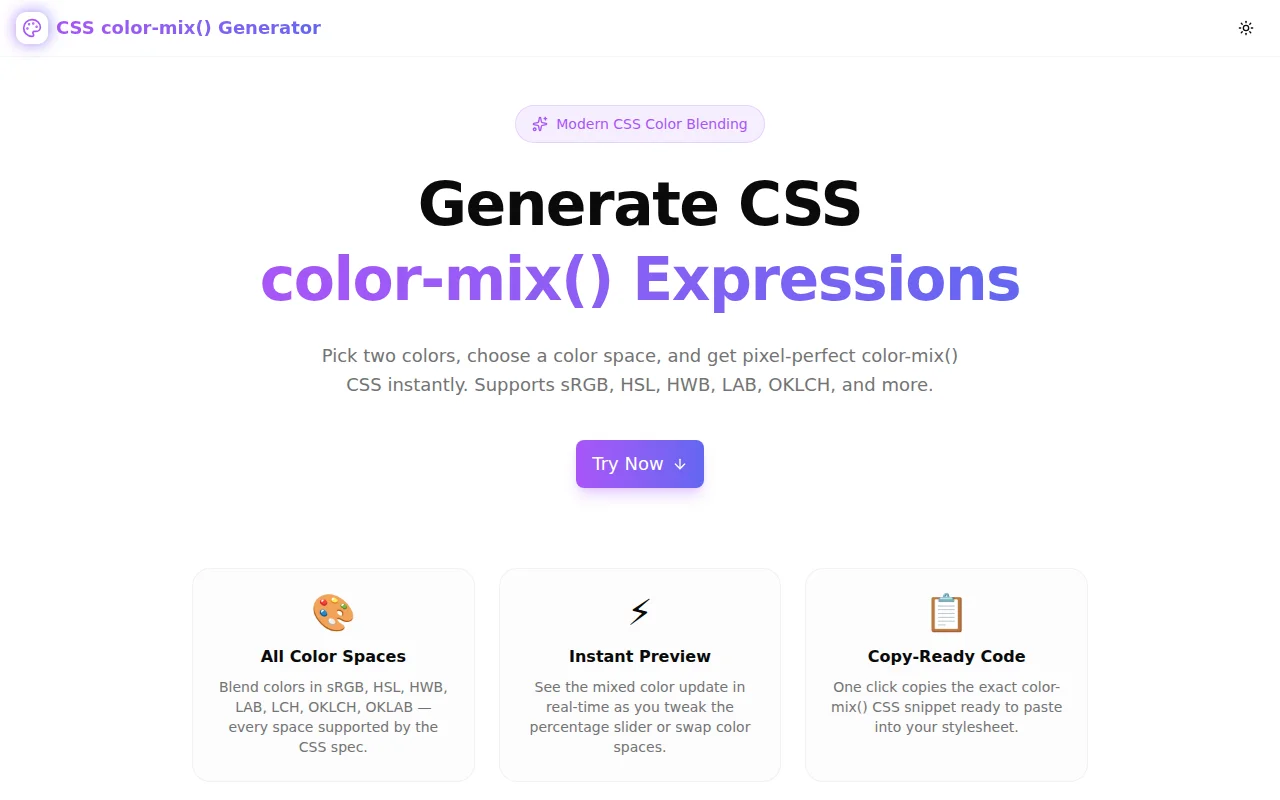
A free tool to generate CSS color-mix() expressions in any color space — sRGB, HSL, HWB, LAB, OKLCH, and more. Pick two colors, drag the slider, copy the CSS. No guesswork, no refreshing.
Introducing CSS color-mix() Generator: Build Color Blends Without Guessing
You know the feeling. You have two colors. You want to blend them. You type color-mix(in oklch, and then stare at the screen wondering whether 30% means 30% of the first color or 30% of the second, what "in oklch" actually changes, and whether the output will be a vivid purple or a muddy grey.
CSS color-mix() Generator replaces the guessing with a visual tool. Pick both colors, choose a color space, drag the percentage, see the result live, copy the CSS.
What is CSS color-mix()?
color-mix() is a CSS function introduced in CSS Color Level 5. It blends two colors in a specified color space:
color-mix(in oklch, #a855f7 40%, #6366f1)This says: take 40% of #a855f7 (purple) and 60% of #6366f1 (indigo), blend them in OKLCH color space, and give me the result.
It's supported in Chrome 111+, Firefox 113+, Safari 16.2+, and Edge 111+ — over 93% global browser coverage as of mid-2025.
Why does the color space matter?
This is the part most tutorials skip.
In srgb, blending purple and indigo through a midpoint often produces a greyish, desaturated middle. This happens because straight-line interpolation through sRGB space doesn't follow the way human eyes perceive color.
In oklch, the same blend stays vivid throughout. OKLCH (Oklab Lightness-Chroma-Hue) is a perceptually uniform color space, meaning equal numerical steps produce equal-looking changes. The middle of a purple-to-indigo blend in OKLCH looks like an actual purple-indigo — not a washed-out grey-purple.
Here's why this matters for real work:
- Design tokens:
color-mix(in oklch, var(--brand) 20%, white)gives you a tint that looks good at all lightness levels - Hover states:
color-mix(in oklch, var(--cta) 80%, black)gives a consistent darkened hover without hardcoding a second color - Opacity alternatives: mix with the background color instead of using alpha — the result is opaque, avoiding bleed-through issues in overlapping elements
How does the tool work?
Pick your colors
Two color inputs — each with a native color picker and a HEX text field. Change either color and every output updates instantly.
Choose a color space
Ten options: sRGB, sRGB-linear, HSL, HWB, LAB, LCH, OKLAB, OKLCH, Display P3, XYZ. Toggle between them and the generated CSS updates in the output field. The default is OKLCH — the right choice for most modern CSS work.
Drag the percentage
The slider moves along a gradient track that shows the actual color progression between your two inputs. A thumb indicator marks the current blend point. Above the slider, a label reads "40% color1 / 60% color2" so you always know which side is which without re-reading the spec.
Copy the CSS
The output field shows the complete expression. One click copies it to clipboard. That's it.
Explore the color ramp
Five swatches below the slider show 0%, 25%, 50%, 75%, and 100% blend points. Click any swatch to jump the slider to that position — useful for a quick read of the full blend range.
What can you build with color-mix()?
Runtime design tokens
Preprocessors compute colors at build time. color-mix() works at runtime — it blends CSS custom properties dynamically:
:root {
  --brand: #a855f7;
  --brand-light: color-mix(in oklch, var(--brand) 30%, white);
  --brand-dark:  color-mix(in oklch, var(--brand) 30%, black);
  --brand-muted: color-mix(in oklch, var(--brand) 15%, var(--background));
}
Change --brand and every derived token updates automatically. No Sass, no JavaScript.
Consistent hover states
.btn-primary {
  background: var(--brand);
}
.btn-primary:hover {
  background: color-mix(in oklch, var(--brand) 85%, black);
}
.btn-primary:active {
  background: color-mix(in oklch, var(--brand) 70%, black);
}
Accessible disabled states
.btn:disabled {
  background: color-mix(in srgb, var(--brand) 30%, var(--surface));
  color: color-mix(in srgb, var(--text) 40%, var(--surface));
}
Themed components
.tag-purple  { background: color-mix(in oklch, #a855f7 20%, white); }
.tag-indigo  { background: color-mix(in oklch, #6366f1 20%, white); }
.tag-emerald { background: color-mix(in oklch, #10b981 20%, white); }
All consistent lightness because OKLCH keeps the 20% mix perceptually even across hues.
color-mix() vs. the alternatives
vs. Sass/Less mixins
Preprocessor mix() computes at build time. It can't blend two runtime CSS variables. color-mix() can.
vs. JavaScript color libraries
chroma.js, color, tinycolor2 — all require a JavaScript import, a bundle, and an async pipeline. color-mix() is a native CSS function. No JavaScript needed.
vs. Hardcoded secondary colors
Design systems often maintain parallel color scales: --brand-100, --brand-200, ..., --brand-900. With color-mix(), you define one base color and derive all variants from it. The scale stays consistent even when the base color changes.
Frequently asked questions
Does color-mix() work in all browsers?
Yes — Chrome 111+, Firefox 113+, Safari 16.2+, Edge 111+. Over 93% global coverage. You can use it in production today without a fallback for most projects.
What does the percentage mean?
color-mix(in srgb, red 30%, blue) means 30% red, 70% blue. If the two percentages don't add to 100%, they're normalized. color-mix(in srgb, red 20%, blue 20%) is treated as 50/50.
Which color space should I use?
Start with oklch for anything involving design tokens, palettes, or UI tints. It produces the most natural-looking blends. Use srgb when you need to match how a preprocessor like Sass would compute the mix.
Is this tool client-side only?
Yes — 100% in the browser. No color data is sent to any server.
Try it
👉 css-color-mix-generator.tools.jagodana.com
Free. No account. No uploads. Works offline once the page loads.
More free color tools from Jagodana
- Color Format Converter — Convert between HEX, RGB, HSL, OKLCH and more
- Color Contrast Checker — Test WCAG contrast ratios for accessibility
- Color Palette Generator — Generate complete color palettes
- CSS Gradient Generator — Build linear, radial, and conic gradients visually
- Color Blindness Simulator — Preview designs across 8 color vision types
All client-side. All free. No signup.