CSS Clamp Calculator: Generate Fluid clamp() Values Without the Math
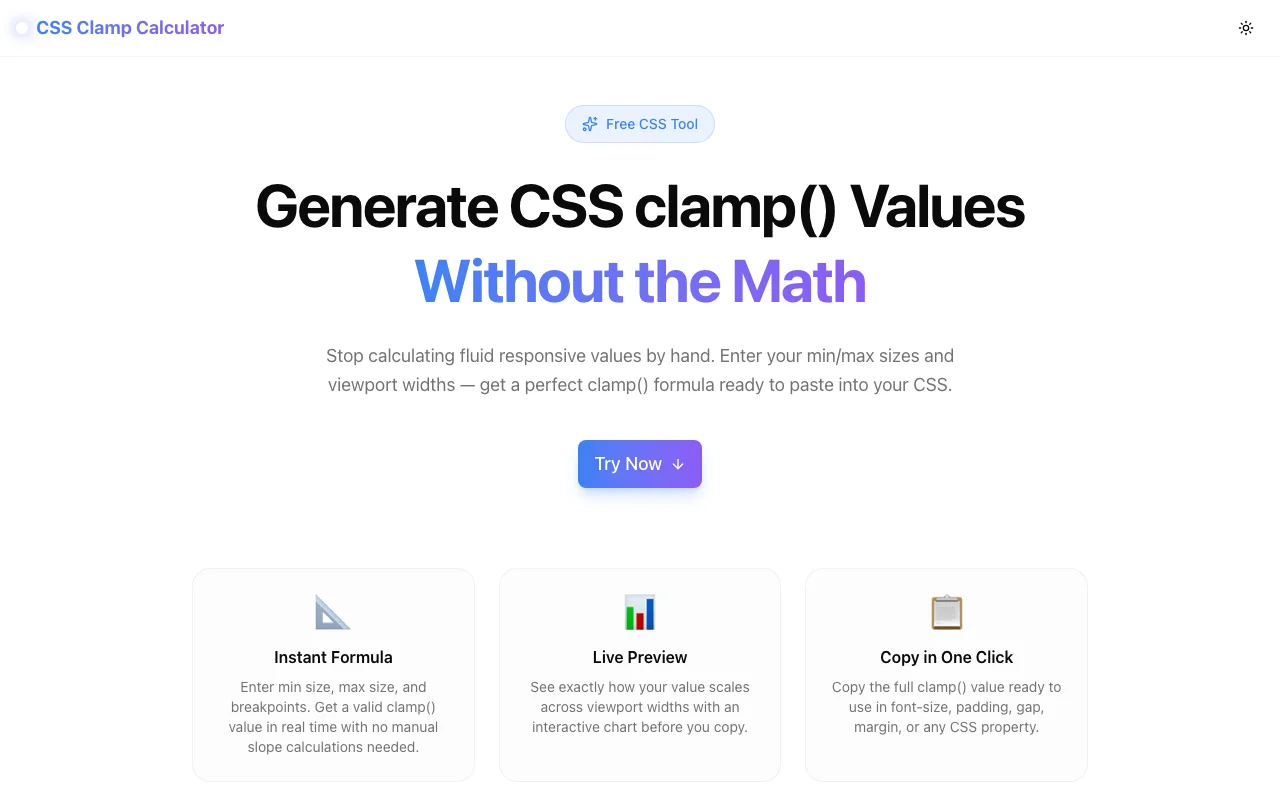
Stop calculating CSS clamp() values by hand. CSS Clamp Calculator is a free browser tool — enter min/max values and viewport widths, get a ready-to-copy clamp() formula instantly.
CSS Clamp Calculator: Generate Fluid clamp() Values Without the Math
There is a CSS pattern that every frontend developer reaches for eventually, then immediately regrets: writing clamp() values by hand.
The syntax is simple — clamp(min, preferred, max). The concept is clear: lock a value between a floor and a ceiling while letting it scale fluidly in between. No media queries. One line of CSS that works everywhere.
The math is not simple.
The preferred value — the middle argument — is a linear equation: slope times viewport width plus an intercept. You calculate the slope by dividing the value range by the viewport range. You calculate the intercept by back-solving from the minimum. You convert everything to rem. Then you format it as Xvw + Yrem and double-check your signs.
It takes 3–5 minutes per value. Developers either spend those minutes or skip clamp() entirely and write three media query breakpoints instead.
CSS Clamp Calculator does the math in real time.
What It Does
Enter four numbers:
- Min value — the smallest size you want (e.g.
16pxfor body text at mobile) - Max value — the largest size you want (e.g.
24pxat desktop) - Min viewport — where scaling should start (typically
320px) - Max viewport — where scaling should stop (typically
1280px)
The calculator outputs the complete clamp() value:
font-size: clamp(1rem, 1.25vw + 0.5rem, 1.5rem);Copy it. Paste it into your CSS. Done.
The Chart That Changes How You Think About Fluid Values
Below the formula, the tool renders a chart showing the computed value at every major breakpoint: 320px, 480px, 640px, 768px, 1024px, 1280px.
You see exactly where the clamping kicks in. You see the actual pixel value the browser resolves at each viewport width. You can verify your intentions before committing to the formula — something that is impossible when you calculate values manually.
Quick Presets for Common Patterns
Most developers use clamp() for the same handful of properties. The tool ships with one-click presets:
| Preset | Min | Max | Viewport range | |---|---|---|---| | Body text | 16px | 18px | 320–1280px | | Heading H1 | 28px | 56px | 320–1280px | | Heading H2 | 22px | 36px | 320–1280px | | Section padding | 16px | 64px | 320–1280px | | Card gap | 12px | 24px | 320–1280px |
Select a preset, adjust the values for your project, copy the output.
rem by Default, px Supported
The calculator outputs rem-based clamp values by default. This matters for accessibility: font sizes in rem respect the user's browser font size preferences, while px-based sizes ignore them. WCAG 1.4.4 requires text to be resizable up to 200% without loss of content — rem values satisfy this, hard-coded px values often do not.
If your project uses a non-standard rem base (something other than 16px), set the base value in the tool and every conversion adjusts accordingly.
Works for Any CSS Property
clamp() is property-agnostic. The same math applies whether you're sizing a font, scaling padding, or setting a gap. CSS Clamp Calculator is built the same way: enter any values, get any clamp formula.
/* Font size */
h1 { font-size: clamp(1.75rem, 4.44vw - 0.56rem, 3.5rem); }

/* Spacing */
.section { padding-block: clamp(2rem, 6.25vw - 0.5rem, 5rem); }
.grid    { gap: clamp(0.75rem, 2.5vw - 0.05rem, 1.5rem); }

/* Border radius */
.card { border-radius: clamp(0.5rem, 1.25vw + 0.25rem, 1.25rem); }
Why Fluid Values Beat Media Query Breakpoints
Media query breakpoints jump. At 767px the font is 24px; at 768px it snaps to 32px. That discrete step is visible on screen when you resize the browser. More practically, it means a Samsung Galaxy S21 (360px wide) and an iPad Mini in portrait (768px wide) hit different breakpoints and display different font sizes with nothing in between.
Fluid values interpolate. A clamp() font size transitions continuously from its minimum to its maximum across the entire viewport range. The layout looks right at every width, not just at the breakpoints you tested.
There is no additional CSS to write. No @media query. No duplicated property declarations. One line covers every viewport width.
100% Client-Side
CSS Clamp Calculator runs entirely in your browser. No data leaves your machine. No account. No API key. The math happens in JavaScript as you type — there is nothing to send anywhere.
Try It
css-clamp-calculator.tools.jagodana.com
Enter your values. Copy the formula. Spend the saved minutes on something else.
More Free Developer Tools
CSS Clamp Calculator is part of a growing collection of browser-based tools for frontend developers and designers:
- CSS Unit Converter — Convert between px, rem, em, vw, vh, %, and pt in real time.
- CSS Variables Generator — Turn design tokens into a :root CSS variables block.
- Fluid Type Scale — Generate a complete fluid typography scale from a single base size.
- CSS Box Shadow Generator — Build layered CSS box shadows visually.
- CSS Gradient Generator — Create linear, radial, and conic gradients with a visual editor.
All tools run in the browser. No accounts. No tracking beyond anonymous analytics.