CSS :nth-child() Tester: The Fastest Way to Understand Structural Selectors
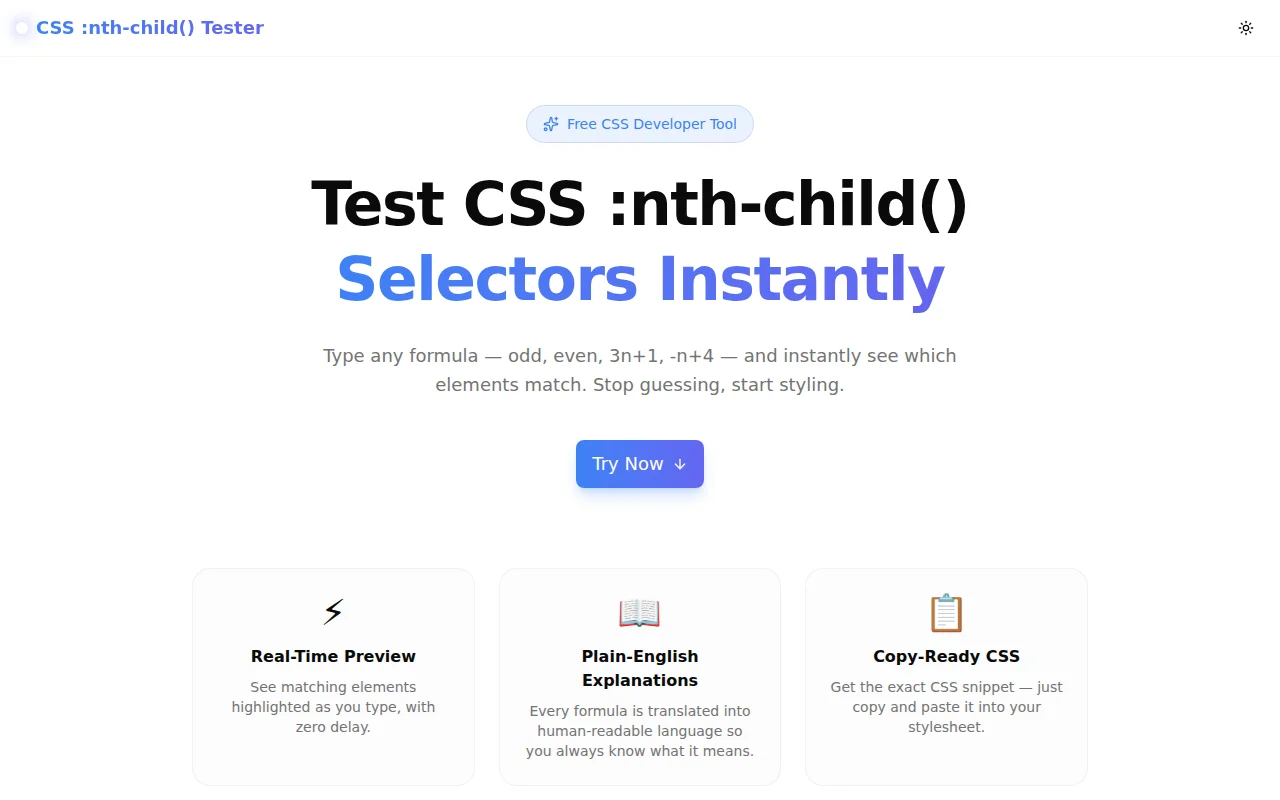
Stop guessing how CSS :nth-child() and :nth-of-type() formulas work. This free interactive tool visualizes matches in real time — type any formula and see exactly which elements are selected.
CSS :nth-child() Tester: The Fastest Way to Understand Structural Selectors
Every CSS developer has paused on a formula like :nth-child(-n+3) and needed a moment to work it out. The An+B pseudo-class syntax is powerful, but its mental model doesn't come naturally — especially for negative coefficients, zero offsets, or multi-column grid patterns.
The usual workflow: write the selector, save the file, refresh the browser, open DevTools, count children, realize the selector is off by one, adjust, repeat. It works, but it's slow.
CSS :nth-child() Tester removes that loop entirely. Type a formula — any formula — and a visual grid shows you immediately which elements match.
How Does CSS :nth-child() Work?
The :nth-child(An+B) pseudo-class selects elements based on their position within a parent. The formula has two components:
- A is the cycle size (how often the pattern repeats)
- B is the offset (where in the cycle to start)
- n is a counter that starts at 0 and increases by 1
The browser evaluates the formula for each value of n (0, 1, 2, ...) and selects elements at those positions.
Common Formulas Explained
| Formula | What It Selects |
|---------|----------------|
| odd | 1st, 3rd, 5th, … (same as 2n+1) |
| even | 2nd, 4th, 6th, … (same as 2n) |
| 3n | Every 3rd element: 3, 6, 9, … |
| 3n+1 | Every 3rd, starting from 1st: 1, 4, 7, … |
| -n+4 | First 4 elements: 4, 3, 2, 1 → positions 1–4 |
| 2n-1 | Every odd element: 1, 3, 5, … (same as odd) |
| 4 | Only the 4th element |
The negative coefficient formula (-n+B) is the most counterintuitive. When n=0 it gives B, when n=1 it gives B−1, and so on — so it selects the first B elements counting backwards from position B to 1.
What Is the Difference Between :nth-child and :nth-of-type?
This is the most Googled question in this space, and the answer is straightforward once you see it visually.
:nth-child counts all siblings
<div>
  <h2>Heading</h2>   <!-- 1st child -->
  <p>First</p>       <!-- 2nd child -->
  <p>Second</p>      <!-- 3rd child -->
  <p>Third</p>       <!-- 4th child -->
</div>
p:nth-child(2) matches <p>First</p> because it is the 2nd child overall (and it is a <p>).
p:nth-child(1) matches nothing — the 1st child is an <h2>, not a <p>.
:nth-of-type counts only same-type siblings
p:nth-of-type(1) matches <p>First</p> — it is the 1st <p> child, regardless of what comes before it.
p:nth-of-type(2) matches <p>Second</p>.
The tester's selector type toggle lets you switch between both modes instantly and see how the matched positions change.
What Can You Build With :nth-child()?
Striped Table Rows
tr:nth-child(odd) {
  background-color: #f9fafb;
}
tr:nth-child(even) {
  background-color: #ffffff;
}
Alternating row colors without JavaScript or extra classes — the original use case, still the most common.
The First N Elements
.card:nth-child(-n+3) {
  border: 2px solid var(--brand);
}
Highlight the top 3 items in a list, apply a badge to the first 4 cards in a grid, or bold the first item in a nav. The -n+B pattern is the CSS-native way to select a bounded number of elements from the start.
Every Nth Element in a Grid
/* Remove right margin from the last card in each row of a 4-column grid */
.card:nth-child(4n) {
  margin-right: 0;
}
CSS grid largely replaces this, but it still appears in flexbox layouts and older codebases. The visual grid makes it obvious which positions 4n hits.
Targeting a Specific Column
/* Highlight the first column of a 3-column layout */
.cell:nth-child(3n+1) {
  color: var(--brand);
}
Column 1 → 3n+1 (positions 1, 4, 7)
Column 2 → 3n+2 (positions 2, 5, 8)
Column 3 → 3n or 3n+3 (positions 3, 6, 9)
Complex Patterns
/* Every 5th starting from the 3rd, but only the first 10 */
.item:nth-child(5n+3):nth-child(-n+10) {
  opacity: 0.6;
}
Chaining :nth-child() selectors narrows the match further. The tester handles individual formulas; combine them in your stylesheet for intersecting patterns.
How to Use the CSS :nth-child() Tester
Step 1: Enter a Formula
Open css-nth-child-tester.tools.jagodana.com and type your formula into the input field. Start with a known value — try odd — and watch the grid respond instantly.
Step 2: Watch the Grid
The numbered grid (4–30 elements, adjustable via slider) highlights matching positions in blue. Non-matching positions fade out so the pattern is immediately visible. A match counter shows how many out of the total are selected.
Step 3: Read the Explanation
Below the input, the tool translates your formula into plain English. 3n+1 becomes "Every 3rd element, starting from the 1st." -n+4 becomes "The first 4 elements (counts down from the 4th)." If the formula is invalid, the error message tells you exactly what's wrong.
Step 4: Copy the CSS
Click "Copy CSS" to get a ready-to-use snippet:
li:nth-child(3n+1) {
  /* your styles */
}
Change li to your actual element selector and paste it directly into your stylesheet.
Why Do Developers Get :nth-child Wrong?
The Off-By-One Trap
:nth-child indices are 1-based, not 0-based. Coming from JavaScript, where array indexing starts at 0, this trips people up:
li:nth-child(0) { /* Matches nothing — there is no 0th child */ }
li:nth-child(1) { /* Matches the first child */ }
The visual grid makes this concrete: the first box is labeled "1", not "0".
The Mixed-Sibling Trap
<div>
  <h2>Title</h2>
  <p>First paragraph</p>
  <p>Second paragraph</p>
</div>
p:nth-child(1) matches nothing here. The 1st child is an <h2>. The first <p> is the 2nd child. This is the most common cause of "why isn't my nth-child selector working?" — and switching to :nth-of-type is usually the fix.
The Negative Coefficient Surprise
:nth-child(-n+3) matches the first 3 elements. Many developers expect it to match elements from position -3 or to do something with negative indices. The plain-English explanation resolves this immediately.
How It Is Built
CSS :nth-child() Tester is built with Next.js 16, TypeScript (strict), and Tailwind CSS v4. All logic runs entirely in the browser — no server calls, no data collection, no account required.
The formula parser handles the full CSS Selectors Level 3 specification for An+B notation:
- Keyword detection (
odd,even) - Plain integer matching
- An+B regex parsing with sign normalization
- Integer quotient check: position
imatches if(i − B) / Ais a non-negative integer
Element transitions use Framer Motion spring physics (stiffness: 400, damping: 25) so the grid feels snappy when you switch formulas or adjust the element count.
Frequently Asked Questions
Does :nth-child work on all browsers?
:nth-child and :nth-of-type have been supported in all major browsers since 2012. The of S selector syntax (e.g., :nth-child(2 of .featured)) is newer and has limited support — this tester covers the universal An+B syntax only.
Can I use :nth-child on any element?
Yes. :nth-child works on any element that has siblings inside a parent: li, div, tr, td, p, span, and more. The tester uses a generic numbered grid; the CSS snippet outputs li as a placeholder element.
What's the difference between :nth-child(1) and :first-child?
:nth-child(1) and :first-child are equivalent. Similarly, :nth-last-child(1) and :last-child are equivalent. The :first-child and :last-child shorthands are more readable when you only need those specific positions.
Is this tool free?
Yes — completely free, no account required, no rate limits. It runs entirely in your browser. Open it now and start testing.
Try it now: css-nth-child-tester.tools.jagodana.com
Part of the 365 Tools Challenge — one free developer tool, every day.