CSV to SQL Converter: Generate INSERT Statements Instantly for MySQL, PostgreSQL & SQLite
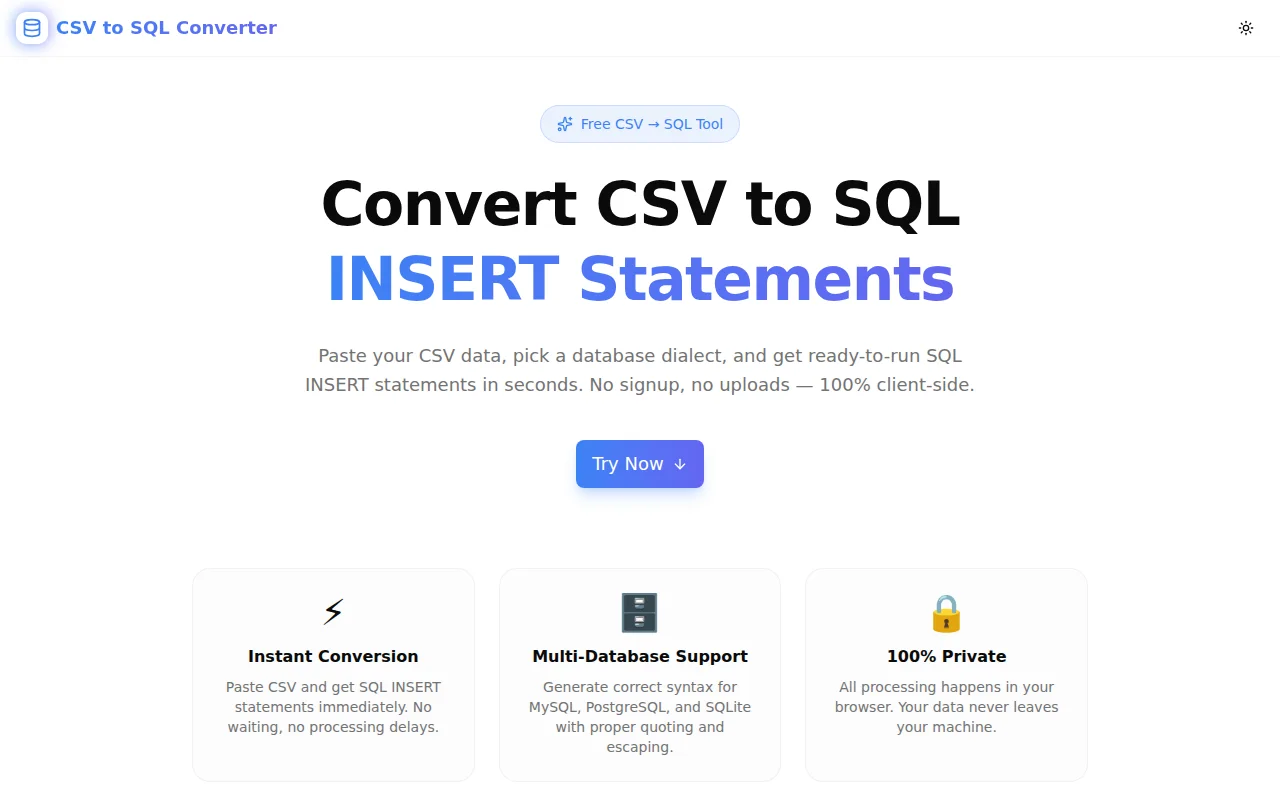
Convert any CSV file to SQL INSERT statements in seconds. Our free online tool handles MySQL, PostgreSQL, and SQLite syntax, batch inserts, and NULL values — all in your browser, no data uploaded.
How Do I Convert CSV to SQL INSERT Statements Online?
Converting a CSV file to SQL INSERT statements is a task developers face constantly — seeding a database, importing reference data, running a one-off migration. And yet there's no obvious fast path. Database import wizards require an active connection. Writing INSERT statements by hand doesn't scale. Most online converters are cluttered, slow, or upload your data to a server.
We built CSV to SQL Converter to solve this cleanly: paste CSV, pick a dialect, get SQL. No uploads, no signup, no friction.
Live tool: csv-to-sql-converter.tools.jagodana.com
What Is CSV to SQL Conversion?
CSV (Comma-Separated Values) is a flat text format for tabular data. SQL INSERT statements are the commands that load rows into a relational database table. Converting between them means taking each row in the CSV and producing an INSERT INTO table (col1, col2, ...) VALUES (val1, val2, ...) statement for it.
The conversion sounds trivial but has real edge cases:
- Values with commas must be quoted in CSV (and the parser must handle that)
- Single quotes in string values must be escaped as
''in SQL - Empty cells should become
NULL, not empty strings - Numeric values should be unquoted in SQL; strings should be single-quoted
- Different databases use different identifier quoting: MySQL uses backticks, PostgreSQL uses double-quotes
A tool that handles all of these correctly saves time and prevents subtle data bugs.
How Does the CSV to SQL Converter Work?
Step 1: Paste Your CSV
Open the tool and paste your CSV data into the input panel. You can also click Load sample to see the tool in action immediately.
id,name,email,role,created_at
1,Alice Johnson,alice@example.com,admin,2024-01-15
2,Bob Smith,bob@example.com,user,2024-01-16
3,Carol White,carol@example.com,user,2024-01-17
Step 2: Configure Your Options
Four settings control the output:
- Table name — the database table to insert into
- Database dialect — MySQL, PostgreSQL, or SQLite
- First row is header — use the first CSV row as column names (on by default)
- Batch INSERT — combine multiple rows into one statement (faster for large data sets)
Step 3: Convert and Copy
Click Convert to SQL. The output panel fills with INSERT statements ready to run:
-- MySQL output
INSERT INTO `users` (`id`, `name`, `email`, `role`, `created_at`)
VALUES
  (1, 'Alice Johnson', 'alice@example.com', 'admin', '2024-01-15'),
  (2, 'Bob Smith', 'bob@example.com', 'user', '2024-01-16'),
  (3, 'Carol White', 'carol@example.com', 'user', '2024-01-17');
Copy to clipboard or download as a .sql file.
What Databases Does It Support?
MySQL
Identifiers are wrapped in backticks. This avoids collisions with MySQL reserved words (name, order, status are common column names that are also MySQL keywords).
INSERT INTO `orders` (`id`, `status`, `total`) VALUES (1, 'shipped', 99.99);PostgreSQL
Identifiers are wrapped in double-quotes, following the SQL standard.
INSERT INTO "orders" ("id", "status", "total") VALUES (1, 'shipped', 99.99);SQLite
SQLite is more permissive — most identifiers don't need quoting. The tool outputs bare identifiers to keep the SQL clean.
INSERT INTO orders (id, status, total) VALUES (1, 'shipped', 99.99);What Is Batch INSERT and Should I Use It?
A standard INSERT writes one row per statement:
INSERT INTO users (id, name) VALUES (1, 'Alice');
INSERT INTO users (id, name) VALUES (2, 'Bob');
INSERT INTO users (id, name) VALUES (3, 'Carol');
A batch INSERT combines multiple rows into one statement:
INSERT INTO users (id, name)
VALUES
  (1, 'Alice'),
  (2, 'Bob'),
  (3, 'Carol');
Why use batch INSERT?
Batch inserts are significantly faster for large data sets. Each individual INSERT is a round-trip to the database: parse the statement, acquire locks, write the row, release locks. Batching 500 rows into one statement reduces 500 round-trips to 1.
For importing thousands of rows, the difference between individual and batch INSERT can be 10–50× in execution time.
The tool defaults to a batch size of 500 rows. You can adjust this — lower for databases with statement size limits, higher for maximum performance on large imports.
How Are Special Cases Handled?
Empty Cells Become NULL
An empty CSV field maps to SQL NULL:
id,name,email
1,Alice,
2,,bob@example.com
INSERT INTO `users` (`id`, `name`, `email`) VALUES (1, 'Alice', NULL);
INSERT INTO `users` (`id`, `name`, `email`) VALUES (2, NULL, 'bob@example.com');Numbers Are Unquoted
Values that look like integers or decimals are written without quotes:
VALUES (1, 99.99, -42, 3.14);This avoids implicit type conversion issues in databases that are strict about type matching.
Single Quotes Are Escaped
If a string value contains a single quote (O'Brien, McDonald's, etc.), it's escaped as '':
INSERT INTO `customers` (`name`) VALUES ('O''Brien');CSV Quoted Fields Are Handled Correctly
Standard CSV allows fields that contain commas or newlines to be wrapped in double quotes:
id,name,address
1,Alice,"123 Main St, Suite 400"
The parser handles this correctly — the comma inside the quoted field is part of the value, not a field separator.
Is My Data Secure?
Yes. The tool runs entirely in your browser. When you click Convert, the CSV parsing and SQL generation happen in JavaScript on your device. No data is sent to any server, no API calls are made, and nothing is logged.
This makes the tool safe for:
- Personally identifiable information (PII)
- Customer data
- Internal business data
- API keys accidentally pasted in CSVs
- Any data you'd hesitate to put in an online tool
The tool also works offline once the page has loaded — no network connection required to convert data.
What If My CSV Doesn't Have Headers?
Uncheck First row is header before converting. The tool will generate generic column names (col1, col2, col3, etc.) and treat every row as data:
INSERT INTO `import_data` (`col1`, `col2`, `col3`) VALUES (1, 'Alice', 'alice@example.com');
INSERT INTO `import_data` (`col1`, `col2`, `col3`) VALUES (2, 'Bob', 'bob@example.com');
You can rename the columns in the SQL after generating it, or add proper column names to the CSV first.
Common Use Cases
Seeding a Development Database
Generate realistic seed data in a spreadsheet or export it from a staging environment, then use the converter to get INSERT statements you can run during db:seed.
One-Off Data Imports
A client sends a CSV of records that need to go into a table. Instead of setting up a CSV import pipeline, convert it to SQL and run the statements directly.
Database Migrations
Include converted CSV data as SQL in migration files. This keeps data changes version-controlled alongside schema changes.
Recreating Reference Tables
Export reference data (country codes, status enums, category lists) from production and convert to SQL for reproducing in other environments.
Teaching and Exercises
Educators building database exercises can prepare CSV datasets and convert them to SQL for students to load into their local databases.
Technical Notes for Developers
The CSV parser implements RFC 4180 from scratch in TypeScript — no external dependency. It handles:
- Quoted fields (
"field with, comma") - Escaped double-quotes (
""inside a quoted field) - Windows (
\r\n) and Unix (\n) line endings - Trailing newlines
- Rows with varying column counts (shorter rows get
NULLfor missing fields)
The tool is built with Next.js 16 (App Router), TypeScript strict mode, Tailwind CSS v4, and shadcn/ui components.
Try It Now
CSV to SQL Converter is free, no signup required, and your data never leaves your browser.
Source code: github.com/Jagodana-Studio-Private-Limited/csv-to-sql-converter
Related Tools
If you're working with data format conversions, these tools from the same suite might also help:
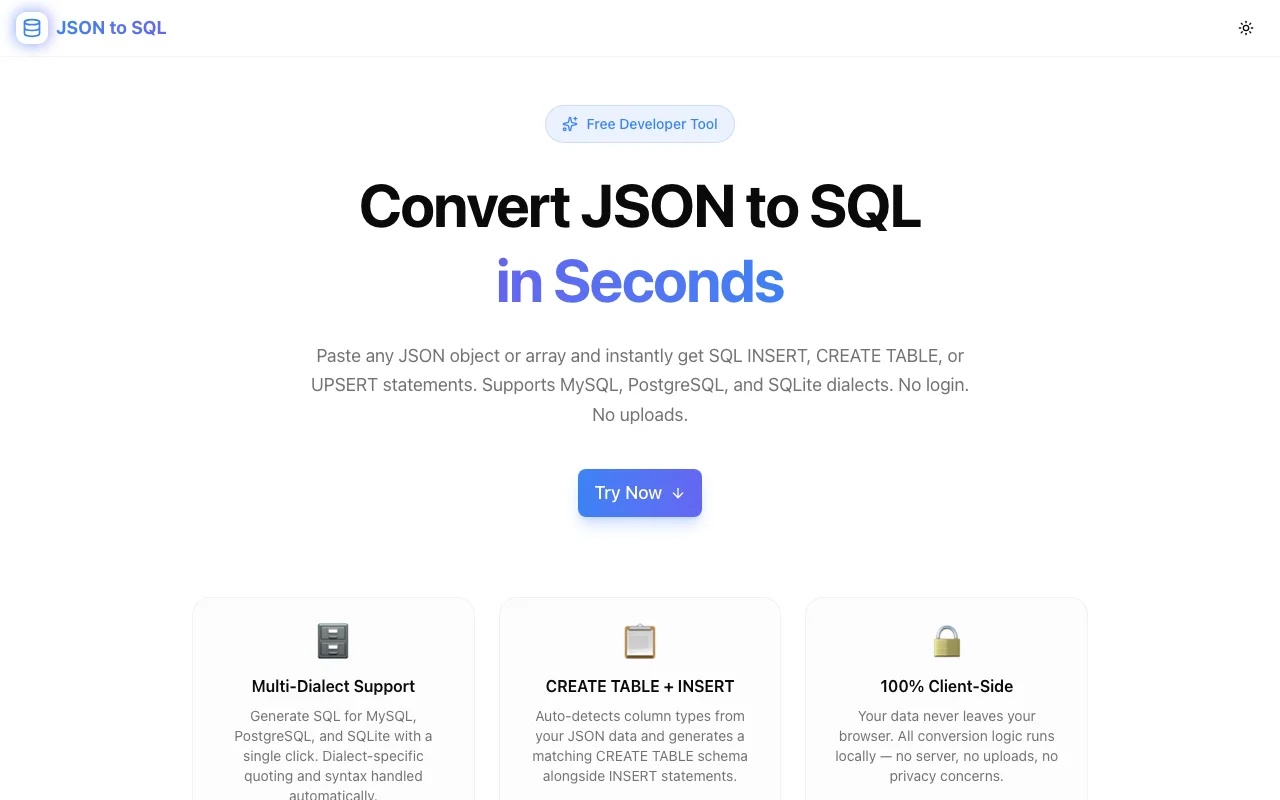
- JSON to SQL — convert JSON arrays to INSERT statements
- CSV to JSON Converter — convert CSV to JSON format
- SQL Formatter — format and beautify SQL queries
- JSON Formatter — format, validate, and minify JSON
- HTML Table to CSV — extract CSV from HTML tables