Introducing Latency Budget Calculator: Model Your Microservice Latency Before Production Tells You It's Wrong
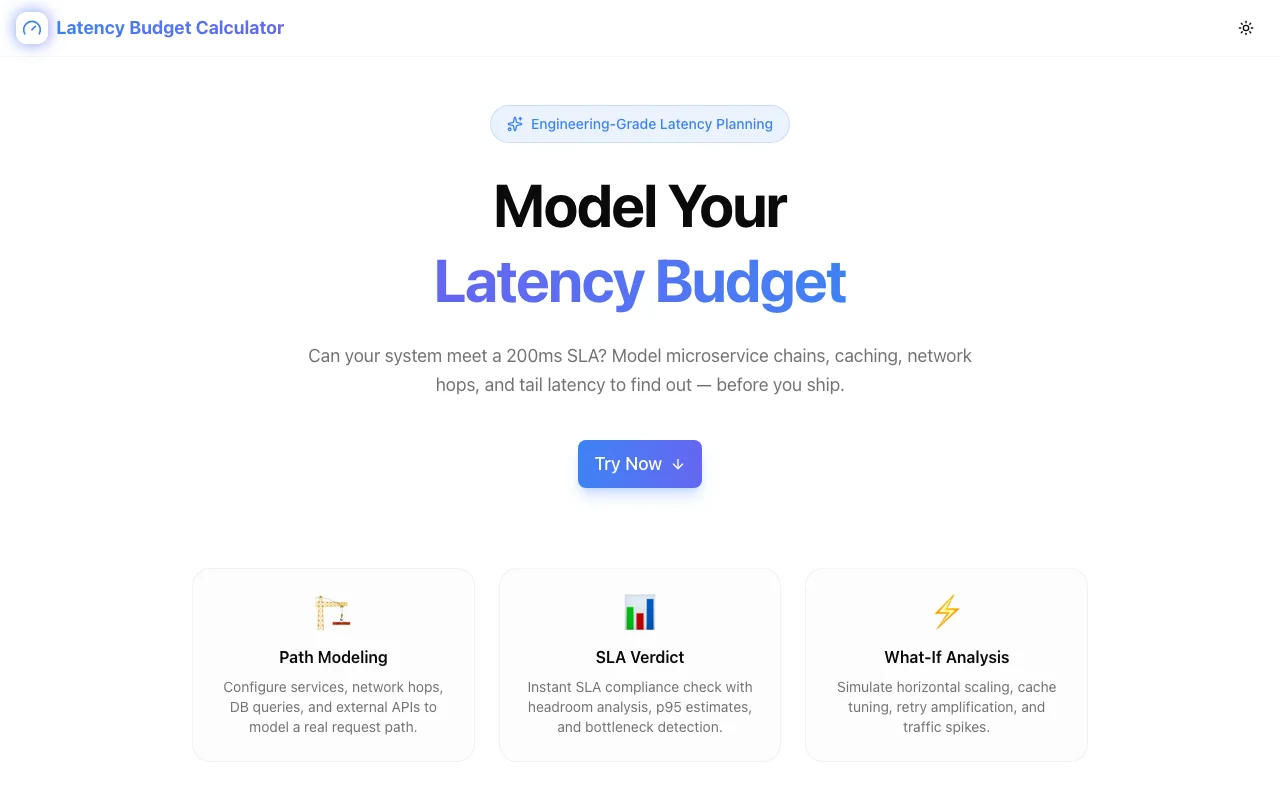
Latency Budget Calculator is a free browser tool for backend engineers. Model your request path across microservices, set an SLA target, and instantly see which service is eating your latency budget.
Introducing Latency Budget Calculator: Model Your Microservice Latency Before Production Tells You It's Wrong
The most common way to discover your microservice architecture can't hit its SLA is in production.
A user request goes through the API gateway, hits the auth service, calls the user service, queries the recommendation engine, fetches from cache (or doesn't), and finally returns a response. Each hop adds latency. Some services are sequential. Some run in parallel. The end-to-end number is the result of all of them — and it's almost never what you estimated in your head.
Latency Budget Calculator is a free, browser-based tool for backend engineers who want to model this before they build it. Define your services, set their latency values, describe whether they're sequential or parallel, and the calculator tells you your end-to-end latency and whether it hits your SLA.
Why This Is Hard to Reason About Without a Tool
Mental math fails for a specific reason: parallel calls. Most engineers correctly know that sequential calls add latency. Fewer correctly account for parallelism.
If you fan out to three services in parallel — say, user profile, permissions, and feature flags — the latency contribution to your total is the slowest of the three, not their sum. If profile takes 20ms, permissions takes 35ms, and feature flags takes 15ms, the parallel block costs 35ms, not 70ms. Under load, when feature flags start spiking to 80ms, that parallel block suddenly costs 80ms, and your total blows past your SLA.
Latency Budget Calculator models this correctly. You define the topology once and the calculator handles the math.
How It Works
Add your services. Name each service and give it a latency value. You can model p50 for typical behavior or p99 for worst-case.
Set the topology. Mark which services run in sequence and which run in parallel. The calculator models your fan-out correctly.
Enter your SLA target. Say you need to hit 200ms p99. The calculator immediately shows your current projected total and whether you're within budget.
Simulate changes. Adjust any service's latency and watch the total update in real time. What happens when the auth service degrades from 20ms to 80ms? What if you add a caching layer that drops database calls from 40ms to 5ms? You can answer both questions in seconds.
Everything runs in your browser. No network request, no account, no configuration to save — just a model you can build, tweak, and share during a design review.
When to Use It
During architecture design. You're deciding whether to call three services sequentially or fan them out in parallel. The latency difference is significant — but how significant? Model both approaches and see the numbers before you decide.
Before setting an SLA. Product is asking for a 100ms response time commitment. Engineering thinks it's possible. Latency Budget Calculator lets you test that belief against your actual service topology before you commit.
When debugging slow requests. You know end-to-end latency is high. You have per-service traces. Feed those numbers into Latency Budget Calculator and immediately see which service accounts for the most budget. It's a fast way to prioritize where the optimization work goes.
Capacity planning for new services. You're adding a new dependency to an existing request path. Before you deploy it, model the latency impact. "This service adds 15ms to the critical path" is a concrete statement you can evaluate against your SLA.
Incident post-mortems. An SLA violation happened. You have latency data from the incident window. Feed it in, identify the bottleneck, and model what the fix would do to the total. It makes the "what do we do next" conversation much faster.
What It Doesn't Do
Latency Budget Calculator is a planning and design tool, not a monitoring or observability platform. It doesn't pull live data from your infrastructure. You bring the numbers — from your dashboards, traces, or estimates — and the calculator models the result.
It's also not a load testing tool. For production-load behavior, you'll want a proper load test. But you shouldn't need a load test to find out whether your architecture's theoretical latency is compatible with your SLA.
The Underlying Philosophy
Tools like this should exist at design time. The right feedback loop for latency isn't "deploy it, observe it, fix it" — that's slow and expensive. It's "model it, challenge the model, then build."
Latency Budget Calculator gives you a ten-minute design review artifact you can share, debate, and update as requirements change. It's not a substitute for production observability, but it's a better starting point than intuition.
Try It
latency-budget-calculator.jagodana.com
Model your services. Set your SLA. Find out which service is eating your budget.
Part of Our Free Developer Tools Suite
Latency Budget Calculator is part of a growing collection of free, privacy-first tools for engineers:
- Complexity Estimator — Turn Big-O notation into real numbers. See exactly how your algorithm scales at 10x and 100x input growth.
- Assumption Killer — Systematically evaluate untested beliefs with structured evidence scoring.
- Dependency Visualizer — Visualize and analyze your package.json dependency tree with security warnings.
- Regex Playground — Live regex tester with real-time highlighting and a comprehensive cheat sheet.
- Schema Flow — Design database schemas visually and export to PostgreSQL, MySQL, Prisma, Drizzle, and more.
- Pure Diff — Private, client-side file comparison. Nothing leaves your browser.
All tools run entirely in the browser. No accounts. No tracking. No server-side processing.