Introducing Logo Maker: Create Professional Logos in Your Browser
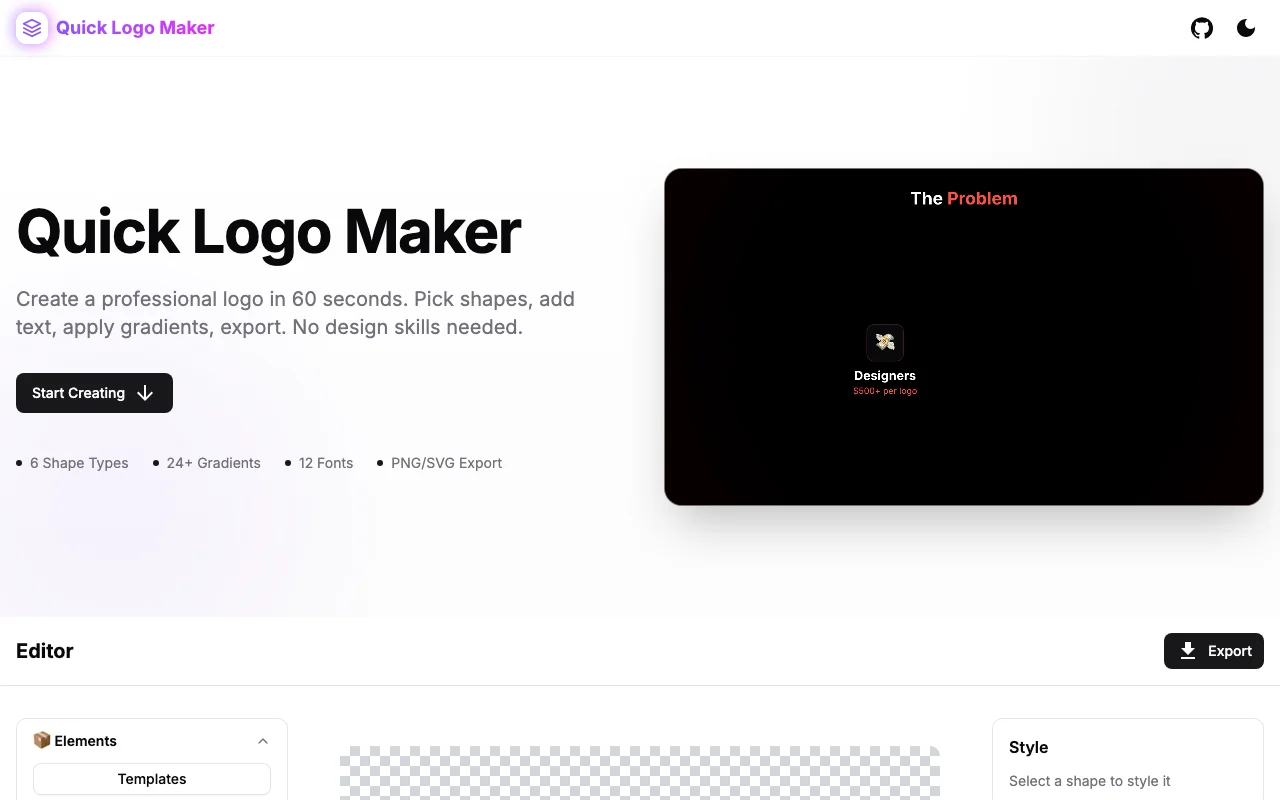
Design custom logos with geometric shapes, brand text, and export options—all in your browser. 100% client-side, privacy-first, and completely free. No design skills required.
Introducing Logo Maker: Create Professional Logos in Your Browser
Starting a business, side project, or open source repo? You need a logo. But hiring a designer is expensive, and wrestling with Illustrator or Figma can eat hours you don't have.
That's why we built Logo Maker—a free, browser-based tool that lets anyone create clean, professional logos in minutes.
The Logo Problem
When you need a logo quickly, your options aren't great:
- Hire a designer - $200-500+ for a basic logo. Takes days or weeks.
- Use AI generators - Produces generic results. Often can't export properly.
- Fight with design tools - Steep learning curve. Overkill for a simple logo.
- Use a template site - Your logo looks like everyone else's.
None of these work for someone who just needs a clean, unique logo right now.
A Better Approach
Logo Maker takes a different path: geometric shapes + typography + intelligent controls.
🎨 Geometric Shape Library
Start with a curated collection of geometric shapes—circles, squares, triangles, hexagons, stars, and more. These timeless shapes form the foundation of iconic logos from Apple to Mercedes-Benz.
Customize every shape:
- Colors and gradients
- Size and rotation
- Position with precise controls
- Layer ordering
✏️ Typography That Works
Add your brand name and tagline with full control:
- Font selection
- Size and color
- Letter spacing
- Alignment options
Your text integrates seamlessly with your shapes.
🎯 Smart Alignment
Alignment is what separates amateur designs from professional ones. Logo Maker includes:
- Center horizontally / vertically
- Align all elements to canvas
- Fill canvas with selected shape
- Keyboard shortcuts for power users
📦 Export Everything You Need
When you're ready, export your logo as:
- PNG - Standard web format, any size
- SVG - Vector format, infinite scaling
- Transparent background - For overlays
One logo, all the formats you need.
Privacy First
Like all our tools, your designs never leave your browser. No uploads, no server storage, no accounts. Your brand identity stays private.
How to Use It
-
Start with a shape: Pick from the geometric library or start with a template.
-
Customize: Adjust colors, size, rotation. Add more shapes if you want.
-
Add your brand text: Type your company name. Style it to match.
-
Align and polish: Use the alignment tools to center everything perfectly.
-
Export: Download PNG or SVG. Done.
Total time: 5-10 minutes for most logos.
Templates to Jumpstart
Not sure where to start? Browse our template gallery:
- Tech startup logos
- Minimal geometric designs
- Badge-style emblems
- Abstract compositions
Pick a template, customize the colors and text, export. Your unique logo in under 2 minutes.
Design Tips for Non-Designers
Even without design experience, you can create professional logos:
-
Keep it simple: The best logos work at any size. If it looks cluttered at 32×32, simplify.
-
Limit your colors: One or two colors is often enough. More colors = more complexity.
-
Use geometric harmony: Circles with circles, angles with angles. Consistency creates cohesion.
-
Test at different sizes: Your logo needs to work on a billboard and a favicon. Check both.
-
Leave breathing room: Don't cram shapes to the edge. White space is your friend.
Try It Now
Ready to create your logo?
Free, fast, and completely private. No signup required.
Part of Our Developer Tools Suite
Logo Maker joins our growing collection of free developer tools:
- Favicon Generator - All favicon sizes + manifest in seconds
- OG Preview - See how your links look on social media
- Logo Maker - Create professional logos in your browser
All built with the same principles: fast, free, and privacy-first.
What's Next?
We're planning more features:
- Icon library - Pre-made icons to incorporate into your designs
- More shape options - Curves, custom paths, compound shapes
- Color palette suggestions - AI-powered color combinations
- Direct favicon export - Generate favicons directly from your logo
Have suggestions? We'd love to hear them.
Stop paying for basic logos. Try Logo Maker →