Introducing Screenshot Beautifier: Turn Plain Screenshots into Stunning Visuals
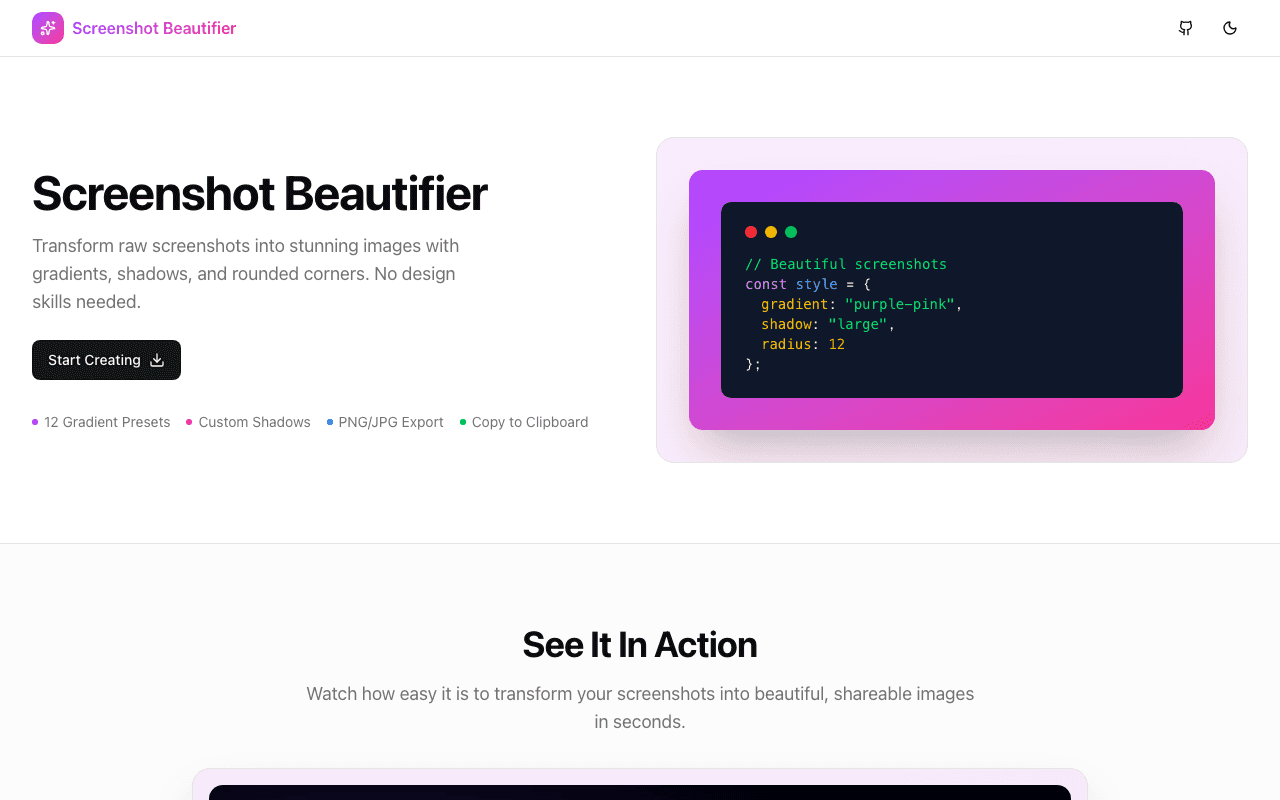
Transform boring screenshots into beautiful, shareable images with custom backgrounds, device frames, shadows, and more. Perfect for social media, portfolios, and documentation.
Introducing Screenshot Beautifier: Turn Plain Screenshots into Stunning Visuals
Raw screenshots are useful, but they're not exactly eye-catching. Whether you're sharing on Twitter, updating your portfolio, or writing documentation, a polished screenshot makes all the difference. That's why we built Screenshot Beautifier.
The Problem with Plain Screenshots
We've all been there:
- You capture a great UI but the screenshot looks flat and boring
- You need device mockups but don't want to open Figma
- Your blog post screenshots look inconsistent
- Social media posts with plain screenshots get ignored
Professional-looking screenshots usually require design tools and time you don't have.
How Screenshot Beautifier Works
Upload your screenshot and transform it in seconds:
1. Beautiful Backgrounds
Choose from:
- Gradient backgrounds — Smooth color transitions that make your screenshot pop
- Solid colors — Clean, professional looks
- Custom colors — Match your brand perfectly
2. Device Frames
Place your screenshot inside realistic device mockups:
- Browser windows (Chrome, Safari, Arc)
- Phone frames (iPhone, Android)
- Laptop mockups (MacBook, generic)
- Desktop monitors
3. Shadows & Effects
Add depth with:
- Drop shadows (soft, medium, hard)
- Border radius adjustments
- Padding control
- Reflection effects
4. Export Options
Download your beautified screenshot in the format you need:
- PNG for transparency
- JPEG for smaller file sizes
- Multiple resolution options
Key Features
Instant Preview
See changes in real-time as you adjust settings. No waiting, no "apply" button—just instant visual feedback.
No Design Skills Required
Pre-built presets get you great results in one click. Fine-tune from there if you want.
Browser-Based
Everything runs in your browser. Your screenshots never leave your device—complete privacy.
Free Forever
No watermarks, no sign-up required, no usage limits.
Use Cases
Social Media Posts: Make your product screenshots stand out in crowded feeds.
Portfolio Projects: Present your work professionally without firing up Figma.
Documentation: Create consistent, polished screenshots for docs and tutorials.
App Store Listings: Generate device mockups for your app screenshots.
Blog Posts: Make your articles more visually engaging.
Presentations: Elevate your slides with professional-looking screenshots.
Built with Modern Tech
Screenshot Beautifier is built with:
- Next.js 15 with App Router
- TypeScript for type safety
- Tailwind CSS with shadcn/ui components
- Canvas API for image manipulation
- Client-side processing for privacy
All processing happens in your browser—your images are never uploaded to any server.
Try It Now
Visit screenshot-beautifier.jagodana.com and transform your first screenshot in seconds.
It's completely free, requires no sign-up, and keeps your images private.
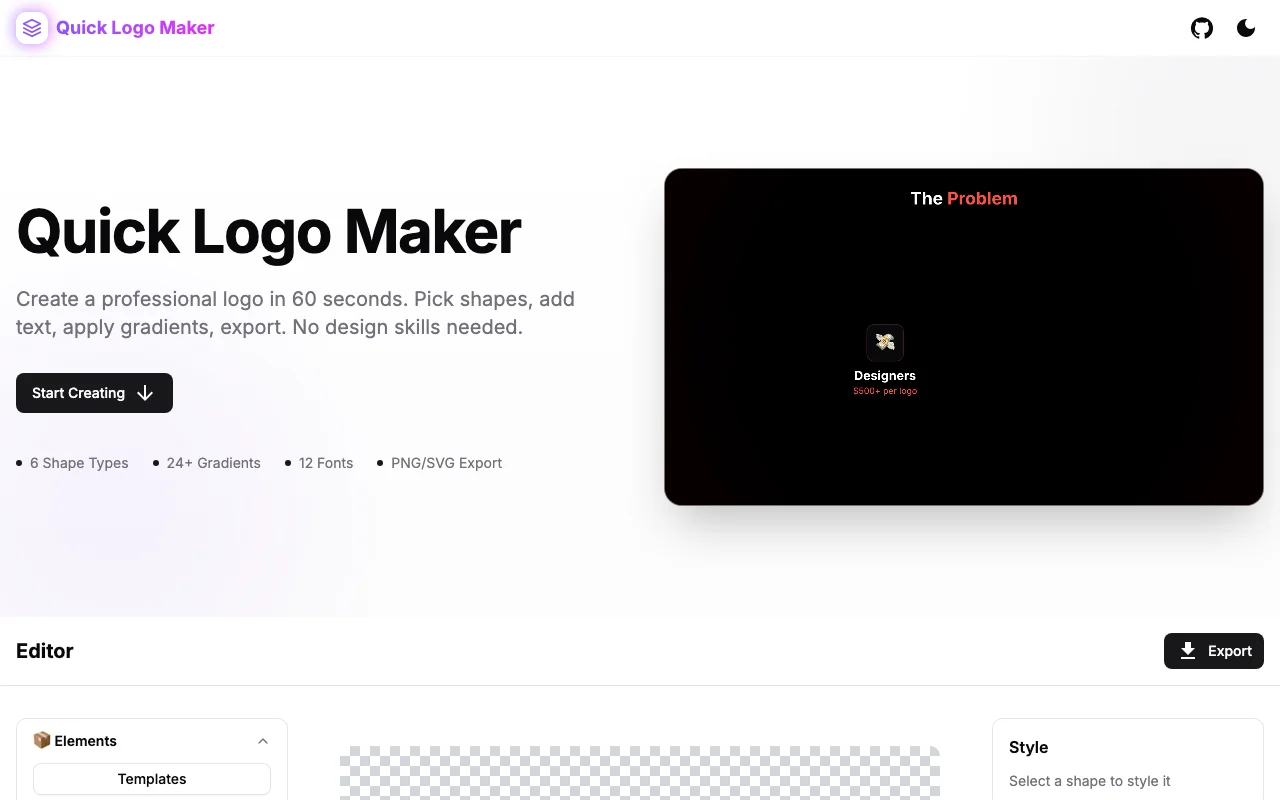
Screenshot Beautifier is part of our growing collection of free developer tools. Check out our other tools like Logo Maker, Regex Playground, and Sitemap Checker.