OpenAPI to cURL: Generate curl Commands from Any OpenAPI or Swagger Spec
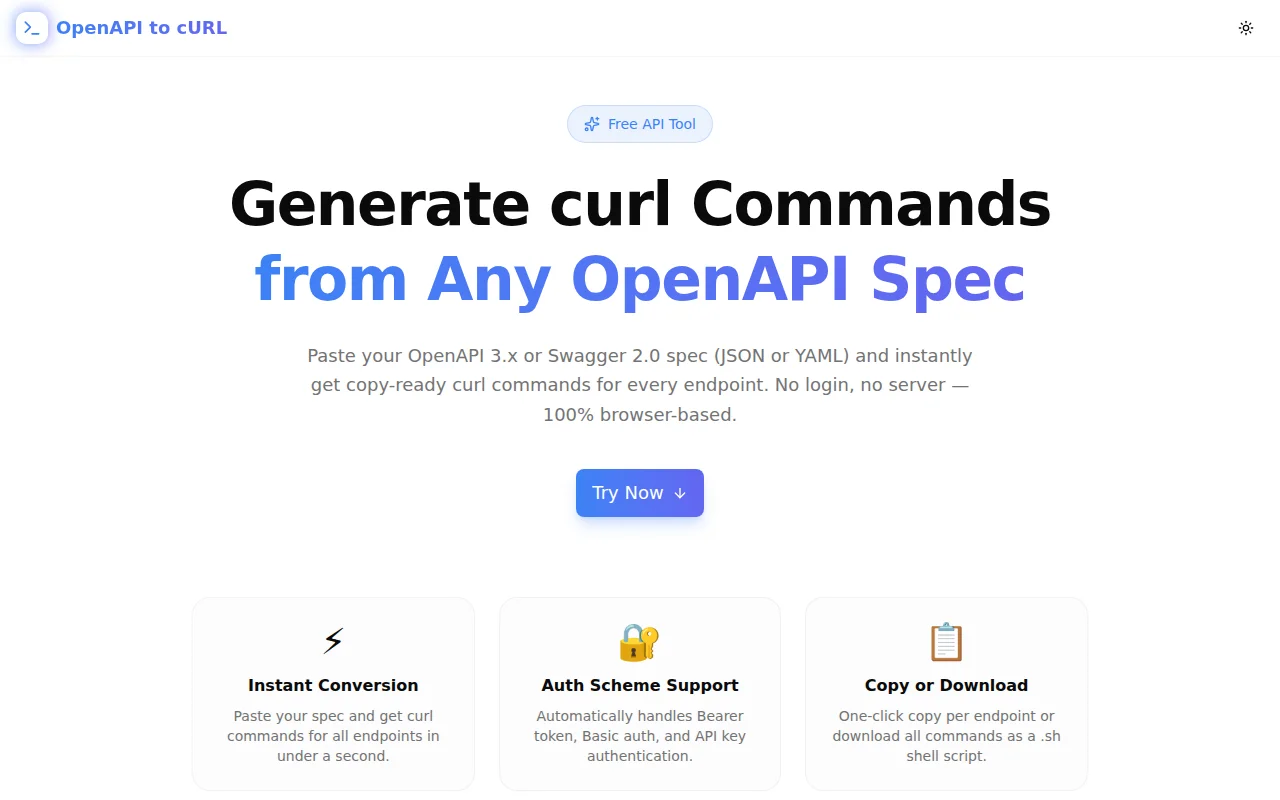
Free online tool to convert any OpenAPI 3.x or Swagger 2.0 spec into copy-ready curl commands. Paste your spec, pick an endpoint, and get a runnable curl command in seconds — no signup, 100% browser-based.
OpenAPI to cURL: Generate curl Commands from Any OpenAPI or Swagger Spec
You have the OpenAPI spec. You need to test one endpoint. You don't want to open Postman, create a collection, set up an environment, and wait for it to import.
OpenAPI to cURL at openapi-to-curl.tools.jagodana.com shortens that path to three steps: paste spec, pick endpoint, copy curl command. Done in under 10 seconds.
What Is OpenAPI to cURL?
OpenAPI to cURL is a free browser tool that reads any OpenAPI 3.x or Swagger 2.0 specification (JSON or YAML) and generates a ready-to-run curl command for every endpoint in the spec. It handles URL construction, path parameter substitution, request body generation from the schema, and authentication headers — all without uploading your spec anywhere.
Why Do Developers Need an OpenAPI to cURL Converter?
Writing curl commands from an OpenAPI spec by hand is error-prone. A typical spec endpoint might have:
- A path with one or more parameters:
/users/{userId}/orders/{orderId} - A request body with a nested JSON schema
- A Bearer token security scheme
- Optional query parameters
Translating all that correctly into a curl command takes 2–5 minutes of reading documentation. The tool does it in milliseconds.
How to Convert an OpenAPI Spec to curl Commands
Step 1: Paste Your Spec
Go to openapi-to-curl.tools.jagodana.com and paste your OpenAPI JSON or YAML into the input box. Both OpenAPI 3.0/3.1 and Swagger 2.0 formats are accepted. Click "Load Example" to see the Petstore example spec loaded instantly.
Step 2: Click Parse Spec
The tool parses your spec entirely in the browser — no server, no upload. Your spec never leaves your machine. After parsing, all endpoints appear as a scrollable list with method badges (GET, POST, PUT, etc.).
Step 3: Filter and Select an Endpoint
Use the method filter to narrow down by HTTP verb, or search by path or endpoint summary. Click any endpoint to generate its curl command in the right panel.
Step 4: Set Your Token and Copy
Enter your actual Bearer token or API key in the auth token field — the curl command updates live. Then click Copy, or download all endpoints as a .sh shell script.
What Does the Generated curl Command Include?
For each endpoint, the tool generates:
- HTTP method —
-X GET,-X POST,-X DELETE, etc. - Full URL — server base URL from
servers[0].url(OpenAPI 3.x) orhost+basePath(Swagger 2.0) - Path parameters resolved —
{petId}becomes1or the schema's example value - Query parameters — appended with example values
- Request body — JSON built from the schema's property types and examples
- Auth header —
Authorization: Bearer <token>for Bearer schemes,-u user:passfor Basic, custom header for API key - Accept header —
Accept: application/jsonby default
Does OpenAPI to cURL Support YAML Specs?
Yes. The tool accepts both JSON and YAML OpenAPI specs. YAML is parsed using the js-yaml library entirely in the browser — no server-side conversion.
Is My API Spec Safe to Paste?
Yes. The entire tool runs in the browser using JavaScript. No data is transmitted to any server. Your API spec — including any sensitive paths, internal infrastructure details, or proprietary schema — stays on your machine.
What OpenAPI Versions Are Supported?
The tool supports:
- OpenAPI 3.0.x — the current standard, with
servers,components.securitySchemes, andrequestBody - OpenAPI 3.1.x — backward compatible with 3.0 structure
- Swagger 2.0 — using
host,basePath,schemes, andsecurityDefinitions
What Authentication Schemes Does It Support?
The tool reads the security and securitySchemes (or securityDefinitions) sections of the spec and generates the appropriate curl flags:
| Scheme Type | Generated Output |
|-------------|-----------------|
| HTTP Bearer | -H "Authorization: Bearer <token>" |
| HTTP Basic | -u "username:password" |
| API Key (header) | -H "X-Api-Key: <token>" |
Enter your actual token in the auth token field and all commands update immediately.
Can I Download All curl Commands at Once?
Yes. Click "Download All as .sh" to get a shell script with curl commands for every endpoint in the spec. The script includes a TOKEN variable at the top — set it once and all Bearer auth commands reference $TOKEN. The script is ready to run after filling in your credentials.
This makes it useful as a starting point for API smoke tests or integration test scripts.
OpenAPI to cURL vs. Swagger UI "Try It Out"
Swagger UI's "Try it out" feature executes API requests directly in the browser. OpenAPI to cURL gives you the curl command instead — one you can save, share, include in documentation, or run from a CI pipeline. The two tools serve different purposes.
OpenAPI to cURL vs. Postman
Postman is the right tool for managing API collections, running automated tests, and sharing requests across teams. OpenAPI to cURL is the right tool when you need one curl command in 10 seconds without opening another application.
Who Built This?
OpenAPI to cURL is part of the 365 Tools Challenge by Jagodana — building and shipping one useful developer tool every day for 365 days. It's free, open-source, and will stay that way.
Try it now — free, no account required: openapi-to-curl.tools.jagodana.com
Source code: github.com/Jagodana-Studio-Private-Limited/openapi-to-curl