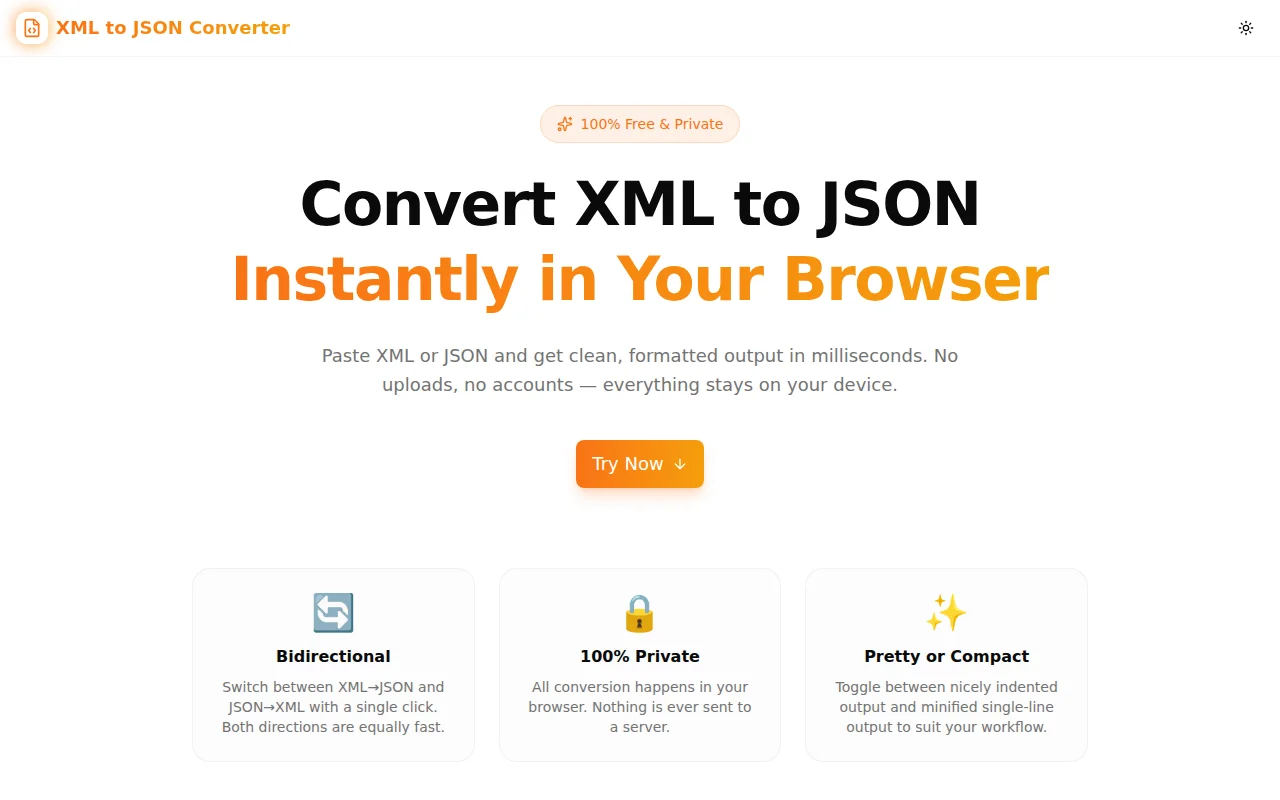
XML to JSON Converter — Instantly Convert XML ↔ JSON in Your Browser
Convert XML to JSON or JSON to XML instantly, right in your browser. Free, private, no uploads. Handles attributes, namespaces, repeated elements, and mixed content correctly.
XML to JSON Converter — Instantly Convert XML ↔ JSON in Your Browser
If you have ever needed to convert an XML API response to JSON for a modern frontend, or needed to send data to a legacy SOAP endpoint from a JSON source, you know the problem: the conversion is straightforward in principle but full of edge cases in practice.
XML to JSON Converter solves this in seconds — paste your XML or JSON, get clean output, copy it. Everything happens in your browser. Nothing is uploaded. Nothing is stored.
What Does XML to JSON Conversion Mean?
XML and JSON represent the same kinds of data — strings, numbers, nested structures, lists — but with completely different syntax conventions:
- XML uses tags, attributes, and text content
- JSON uses keys, values, arrays, and objects
Converting between them requires a defined mapping. The most widely accepted approach (and the one this tool uses) is:
| XML concept | JSON equivalent |
|---|---|
| Element name | Object key |
| Element text content | String value |
| XML attributes | @attributes object on the same node |
| Repeated sibling elements | Array under the shared key |
| Mixed content (text + children) | #text key alongside child keys |
| Namespace prefix (ns:tag) | Key string preserved as-is |
This mapping is lossless — you can convert XML to JSON and back to XML without losing any information.
How to Convert XML to JSON Online (Step by Step)
Step 1: Open xml-to-json-converter.tools.jagodana.com
Step 2: Make sure the direction toggle shows XML → JSON (it does by default)
Step 3: Paste your XML into the left panel
Step 4: The JSON output appears instantly in the right panel
Step 5: Click Copy to send the JSON to your clipboard
Step 6: Paste wherever you need it
The whole process takes under 15 seconds for most documents.
How to Convert JSON to XML Online
Step 1: Open the converter and click the XML → JSON toggle — it switches to JSON → XML
Step 2: Paste your JSON object into the left panel
Step 3: The XML output (with declaration) appears instantly on the right
Step 4: Click Copy to copy it
Your JSON object's top-level key becomes the XML root element name. Nested objects become child elements. Arrays unroll into repeated sibling elements.
Does This Tool Handle XML Attributes?
Yes — correctly, without dropping them.
When an XML element has attributes, they are collected into an @attributes object under the element's key in the JSON output. For example:
Input XML:
<user id="42" role="admin">
  <name>Alice</name>
</user>
Output JSON:
{
  "user": {
    "@attributes": {
      "id": "42",
      "role": "admin"
    },
    "name": "Alice"
  }
}
No information is lost. Converting this JSON back to XML restores the original attribute syntax.
Does It Handle Repeated XML Elements?
Yes. Repeated sibling elements with the same tag name are automatically converted to a JSON array.
Input XML:
<products>
  <item>Widget A</item>
  <item>Widget B</item>
  <item>Widget C</item>
</products>
Output JSON:
{
  "products": {
    "item": ["Widget A", "Widget B", "Widget C"]
  }
}
If only one <item> appears, it stays as a string — not wrapped in a single-element array. This matches the most common and ergonomic convention for downstream JSON consumers.
What About XML Namespaces?
Namespace-prefixed element and attribute names (like soap:Body, xsi:type, xmlns:ns) are preserved verbatim as key strings in the JSON output. No prefix stripping, no URI resolution — the qualified name stays intact.
This approach keeps the conversion predictable and lossless, even if it means the resulting JSON keys look a little different from the element's local name. For most use cases — debugging, inspection, migration — preserving the full qualified name is the right choice.
Is My Data Private?
Yes — completely.
All conversion logic runs inside the browser's JavaScript engine. When you paste XML and see JSON appear in the output panel, that conversion happened locally on your device. The page makes no network requests during conversion. Open DevTools, go to the Network tab, paste a document, and watch: zero requests are sent.
This makes the tool safe for:
- Internal configuration files
- API responses that contain PII or sensitive business data
- Healthcare and financial data that cannot leave your machine
- Any document subject to data residency requirements
Pretty-Print vs. Compact Output — When to Use Each
The tool offers two output formats, switchable at any time:
Pretty (indented)
- Human-readable — easy to inspect and diff
- Best for: debugging, documentation, code review, learning
Compact (minified)
- Single-line output — smallest possible footprint
- Best for: storing in a database, transmitting over a network, embedding in a script
Both formats represent the same data; the difference is purely whitespace. Switching modes does not require re-pasting your input.
Common Use Cases for XML to JSON Conversion
Enterprise API Integration
SAP, Salesforce Classic, Oracle EBS, and many healthcare APIs return SOAP or REST-XML responses. Converting these to JSON lets you work with them using standard JSON tooling — jq, JavaScript object destructuring, Python dicts — without writing custom XML parsing code.
Configuration File Migration
Spring XML, Maven pom.xml fragments, MSBuild .props files, and Android strings.xml all use XML. When migrating to a JSON-based configuration system, the converter gives you a starting point in seconds.
API Debugging and Inspection
When a third-party API starts returning unexpected data, converting the XML response to JSON often makes the structure much easier to scan and reason about — especially if you are more comfortable with JSON viewers than XML trees.
Test Data Generation
Paste a sample XML document from a live API response, inspect the JSON structure, and use it to write your test fixtures with confidence that the field names and nesting match the actual payload shape.
One-Off Data Transformation
A CSV export from a legacy system, a configuration snippet from old documentation, an XML schema sample from a partner — the converter handles one-off transformations without writing any code.
Frequently Asked Questions
Is the XML to JSON Converter free?
Yes, completely free. No account, no trial period, no limits.
Does the tool support very large XML documents?
There is no size limit enforced by the tool — it depends only on your browser's available memory. In practice, documents up to several megabytes convert without issue on modern devices.
What happens if my XML is not valid?
The tool uses the browser's native DOMParser, which reports a parseerror element when the XML is malformed. The tool surfaces the parser's error message inline so you can see exactly what is wrong and where.
Can I convert XML with a BOM (byte order mark)?
Yes. Paste the text content — the BOM is a byte-level concern that does not appear in the pasted string. If you are reading a file programmatically, strip the BOM before pasting.
Does the tool support CDATA sections?
CDATA section content is treated as text by the DOM parser, so it appears as the text content of the containing element in the JSON output — which is the correct semantic interpretation.
Can I use this tool offline?
Yes, once the page is loaded. All conversion logic is bundled in the page's JavaScript. After the initial load, the tool works without an internet connection.
Why Build Yet Another XML to JSON Converter?
The existing options fall into three categories:
- Online tools that upload your data — fine for public data, not acceptable for internal documents
- Libraries that require code —
fast-xml-parser,xml2js,xmltodictare excellent but require installing a runtime and writing code for what should be a 10-second task - Command-line tools —
xq,yq,python -c "import xmltodict; ..."require a shell and knowledge of flags
The XML to JSON Converter fills the gap: browser-native, zero setup, zero uploads, handles all the common edge cases (attributes, namespaces, arrays, mixed content) correctly. Use it when the task is too small to justify writing code but too sensitive to run through a third-party server.
Try it free: xml-to-json-converter.tools.jagodana.com