Back to Projects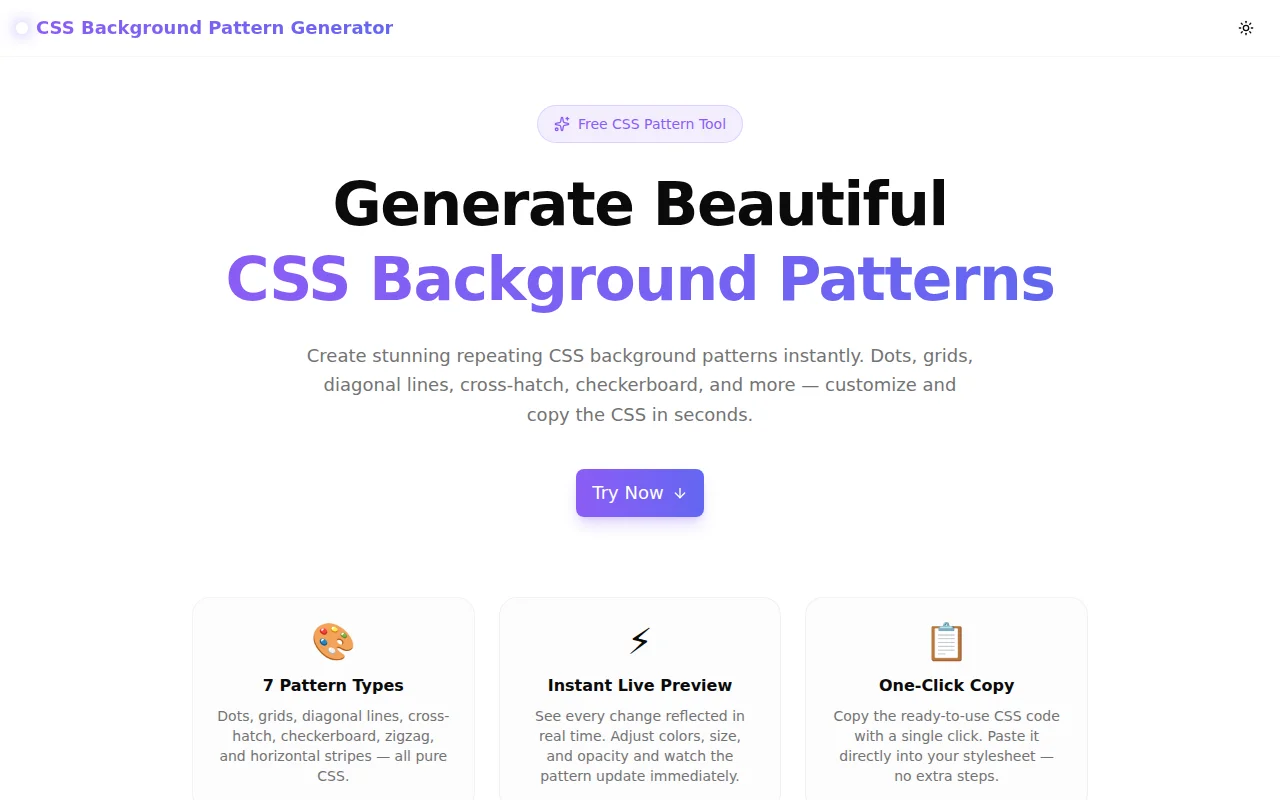
Developer ToolsFeatured
CSS Background Pattern Generator
A free visual tool to generate CSS background patterns — dots, grids, diagonal lines, cross-hatch, checkerboard, zigzag, and more. Customize colors, size, and opacity, then copy the CSS in one click.
CSSBackground PatternsDeveloper ToolsDesignFrontendNext.jsTypeScript
Start Similar ProjectAbout the Project
CSS Background Pattern Generator — Visual CSS Pattern Editor
CSS Background Pattern Generator is a free, browser-based tool for creating repeating CSS background patterns with a live preview. Choose from seven pattern types — dots, grid, diagonal lines, cross-hatch, checkerboard, zigzag, and horizontal stripes — then tweak colors, size, and opacity. Copy the ready-to-use CSS with one click. No sign-up. No install. Works entirely in your browser.
The Problem
CSS background patterns are powerful for adding texture to websites without images, but discovering the right background-image gradient syntax is not obvious. Radial gradients for dots, linear gradients stacked in multiple layers for grids — the code is rarely memorable. Most developers Google "CSS dot pattern" or "CSS grid background", copy a snippet from Stack Overflow, and then spend fifteen minutes hand-editing colors and sizes.
That loop — search, copy, modify, refresh — is slow and error-prone. There was no fast visual tool that covered multiple pattern types in one place.
How It Works
1. Choose a Pattern Type
Seven patterns are available:
- Dots — classic radial-gradient dot grid
- Grid — horizontal and vertical line grid
- Diagonal Lines — 45° repeating stripe
- Cross-Hatch — overlapping diagonal lines in both directions
- Checkerboard — alternating squares using
conic-gradient - Zigzag — chevron wave pattern with four-direction gradients
- Horizontal Lines — repeating horizontal stripe
Click any pattern button and the preview updates instantly.
2. Customize Colors, Size, and Opacity
Two color pickers let you set the background color and the pattern color independently. A size slider adjusts the pattern repeat (8px to 80px). An opacity slider controls how prominent the pattern is against the background (5% to 100%).
All controls update the live preview in real time — there is no "apply" button.
3. Use Quick Presets
Four quick-start presets are included: Classic Blueprint (navy grid), Subtle Dots (light grey dots on white), Dark Hatch (indigo cross-hatch on dark), and Warm Checks (amber checkerboard on cream). Click any preset to load its config, then adjust from there.
4. Copy the CSS
The generated CSS displays below the preview — a ready-to-paste block using standard background-color, background-image, and background-size properties. Click "Copy CSS" and paste it directly into your stylesheet.
Key Features
- 7 pattern types — dots, grid, diagonal, cross-hatch, checkerboard, zigzag, horizontal lines
- Real-time live preview — see every adjustment instantly
- Independent color pickers — separate background and pattern colors
- Size control — 8px to 80px pattern repeat
- Opacity control — 5% to 100% pattern prominence
- Quick presets — common combos ready in one click
- One-click CSS copy — production-ready output
- Pure CSS output — no SVG, no external images, no JavaScript needed in output
- Fully client-side — nothing leaves your browser
Technical Implementation
Core Technologies
- Next.js 16 with App Router
- TypeScript in strict mode
- Tailwind CSS v4 with OKLCH brand tokens
- Framer Motion for animations
- shadcn/ui components
- Sonner for toast notifications
Pattern Generation
All patterns are generated as CSS strings from a pure TypeScript function. Given a pattern type, background color, pattern color (converted to rgba() with opacity), and size, the function returns a multi-line CSS string with only standard properties.
The checkerboard uses conic-gradient (supported in all modern browsers). The zigzag stacks four linear-gradient declarations with precise background-position offsets to create the chevron effect. No canvas, no SVG, no external APIs.
Color Handling
The hexToRgba() utility converts the hex color picker output to rgba(r, g, b, alpha) so opacity can be applied per-pattern without affecting the background color. The preview matches the generated CSS exactly — the same CSS string drives both the live preview element style and the code output panel.
Use Cases
Hero & Landing Page Backgrounds
A subtle dot grid or diagonal stripe on a hero section adds depth without competing with the headline. Set the pattern opacity to 15–30% for an understated texture effect.
Card and Panel Accents
Give info panels, empty states, or feature card backgrounds a pattern to break up flat color. A light grid at low opacity on a white card reads as "structured" and "technical" — useful for developer-facing products.
Section Dividers
Use a checkerboard or zigzag band as a visual separator between page sections. Set the background to the section's theme color and the pattern to a slightly lighter or darker variant.
Presentations and Documentation Sites
Pattern backgrounds on slide headings or docs callout blocks add visual interest while keeping the content legible. The opacity slider makes it easy to find the right balance.
Learning CSS Gradients
The generated CSS is educational — cross-hatch shows how stacking two repeating-linear-gradient declarations creates a diamond grid; checkerboard demonstrates conic-gradient with background-position offsets. Reading the output is a fast way to understand what CSS background-image can do.
Why This Tool?
vs. Searching Stack Overflow
- Visual first — pick a pattern and see it, don't read gradient syntax until you have what you want
- All patterns in one place — seven types without switching sites
- Customizable — not just a fixed color snippet, but a full configuration
vs. SVG Pattern Libraries
- Pure CSS output — no
<pattern>SVG elements, no encoding required - Dynamic — change colors without re-exporting
- Zero assets — nothing to host, reference, or inline
vs. Image Textures
- Scales to any resolution — CSS gradients are resolution-independent
- Themeable — change colors in one CSS property
- Zero network requests — no image files to load
Results
CSS Background Pattern Generator gives developers and designers a fast path from "I want a subtle background texture" to "here is the CSS":
- Idea to CSS in under 30 seconds — select, adjust, copy
- No gradient syntax memorization — the tool knows the math
- Cross-browser output — all patterns use CSS gradients with no vendor prefixes required
Try it now: background-pattern-generator.tools.jagodana.com
The Challenge
The client needed a robust developer tools solution that could scale with their growing user base while maintaining a seamless user experience across all devices.
The Solution
We built a modern application using CSS and Background Patterns, focusing on performance, accessibility, and a delightful user experience.
Project Details
Category
Developer Tools
Technologies
CSS,Background Patterns,Developer Tools,Design,Frontend,Next.js,TypeScript
Date
May 2026
Related Projects
More work in Developer Tools

