Back to Projects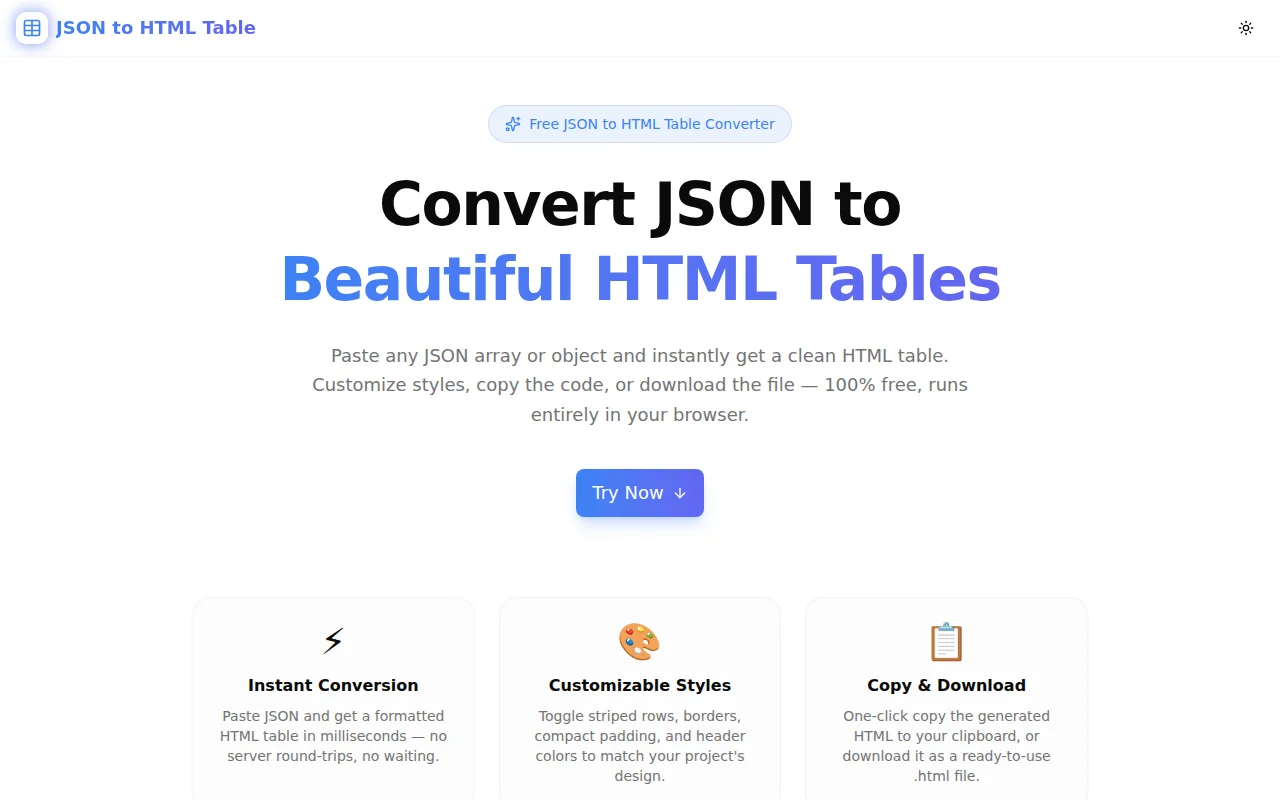
Developer ToolsFeatured
JSON to HTML Table
A free browser-based tool that converts any JSON array or object into a clean, styled HTML table instantly — with customizable striped rows, borders, header colors, one-click copy, and download. No login, no server.
JSONHTMLTablesDeveloper ToolsDataNext.jsTypeScript
Start Similar ProjectAbout the Project
JSON to HTML Table — Free Online JSON Converter
JSON to HTML Table is a free, browser-based tool that converts any JSON array or object into a clean, styled HTML table in milliseconds. Paste your JSON, customize the style options, and copy the generated HTML or download it as a file — no login, no signup, no server calls.
The Problem
JSON is everywhere. APIs return it, databases export it, config files use it. But whenever you need to display JSON data in a document, email, CMS, or static HTML page, you hit a wall: JSON looks terrible as raw text, and writing an HTML table by hand is tedious and error-prone.
A typical API response might look like this:
[
  { "name": "Alice", "role": "Engineer", "team": "Frontend" },
  { "name": "Bob", "role": "Designer", "team": "Product" }
]
Turning that into a properly structured HTML table — with a <thead>, correct <th> elements, matching <td> cells for every row, and sensible inline styles — takes time. For large datasets with many columns, it's the kind of task that makes developers reach for a spreadsheet instead.
How It Works
1. Paste JSON, Get a Table Instantly
Open the tool, paste your JSON array or object into the input panel. The HTML table renders in the preview panel immediately — no button to press, no page reload. The conversion happens in your browser as you type.
The tool handles:
- Arrays of objects — the most common case, generates a full table with one column per key
- Single objects — displayed as a two-column key-value table
- Arrays of primitives — single-column table with a "Value" header
- Nested objects — displayed as formatted JSON strings within the cell
2. Customize the Style
Use the style controls to adjust the table appearance before copying:
- Striped rows — alternating row background for readability on large datasets
- Bordered — 1px borders on all cells for a structured, grid-like look
- Compact — reduced padding for dense data or narrow layouts
- Header color — pick any header background color with a color picker; the header text stays white for contrast
All styles are applied as inline CSS on the table elements, so the output works in any context without requiring external stylesheets — email templates, HTML exports, CMS editors, or raw HTML files.
3. Copy or Download
When the table looks right:
- Copy HTML — copies the
<table>element to your clipboard with one click, ready to paste anywhere - Download .html — downloads a complete, valid HTML file with the table wrapped in a proper
<!DOCTYPE html>document
A live badge shows the row and column count so you can confirm the data was parsed correctly before copying.
Key Features
- Instant JSON-to-table conversion — renders as you type, no button required
- Three JSON input types — arrays of objects, single objects, primitive arrays
- Customizable inline styles — striped, bordered, compact, custom header color
- Live table preview — see exactly how the table will render in a browser
- HTML source view — toggle to inspect the generated HTML code
- One-click copy — copies the
<table>element to clipboard instantly - Download as .html — complete HTML file, ready to open in any browser
- Row and column counter — confirm parse correctness at a glance
- Clear error messages — shows exactly where invalid JSON fails
- Fully client-side — your data never leaves your device
- No login required — open, paste, copy, done
Technical Implementation
Core Technologies
- Next.js 16 with App Router
- TypeScript in strict mode
- Tailwind CSS v4 for styling
- Client-side rendering — zero external API dependencies
- shadcn/ui component primitives
Architecture
The tool is implemented as a single React component with no external dependencies for the core conversion logic. The JSON-to-table engine:
- Parses the input with
JSON.parse()and catches syntax errors with a clear message - Detects the input type (array of objects, single object, primitive array)
- Extracts column keys from all rows using a
Setto handle sparse objects - Generates HTML string with inline styles computed from the current options
- Updates in real time via
useMemoon input and options state
Inline styles are used deliberately — not Tailwind classes — so the copied HTML is self-contained and works in any environment without a CSS framework.
Use Cases
API Documentation
Document an API endpoint by showing a sample response as a formatted table. Paste the JSON response from Postman or curl, copy the HTML table, and drop it into your docs.
Email Reports
HTML emails don't support external CSS. Inline-styled tables work everywhere — Gmail, Outlook, Apple Mail. Paste your report data as JSON, enable striped rows and borders, copy the HTML, and paste it into your email template.
CMS and Static Site Content
Many CMS editors accept raw HTML blocks. If you have structured data — product comparisons, pricing tables, feature matrices — in JSON, this tool converts it to table HTML in seconds without writing a single tag by hand.
Data Presentation in Documents
Some tools (Notion, Confluence, linear docs) accept HTML paste. Convert a JSON dataset to a table and paste it directly into your document editor.
Learning and Prototyping
See how JSON data maps to HTML table structure. Useful for teaching data representation, prototyping UI components, or quickly mocking up data views without setting up a full project.
Why JSON to HTML Table?
vs. Manual HTML
- No typos — the tool generates correct
<thead>,<tbody>,<tr>,<th>,<td>structure every time - Handles any number of columns — no counting keys, no copy-paste per row
- Inline styles included — the output is usable without external CSS
vs. Spreadsheet Tools
- Faster for developers — paste JSON directly from your terminal or Postman, no CSV conversion step
- Inline styles for email — spreadsheet exports don't include inline styles
- Handles nested JSON — spreadsheets can't parse nested objects
vs. Generic Code Generators
- Focused output — generates just the HTML table, not a full React component or JavaScript function
- Live preview — see the rendered result, not just the code
- Style customization — adjust the look before copying
Results
JSON to HTML Table removes the last step of "I have the data, now I need a table":
- Seconds, not minutes — the full workflow from paste to copy takes under 10 seconds
- No manual HTML — never write another
<tr><td>loop by hand - Works anywhere — inline styles make the output compatible with emails, CMSs, and HTML files
- Zero setup — no install, no account, no configuration
Try it now: json-to-html-table.tools.jagodana.com
The Challenge
The client needed a robust developer tools solution that could scale with their growing user base while maintaining a seamless user experience across all devices.
The Solution
We built a modern application using JSON and HTML, focusing on performance, accessibility, and a delightful user experience.
Project Details
Category
Developer Tools
Technologies
JSON,HTML,Tables,Developer Tools,Data,Next.js,TypeScript
Date
May 2026
Related Projects
More work in Developer Tools

