Back to Projects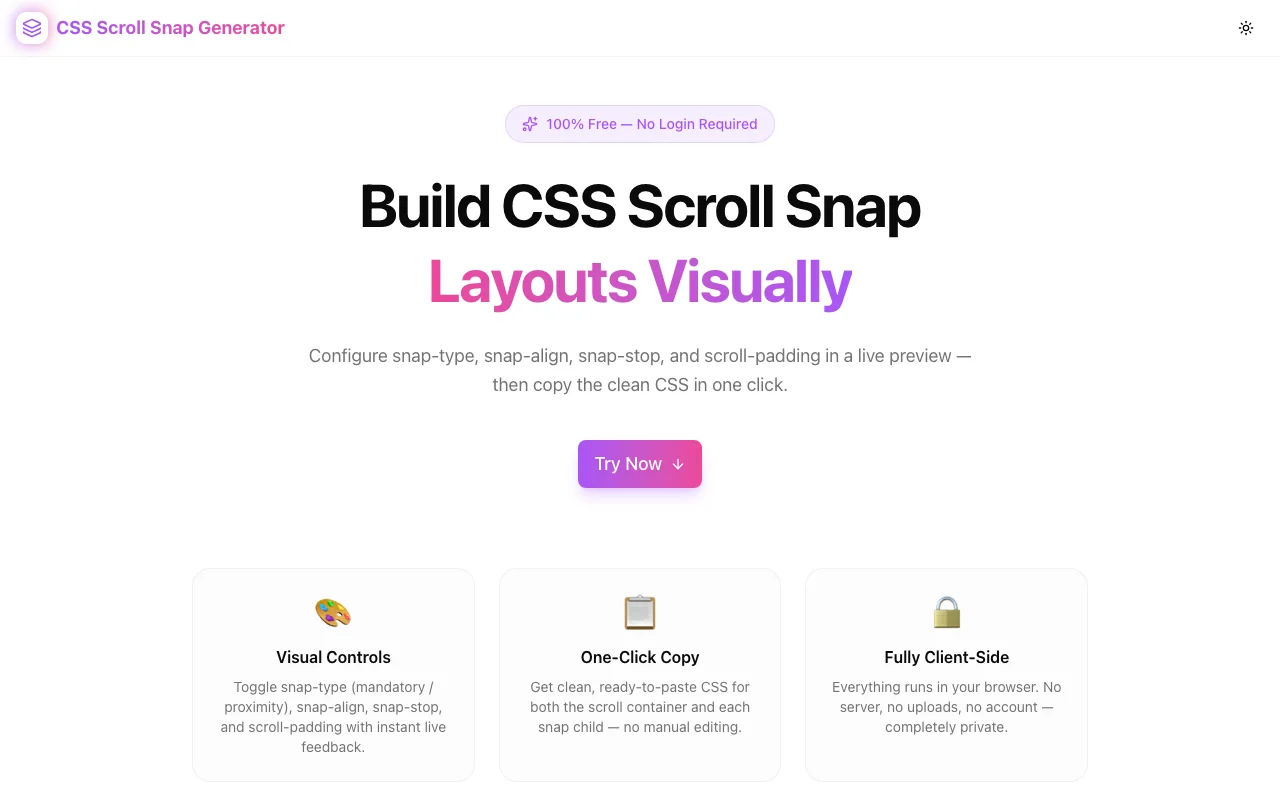
Developer ToolsFeatured
CSS Scroll Snap Generator
A free visual tool for building CSS scroll snap layouts. Configure snap-type, snap-align, snap-stop, and scroll-padding with a live scrollable preview — then copy clean, production-ready CSS in one click.
CSSScroll SnapDeveloper ToolsFrontendNext.jsTypeScript
Start Similar ProjectAbout the Project
CSS Scroll Snap Generator — Visual Scroll Snap Builder with Live Preview
CSS Scroll Snap Generator is a free, browser-based tool that lets you configure CSS scroll snap layouts visually. Pick your snap axis, strictness, alignment, and offset values — see the result update in a live scrollable preview — then copy the complete container and child CSS in one click. No signup, no install, no documentation needed.
The Problem
CSS scroll snap is one of those features that looks simple in a tweet and becomes confusing the moment you actually implement it. The spec introduces four or five interconnected properties, and the interaction between them is non-obvious:
scroll-snap-typegoes on the container — but which axis? And ismandatoryorproximitythe right strictness?scroll-snap-aligngoes on each child — butstart,center, andendproduce different results depending on the container size and the child sizescroll-snap-stop: alwayssounds helpful until it over-prevents scroll momentumscroll-paddingon the container andscroll-marginon children both offset snap points — but for different reasons
Without a visual tool, the feedback loop is: write CSS, save, switch to browser, scroll, realize nothing snapped as expected, open DevTools, adjust, repeat. That loop is slow and the error messages are non-existent — silent failures only.
How It Works
1. Snap Axis & Strictness (Container)
Choose a scroll direction — Horizontal, Vertical, or Both — to set the axis for scroll-snap-type. Then choose whether snapping should be mandatory (the browser always stops at a snap point, even if the user barely scrolled) or proximity (the browser only snaps if the scroll position is close to a snap point).
The live preview updates immediately, so you can feel the difference between mandatory and proximity directly in the tool.
2. Snap Align & Stop (Children)
Select how each child aligns within the visible scroll area: start, center, end, or none. The preview shows colored blocks that snap according to your selection. Toggle snap-stop: always to see how it prevents the user from scrolling past multiple snap points in a single gesture.
3. Scroll Padding & Scroll Margin
Use the steppers to adjust scroll-padding on the container (useful when you have a sticky header that overlaps snapped content) and scroll-margin on children (for per-item offset adjustments). Both values appear in the generated CSS output.
4. Live Scrollable Preview
A real scrollable container renders inside the tool — not a diagram, not a static mockup. You scroll it with your mouse or trackpad and experience how your configuration behaves. This is the fastest way to understand why mandatory with small items produces a very different feel from proximity with large items.
5. One-Click CSS Export
The container CSS and child CSS are displayed in separate code blocks. Copy either individually or use the "Copy All CSS" button to get both. The output is clean, production-ready, and free of framework utilities — paste it directly into your stylesheet.
Key Features
- Visual snap-type & snap-align picker — toggle buttons for all valid values
- Live scrollable preview — actually scroll the preview container, not a diagram
- snap-stop control — test mandatory stop behaviour before shipping it
- scroll-padding & scroll-margin — fine-tune offsets with steppers
- Separate container + child output — copy them independently or together
- Fully client-side — no API calls, no data leaves your browser
- No signup required — open and start immediately
- Dark mode support — matches your system theme
Technical Implementation
Core Technologies
- Next.js with App Router
- TypeScript in strict mode
- Tailwind CSS v4 with OKLCH color tokens
- shadcn/ui for accessible UI components
- Framer Motion for section animations
- Pure CSS scroll snap — no JavaScript scroll libraries
Architecture
The tool is a single client-side React component (CssScrollSnapGeneratorTool) that holds configuration state in useState. The buildContainerCSS and buildChildCSS functions derive the CSS string from state — no side effects, no async operations. The live preview applies the same configuration via inline styles on a real scrollable div, so the preview and the output always match.
The component is structured as:
- ToggleChip — accessible button group for enum properties
- NumberStepper — increment/decrement for numeric properties (scroll-padding, scroll-margin)
- LivePreview — the actual scrollable container that reflects state
- CodeBlock — syntax-highlighted output with copy button
Use Cases
Horizontal Image Carousels
The most common use case: a row of images or cards that snap center-to-center as the user swipes. Configure scroll-snap-type: x mandatory on the container and scroll-snap-align: center on each card. The generator shows you exactly what this looks like before you write a line of production code.
Full-Page Vertical Scroll
Marketing pages and landing pages often use a section-by-section scroll experience where each section fills the viewport and the page snaps between them. Set the axis to Vertical, alignment to Start, and snap-stop to Always. The preview shows a contained version of exactly this interaction.
Sticky Header Offset
When you have a fixed navigation bar, snapped content will appear partially under it unless you add scroll-padding-top to the container. Use the scroll-padding stepper to dial in the exact pixel offset and copy the value along with the rest of the CSS.
Learning CSS Scroll Snap
The property interactions are hard to understand from documentation alone. The generator makes them observable: change one property and watch the preview respond. Try toggling between mandatory and proximity while scrolling — the difference becomes immediately clear. Understanding becomes tactile rather than conceptual.
Debugging Unexpected Snap Behaviour
If scroll snap isn't behaving as expected in your project, reproduce the configuration in the generator to isolate the variable. If it works in the generator but not in your app, the issue is likely a conflicting CSS property (like overflow: hidden on a parent) rather than the snap configuration itself.
Why CSS Scroll Snap Generator?
vs. Writing CSS Manually
- Visual feedback — see the snap behaviour before writing any production code
- Property discovery — surface properties like
scroll-marginthat are easy to forget - Faster iteration — try all alignment options in seconds, not minutes
vs. MDN Documentation
- Interactive — scroll the live preview instead of reading static descriptions
- Integrated output — no translation step between learning and implementing
- Side-by-side comparison — change one property and immediately see the difference
vs. CodePen / JSFiddle
- Purpose-built — no boilerplate, no editor setup, instant configuration
- Structured controls — all valid values are exposed, not just what you remember
- Clean output — production-ready CSS with no extra markup
Results
CSS Scroll Snap Generator removes the friction from building scroll snap layouts:
- Zero trial-and-error — see the snap behaviour before writing production CSS
- Correct property placement — no confusion about container vs. child properties
- Offset confidence — scroll-padding and scroll-margin values that actually work
- Faster shipping — from idea to production CSS in under two minutes
Try it now: css-scroll-snap-generator.tools.jagodana.com
The Challenge
The client needed a robust developer tools solution that could scale with their growing user base while maintaining a seamless user experience across all devices.
The Solution
We built a modern application using CSS and Scroll Snap, focusing on performance, accessibility, and a delightful user experience.
Project Details
Category
Developer Tools
Technologies
CSS,Scroll Snap,Developer Tools,Frontend,Next.js,TypeScript
Date
April 2026
Related Projects
More work in Developer Tools

