Back to Projects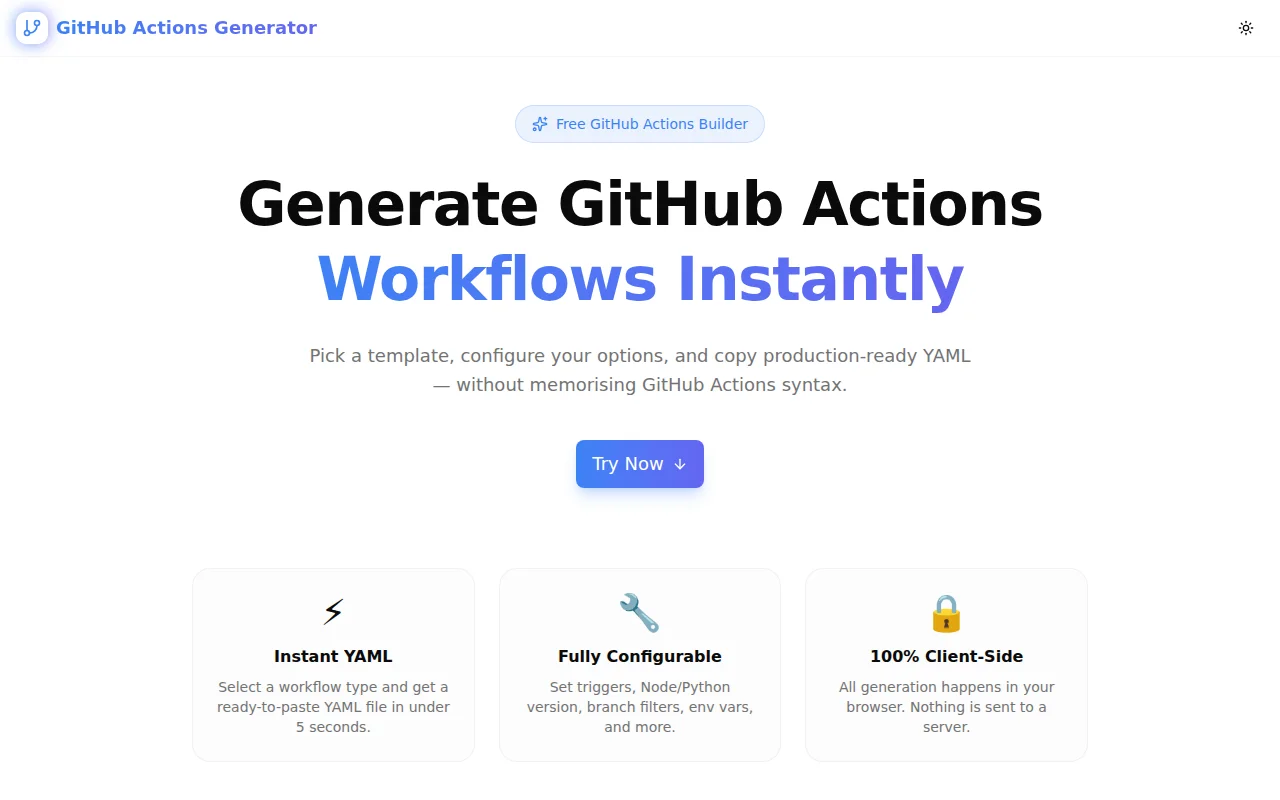
Developer ToolsFeatured
GitHub Actions Generator
A free browser-based tool to generate GitHub Actions YAML workflows instantly. Choose a CI, deploy, test, or release template, configure triggers and options, and copy production-ready YAML—no account required.
GitHub ActionsCI/CDDeveloper ToolsDevOpsAutomationNext.jsTypeScript
Start Similar ProjectAbout the Project
GitHub Actions Generator — Build CI/CD Workflows Instantly
GitHub Actions Generator is a free, browser-based tool that produces production-ready GitHub Actions YAML workflows in seconds. Pick a workflow template—Node.js CI, Python CI, Deploy to Vercel, Docker Build & Push, Create Release, or Lint & Test—configure your triggers and options, and copy the YAML directly into your repository. No account, no install, no YAML memorisation required.
The Problem
GitHub Actions is powerful, but the YAML syntax has a learning curve. The structure of on:, jobs:, steps:, uses:, with:, and env: blocks differs across workflow types. Getting the trigger configuration right—branches, pull request events, scheduled runs—requires consulting the docs every time. And starting from a blank file means re-learning the same boilerplate on every new project.
The result: developers who know exactly what they want their CI pipeline to do spend 20–30 minutes searching docs and copying from Stack Overflow instead of writing the code the pipeline will run.
How It Works
1. Choose a Workflow Template
Six workflow types cover the most common CI/CD patterns:
- Node.js CI — install, build, and test a Node.js project across matrix Node versions
- Python CI — set up Python, install requirements, and run pytest or unittest
- Deploy to Vercel — pull environment, build, and deploy using the Vercel CLI
- Docker Build & Push — build an image with Buildx, push to GitHub Container Registry or Docker Hub with layer caching
- Create Release — auto-generate release notes from merged PRs and publish a GitHub Release on version tag push
- Lint & Test — generic lint and test run for any Node.js project
2. Configure Triggers and Options
Every template exposes the options that matter for that workflow:
- Triggers — enable push, pull request, and scheduled (cron) events independently
- Branch filter — specify one or more branches (comma-separated)
- Node.js version — Node 18, 20, 22, or a matrix of all LTS versions
- Package manager — npm, yarn, or pnpm (install commands, cache keys, and script prefixes adjust automatically)
- Build and test scripts — configurable script names so the YAML matches your
package.json - Python version — 3.10 through 3.13
- Test framework — pytest or unittest
- Docker image name and registry — GHCR or Docker Hub (login steps and image references adjust accordingly)
3. Copy the YAML
The generated YAML updates live as you adjust options. When it looks right, click Copy YAML and paste the file into .github/workflows/ in your repository. A path hint is shown below the preview.
Key Features
- 6 workflow templates — covers the most common CI/CD patterns for web and API projects
- Live YAML preview — output updates instantly as you change options
- Smart per-template options — only the relevant config panels appear for each template
- Package manager awareness — npm/yarn/pnpm install commands, caches, and script prefixes are all correct
- Docker registry choice — GHCR vs Docker Hub with the correct login action and image reference
- 100% client-side — all generation runs in the browser; nothing is sent to a server
- No signup required — open the URL, copy the YAML, ship
Technical Implementation
Core Technologies
- Next.js 16 with App Router
- TypeScript in strict mode — all template options are typed
- Tailwind CSS v4 with OKLCH color tokens
- shadcn/ui components
- framer-motion animations
- Client-side rendering — zero external API dependencies
Architecture
The tool uses a single-file generator pattern. Six pure TypeScript functions (generateNodejsCI, generatePythonCI, generateDeployVercel, generateDockerBuild, generateReleaseDrafter, generateLintTest) accept typed configuration objects and return YAML strings. A shared buildTrigger function assembles the on: block from the trigger configuration, handling branch lists and cron expressions. All state is managed with React useState; the YAML output is derived with useMemo so it re-computes only when relevant options change.
Use Cases
New Project Setup
Starting a new Node.js or Python project? Generate the CI workflow in 30 seconds. Paste it into .github/workflows/ci.yml, push, and your first workflow run starts automatically.
Docker-Based Microservices
For containerised services, the Docker Build & Push template generates a workflow that uses Buildx layer caching (cache-from: type=gha) to cut build times significantly across runs. The metadata-action handles tagging automatically: SHA prefix for every build, branch name for branch builds, semver for tagged releases.
Vercel Deployments via GitHub Actions
Teams that want more control over their Vercel deployment pipeline—running tests before deploy, skipping deploys on draft PRs, managing environment separation—use the Deploy to Vercel template as a starting point.
Release Automation
The Create Release template generates a workflow that fires on v*.*.* tag pushes, uses github-script to call the releases API and auto-generate notes from merged PRs, and publishes the release. No manual changelog editing required.
Learning GitHub Actions
For developers new to GitHub Actions, the generated YAML is readable, well-structured, and accompanied by comments where secrets are required. It's a better starting point than a blank file and more instructive than copying from docs.
Why GitHub Actions Generator?
vs. Manual YAML Authoring
- No syntax lookup — trigger syntax, action versions, and step patterns are pre-filled
- Option-aware output — package manager, runtime version, and registry choices propagate correctly across the whole file
- Immediate feedback — see the exact YAML before committing anything
vs. GitHub's Starter Workflows
- Configurable — not a fixed template; options change the output
- More templates — Docker with layer caching and automatic metadata tagging isn't in GitHub's starter set
- No repository required — generate and inspect the YAML before creating a repo
vs. Copilot / AI Generation
- Deterministic — the same options always produce the same output; no hallucinated action names or versions
- Instantly available — no IDE plugin, no sign-in, no context window required
- Auditable — the generation logic is open source and readable
Results
GitHub Actions Generator removes the YAML friction from CI/CD setup:
- 30-second workflow setup — from template selection to clipboard in under a minute
- No documentation lookup — trigger syntax, action versions, and script conventions are pre-filled
- Correct output — package manager commands, registry references, and permission blocks are generated correctly based on selections
- Good starting point — generated YAML is clean, commented where needed, and easy to extend
Try it now: github-actions-generator.tools.jagodana.com
The Challenge
The client needed a robust developer tools solution that could scale with their growing user base while maintaining a seamless user experience across all devices.
The Solution
We built a modern application using GitHub Actions and CI/CD, focusing on performance, accessibility, and a delightful user experience.
Project Details
Category
Developer Tools
Technologies
GitHub Actions,CI/CD,Developer Tools,DevOps,Automation,Next.js,TypeScript
Date
May 2026
Related Projects
More work in Developer Tools

