Back to Projects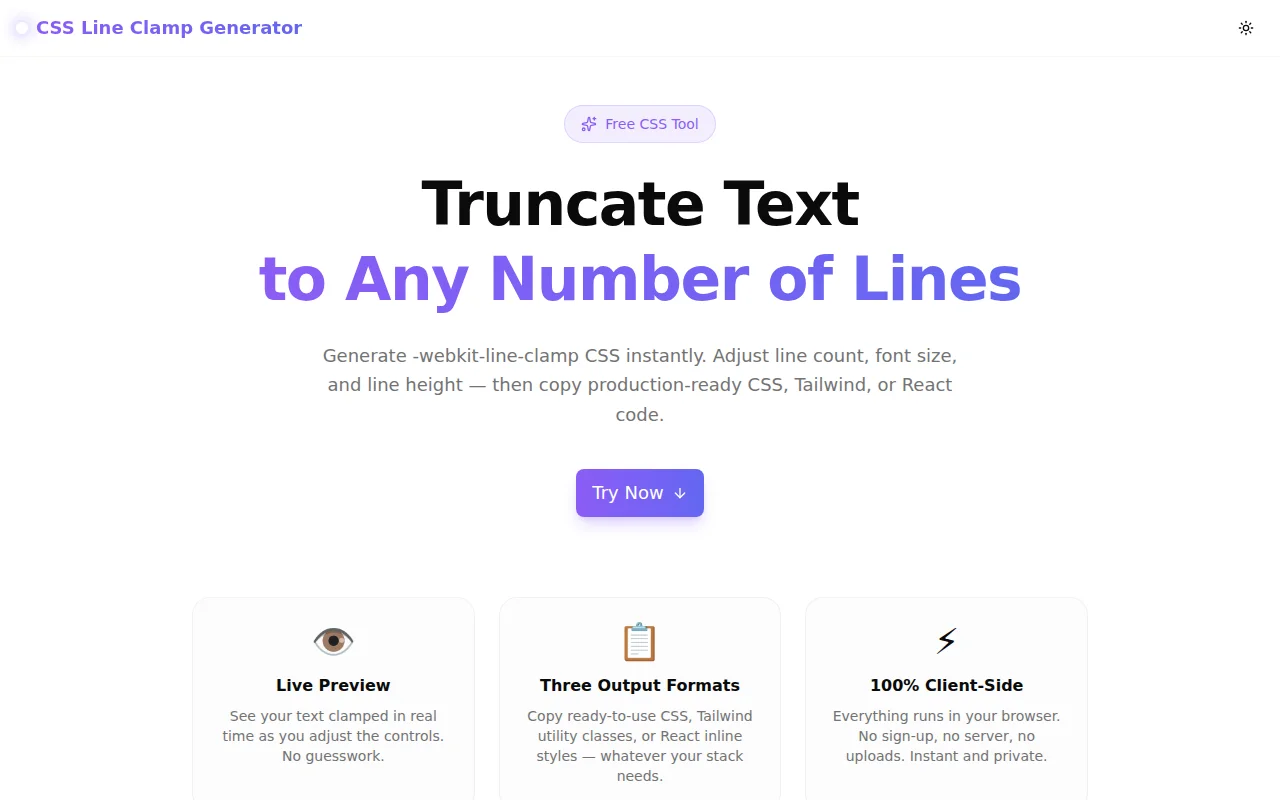
Developer ToolsFeatured
CSS Line Clamp Generator
A free browser-based tool that generates CSS to truncate text to any number of lines. Live preview with custom text, font size, and line height — copy ready-to-use CSS, Tailwind, or React code instantly.
CSSTypographyDeveloper ToolsFrontendNext.jsTypeScript
Start Similar ProjectAbout the Project
CSS Line Clamp Generator — Truncate Text to Any Number of Lines
CSS Line Clamp Generator is a free, browser-based tool that instantly generates -webkit-line-clamp CSS for truncating text to any number of lines. Adjust the line count, font size, and line height, see the live preview, then copy production-ready CSS, Tailwind utility classes, or a React inline style object. No login, no install — open and copy.
The Problem
Truncating multi-line text to a fixed line count is one of the most frequently Googled CSS problems. The solution — -webkit-line-clamp — works universally, but its syntax requires three properties working together:
.clamp {
  display: -webkit-box;
  -webkit-line-clamp: 3;
  -webkit-box-orient: vertical;
  overflow: hidden;
}
Developers write this from scratch dozens of times across projects. Designers need to know how many pixels tall a clamped text block will be before handing off specs. And React developers want the inline style equivalent without translating manually.
The loop is: write CSS, reload, measure, adjust, repeat. Every project. Every component.
How It Works
1. Line Count Control
A slider sets the number of visible lines (1–10). The live preview updates instantly — you see the truncation with your exact text before touching any code.
2. Font & Line Height Controls
Adjust font size (10–32px) and line height (1.0–2.5) to match your component's actual typography. The max-height calculation (lines × lineHeight × fontSize) is shown live, so you know exactly how tall the element will render.
3. Live Preview
Two views side by side: the clamped version (with ellipsis) and the unclamped version (full text). Paste your own copy into the sample text box to see how your actual content will look — not generic lorem ipsum.
4. Three Output Formats
- CSS — the
-webkit-line-clampblock ready to paste into any stylesheet - Tailwind — the
line-clamp-Nutility class (or config snippet for values above 6) - React — the exact inline
styleobject prop with camelCase property names
One click copies the output for whichever format you need.
Key Features
- Live preview — see clamped vs. unclamped text side by side
- CSS, Tailwind, and React output — three formats, one tool
- Configurable controls — lines, font size, line height, max width
- Custom sample text — paste your real copy for accurate preview
- Max-height calculator — shows exact pixel height for the clamped block
- Browser support indicator — 100% modern browser coverage confirmed
- One-click copy — clipboard integration with visual feedback
- Fully client-side — zero server calls, zero data sent anywhere
- No signup required — start generating immediately
Technical Implementation
Core Technologies
- Next.js 16 with App Router
- TypeScript in strict mode
- Tailwind CSS v4 with OKLCH color tokens
- shadcn/ui (new-york style) components
- framer-motion for staggered animations
- Geist Sans + Geist Mono for UI and code output
Architecture
- All state is local React state — no external dependencies for core logic
- CSS generation is a pure function of
(lines)→ string - Tailwind generation handles the edge case where
line-clamp-Ndoesn't exist above 6 - React generation outputs camelCase properties (
WebkitLineClamp,WebkitBoxOrient) - The preview uses actual CSS
WebkitLineClampinline styles — you're seeing real browser rendering - Max-height calculation (
lines × lineHeight × fontSize) is computed and displayed live
Color Theme
Violet/indigo gradient (#8b5cf6 / #6366f1) — chosen for readability of the code output blocks and clear visual association with text/typography tooling.
Use Cases
Frontend Development
Truncating card titles, news feed summaries, product descriptions, and notification text to a consistent line count is a standard UI pattern. Generate the CSS once, paste, move on. No Stack Overflow lookup needed.
Design-to-Code Handoff
Designers specify "show 2 lines of the description, truncate with ellipsis." The tool calculates the exact pixel height (lines × lineHeight × fontSize) so the developer can verify the component matches the mockup spec without manual calculation.
Tailwind Projects
Tailwind includes line-clamp-1 through line-clamp-6 out of the box. The generator shows the exact class and, for values above 6, outputs the tailwind.config.js extension needed to add custom line counts.
React Components
Inline styles require WebkitLineClamp (camelCase) and a string value for WebkitBoxOrient. The React output tab generates the exact style prop object — copy and paste without translation.
Learning CSS Overflow
The side-by-side clamped/unclamped preview makes the property's effect immediately visible. Adjust the line count from 1 to 10 and watch the visible content change — a faster way to understand the property than reading documentation.
Why CSS Line Clamp Generator?
vs. Manual Lookup
Stack Overflow answers for -webkit-line-clamp include outdated approaches, incorrect property names, and missing overflow: hidden. This tool generates correct, current CSS every time.
vs. Other CSS Generators
Most CSS generators focus on visual properties like gradients and shadows. Text truncation generators are rare — and none show Tailwind and React output simultaneously.
vs. CSS DevTools
DevTools shows the output of CSS you've already written. This tool lets you explore values before writing any code, with custom text and font settings to match your actual component.
Results
CSS Line Clamp Generator removes the repetitive lookup-and-write cycle:
- No memorization required — generate the three-property block instantly
- Accurate preview — see your real text truncated at your exact font size
- Framework-agnostic output — CSS, Tailwind, or React — whichever you need
- Max-height at a glance — no manual calculation for design verification
Try it now: line-clamp-generator.tools.jagodana.com
The Challenge
The client needed a robust developer tools solution that could scale with their growing user base while maintaining a seamless user experience across all devices.
The Solution
We built a modern application using CSS and Typography, focusing on performance, accessibility, and a delightful user experience.
Project Details
Category
Developer Tools
Technologies
CSS,Typography,Developer Tools,Frontend,Next.js,TypeScript
Date
May 2026
Related Projects
More work in Developer Tools

