Back to Projects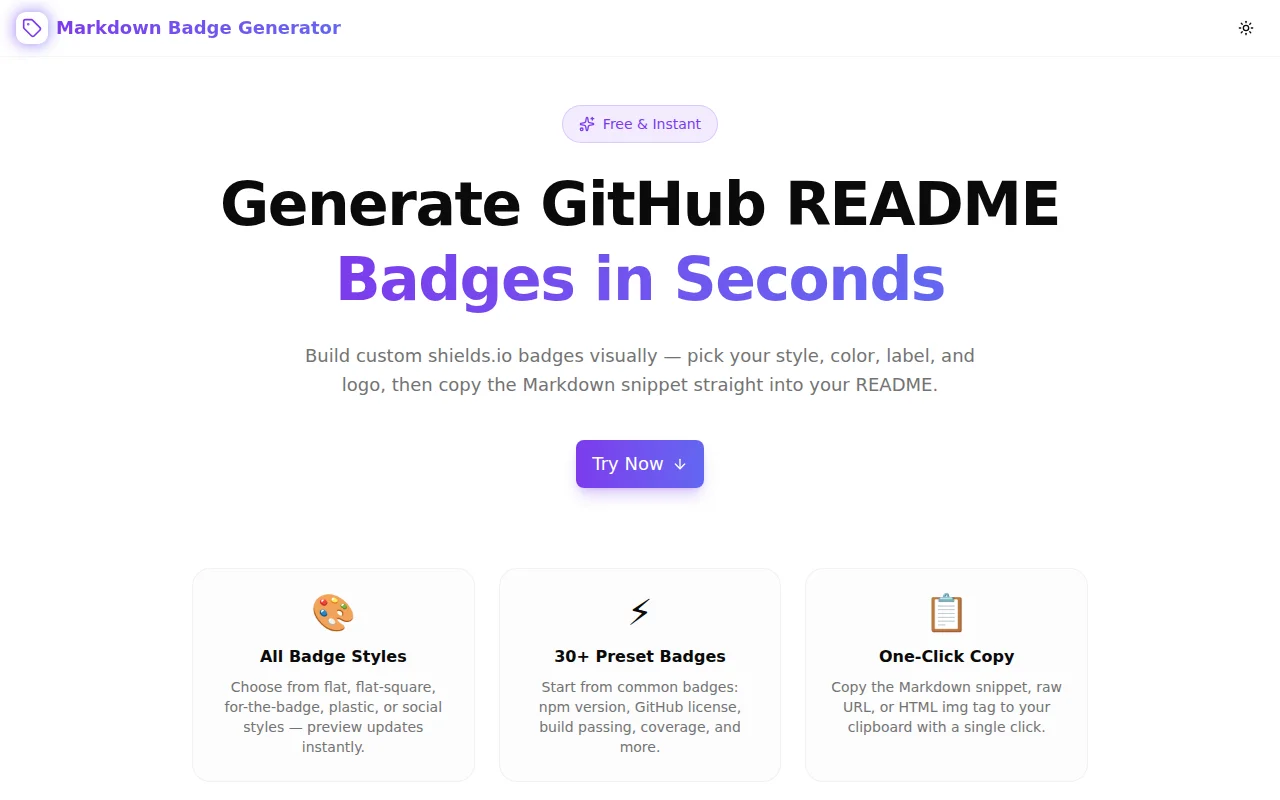
Developer ToolsFeatured
Markdown Badge Generator
A free browser-based tool to create shields.io-style badges for GitHub READMEs — choose style, color, label, value, and logo, then copy the Markdown or HTML snippet instantly. No signup required.
MarkdownGitHubDeveloper ToolsREADMEshields.ioNext.jsTypeScript
Start Similar ProjectAbout the Project
Markdown Badge Generator — Free GitHub README Badge Creator
Markdown Badge Generator is a free, browser-based tool that builds shields.io badge URLs visually. Pick a style, enter a label and message, choose a color and logo, then copy the Markdown snippet straight into your GitHub README. No server calls, no login, no configuration—just open and start building badges.
The Problem
GitHub README badges are everywhere. Every maintained open source project uses them to communicate build status, npm version, license type, language support, and more. They're standardized, instantly readable, and expected.
The problem is building them.
The shields.io URL format is not intuitive:
https://img.shields.io/badge/{label}-{message}-{color}?style={style}&logo={logo}
The dashes inside the badge text need to be escaped as --. Spaces become _. URL-encoding applies in some places but not others. Logo slugs come from Simple Icons and aren't documented in an obvious place. Color can be a name, a hex value, or one of a handful of semantic aliases like brightgreen or important.
Every developer who sets up a new project has to remember this syntax, look it up, or copy from a previous project and edit carefully. And the GitHub Markdown editor shows no preview until the README is pushed—meaning you test badges by committing and waiting.
How It Works
1. Live Badge Preview
As you type label, message, color, and logo, the tool builds the shields.io URL and renders the badge inline. The preview updates on every keystroke. You see exactly what your README will show before copying a single character.
2. All Five Badge Styles
Shields.io supports five visual styles:
- Flat — the default, clean and minimal
- Flat Square — same as flat but with sharp corners
- For the Badge — uppercase, bold, wide—popular in README headers
- Plastic — classic 3D gradient look
- Social — rounded, subdued, matching GitHub's own follower count style
Click any style button to switch the preview instantly.
3. Named Colors and Custom Hex
Enter a shields.io named color (brightgreen, blue, red, orange) or a bare hex value (4caf50, 007ec6). A color palette strip shows eight common named colors as clickable swatches for quick selection without memorizing names.
4. Logo Support via Simple Icons
Type any Simple Icons slug—github, npm, typescript, react, nextdotjs, python—to add a logo to the left side of the badge. A link to simpleicons.org makes it easy to browse the full library of 3,000+ brand icons without leaving the workflow.
5. 30+ Preset Badges
Don't start from scratch. The preset library covers the most common badge types organized by category:
- npm — version, downloads
- GitHub — license, stars, forks, build passing/failing
- Coverage — 100%, 80%
- Languages — TypeScript, React, Next.js, Node.js, Python
- License — MIT, Apache 2.0, GPL v3
- Misc — PRs welcome, contributions welcome, made with love
Click any preset to load its values into the builder and preview immediately.
6. Three Output Formats
The tool generates three ready-to-paste output formats:
- Markdown —
for direct use in README.md - HTML —
<img alt="label" src="url" />for HTML documentation - URL — the raw shields.io URL for use in any context
Each output has its own one-click copy button with clipboard confirmation.
Key Features
- Live badge preview — see the badge update as you type
- All five shields.io styles — flat, flat-square, for-the-badge, plastic, social
- Custom colors — named colors, hex values, color swatches
- Logo support — any Simple Icons slug
- 30+ preset badges — organized by category
- Three output formats — Markdown, HTML, raw URL
- Fully client-side — zero server calls, no data leaves your browser
- No signup required — open, build, copy, done
Technical Implementation
Core Technologies
- Next.js 16 with App Router
- TypeScript in strict mode
- Tailwind CSS v4 with OKLCH design tokens
- shadcn/ui components (new-york style)
- framer-motion for animations
Architecture
The badge URL is built client-side in real time using a pure function that:
- Encodes dashes as
--and spaces as_in the label and message parts - Strips the
#prefix from hex color values - Appends
styleandlogoquery parameters only when non-default values are set - Returns a fully-formed shields.io URL
The preview uses a standard <img> element pointing at the constructed URL. Shields.io serves badge images with permissive CORS headers, so they load directly in the browser without a proxy.
The preset library is a static data array with no external dependencies. Clicking a preset calls a single setState to populate all form fields at once.
Use Cases
Open Source Project READMEs
The primary use case. Every open source project benefits from a status row at the top of its README: build passing, coverage percentage, npm version, license type, Node.js version. The generator makes it fast to build this row for a new project without looking up the shields.io syntax.
Internal Tool Documentation
Internal tools, monorepo packages, and private GitHub repos benefit from badges too—tech stack badges, environment indicators, version numbers. The generator works for any shields.io badge, not just public-facing ones.
Documentation Sites
Technical documentation built with tools like Docusaurus, VitePress, or Starlight uses Markdown or MDX. Badges communicate library compatibility, version support, and package status inline in documentation pages.
Learning shields.io
The generated URL is visible in the output panel. For developers who want to understand the shields.io URL structure rather than just copy-paste it, watching the URL update as they adjust the form is an effective way to learn the syntax.
Results
Markdown Badge Generator reduces the badge-building workflow from "look up syntax, hand-write URL, commit, wait for preview" to under 30 seconds:
- Zero syntax memorization — the builder handles escaping, encoding, and parameter formatting
- Instant visual feedback — no commit-and-wait loop to preview a badge
- Preset library — the most common badges available in two clicks
- Three output formats — copy Markdown, HTML, or the raw URL depending on the context
Try it now: markdown-badge-generator.tools.jagodana.com
The Challenge
The client needed a robust developer tools solution that could scale with their growing user base while maintaining a seamless user experience across all devices.
The Solution
We built a modern application using Markdown and GitHub, focusing on performance, accessibility, and a delightful user experience.
Project Details
Category
Developer Tools
Technologies
Markdown,GitHub,Developer Tools,README,shields.io,Next.js,TypeScript
Date
May 2026
Related Projects
More work in Developer Tools

