Back to Projects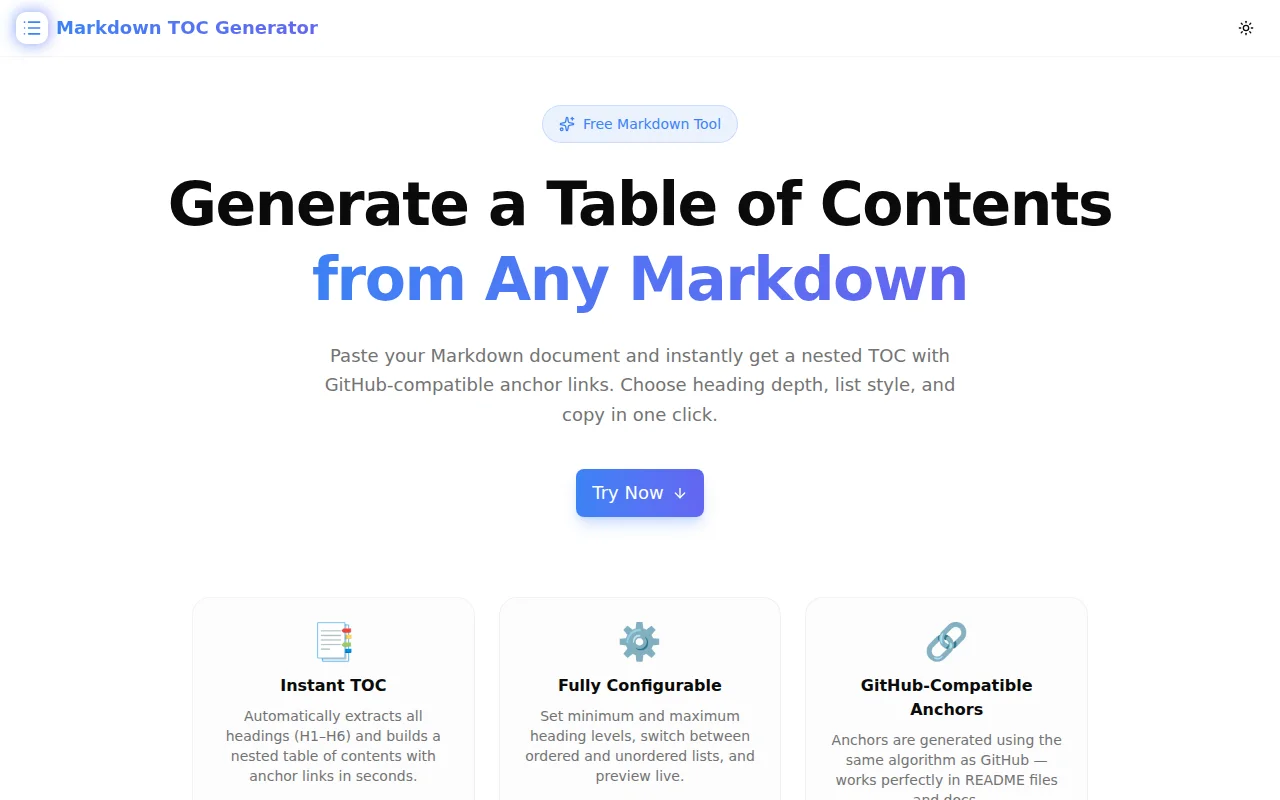
Developer ToolsFeatured
Markdown TOC Generator
A free browser-based tool that instantly generates a nested table of contents from any Markdown document. Paste your Markdown, configure heading depth, choose list style, and copy GitHub-compatible anchor links in one click.
MarkdownDeveloper ToolsDocumentationREADMETypeScriptNext.jsFrontend
Start Similar ProjectAbout the Project
Markdown TOC Generator — Instant Table of Contents from Headings
Markdown TOC Generator is a free, client-side tool that takes any Markdown document and produces a nested table of contents with GitHub-compatible anchor links. Paste your content, adjust heading depth, pick list style, and copy — the whole flow takes seconds.
No signup, no file upload, no server. Everything runs in the browser.
The Problem
Every non-trivial Markdown document — a GitHub README, a wiki page, a technical spec, or a changelog — benefits from a table of contents at the top. Readers can jump directly to the section they need instead of scrolling through hundreds of lines.
But generating that TOC by hand is tedious:
- Scan every heading in the document
- Copy the text and lowercase it
- Replace spaces with hyphens and strip punctuation
- Wrap each entry in a Markdown link:
[Heading Text](#heading-text) - Indent nested entries to match heading levels
- Repeat for every heading
For a 30-heading document that is 10–15 minutes of error-prone manual work. Miss one heading, indent a sub-section incorrectly, or miscalculate the anchor for a heading with special characters — and the TOC links silently break.
How It Works
1. Paste Your Markdown
Drop your full Markdown document into the left-hand input panel. The tool parses headings instantly as you type — no button to press, no "generate" delay.
2. Configure Heading Depth
Two sliders control which headings appear in the TOC:
- Min Level — the shallowest heading to include (H1 to H6). Set to H2 to skip the document title.
- Max Level — the deepest heading to include. Set to H3 to keep the TOC flat and scannable without deep nesting.
The most common configuration — Min H2, Max H3 — produces a two-level TOC that covers all main sections and their direct sub-sections without overwhelming the reader.
3. Choose List Style
Toggle between unordered (hyphen-prefixed) and ordered (numbered) list output. Unordered is the GitHub convention and the most widely expected format. Ordered lists work well for numbered guides and tutorials where section sequence matters.
4. Copy in One Click
The right-hand panel shows the generated TOC as clean Markdown text. Click Copy TOC to send it to the clipboard, then paste it at the top of your document.
Anchor Link Generation
The anchor algorithm matches GitHub's own implementation:
- Convert heading text to lowercase
- Remove backticks, asterisks, underscores, brackets, and parentheses
- Strip characters that are not alphanumeric, whitespace, or hyphens
- Trim leading and trailing whitespace
- Replace runs of whitespace with a single hyphen
- Collapse consecutive hyphens
This produces anchors that work in:
- GitHub README files
- GitHub Wiki pages
- GitLab Markdown
- Docusaurus, VitePress, and most static-site generators that use GitHub-flavored Markdown
Key Features
- H1–H6 support — handles any heading depth found in the document
- GitHub-compatible anchors — generated using the same algorithm as GitHub's renderer
- Configurable depth — include only the heading levels that make sense for your document
- Ordered and unordered — switch list styles with a single toggle
- Live preview — TOC updates in real time as you type or adjust settings
- One-click copy — sends the generated Markdown to your clipboard
- Heading count display — shows how many headings matched the current depth settings
- Fully client-side — no file upload, no network request, no data leaves your browser
Technical Implementation
Core Technologies
- Next.js 16 with App Router
- TypeScript in strict mode
- Tailwind CSS v4 with OKLCH color tokens
- shadcn/ui (New York style) + Radix UI primitives
- Framer Motion for animations
- No external dependencies for the TOC parsing logic
Heading Parser
The parser splits the Markdown input on newlines and applies a single regex match to identify ATX-style headings:
/^(#{1,6})\s+(.+)$/
The level is derived from the length of the captured hash sequence. Only ATX-style headings (# prefix) are supported — not Setext-style (=== / --- underlines), which are uncommon in modern Markdown.
Anchor Generator
The anchor is computed purely in TypeScript, client-side, with no external library:
function makeAnchor(text: string): string {
  return text
    .toLowerCase()
    .replace(/[`*_[\]()~]/g, "")
    .replace(/[^\w\s-]/g, "")
    .trim()
    .replace(/\s+/g, "-")
    .replace(/-{2,}/g, "-");
}
This pipeline is tested against GitHub's own rendering to ensure link accuracy.
TOC Generation
The TOC generator computes the minimum heading level in the filtered set and uses it as the indentation base — so a document starting at H2 produces a flat TOC without unnecessary leading whitespace:
const base = Math.min(...filtered.map((h) => h.level));
return filtered.map((h) => {
  const indent = "  ".repeat(h.level - base);
  const bullet = ordered ? "1." : "-";
  return `${indent}${bullet} [${h.text}](#${h.anchor})`;
}).join("\n");
Use Cases
GitHub README Files
A long README without navigation forces readers to scroll. Adding a TOC near the top — after the project description and badges — lets developers jump directly to Installation, Configuration, or API Reference. Markdown TOC Generator produces the entire TOC from a README paste in under five seconds.
Technical Specifications
Product specs, architecture decision records (ADRs), and RFC documents often run to dozens of sections. A TOC at the top of the document lets reviewers navigate directly to the section under discussion without losing context.
Documentation Sites
Sites built with Docusaurus, VitePress, or MkDocs support Markdown natively. Adding a hand-authored TOC to long reference pages improves readability. The generator produces TOC links that these frameworks resolve correctly, since they use the same anchor algorithm.
Wikis and Changelogs
GitHub and GitLab wikis render anchor links from headings the same way as READMEs. A CHANGELOG.md with many version entries benefits from a TOC so readers can jump to a specific version. Markdown TOC Generator handles the entire document in one pass.
Writing Assistance
Writers working in Markdown editors (Typora, Obsidian, iA Writer) can paste their draft to get a structural overview of the document as a flat TOC list. Reviewing the TOC exposes missing sections, duplicate headings, or heading hierarchy problems that are easy to miss inline.
Why Markdown TOC Generator?
vs. Editor Plugins
Editor-specific TOC plugins (VS Code extensions, Obsidian plugins) require installation and only work within that editor. Markdown TOC Generator works in any browser — no install, no editor lock-in.
vs. CLI Tools (markdown-toc, doctoc)
CLI tools require Node.js, global npm install, and a terminal session. For a quick one-off README update, that overhead is unnecessary. The web tool is faster for occasional use.
vs. Manual Copy-Paste
Manual TOC creation breaks whenever headings are renamed or added. Re-generating from this tool takes 10 seconds vs. 10 minutes of manual re-sync.
vs. AI-Assisted Generation
Pasting a full document into a chat interface just to generate anchor links is slow and the anchor output may differ from GitHub's rendering. This tool is purpose-built and deterministic — it uses the exact same algorithm every time.
Try it now: markdown-toc-generator.tools.jagodana.com
The Challenge
The client needed a robust developer tools solution that could scale with their growing user base while maintaining a seamless user experience across all devices.
The Solution
We built a modern application using Markdown and Developer Tools, focusing on performance, accessibility, and a delightful user experience.
Project Details
Category
Developer Tools
Technologies
Markdown,Developer Tools,Documentation,README,TypeScript,Next.js,Frontend
Date
May 2026
Related Projects
More work in Developer Tools

